
How to Use GX16 NAMED PIN: Examples, Pinouts, and Specs
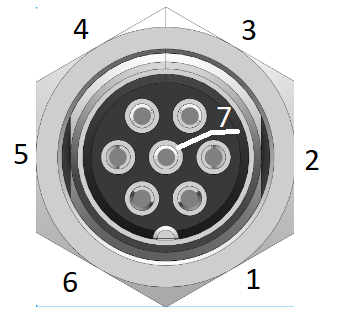
 Design with GX16 NAMED PIN in Cirkit Designer
Introduction
The GX16 named pin is a circular electrical connector widely used in aviation, industrial equipment, and other electronic applications. It features a robust design with multiple pins, allowing for secure and reliable connections for both power and signal lines. Its durable construction and ease of use make it a popular choice for connecting components in harsh environments or where frequent disconnections are required.
Explore Projects Built with GX16 NAMED PIN
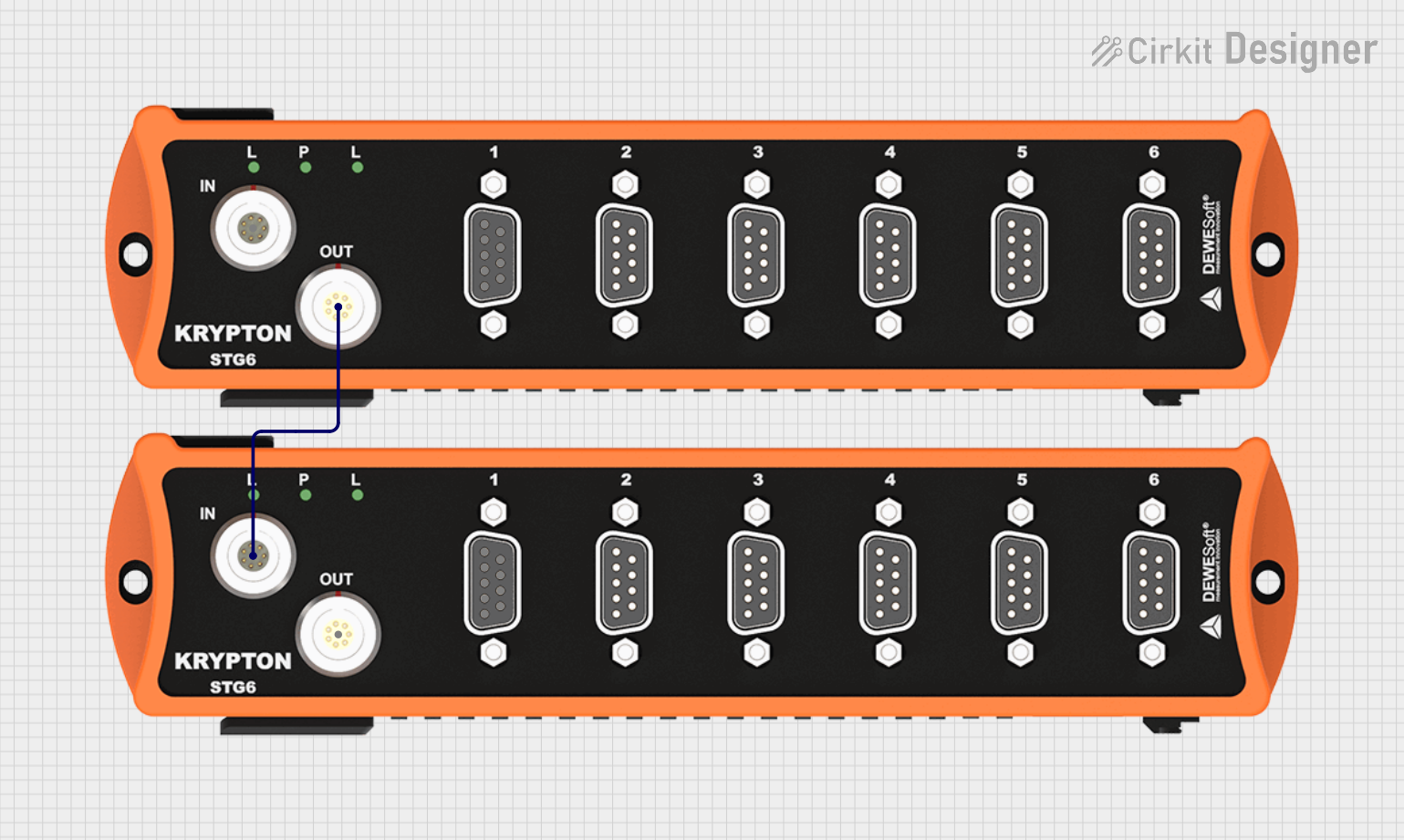 Open Project in Cirkit Designer
 Open Project in Cirkit Designer
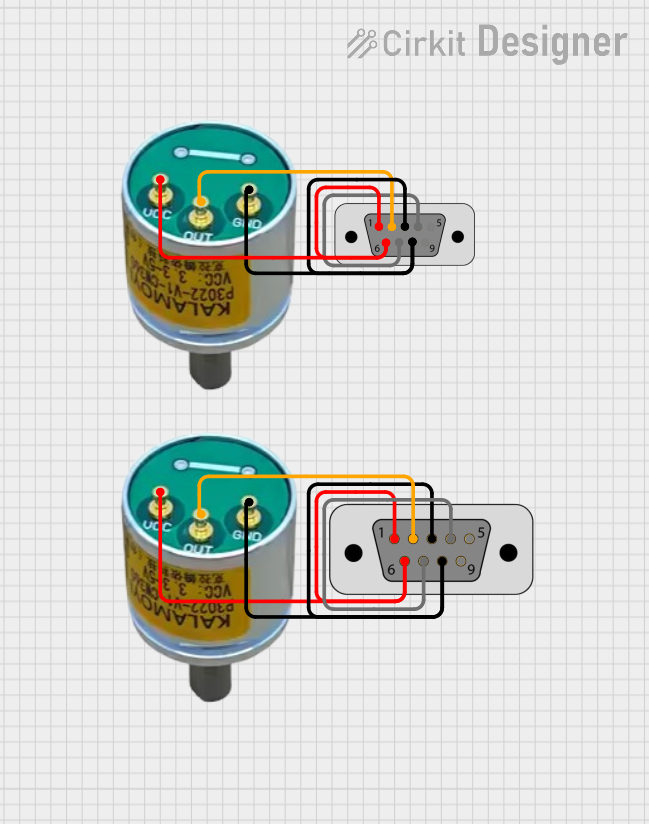 Open Project in Cirkit Designer
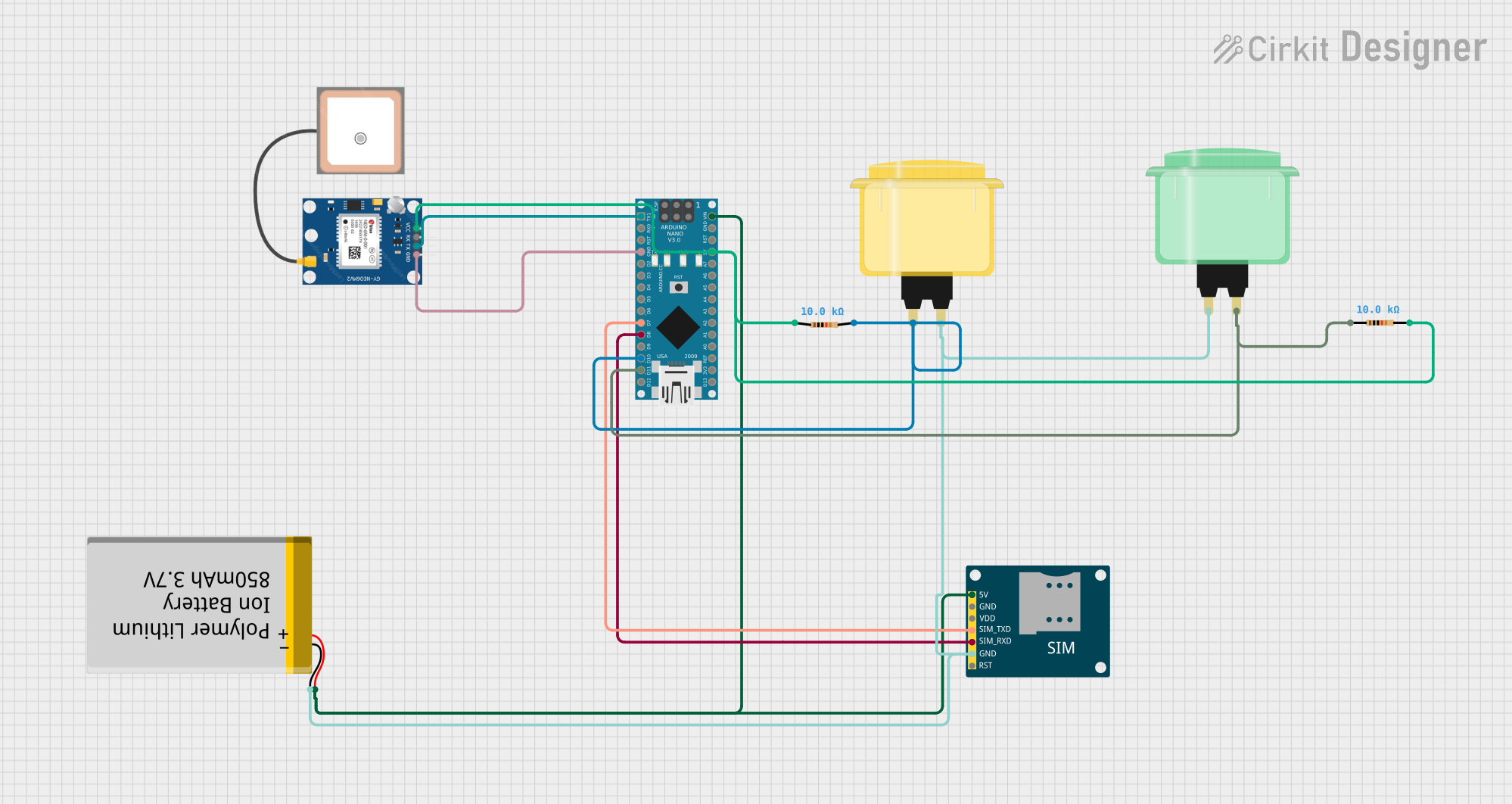 Open Project in Cirkit Designer
Explore Projects Built with GX16 NAMED PIN
Open Project in Cirkit DesignerOpen Project in Cirkit DesignerOpen Project in Cirkit DesignerOpen Project in Cirkit DesignerCommon Applications:
- Aviation systems for power and signal connections
- Industrial machinery and automation equipment
- Audio and video equipment
- Robotics and DIY electronics projects
- Power supply connections in electronic devices
Technical Specifications
Key Technical Details:
- Connector Type: Circular, threaded locking mechanism
- Pin Count: Typically 2 to 8 pins (depending on the model)
- Rated Voltage: 125V to 250V (varies by model)
- Rated Current: 5A to 10A (varies by model)
- Material: Metal shell with nickel plating for durability
- Operating Temperature: -20°C to +85°C
- Mounting Style: Panel mount or cable mount
- Contact Resistance: ≤ 5mΩ
- Insulation Resistance: ≥ 1000MΩ at 500V DC
Pin Configuration and Descriptions:
The pin configuration varies depending on the number of pins in the GX16 connector. Below is an example for a 4-pin GX16 connector:
| Pin Number | Description | Typical Use |
|---|---|---|
| 1 | Power Supply Positive | Connect to VCC or +ve line |
| 2 | Power Supply Negative | Connect to GND or -ve line |
| 3 | Signal Line 1 | Data or control signal |
| 4 | Signal Line 2 | Data or control signal |
For other pin configurations (e.g., 2-pin, 5-pin, 8-pin), refer to the specific datasheet of the GX16 model being used.
Usage Instructions
How to Use the GX16 Named Pin in a Circuit:
- Identify the Pinout: Refer to the pin configuration table or datasheet to identify the function of each pin.
- Prepare the Wires: Strip the insulation from the wires you intend to connect to the GX16 connector.
- Solder the Wires: Solder the wires to the corresponding pins on the connector. Ensure proper insulation to avoid short circuits.
- Secure the Connection: If using a cable-mounted connector, tighten the threaded locking mechanism to secure the connection.
- Panel Mounting (if applicable): For panel-mounted connectors, drill a hole in the panel, insert the connector, and secure it with the provided nut.
Important Considerations:
- Ensure the voltage and current ratings of the GX16 connector match your application.
- Avoid over-tightening the threaded locking mechanism to prevent damage.
- Use heat shrink tubing or insulation tape to protect soldered connections.
- Verify the pinout before connecting to avoid reversing polarity or miswiring.
Example: Connecting a GX16 to an Arduino UNO
If using a GX16 connector to transmit signals to an Arduino UNO, follow these steps:
- Connect the signal pins of the GX16 connector to the appropriate digital or analog pins on the Arduino.
- Connect the power supply pins of the GX16 to the Arduino's 5V and GND pins.
- Use the following sample code to read data from the GX16 signal pins:
// Example code for reading data from a GX16 connector
const int signalPin1 = 2; // Connect GX16 Signal Line 1 to Arduino Pin 2
const int signalPin2 = 3; // Connect GX16 Signal Line 2 to Arduino Pin 3

void setup() {
  pinMode(signalPin1, INPUT); // Set Signal Line 1 as input
  pinMode(signalPin2, INPUT); // Set Signal Line 2 as input
  Serial.begin(9600); // Initialize serial communication
}

void loop() {
  int signal1 = digitalRead(signalPin1); // Read data from Signal Line 1
  int signal2 = digitalRead(signalPin2); // Read data from Signal Line 2

  // Print the signal values to the Serial Monitor
  Serial.print("Signal 1: ");
  Serial.println(signal1);
  Serial.print("Signal 2: ");
  Serial.println(signal2);

  delay(500); // Wait for 500ms before reading again
}
Troubleshooting and FAQs
Common Issues:
Loose Connections:
- Cause: Improper tightening of the threaded locking mechanism.
- Solution: Ensure the connector is securely fastened.
Incorrect Pinout:
- Cause: Misidentification of pin functions.
- Solution: Double-check the pin configuration using the datasheet.
Signal Interference:
- Cause: Poor insulation or proximity to high-power lines.
- Solution: Use shielded cables and maintain proper separation from power lines.
Overheating:
- Cause: Exceeding the rated current or voltage.
- Solution: Verify that the connector's ratings match your application.
FAQs:
Q1: Can I use a GX16 connector for high-frequency signals?
A1: Yes, but ensure the cable and connector are shielded to minimize signal loss or interference.
Q2: How do I clean a GX16 connector?
A2: Use a soft brush or compressed air to remove dust. Avoid using water or harsh chemicals.
Q3: Can I use a GX16 connector outdoors?
A3: While the metal shell provides some protection, it is not fully waterproof. Use additional sealing or a weatherproof version for outdoor applications.
Q4: What tools are needed to assemble a GX16 connector?
A4: You will need a soldering iron, wire stripper, and possibly a wrench for tightening the locking nut.
By following this documentation, you can effectively use the GX16 named pin connector in your projects and troubleshoot common issues with ease.