
How to Use Zigbee 3.0 LED Controller: Examples, Pinouts, and Specs
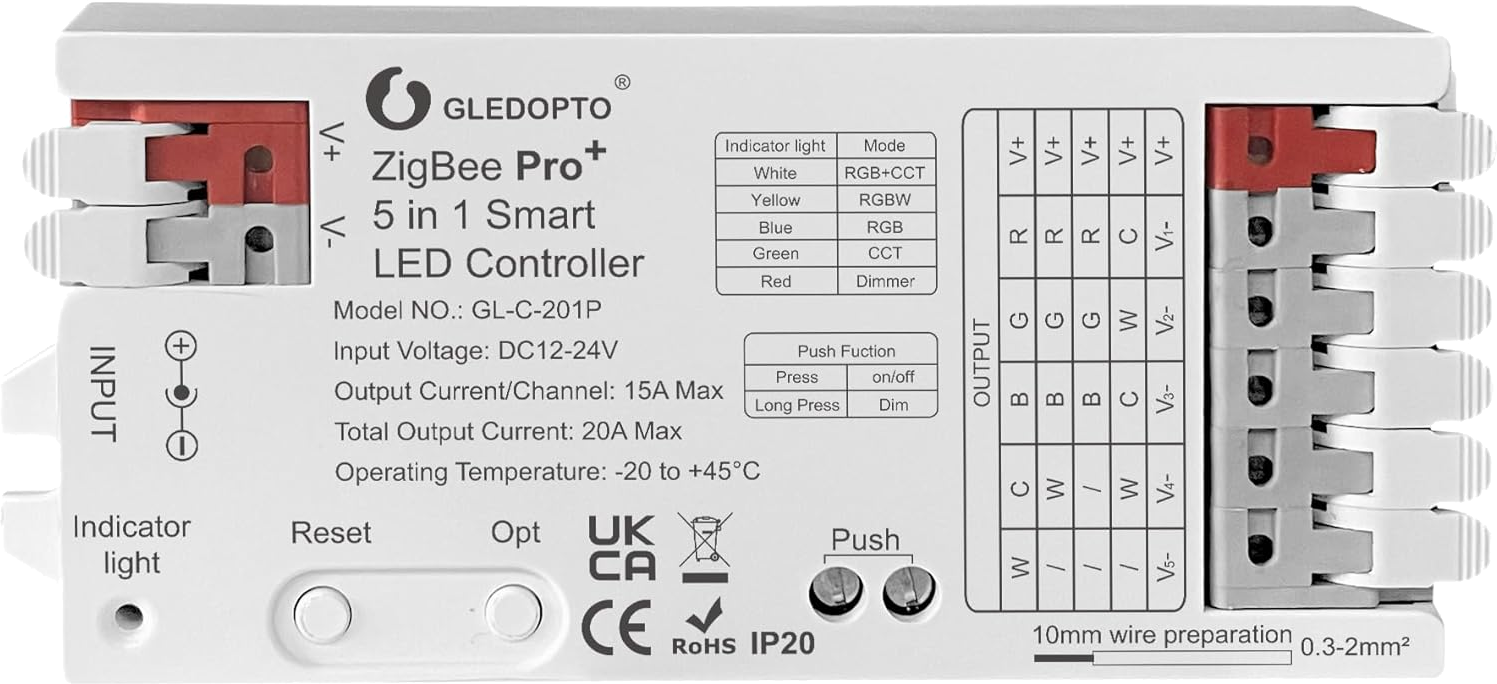
 Design with Zigbee 3.0 LED Controller in Cirkit Designer
Introduction
The Zigbee 3.0 LED Controller (GL-C-201P), manufactured by Gledopto, is a wireless control device designed to manage LED lighting systems. It utilizes the Zigbee 3.0 protocol, enabling seamless integration with smart home networks and remote operation. This controller is ideal for applications requiring dimming, color adjustment, and automation of LED lighting, making it a versatile solution for residential, commercial, and industrial environments.
Explore Projects Built with Zigbee 3.0 LED Controller
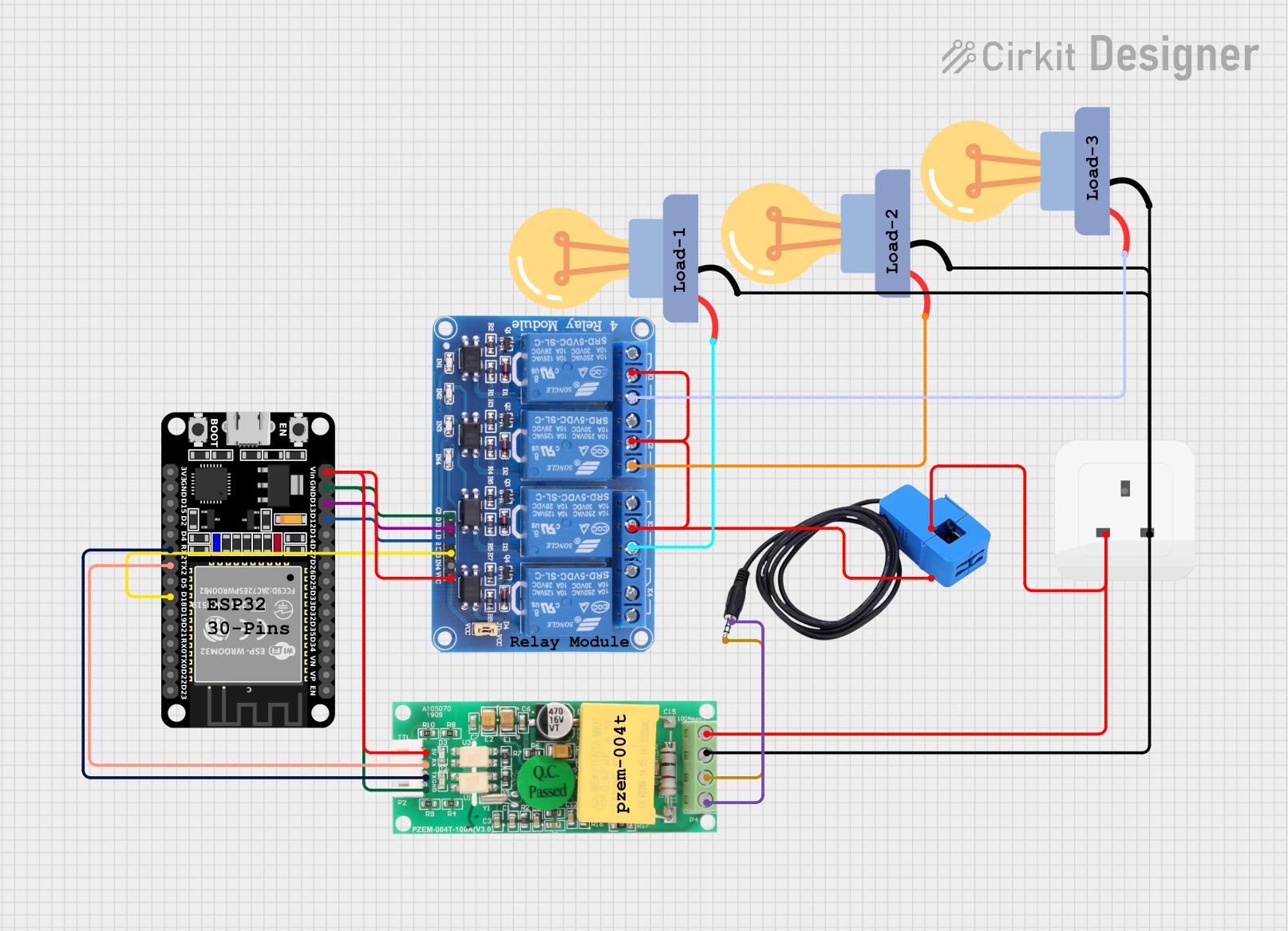 Open Project in Cirkit Designer
 Open Project in Cirkit Designer
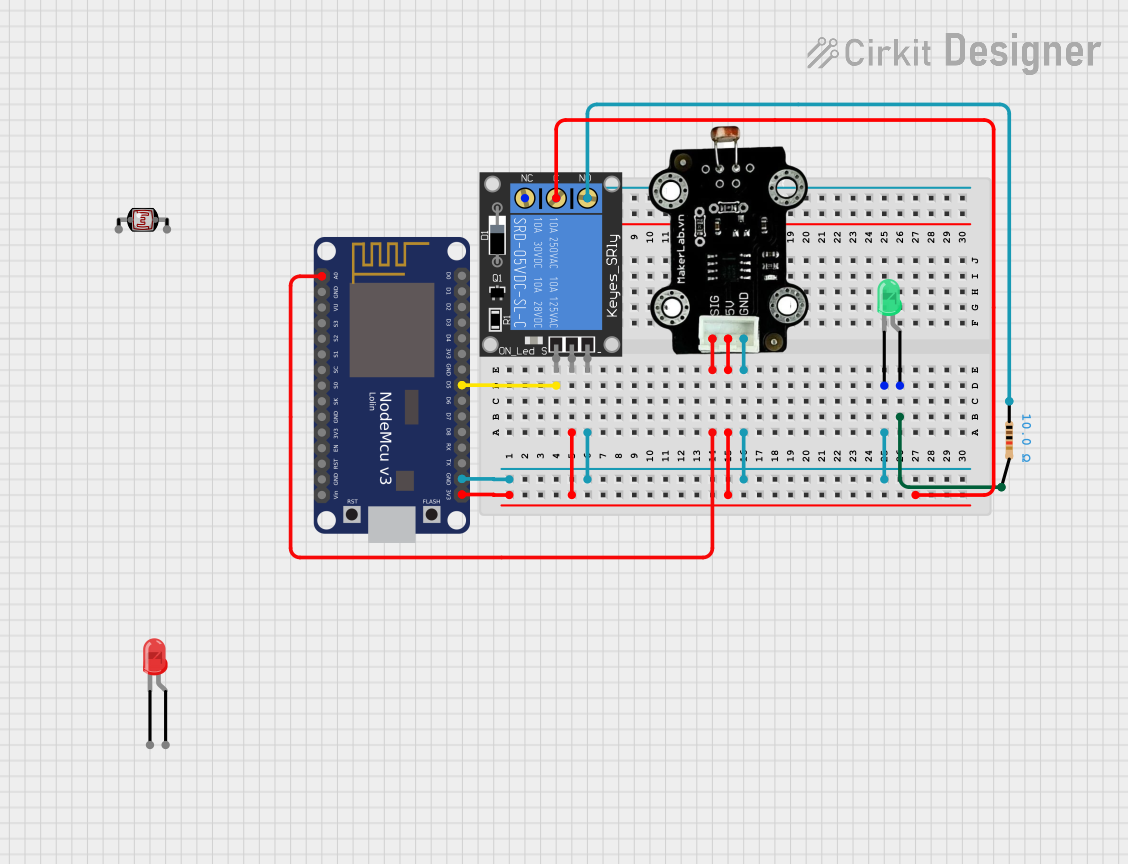 Open Project in Cirkit Designer
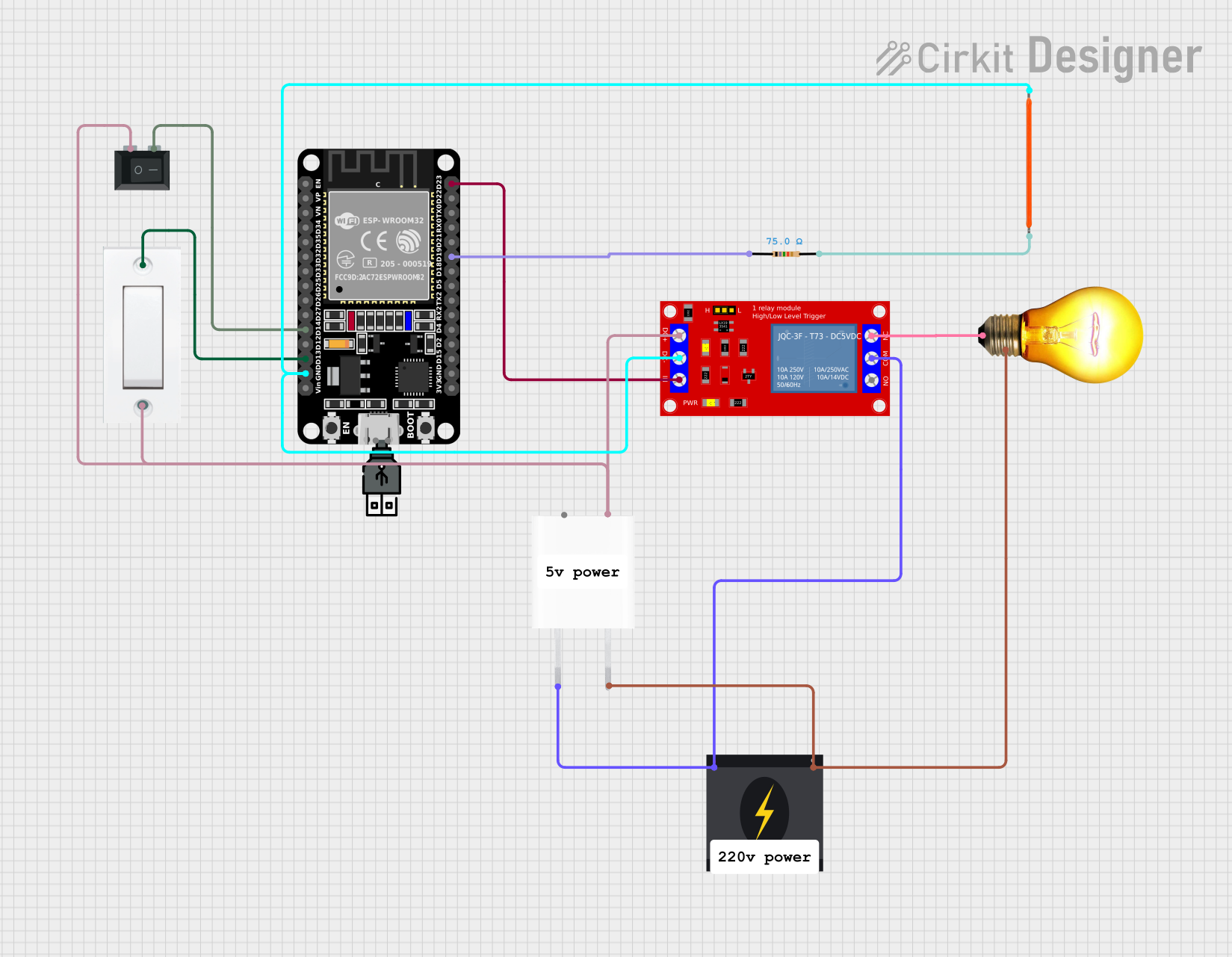 Open Project in Cirkit Designer
Explore Projects Built with Zigbee 3.0 LED Controller
Open Project in Cirkit DesignerOpen Project in Cirkit DesignerOpen Project in Cirkit DesignerOpen Project in Cirkit DesignerCommon Applications
- Smart home lighting systems
- Office and commercial lighting automation
- RGB/RGBW LED strip control
- Integration with Zigbee-compatible hubs (e.g., Philips Hue, Amazon Echo Plus)
- Energy-efficient lighting solutions
Technical Specifications
Key Specifications
| Parameter | Value |
|---|---|
| Manufacturer | Gledopto |
| Part ID | GL-C-201P |
| Protocol | Zigbee 3.0 |
| Input Voltage | DC 12V - 24V |
| Output Channels | 4 (RGBW) |
| Max Output Current | 6A (per channel) |
| Max Output Power | 144W @ 12V, 288W @ 24V |
| Control Distance | Up to 30 meters (line of sight) |
| Operating Temperature | -20°C to 60°C |
| Dimensions | 85mm x 45mm x 22mm |
| Certification | CE, RoHS |
Pin Configuration and Descriptions
The GL-C-201P features input and output terminals for power and LED connections. Below is the pin configuration:
Input Terminals
| Pin Name | Description |
|---|---|
| V+ | Positive DC input (12V - 24V) |
| V- | Negative DC input (Ground) |
Output Terminals
| Pin Name | Description |
|---|---|
| R | Red LED channel output |
| G | Green LED channel output |
| B | Blue LED channel output |
| W | White LED channel output |
Usage Instructions
How to Use the Zigbee 3.0 LED Controller
Power Connection:
- Connect a DC power supply (12V or 24V) to the input terminals (V+ and V-). Ensure the power supply matches the voltage requirements of your LED strip.
LED Connection:
- Connect the LED strip wires to the output terminals (R, G, B, W). Match the wire colors to the corresponding terminals for proper operation.
Pairing with a Zigbee Hub:
- Power on the controller and ensure your Zigbee hub is in pairing mode.
- Reset the controller by toggling the power supply off and on 5 times. The LED strip will blink to indicate pairing mode.
- Follow the instructions on your Zigbee hub to complete the pairing process.
Control via Zigbee:
- Use your Zigbee-compatible app or hub to control the LED strip. You can adjust brightness, colors, and modes as supported by the app.
Important Considerations
- Ensure the total current of the connected LED strip does not exceed the maximum output current (6A per channel).
- Use a power supply with sufficient wattage to handle the total power consumption of the LED strip.
- Avoid exposing the controller to moisture or extreme temperatures.
Example: Connecting to an Arduino UNO
While the GL-C-201P is primarily designed for Zigbee networks, it can also be controlled via an Arduino UNO using a Zigbee module (e.g., XBee). Below is an example code snippet for sending Zigbee commands:
#include <SoftwareSerial.h>

// Define RX and TX pins for communication with the Zigbee module
SoftwareSerial zigbeeSerial(2, 3); // RX = pin 2, TX = pin 3

void setup() {
  // Initialize serial communication
  Serial.begin(9600); // For debugging
  zigbeeSerial.begin(9600); // For Zigbee communication

  Serial.println("Zigbee 3.0 LED Controller - Arduino Example");
}

void loop() {
  // Example command to turn on the LED strip (replace with actual Zigbee command)
  String command = "AT+SEND=ON";
  zigbeeSerial.println(command); // Send command to Zigbee module

  Serial.println("Command sent: " + command);
  delay(1000); // Wait for 1 second before sending the next command
}
Note: Replace the
commandstring with the appropriate Zigbee command for your setup. Consult the Zigbee module's documentation for details.
Troubleshooting and FAQs
Common Issues and Solutions
LED Strip Not Lighting Up:
- Verify the power supply voltage and polarity.
- Ensure the LED strip is properly connected to the output terminals.
- Check if the controller is paired with the Zigbee hub.
Controller Not Pairing with Zigbee Hub:
- Ensure the hub is in pairing mode.
- Reset the controller by toggling the power supply off and on 5 times.
- Move the controller closer to the hub to ensure a strong signal.
Flickering or Dim LEDs:
- Check if the power supply is providing sufficient current.
- Ensure the LED strip's total power consumption does not exceed the controller's maximum output power.
Controller Not Responding to Commands:
- Verify the Zigbee network connection.
- Reset the controller and re-pair it with the hub.
FAQs
Q: Can I use the GL-C-201P with non-RGBW LED strips?
A: Yes, you can use it with single-color or RGB LED strips by connecting only the required channels (e.g., R, G, B).
Q: Is the GL-C-201P compatible with all Zigbee hubs?
A: The controller is compatible with most Zigbee 3.0 hubs, including Philips Hue, Amazon Echo Plus, and SmartThings. Check your hub's compatibility list for confirmation.
Q: Can I control the GL-C-201P without a Zigbee hub?
A: No, the controller requires a Zigbee hub or gateway for operation.
Q: What is the maximum distance for Zigbee control?
A: The control distance is up to 30 meters in a line-of-sight environment. Obstacles may reduce the range.
By following this documentation, you can effectively integrate and operate the Zigbee 3.0 LED Controller (GL-C-201P) in your smart lighting projects.