
How to Use SIM7600CE-T: Examples, Pinouts, and Specs
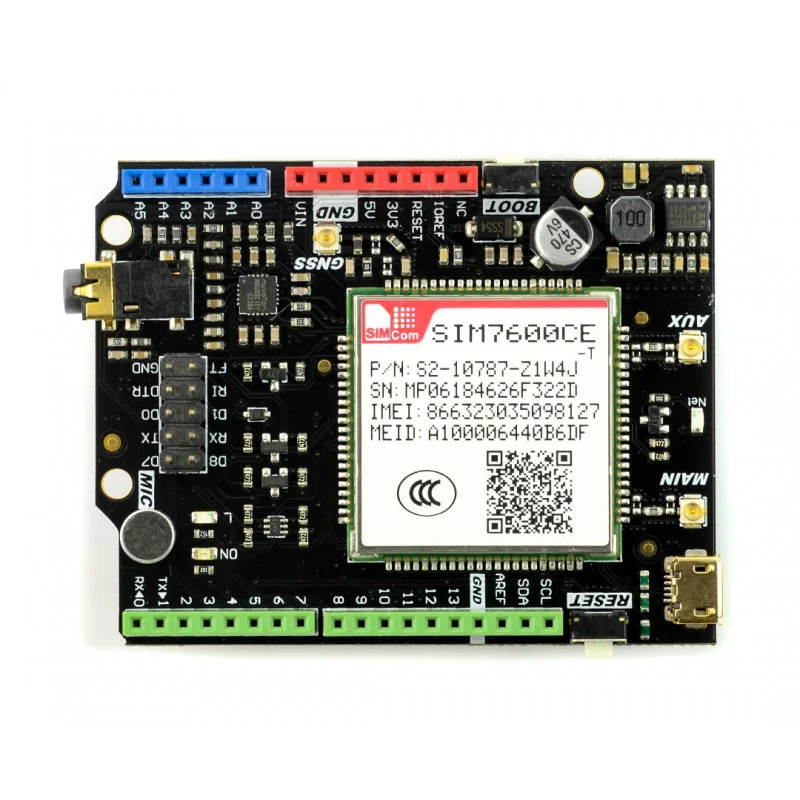
 Design with SIM7600CE-T in Cirkit Designer
Introduction
The SIM7600CE-T, manufactured by RFrobots, is a 4G LTE module designed for high-speed data communication and IoT applications. It supports multiple communication protocols, including GSM, GPRS, and HSPA+, making it a versatile solution for projects requiring reliable connectivity. Additionally, the module features GPS functionality, enabling precise location tracking, which is ideal for remote monitoring, asset tracking, and smart devices.
Explore Projects Built with SIM7600CE-T
 Open Project in Cirkit Designer
 Open Project in Cirkit Designer
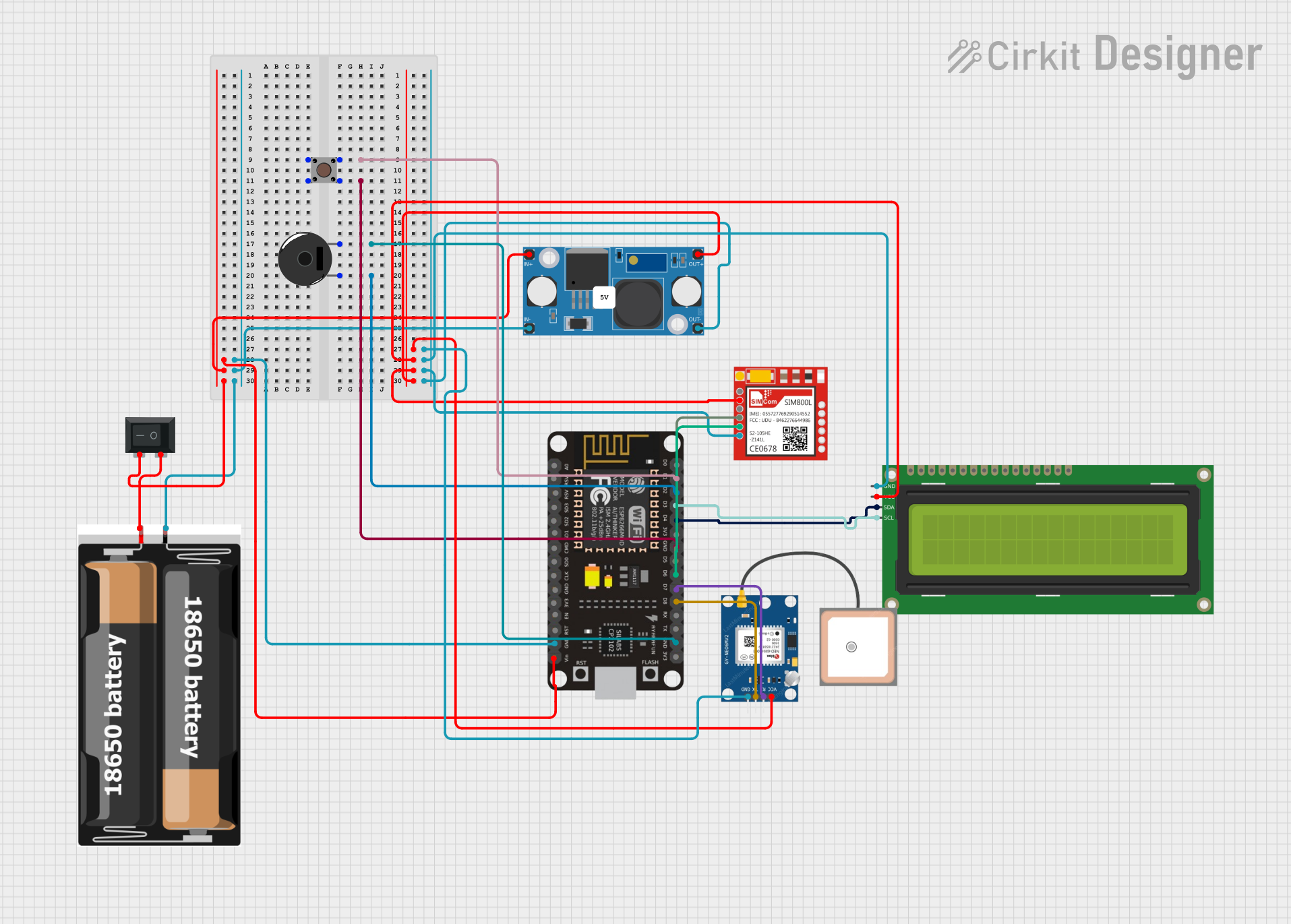 Open Project in Cirkit Designer
 Open Project in Cirkit Designer
Explore Projects Built with SIM7600CE-T
Open Project in Cirkit DesignerOpen Project in Cirkit DesignerOpen Project in Cirkit DesignerOpen Project in Cirkit DesignerCommon Applications
- IoT devices and smart systems
- Remote monitoring and control
- GPS-based tracking systems
- Industrial automation
- Smart agriculture
- Vehicle telematics
Technical Specifications
Key Technical Details
| Parameter | Specification |
|---|---|
| Manufacturer | RFrobots |
| Part ID | SIM7600CE-T |
| Communication Protocols | GSM, GPRS, EDGE, WCDMA, LTE |
| LTE Bands Supported | B1/B3/B5/B8/B38/B39/B40/B41 |
| Data Transmission Rates | LTE Cat-4: Uplink 50 Mbps, Downlink 150 Mbps |
| GPS Support | Yes (GNSS: GPS, GLONASS, BeiDou) |
| Operating Voltage | 3.4V to 4.2V (Typical: 3.8V) |
| Power Consumption | Idle: ~20mA, Active: ~500mA (Peak: 2A) |
| Operating Temperature | -40°C to +85°C |
| Dimensions | 30mm x 30mm x 2.9mm |
Pin Configuration and Descriptions
The SIM7600CE-T module has multiple pins for power, communication, and control. Below is a summary of the key pins:
| Pin Number | Pin Name | Description |
|---|---|---|
| 1 | VCC | Power supply input (3.4V to 4.2V) |
| 2 | GND | Ground |
| 3 | TXD | UART Transmit Data |
| 4 | RXD | UART Receive Data |
| 5 | NET_STATUS | Network status indicator |
| 6 | PWRKEY | Power on/off control |
| 7 | GNSS_TXD | GNSS UART Transmit Data |
| 8 | GNSS_RXD | GNSS UART Receive Data |
| 9 | USB_D+ | USB Data Positive |
| 10 | USB_D- | USB Data Negative |
| 11 | SIM_VDD | SIM card power supply |
| 12 | SIM_DATA | SIM card data line |
| 13 | SIM_CLK | SIM card clock line |
| 14 | SIM_RST | SIM card reset line |
Usage Instructions
How to Use the SIM7600CE-T in a Circuit
- Power Supply: Connect the VCC pin to a stable 3.8V power source and GND to ground. Ensure the power supply can handle peak currents of up to 2A.
- UART Communication: Connect the TXD and RXD pins to a microcontroller or computer for serial communication. Use a level shifter if your microcontroller operates at 5V logic levels.
- Power On: Use the PWRKEY pin to turn the module on. Pull the PWRKEY pin low for at least 1 second to power up the module.
- SIM Card: Insert a valid SIM card into the SIM card slot and connect the SIM_VDD, SIM_DATA, SIM_CLK, and SIM_RST pins as required.
- Antenna: Attach a 4G LTE antenna to the module's antenna connector for optimal signal reception.
- GPS Functionality: Connect the GNSS_TXD and GNSS_RXD pins to a microcontroller for GPS data communication. Attach a GPS antenna to the GNSS antenna port.
Important Considerations and Best Practices
- Use decoupling capacitors near the VCC pin to stabilize the power supply and reduce noise.
- Ensure proper grounding to avoid communication errors.
- Use an external level shifter if interfacing with 5V logic devices.
- Place the antennas in a location with minimal interference for better signal quality.
- Avoid powering the module directly from a microcontroller's power pin, as it may not provide sufficient current.
Example: Connecting SIM7600CE-T to Arduino UNO
Below is an example of how to connect the SIM7600CE-T to an Arduino UNO and send an SMS:
Wiring
| SIM7600CE-T Pin | Arduino UNO Pin |
|---|---|
| VCC | External 3.8V |
| GND | GND |
| TXD | Pin 10 (RX) |
| RXD | Pin 11 (TX) |
| PWRKEY | Digital Pin 9 |
Code
#include <SoftwareSerial.h>

// Define pins for SoftwareSerial
SoftwareSerial sim7600(10, 11); // RX, TX

#define PWRKEY 9 // Power key pin

void setup() {
  pinMode(PWRKEY, OUTPUT);
  digitalWrite(PWRKEY, LOW); // Pull PWRKEY low to power on the module
  delay(1000);              // Wait for 1 second
  digitalWrite(PWRKEY, HIGH);

  sim7600.begin(9600); // Start communication with SIM7600CE-T
  Serial.begin(9600);  // Start communication with PC

  delay(5000); // Wait for the module to initialize

  // Send an SMS
  sim7600.println("AT+CMGF=1"); // Set SMS mode to text
  delay(1000);
  sim7600.println("AT+CMGS=\"+1234567890\""); // Replace with recipient's number
  delay(1000);
  sim7600.println("Hello from SIM7600CE-T!"); // SMS content
  sim7600.write(26); // Send Ctrl+Z to send the SMS
}

void loop() {
  // Forward data from SIM7600 to Serial Monitor
  if (sim7600.available()) {
    Serial.write(sim7600.read());
  }

  // Forward data from Serial Monitor to SIM7600
  if (Serial.available()) {
    sim7600.write(Serial.read());
  }
}
Troubleshooting and FAQs
Common Issues and Solutions
Module Not Powering On
- Ensure the power supply provides a stable 3.8V and can handle peak currents of 2A.
- Check the PWRKEY pin connection and ensure it is pulled low for at least 1 second.
No Network Connection
- Verify that the SIM card is inserted correctly and is active.
- Check the antenna connection and ensure it is securely attached.
- Use the
AT+CSQcommand to check signal strength. A value of 10 or higher is recommended.
GPS Not Working
- Ensure the GPS antenna is connected and placed in an open area with a clear view of the sky.
- Use the
AT+CGNSPWR=1command to enable GPS functionality.
Communication Errors
- Verify the UART connections and baud rate settings.
- Use proper grounding and shielding to reduce noise.
FAQs
Q: Can the SIM7600CE-T work with 5V microcontrollers?
A: Yes, but you must use a level shifter to convert the 5V logic levels to 3.3V for UART communication.
Q: How do I check if the module is connected to the network?
A: Use the AT+CREG? command. A response of +CREG: 0,1 or +CREG: 0,5 indicates a successful connection.
Q: What is the maximum data rate supported by the module?
A: The SIM7600CE-T supports LTE Cat-4 with a maximum downlink speed of 150 Mbps and uplink speed of 50 Mbps.
Q: Can I use the module for voice calls?
A: Yes, the SIM7600CE-T supports voice calls. Use the ATD command to dial a number.
Q: How do I update the firmware?
A: Firmware updates can be performed via the USB interface. Refer to the manufacturer's documentation for detailed instructions.