
How to Use 5V 4A DC: Examples, Pinouts, and Specs
 Design with 5V 4A DC in Cirkit Designer
Introduction
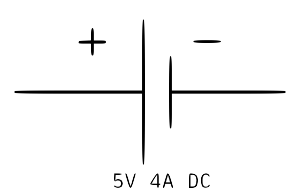
The 5V 4A DC power supply is a reliable and efficient source of direct current (DC) power, delivering a stable 5 volts with a maximum current capacity of 4 amperes. This component is widely used in powering electronic devices, microcontrollers, single-board computers (e.g., Raspberry Pi), and other circuits requiring a steady 5V supply. Its high current rating makes it suitable for applications involving multiple devices or components with significant power demands.
Explore Projects Built with 5V 4A DC
 Open Project in Cirkit Designer
 Open Project in Cirkit Designer
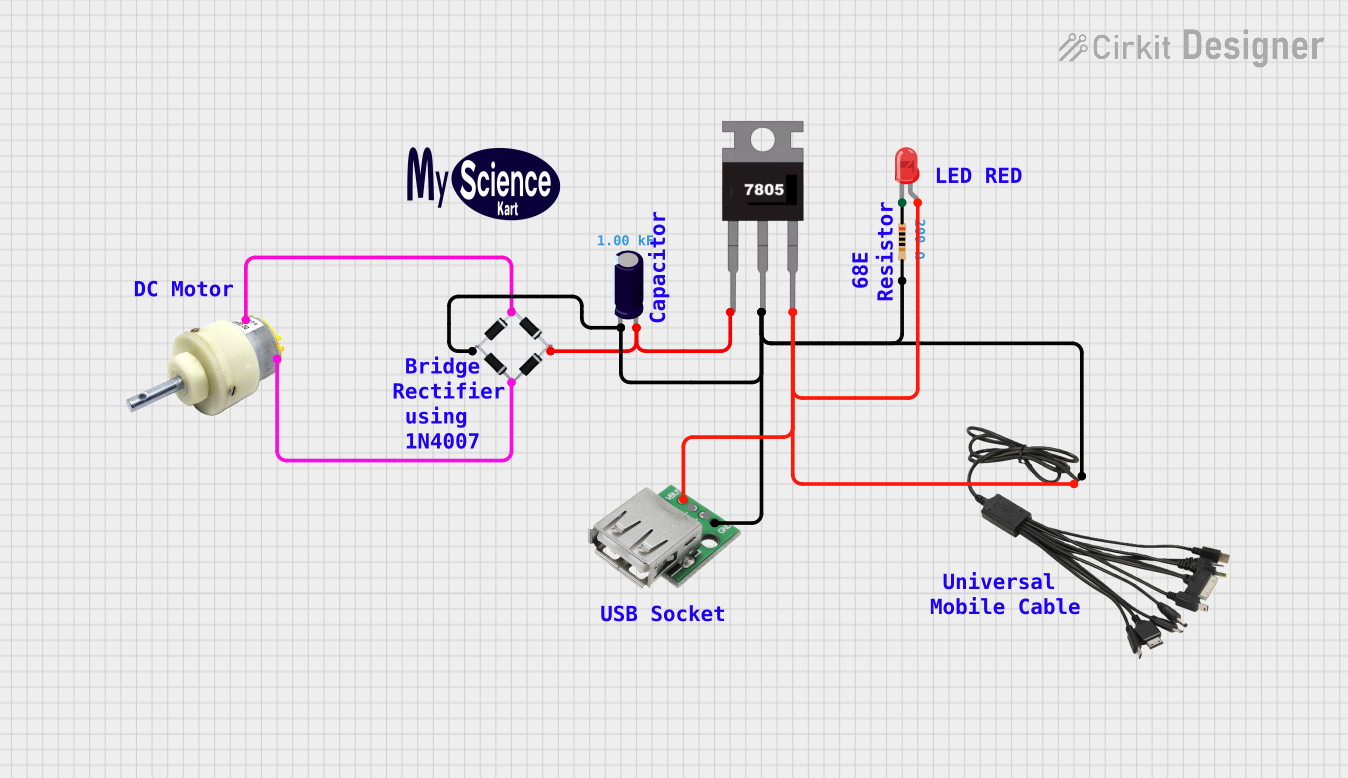 Open Project in Cirkit Designer
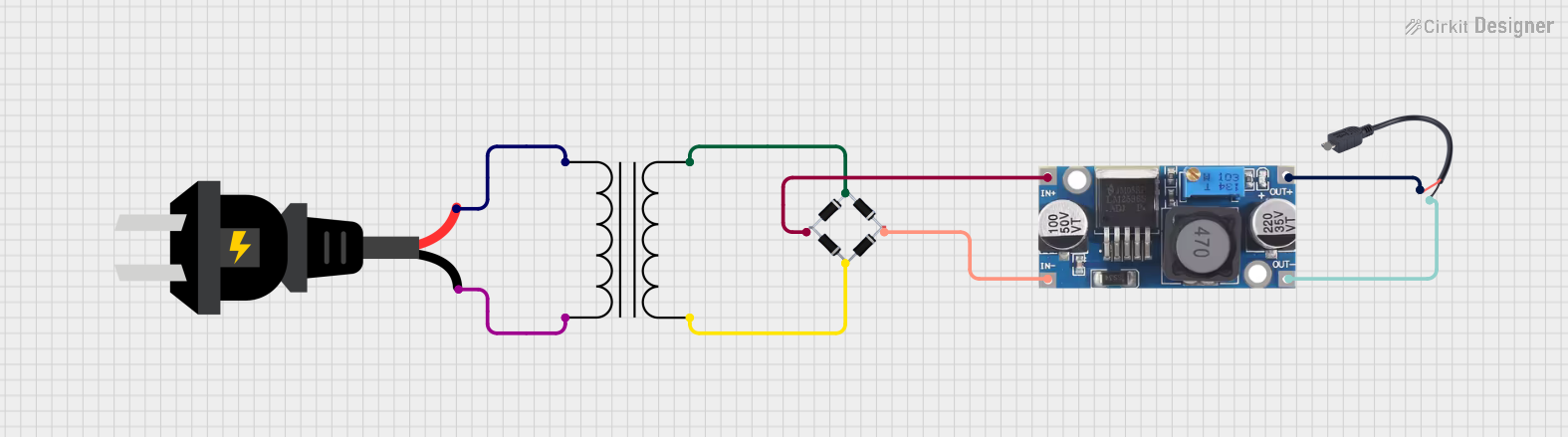 Open Project in Cirkit Designer
Explore Projects Built with 5V 4A DC
Open Project in Cirkit DesignerOpen Project in Cirkit DesignerOpen Project in Cirkit DesignerOpen Project in Cirkit DesignerCommon Applications
- Powering microcontrollers (e.g., Arduino, Raspberry Pi)
- Driving LED strips and lighting systems
- Supplying power to small motors and actuators
- Charging USB devices
- General-purpose DC power for prototyping and testing circuits
Technical Specifications
The following table outlines the key technical details of the 5V 4A DC power supply:
| Parameter | Value |
|---|---|
| Output Voltage | 5V DC |
| Maximum Output Current | 4A |
| Input Voltage Range | Typically 100-240V AC |
| Output Power | 20W |
| Connector Type | Barrel jack (commonly 5.5mm) |
| Efficiency | ≥85% |
| Protection Features | Overcurrent, overvoltage, and short-circuit protection |
Pin Configuration and Descriptions
The 5V 4A DC power supply typically uses a barrel jack connector. The pin configuration is as follows:
| Pin | Description |
|---|---|
| Center | Positive terminal (+5V) |
| Outer | Negative terminal (GND) |
Ensure that the polarity of the connector matches the requirements of your circuit to avoid damage.
Usage Instructions
How to Use the 5V 4A DC Power Supply in a Circuit
- Verify Voltage and Current Requirements: Ensure that the device or circuit you are powering operates at 5V and does not exceed a total current draw of 4A.
- Check Polarity: Confirm the polarity of the barrel jack connector. The center pin is typically positive (+), and the outer sleeve is negative (GND).
- Connect to the Circuit: Plug the barrel jack into the power input of your device or circuit. If your circuit does not have a barrel jack input, you may need to use an adapter or solder wires to the appropriate terminals.
- Power On: Plug the power supply into an AC outlet and switch it on (if applicable). Verify that the connected device powers up correctly.
Important Considerations and Best Practices
- Avoid Overloading: Do not connect devices that collectively draw more than 4A, as this may trigger the power supply's overcurrent protection or cause overheating.
- Heat Dissipation: Ensure adequate ventilation around the power supply to prevent overheating during prolonged use.
- Polarity Matching: Double-check the polarity of the connector before powering your circuit to avoid damage to components.
- Use with Microcontrollers: When powering microcontrollers like Arduino or Raspberry Pi, ensure that the power supply provides a clean and stable 5V output to avoid erratic behavior.
Example: Using with Arduino UNO
The 5V 4A DC power supply can be used to power an Arduino UNO via its barrel jack input. Below is an example of a simple Arduino sketch to blink an LED while powered by the 5V 4A DC power supply:
// This sketch blinks an LED connected to pin 13 of the Arduino UNO.
// Ensure the Arduino is powered by the 5V 4A DC power supply via the barrel jack.

void setup() {
  pinMode(13, OUTPUT); // Set pin 13 as an output pin
}

void loop() {
  digitalWrite(13, HIGH); // Turn the LED on
  delay(1000);            // Wait for 1 second
  digitalWrite(13, LOW);  // Turn the LED off
  delay(1000);            // Wait for 1 second
}
Troubleshooting and FAQs
Common Issues and Solutions
Device Does Not Power On
- Cause: Incorrect polarity or loose connection.
- Solution: Verify the polarity of the barrel jack and ensure a secure connection to the device.
Power Supply Overheats
- Cause: Excessive current draw or poor ventilation.
- Solution: Reduce the load on the power supply and ensure proper airflow around it.
Intermittent Power Delivery
- Cause: Faulty connector or damaged cable.
- Solution: Inspect the connector and cable for damage and replace if necessary.
Device Behaves Erratically
- Cause: Insufficient power or noisy output.
- Solution: Ensure the total current draw does not exceed 4A. If noise is suspected, consider adding a capacitor to the circuit for filtering.
FAQs
Q: Can I use this power supply to charge USB devices?
A: Yes, but you will need a USB adapter or breakout board to convert the barrel jack output to a USB connector.
Q: Is this power supply compatible with Raspberry Pi?
A: Yes, it can power a Raspberry Pi via its micro-USB or USB-C input (depending on the model), provided you use an appropriate adapter.
Q: What happens if I exceed the 4A current limit?
A: The power supply's overcurrent protection will activate, shutting down the output to prevent damage.
Q: Can I use this power supply outdoors?
A: This depends on the specific model. Most 5V 4A DC power supplies are not weatherproof and should only be used indoors unless explicitly rated for outdoor use.