
How to Use esp32 30 pin: Examples, Pinouts, and Specs
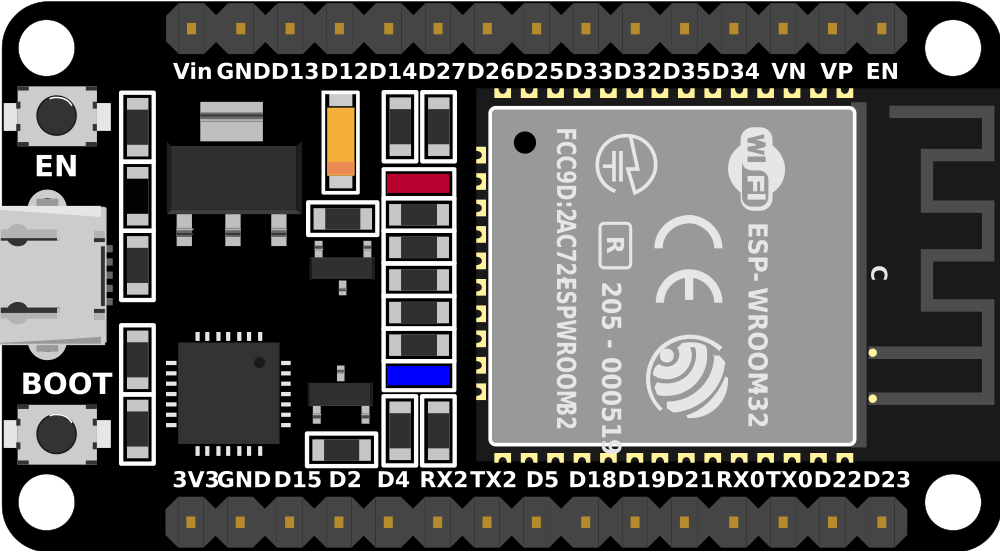
 Design with esp32 30 pin in Cirkit Designer
Introduction
The ESP32 Development Board 30 Pin, manufactured by Espressif Systems, is a powerful and versatile microcontroller designed for IoT and embedded systems applications. It features built-in Wi-Fi and Bluetooth capabilities, making it an excellent choice for wireless communication projects. With 30 GPIO pins, the ESP32 30 Pin provides extensive flexibility for interfacing with sensors, actuators, and other peripherals.
Explore Projects Built with esp32 30 pin
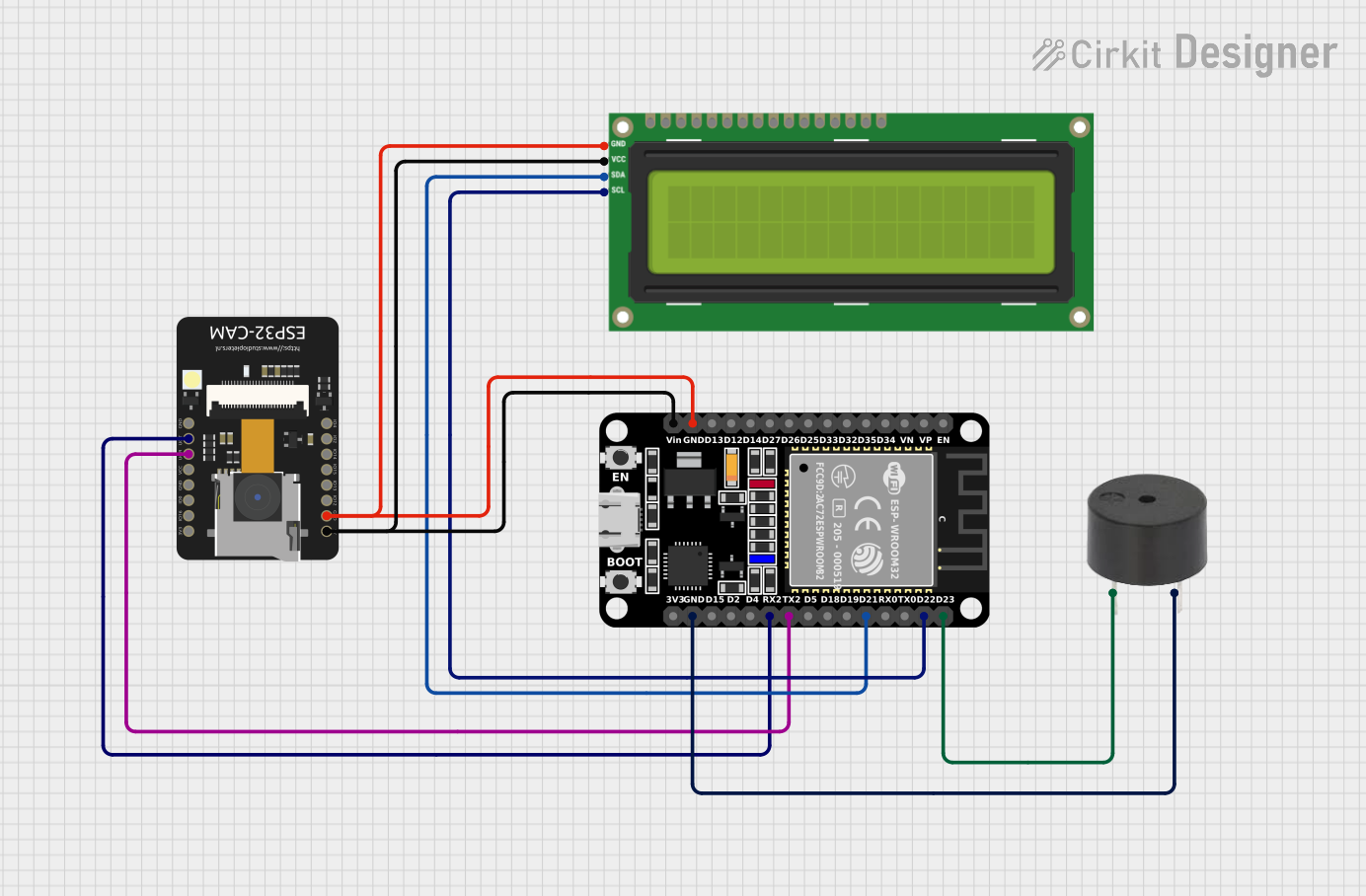 Open Project in Cirkit Designer
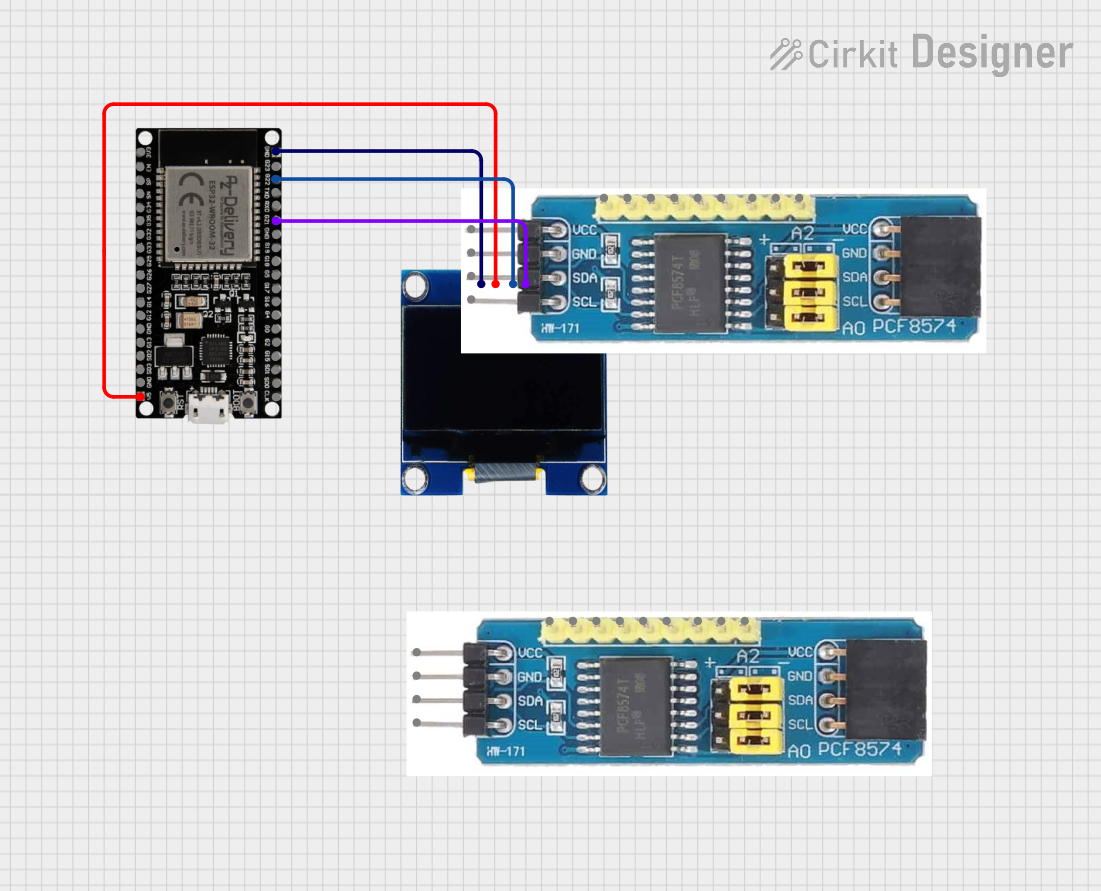 Open Project in Cirkit Designer
 Open Project in Cirkit Designer
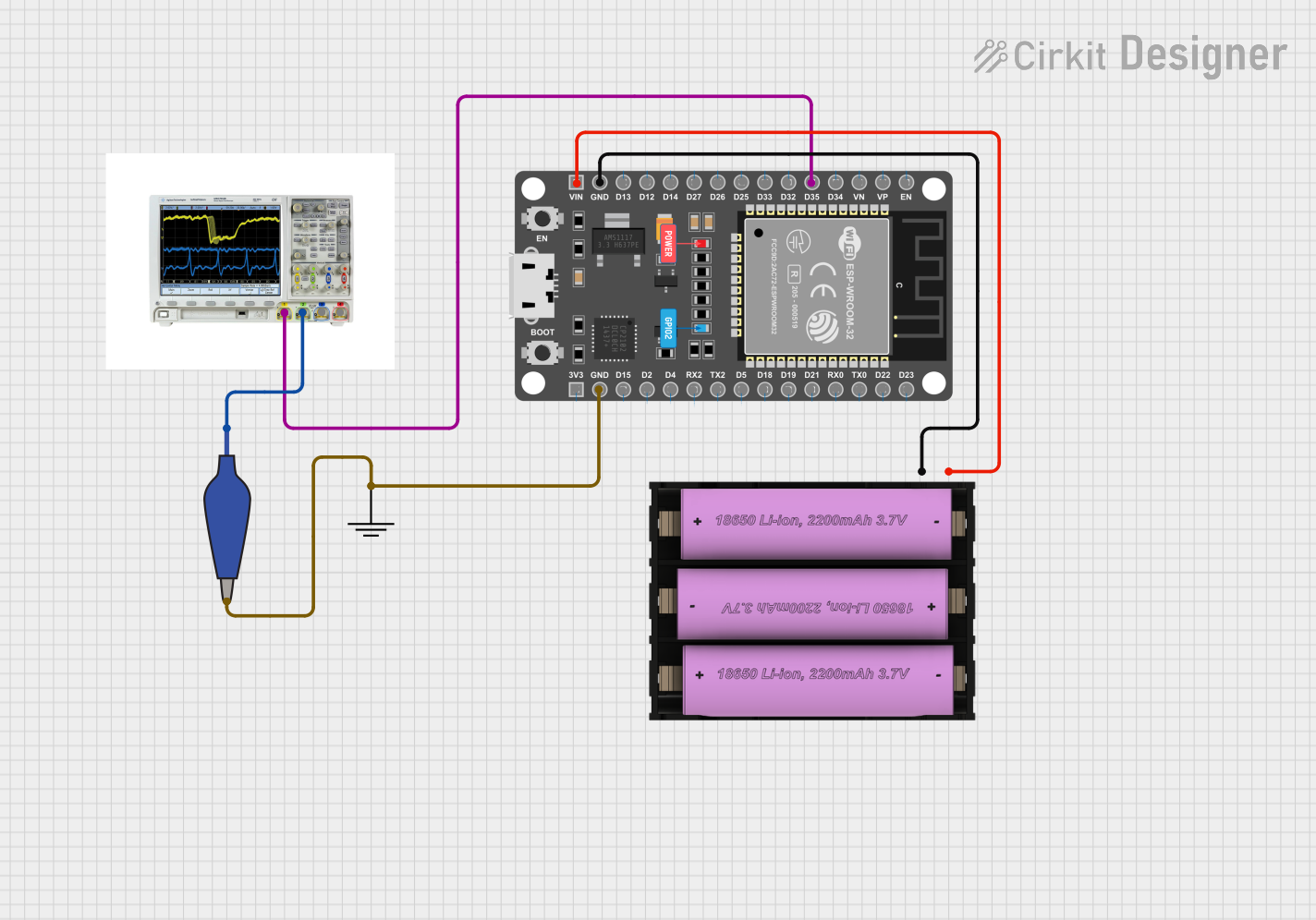 Open Project in Cirkit Designer
Explore Projects Built with esp32 30 pin
Open Project in Cirkit DesignerOpen Project in Cirkit DesignerOpen Project in Cirkit DesignerOpen Project in Cirkit DesignerCommon Applications and Use Cases
- IoT devices and smart home automation
- Wireless sensor networks
- Robotics and motor control
- Data logging and monitoring systems
- Wearable devices
- Prototyping and educational projects
Technical Specifications
The following table outlines the key technical specifications of the ESP32 30 Pin:
| Specification | Details |
|---|---|
| Manufacturer | Espressif Systems |
| Part ID | ESP32 Development Board 30 Pin |
| Microcontroller | ESP32-D0WDQ6 |
| Operating Voltage | 3.3V |
| Input Voltage Range | 5V (via USB) or 7-12V (via VIN pin) |
| Wi-Fi Standard | 802.11 b/g/n |
| Bluetooth Version | Bluetooth 4.2 (Classic and BLE) |
| GPIO Pins | 30 |
| Flash Memory | 4MB |
| SRAM | 520KB |
| Clock Speed | Up to 240 MHz |
| ADC Channels | 18 (12-bit resolution) |
| DAC Channels | 2 |
| Communication Interfaces | UART, SPI, I2C, I2S, CAN, PWM |
| Operating Temperature | -40°C to +85°C |
| Dimensions | 51mm x 25.4mm |
Pin Configuration and Descriptions
The ESP32 30 Pin has a total of 30 pins, each with specific functions. The table below provides a detailed description of the pin configuration:
| Pin Number | Pin Name | Function |
|---|---|---|
| 1 | EN | Enable pin (active high, used to reset the chip) |
| 2 | IO1 | GPIO1, UART TX |
| 3 | IO3 | GPIO3, UART RX |
| 4 | IO4 | GPIO4, PWM, ADC, Touch |
| 5 | IO5 | GPIO5, PWM, ADC, Touch |
| 6 | IO12 | GPIO12, PWM, ADC, Touch |
| 7 | IO13 | GPIO13, PWM, ADC, Touch |
| 8 | IO14 | GPIO14, PWM, ADC, Touch |
| 9 | IO15 | GPIO15, PWM, ADC, Touch |
| 10 | IO16 | GPIO16, PWM |
| 11 | IO17 | GPIO17, PWM |
| 12 | IO18 | GPIO18, SPI SCK |
| 13 | IO19 | GPIO19, SPI MISO |
| 14 | IO21 | GPIO21, I2C SDA |
| 15 | IO22 | GPIO22, I2C SCL |
| 16 | IO23 | GPIO23, SPI MOSI |
| 17 | IO25 | GPIO25, DAC1, ADC |
| 18 | IO26 | GPIO26, DAC2, ADC |
| 19 | IO27 | GPIO27, ADC, Touch |
| 20 | IO32 | GPIO32, ADC, Touch |
| 21 | IO33 | GPIO33, ADC, Touch |
| 22 | IO34 | GPIO34, ADC |
| 23 | IO35 | GPIO35, ADC |
| 24 | GND | Ground |
| 25 | 3V3 | 3.3V power output |
| 26 | VIN | Input voltage (7-12V) |
| 27 | TX0 | UART0 TX |
| 28 | RX0 | UART0 RX |
| 29 | IO36 | GPIO36, ADC |
| 30 | IO39 | GPIO39, ADC |
Usage Instructions
How to Use the ESP32 30 Pin in a Circuit
Powering the Board:
- Use a USB cable to power the board via the micro-USB port (5V input).
- Alternatively, supply 7-12V to the VIN pin for external power.
Programming the ESP32:
- Install the ESP32 board package in the Arduino IDE or use the Espressif IDF (IoT Development Framework).
- Connect the ESP32 to your computer via USB.
- Select the correct board and port in the Arduino IDE.
- Write and upload your code.
Connecting Peripherals:
- Use the GPIO pins to connect sensors, actuators, or other devices.
- Ensure that the voltage levels of connected devices are compatible with the ESP32 (3.3V logic).
Wi-Fi and Bluetooth Setup:
- Use the built-in libraries (e.g.,
WiFi.handBluetoothSerial.h) to configure wireless communication.
- Use the built-in libraries (e.g.,
Important Considerations and Best Practices
- Avoid supplying more than 3.3V to the GPIO pins to prevent damage.
- Use level shifters if interfacing with 5V devices.
- Ensure proper grounding for stable operation.
- Use decoupling capacitors to reduce noise in power supply lines.
- Avoid using GPIO pins 6-11 as they are connected to the internal flash memory.
Example Code for Arduino UNO Integration
Below is an example of using the ESP32 to connect to a Wi-Fi network and send data to a server:
#include <WiFi.h> // Include the WiFi library

const char* ssid = "Your_SSID";       // Replace with your Wi-Fi SSID
const char* password = "Your_Password"; // Replace with your Wi-Fi password

void setup() {
  Serial.begin(115200); // Initialize serial communication at 115200 baud
  WiFi.begin(ssid, password); // Connect to Wi-Fi network

  Serial.print("Connecting to Wi-Fi");
  while (WiFi.status() != WL_CONNECTED) {
    delay(500);
    Serial.print("."); // Print dots while connecting
  }
  Serial.println("\nConnected to Wi-Fi!");
  Serial.print("IP Address: ");
  Serial.println(WiFi.localIP()); // Print the assigned IP address
}

void loop() {
  // Add your main code here
}
Troubleshooting and FAQs
Common Issues and Solutions
ESP32 Not Connecting to Wi-Fi:
- Ensure the SSID and password are correct.
- Check if the router is within range.
- Restart the ESP32 and router if necessary.
Upload Fails in Arduino IDE:
- Ensure the correct board and port are selected.
- Press and hold the "BOOT" button on the ESP32 while uploading.
GPIO Pin Not Responding:
- Verify the pin configuration in your code.
- Check for loose connections or damaged components.
Power Issues:
- Ensure the power supply provides sufficient current (at least 500mA).
- Use a stable power source to avoid resets.
FAQs
Q: Can the ESP32 30 Pin be powered by batteries?
A: Yes, you can use a LiPo battery or other power sources (7-12V) connected to the VIN pin.
Q: Is the ESP32 compatible with 5V logic?
A: No, the ESP32 uses 3.3V logic. Use level shifters for 5V devices.
Q: How do I reset the ESP32?
A: Press the "EN" button on the board to reset the microcontroller.
Q: Can I use the ESP32 for Bluetooth audio streaming?
A: Yes, the ESP32 supports Bluetooth audio streaming using the A2DP profile.
This concludes the documentation for the ESP32 30 Pin. For further assistance, refer to the official Espressif Systems documentation.