
How to Use AC power plug: Examples, Pinouts, and Specs
 Design with AC power plug in Cirkit Designer
Introduction
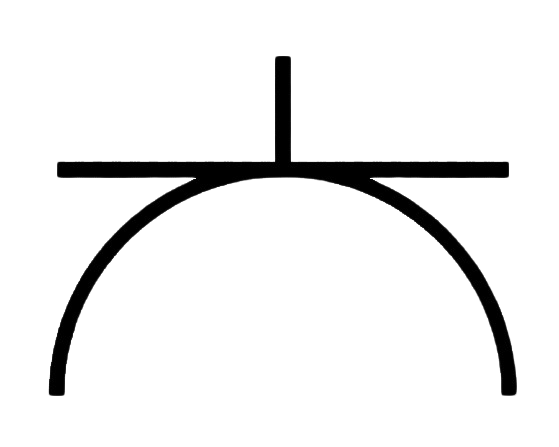
The AC power plug is a device used to connect electrical appliances to an AC power source, enabling the transfer of electrical energy. It is a critical component in powering a wide range of devices, from household appliances to industrial equipment. AC power plugs come in various types and configurations, depending on the region, voltage, and current requirements.
Explore Projects Built with AC power plug
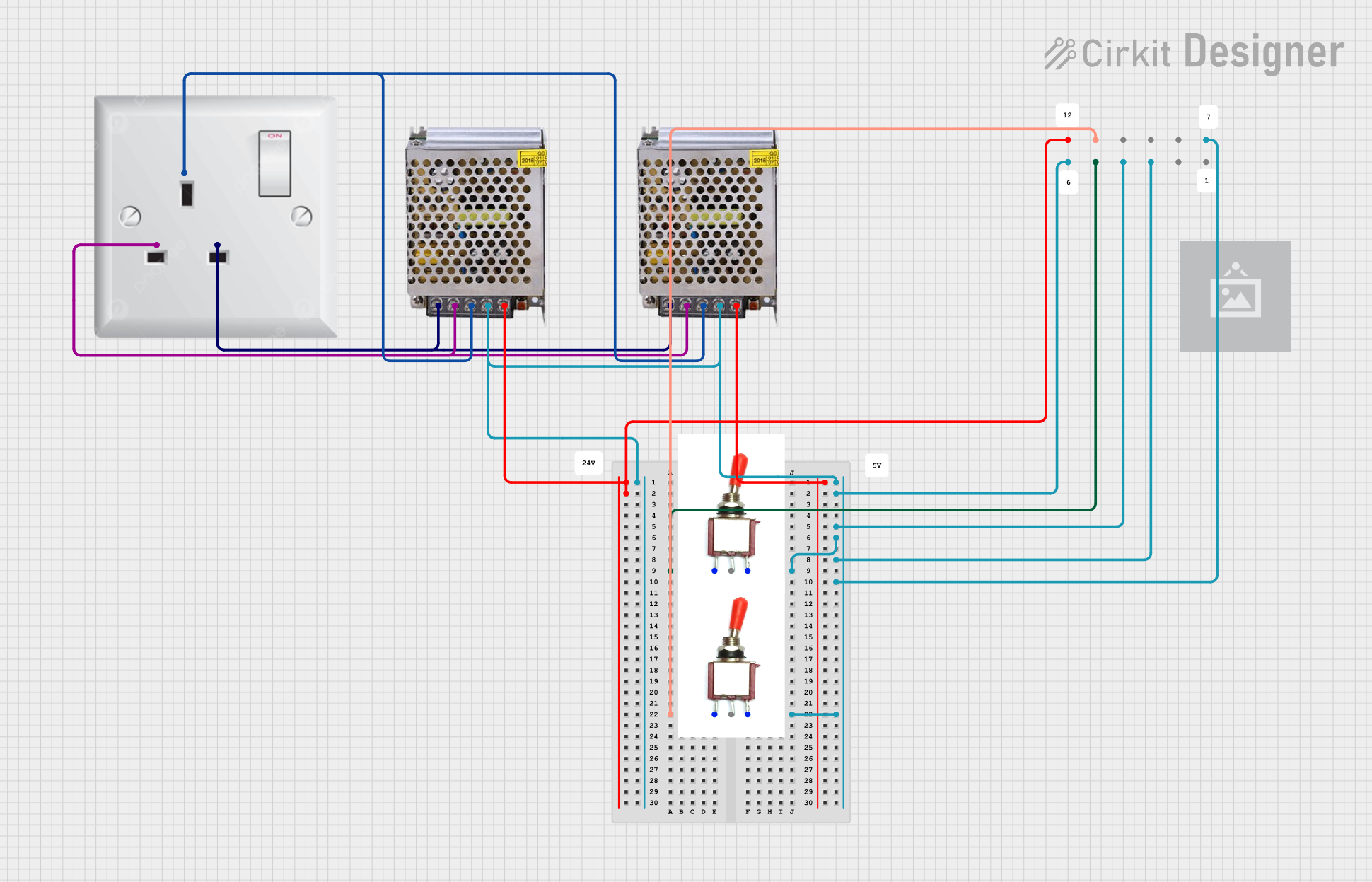 Open Project in Cirkit Designer
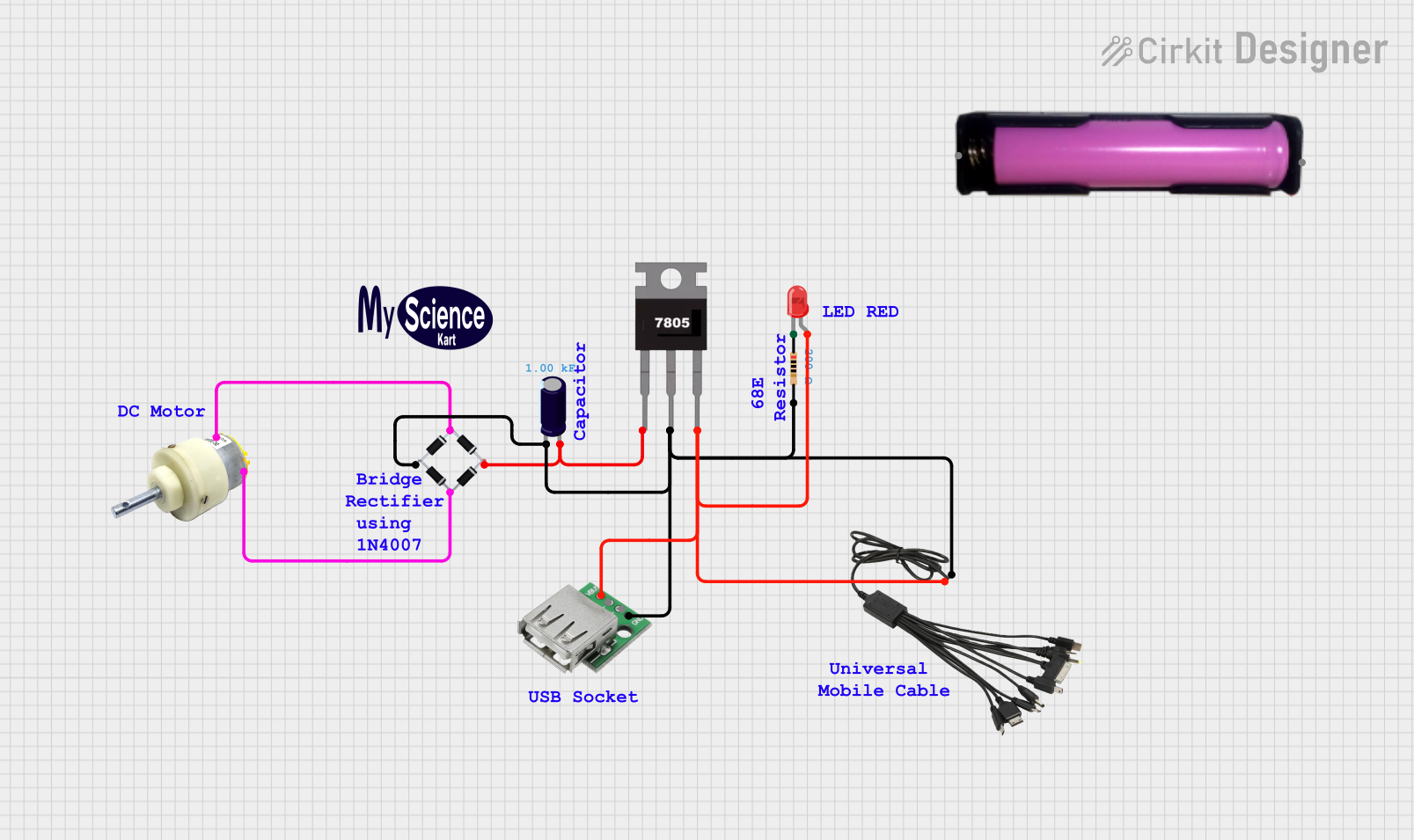 Open Project in Cirkit Designer
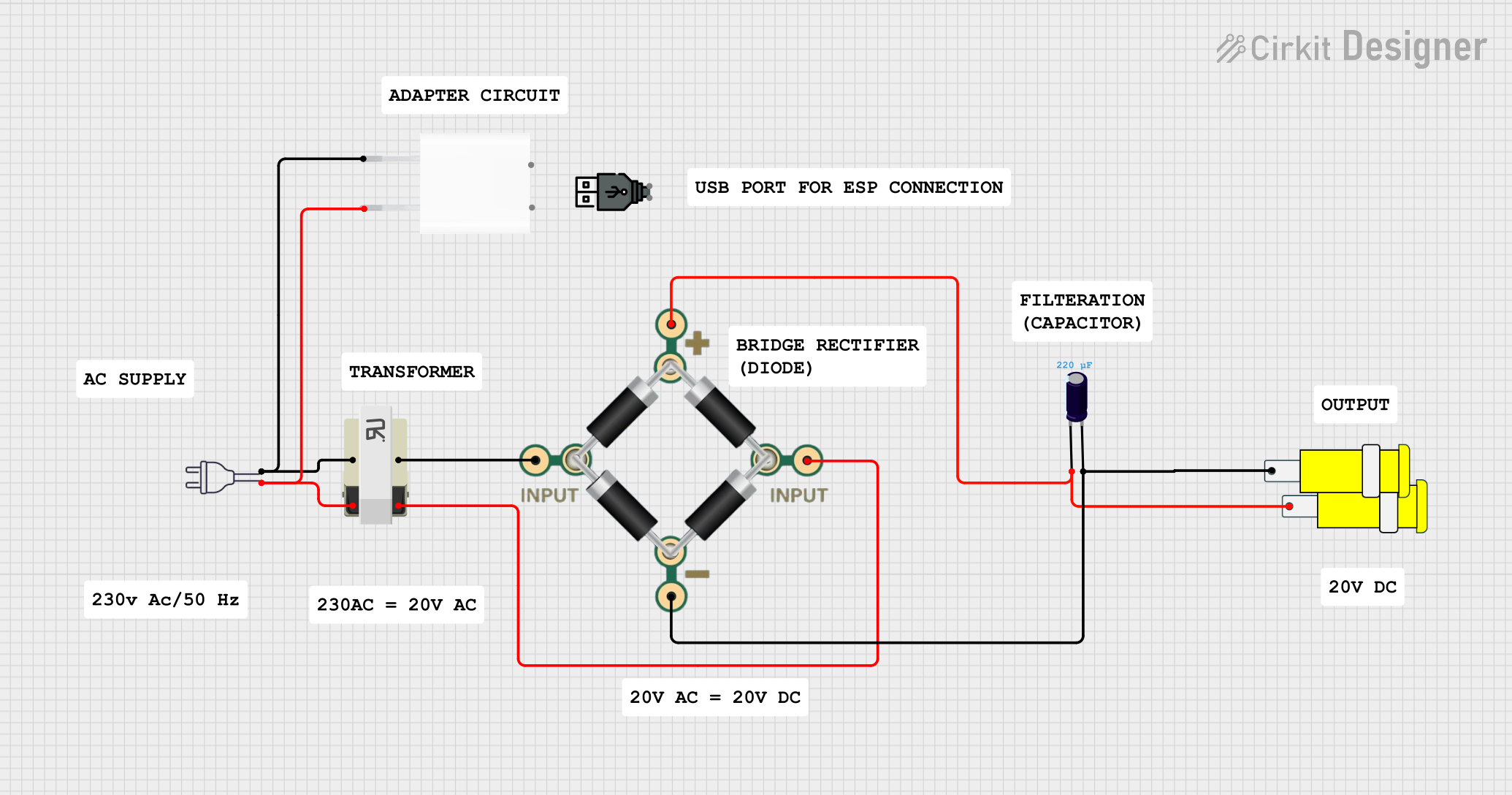 Open Project in Cirkit Designer
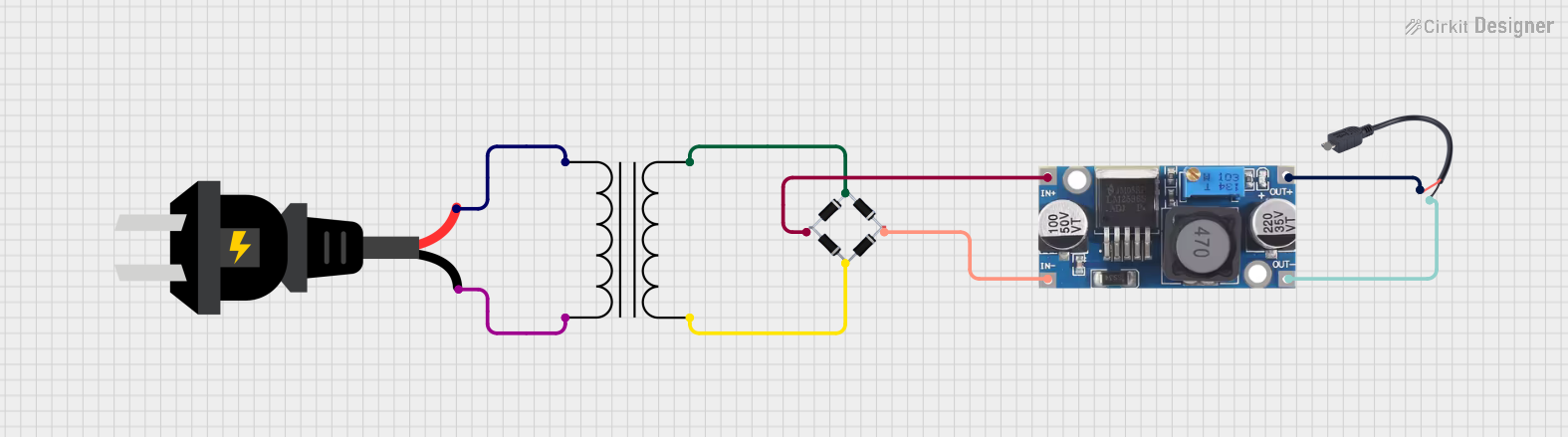 Open Project in Cirkit Designer
Explore Projects Built with AC power plug
Open Project in Cirkit DesignerOpen Project in Cirkit DesignerOpen Project in Cirkit DesignerOpen Project in Cirkit DesignerCommon Applications and Use Cases
- Powering household appliances such as refrigerators, televisions, and lamps.
- Connecting industrial equipment to mains power.
- Charging electronic devices like laptops and smartphones (via adapters).
- Providing power to tools and machinery in workshops.
Technical Specifications
The technical specifications of an AC power plug vary depending on the type and regional standards. Below are general specifications for a standard AC power plug:
General Specifications
| Parameter | Value/Description |
|---|---|
| Voltage Rating | 110V - 240V AC (varies by region) |
| Current Rating | 6A - 16A (depending on plug type) |
| Frequency | 50Hz or 60Hz |
| Material | Thermoplastic or thermoset for insulation |
| Pin Material | Brass or nickel-plated brass |
| Plug Type | Type A, B, C, D, E, F, G, etc. |
| Safety Features | Insulated pins, grounding, and shutters |
Pin Configuration and Descriptions
Below is an example of a Type B AC power plug (commonly used in North America):
| Pin Name | Description |
|---|---|
| Hot (Live) Pin | Carries the live AC voltage from the power source. |
| Neutral Pin | Completes the circuit by returning current. |
| Ground Pin | Provides a safety path for fault currents. |
Usage Instructions
How to Use the AC Power Plug in a Circuit
- Select the Correct Plug Type: Ensure the plug matches the socket type and voltage rating of your region.
- Inspect the Plug: Check for any visible damage, such as frayed wires or cracked insulation.
- Connect to the Appliance: Attach the plug to the appliance's power cord securely.
- Insert into the Socket: Align the pins with the socket and insert the plug firmly.
- Turn on the Power: Switch on the power source to energize the connected appliance.
Important Considerations and Best Practices
- Voltage Compatibility: Verify that the appliance and plug are rated for the same voltage as the power source.
- Grounding: Use plugs with a grounding pin for safety, especially for high-power appliances.
- Avoid Overloading: Do not exceed the current rating of the plug to prevent overheating or damage.
- Inspect Regularly: Periodically check the plug and cord for wear and tear.
- Use Adapters with Caution: When traveling, use certified adapters that match the local socket type and voltage.
Example: Connecting an AC Power Plug to an Arduino UNO
While the Arduino UNO itself operates on DC power, an AC power plug can be used to power a DC adapter that supplies the required voltage. Below is an example of how to use an AC power plug with an adapter to power an Arduino UNO:
- Connect the AC power plug to a compatible DC adapter (e.g., 9V, 1A output).
- Plug the DC adapter into the Arduino UNO's power jack.
- Ensure the adapter's output voltage matches the Arduino's input voltage requirements.
// Example Arduino code to blink an LED
// This assumes the Arduino is powered via an AC adapter connected to the AC plug

const int ledPin = 13; // Pin connected to the onboard LED

void setup() {
  pinMode(ledPin, OUTPUT); // Set the LED pin as an output
}

void loop() {
  digitalWrite(ledPin, HIGH); // Turn the LED on
  delay(1000);                // Wait for 1 second
  digitalWrite(ledPin, LOW);  // Turn the LED off
  delay(1000);                // Wait for 1 second
}
Troubleshooting and FAQs
Common Issues Users Might Face
Plug Does Not Fit the Socket:
- Cause: Mismatch between plug type and socket type.
- Solution: Use a certified adapter or replace the plug with a compatible one.
Appliance Does Not Power On:
- Cause: Faulty plug, damaged cord, or no power in the socket.
- Solution: Test the socket with another device, inspect the plug and cord for damage, and replace if necessary.
Overheating of the Plug:
- Cause: Overloading or poor contact with the socket.
- Solution: Reduce the load on the plug and ensure it is inserted securely.
Sparks When Plugging In:
- Cause: Loose connection or high inrush current.
- Solution: Ensure the plug is inserted firmly and consider using a surge protector.
FAQs
Q: Can I use an AC power plug in a different country?
- A: Only if the plug type and voltage are compatible. Otherwise, use a certified adapter or transformer.
Q: How do I know if my plug is grounded?
- A: Grounded plugs typically have three pins, with the third pin being the ground.
Q: Is it safe to repair a damaged AC power plug?
- A: It is recommended to replace damaged plugs rather than repair them to ensure safety.
Q: Can I use an AC power plug for DC appliances?
- A: No, AC power plugs are designed for AC appliances. Use a DC power adapter for DC devices.