
How to Use Peltier Element: Examples, Pinouts, and Specs

 Design with Peltier Element in Cirkit Designer
Introduction
A Peltier element, also known as a thermoelectric cooler (TEC), is a solid-state semiconductor device that transfers heat from one side of the element to the other when an electric current is applied. This creates a temperature difference, enabling the device to function as a compact and efficient cooling or heating solution. Peltier elements are widely used in applications requiring precise temperature control, such as cooling electronic components, portable refrigerators, and thermal cameras.
Explore Projects Built with Peltier Element
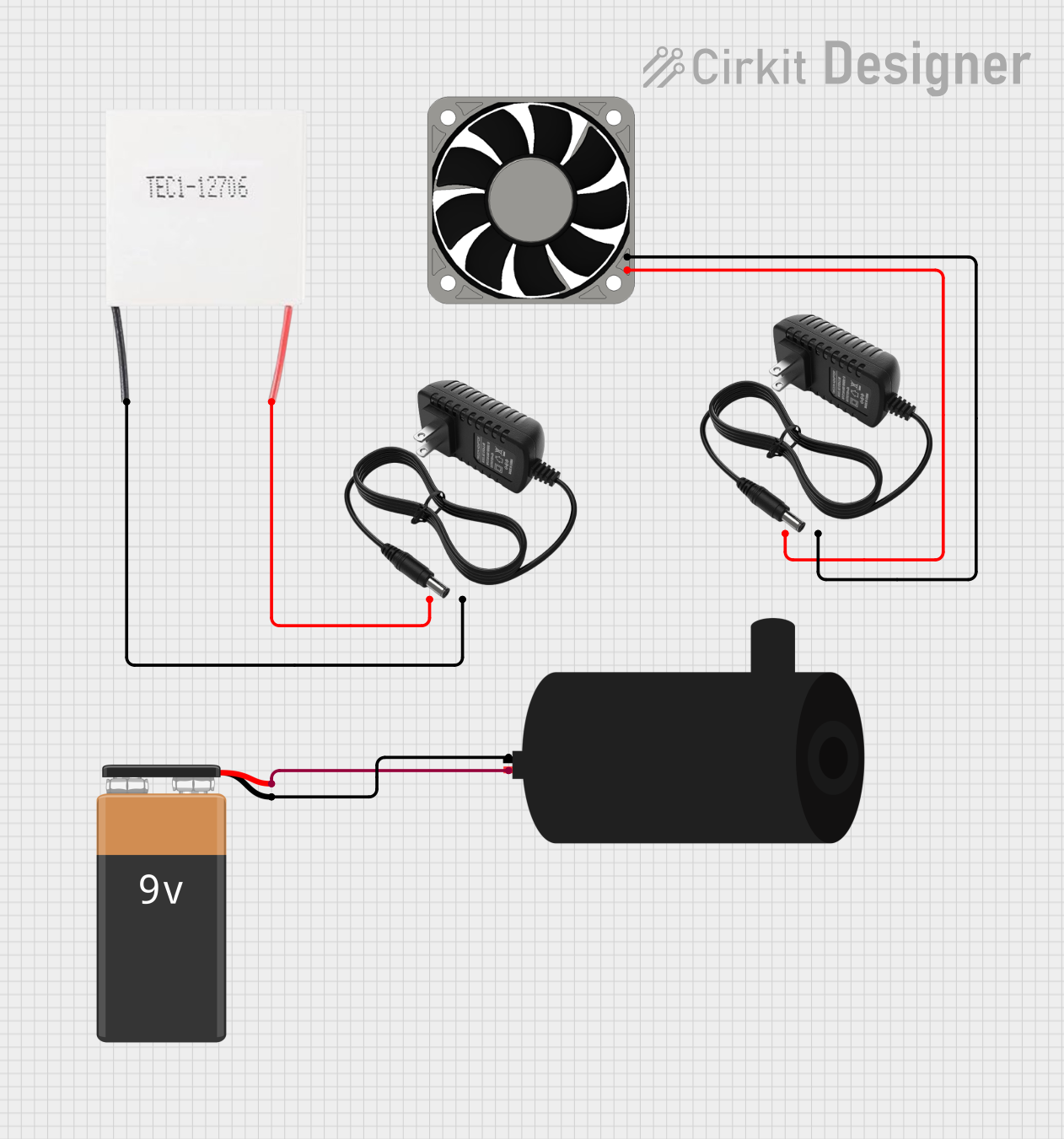 Open Project in Cirkit Designer
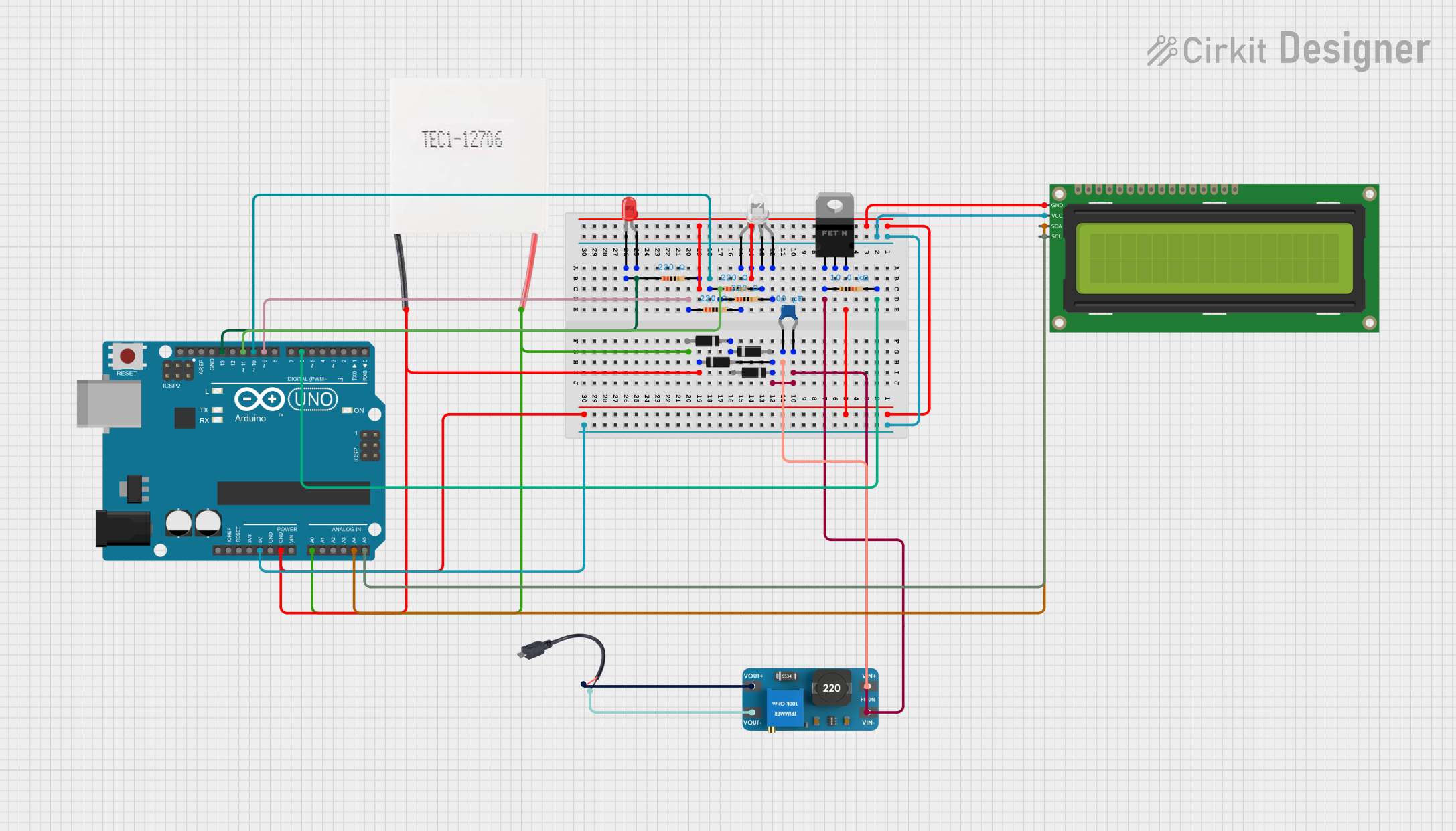 Open Project in Cirkit Designer
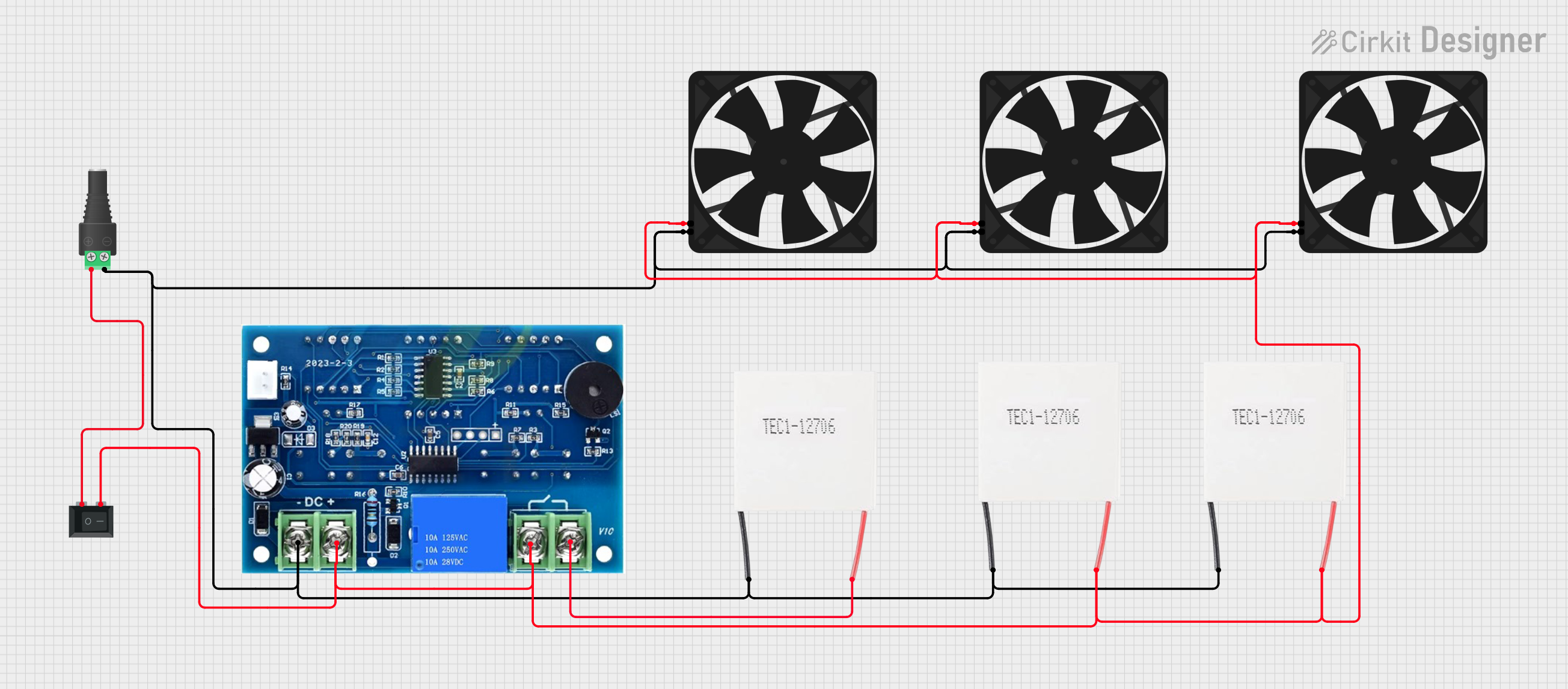 Open Project in Cirkit Designer
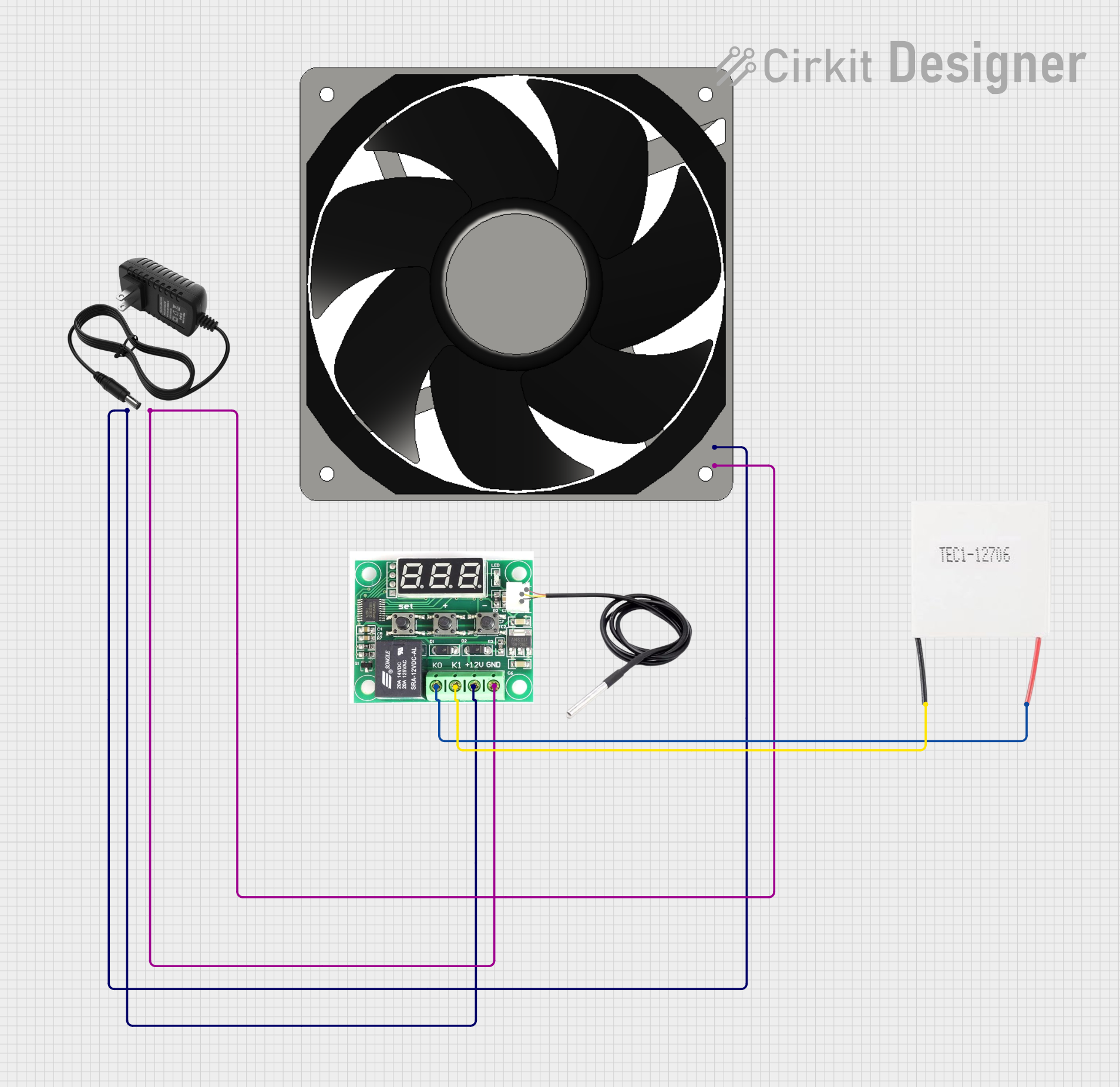 Open Project in Cirkit Designer
Explore Projects Built with Peltier Element
Open Project in Cirkit DesignerOpen Project in Cirkit DesignerOpen Project in Cirkit DesignerOpen Project in Cirkit DesignerCommon Applications and Use Cases
- Cooling CPUs, GPUs, and other electronic components
- Portable refrigeration systems
- Temperature stabilization in laser diodes and sensors
- Medical devices requiring localized heating or cooling
- Scientific experiments requiring precise thermal control
Technical Specifications
Below are the general technical specifications for a typical Peltier element. Note that specific models may vary, so always refer to the datasheet of the exact component you are using.
Key Technical Details
| Parameter | Typical Value |
|---|---|
| Operating Voltage | 12 V (common range: 3-15 V) |
| Operating Current | 5 A (varies by model) |
| Maximum Temperature Difference (ΔT) | 60°C to 70°C |
| Maximum Heat Transfer | 50 W to 100 W |
| Dimensions | 40 mm x 40 mm x 3.6 mm (typical) |
| Material | Bismuth Telluride (Bi2Te3) |
| Efficiency | ~5-10% (low compared to other cooling methods) |
Pin Configuration and Descriptions
Peltier elements typically have two wires for electrical connections:
| Wire Color | Description |
|---|---|
| Red | Positive terminal (connect to +V) |
| Black | Negative terminal (connect to GND) |
Note: Reversing the polarity of the wires will reverse the heat flow, causing the hot and cold sides to switch.
Usage Instructions
How to Use the Peltier Element in a Circuit
- Power Supply: Use a DC power supply capable of providing the required voltage and current. Ensure the power supply can handle the high current draw of the Peltier element.
- Heat Dissipation: Attach a heatsink or cooling fan to the hot side of the Peltier element to dissipate heat effectively. Failure to do so may cause the element to overheat and fail.
- Polarity: Connect the red wire to the positive terminal of the power supply and the black wire to the ground. Reversing the polarity will reverse the heating and cooling sides.
- Temperature Control: Use a temperature controller or a PWM (Pulse Width Modulation) circuit to regulate the current and control the temperature difference.
Important Considerations and Best Practices
- Thermal Insulation: Minimize heat transfer between the hot and cold sides by using thermal insulation materials.
- Avoid Overheating: Always use a heatsink or fan on the hot side to prevent overheating.
- Current Limiting: Use a current-limiting circuit to protect the Peltier element from excessive current.
- Surface Contact: Ensure good thermal contact between the Peltier element and the surfaces it is cooling or heating. Use thermal paste or thermal pads for better heat transfer.
- Arduino Integration: Peltier elements can be controlled using an Arduino UNO and a MOSFET or relay module for switching. Below is an example code snippet for controlling a Peltier element with an Arduino.
// Example: Controlling a Peltier element with Arduino UNO
// This code uses a PWM signal to control the Peltier element via a MOSFET

const int peltierPin = 9; // PWM pin connected to the MOSFET gate

void setup() {
  pinMode(peltierPin, OUTPUT); // Set the pin as output
}

void loop() {
  // Example: Gradually increase and decrease the power to the Peltier element
  for (int dutyCycle = 0; dutyCycle <= 255; dutyCycle++) {
    analogWrite(peltierPin, dutyCycle); // Increase power
    delay(10); // Wait 10ms
  }
  for (int dutyCycle = 255; dutyCycle >= 0; dutyCycle--) {
    analogWrite(peltierPin, dutyCycle); // Decrease power
    delay(10); // Wait 10ms
  }
}
Note: Ensure the MOSFET or relay used can handle the high current of the Peltier element.
Troubleshooting and FAQs
Common Issues and Solutions
Peltier Element Not Cooling or Heating
- Cause: Incorrect polarity or insufficient power supply.
- Solution: Verify the polarity of the connections and ensure the power supply meets the voltage and current requirements.
Overheating of the Peltier Element
- Cause: Inadequate heat dissipation on the hot side.
- Solution: Attach a heatsink and/or cooling fan to the hot side to dissipate heat effectively.
Low Efficiency or Poor Performance
- Cause: Poor thermal contact or insufficient insulation.
- Solution: Use thermal paste or pads to improve thermal contact and add insulation to minimize heat loss.
Peltier Element Stops Working
- Cause: Overcurrent or overheating damage.
- Solution: Use a current-limiting circuit and ensure proper heat dissipation to prevent damage.
FAQs
Q: Can I use a Peltier element without a heatsink?
A: No, a heatsink is essential to dissipate heat from the hot side. Without it, the Peltier element may overheat and fail.
Q: How do I reverse the heating and cooling sides?
A: Simply reverse the polarity of the power supply connections.
Q: Can I power a Peltier element directly from an Arduino?
A: No, the Arduino cannot supply the high current required by the Peltier element. Use an external power supply and a MOSFET or relay for control.
Q: What is the lifespan of a Peltier element?
A: With proper usage and heat management, a Peltier element can last for several years. However, excessive heat or current can significantly reduce its lifespan.