
How to Use PCB: Examples, Pinouts, and Specs
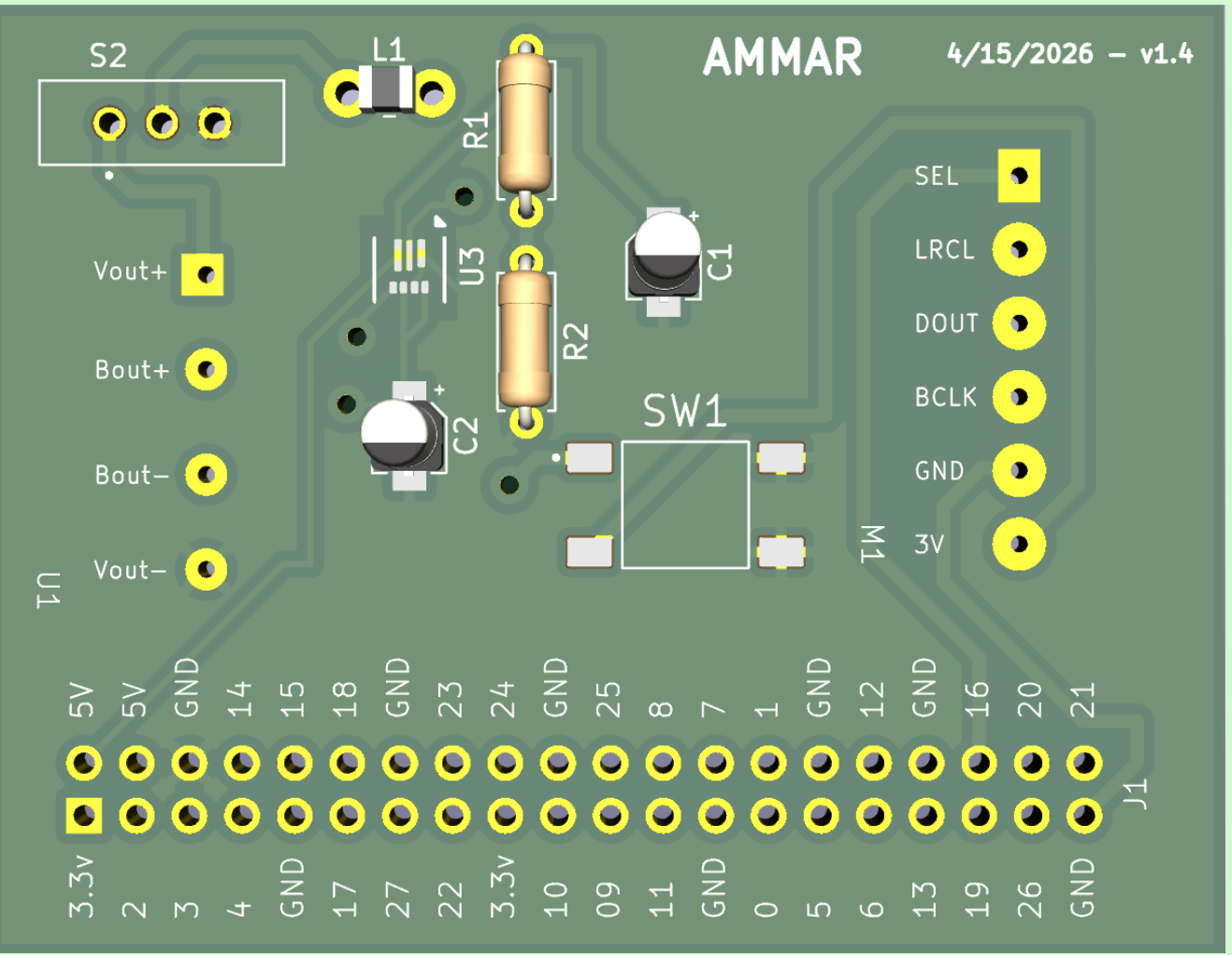
 Design with PCB in Cirkit Designer
Introduction
A printed circuit board (PCB) is a flat board that electrically connects and supports electronic components using conductive pathways, tracks, or signal traces etched from copper sheets laminated onto a non-conductive substrate. PCBs are the backbone of most electronic devices, providing a compact and organized way to interconnect components.
Explore Projects Built with PCB
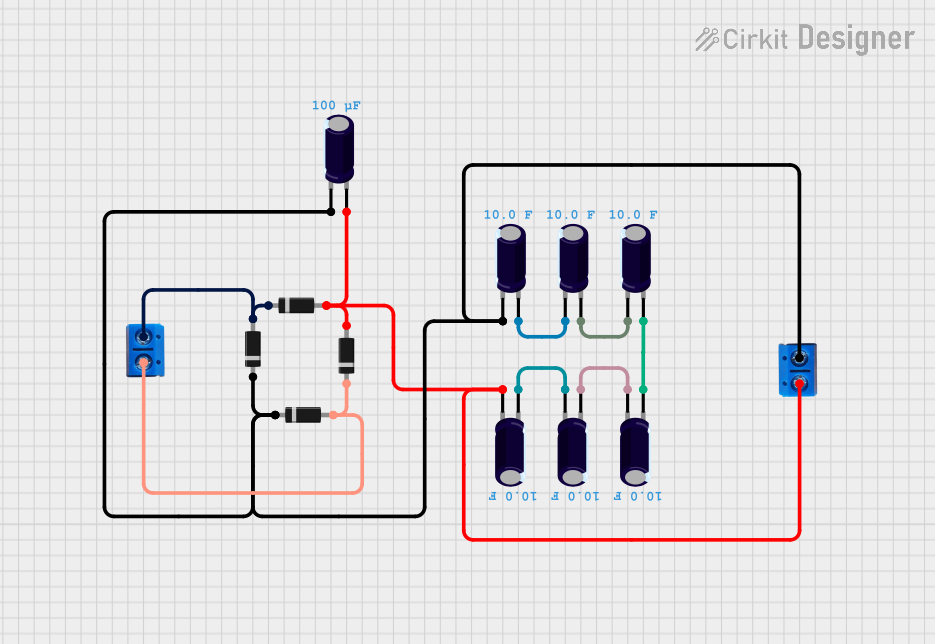 Open Project in Cirkit Designer
 Open Project in Cirkit Designer
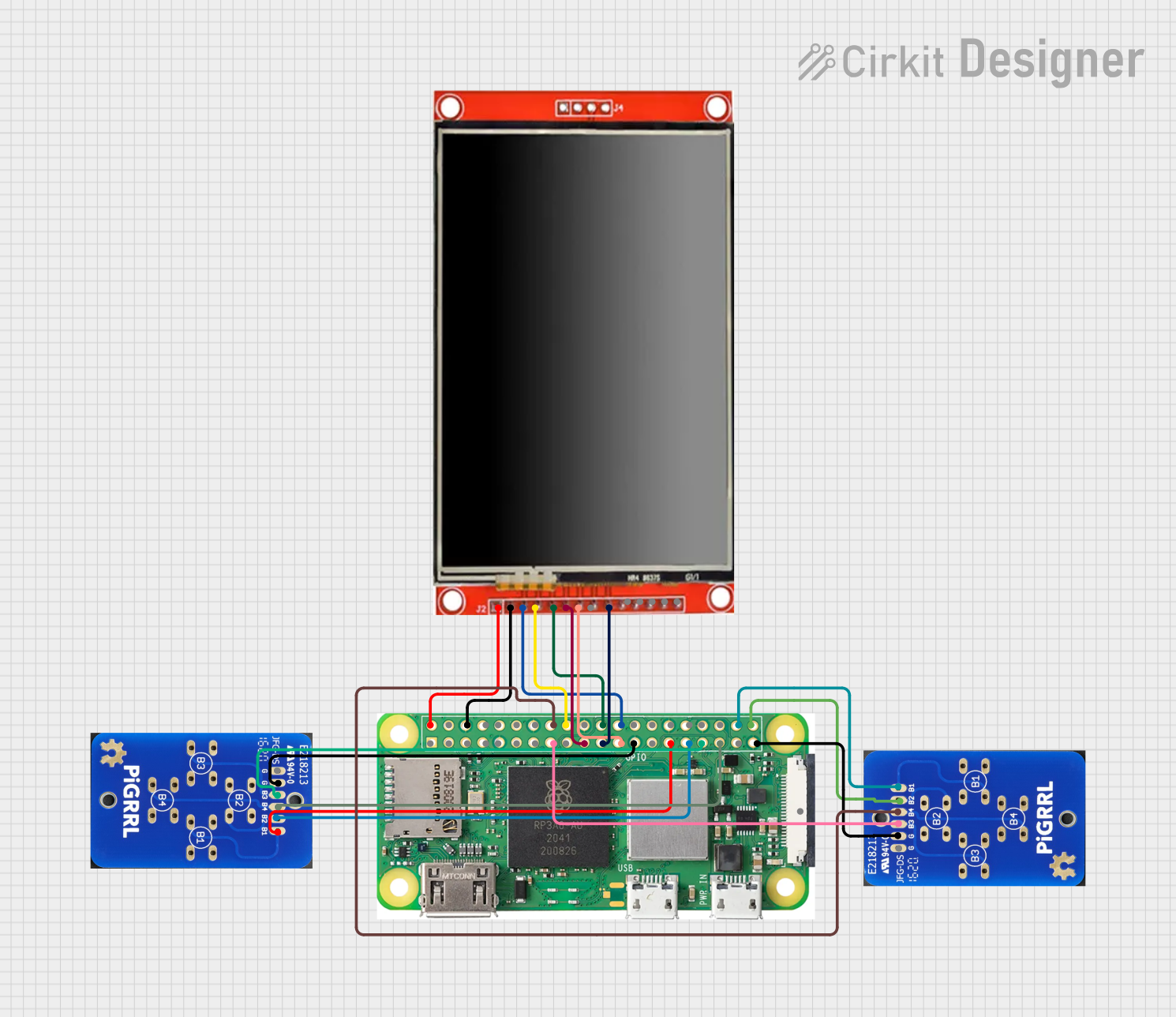 Open Project in Cirkit Designer
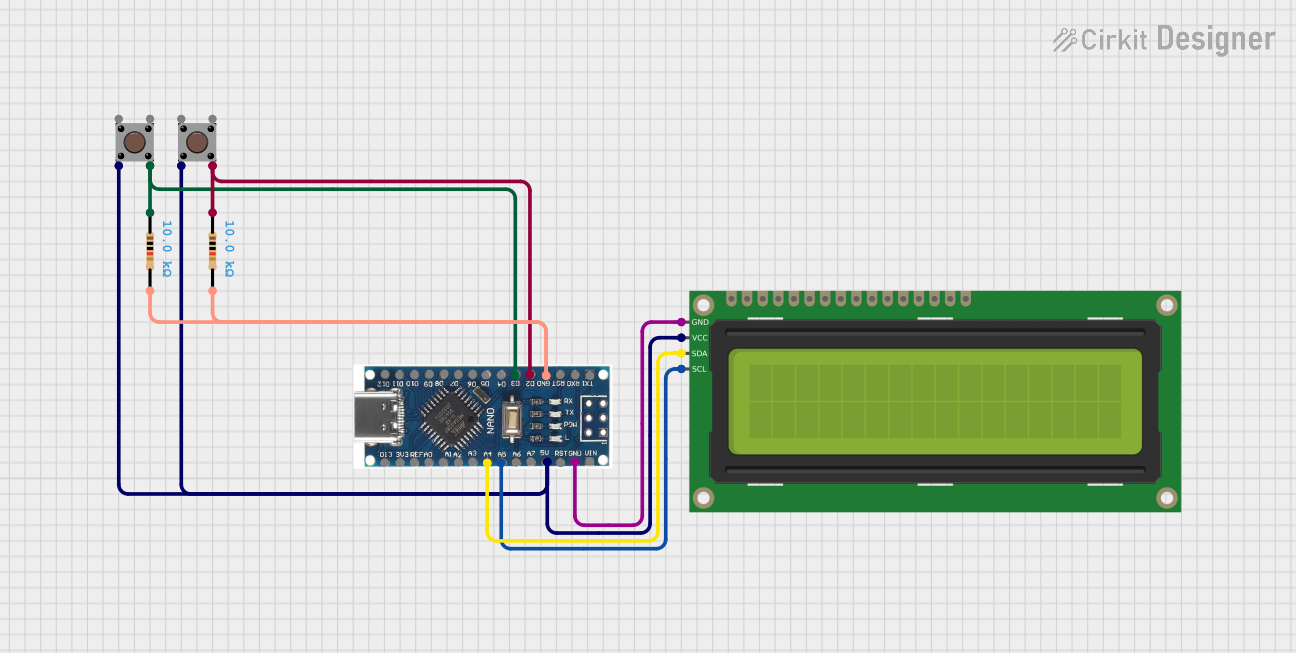 Open Project in Cirkit Designer
Explore Projects Built with PCB
Open Project in Cirkit DesignerOpen Project in Cirkit DesignerOpen Project in Cirkit DesignerOpen Project in Cirkit DesignerCommon Applications and Use Cases
- Consumer Electronics: Smartphones, laptops, televisions, and gaming consoles.
- Industrial Equipment: Control systems, robotics, and automation devices.
- Automotive Systems: Engine control units, infotainment systems, and sensors.
- Medical Devices: Diagnostic equipment, monitoring systems, and implantable devices.
- Aerospace and Defense: Navigation systems, communication devices, and avionics.
Technical Specifications
The specifications of a PCB can vary widely depending on its design and application. Below are some general technical details:
General Specifications
| Parameter | Description |
|---|---|
| Material | FR4 (fiberglass-reinforced epoxy), CEM-1, or polyimide |
| Copper Thickness | 1 oz/ft² (35 µm) standard; can range from 0.5 oz/ft² to 3 oz/ft² |
| Board Thickness | 1.6 mm standard; can range from 0.2 mm to 3.2 mm |
| Number of Layers | Single-layer, double-layer, or multi-layer (up to 40+ layers) |
| Surface Finish | HASL (Hot Air Solder Leveling), ENIG (Electroless Nickel Immersion Gold), etc. |
| Solder Mask Color | Green (standard), but also available in red, blue, black, white, etc. |
| Operating Temperature | -40°C to 85°C (standard); high-temp PCBs can exceed 150°C |
Example Pin Configuration (for a PCB with connectors)
| Pin Number | Pin Name | Description |
|---|---|---|
| 1 | VCC | Power supply input (e.g., 5V or 3.3V) |
| 2 | GND | Ground connection |
| 3 | Signal In | Input signal for the circuit |
| 4 | Signal Out | Output signal from the circuit |
| 5 | NC (No Connect) | Reserved or unused pin |
Usage Instructions
How to Use a PCB in a Circuit
- Design the Circuit: Use PCB design software (e.g., KiCad, Eagle, or Altium Designer) to create a schematic and layout.
- Fabricate the PCB: Send the design files (Gerber files) to a PCB manufacturer for fabrication.
- Assemble Components: Solder the electronic components onto the PCB using a soldering iron or reflow soldering process.
- Test the Circuit: Verify the functionality of the assembled PCB using appropriate testing equipment.
Important Considerations and Best Practices
- Trace Width and Spacing: Ensure traces are wide enough to handle the required current and spaced to prevent short circuits.
- Ground Plane: Use a solid ground plane to reduce noise and improve signal integrity.
- Thermal Management: Include thermal vias or heat sinks for high-power components.
- Design for Manufacturability (DFM): Follow guidelines to ensure the PCB can be easily fabricated and assembled.
- Avoid Overheating: Use proper soldering techniques to prevent damage to components or the PCB.
Example: Connecting a PCB to an Arduino UNO
If your PCB is designed to interface with an Arduino UNO, you can use the following example code to control an LED connected to the PCB:
// Example Arduino code to control an LED on a PCB
// Connect the LED to pin 13 on the Arduino via the PCB

const int ledPin = 13; // Define the pin connected to the LED

void setup() {
  pinMode(ledPin, OUTPUT); // Set the LED pin as an output
}

void loop() {
  digitalWrite(ledPin, HIGH); // Turn the LED on
  delay(1000);                // Wait for 1 second
  digitalWrite(ledPin, LOW);  // Turn the LED off
  delay(1000);                // Wait for 1 second
}
Troubleshooting and FAQs
Common Issues Users Might Face
- Short Circuits: Caused by solder bridges or improper trace spacing.
- Solution: Inspect the PCB under a magnifying glass and remove excess solder.
- Open Circuits: Broken traces or poor solder joints.
- Solution: Use a multimeter to check continuity and repair with solder or jumper wires.
- Overheating Components: Caused by insufficient cooling or incorrect component placement.
- Solution: Add heat sinks, thermal vias, or reposition components.
- Signal Noise or Interference: Poor grounding or trace layout.
- Solution: Use a ground plane and minimize high-frequency signal paths.
FAQs
Q: Can I reuse a PCB from an old device?
A: Yes, but you must desolder components carefully and ensure the PCB is not damaged.
Q: What software should I use to design a PCB?
A: Popular options include KiCad, Eagle, Altium Designer, and EasyEDA.
Q: How do I choose the right PCB material?
A: Consider factors like operating temperature, mechanical strength, and cost. FR4 is a common choice for general applications.
Q: What is the difference between single-layer and multi-layer PCBs?
A: Single-layer PCBs have one conductive layer, while multi-layer PCBs have multiple layers for more complex circuits.
By following this documentation, you can effectively design, use, and troubleshoot PCBs for a wide range of applications.