
How to Use JST XH 7P: Examples, Pinouts, and Specs
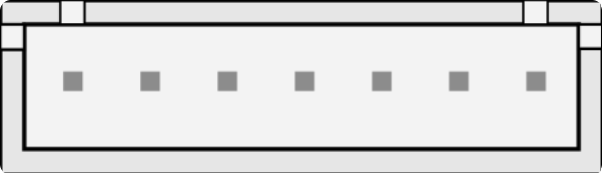
 Design with JST XH 7P in Cirkit Designer
Introduction
The JST XH 7P is a 7-pin connector from the JST XH series, designed for reliable and compact wire-to-board connections in electronic circuits. Known for its secure locking mechanism and ease of use, this connector is widely used in applications requiring multiple wire connections, such as battery packs, LED strips, and small electronic devices. Its compact design makes it ideal for space-constrained projects while maintaining robust electrical performance.
Explore Projects Built with JST XH 7P
 Open Project in Cirkit Designer
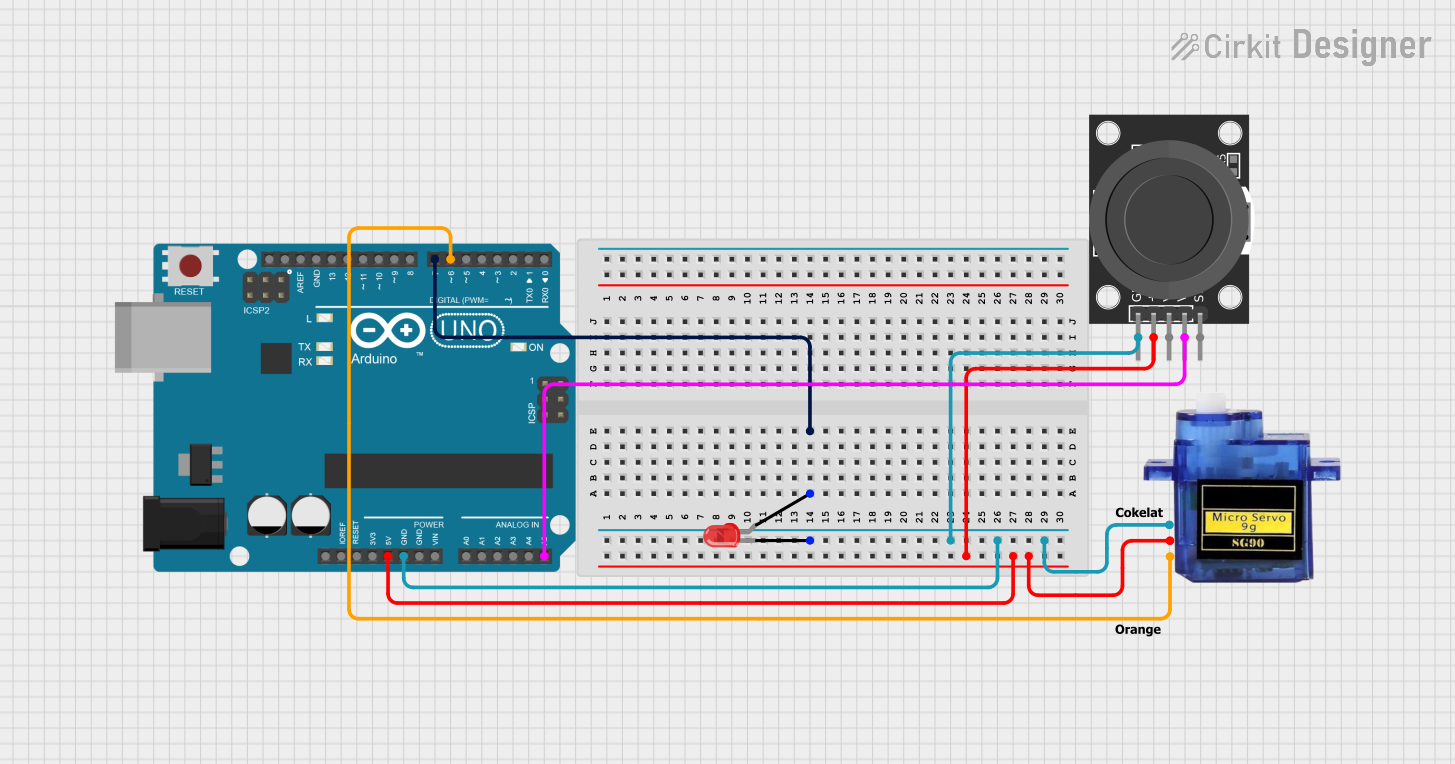 Open Project in Cirkit Designer
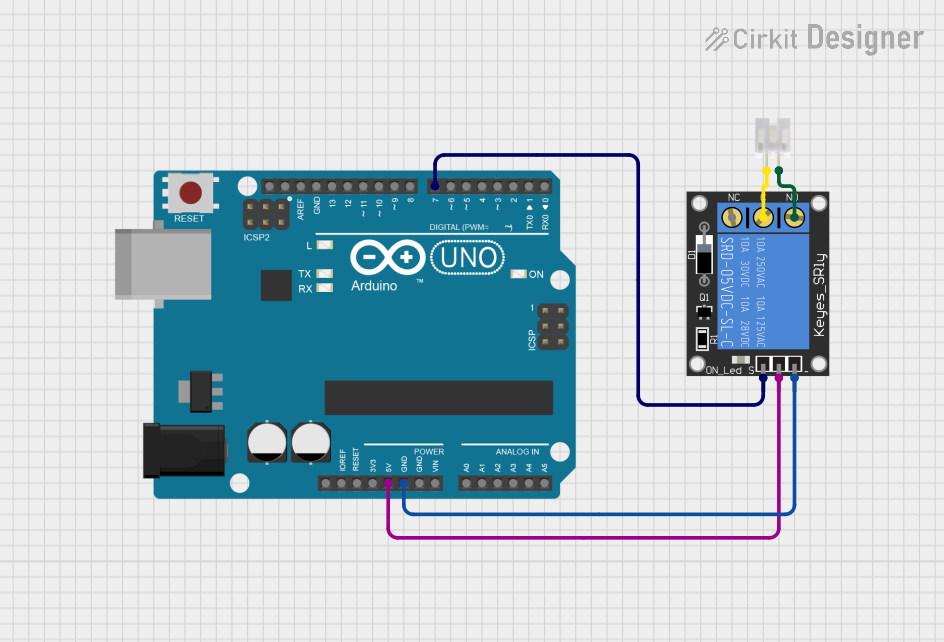 Open Project in Cirkit Designer
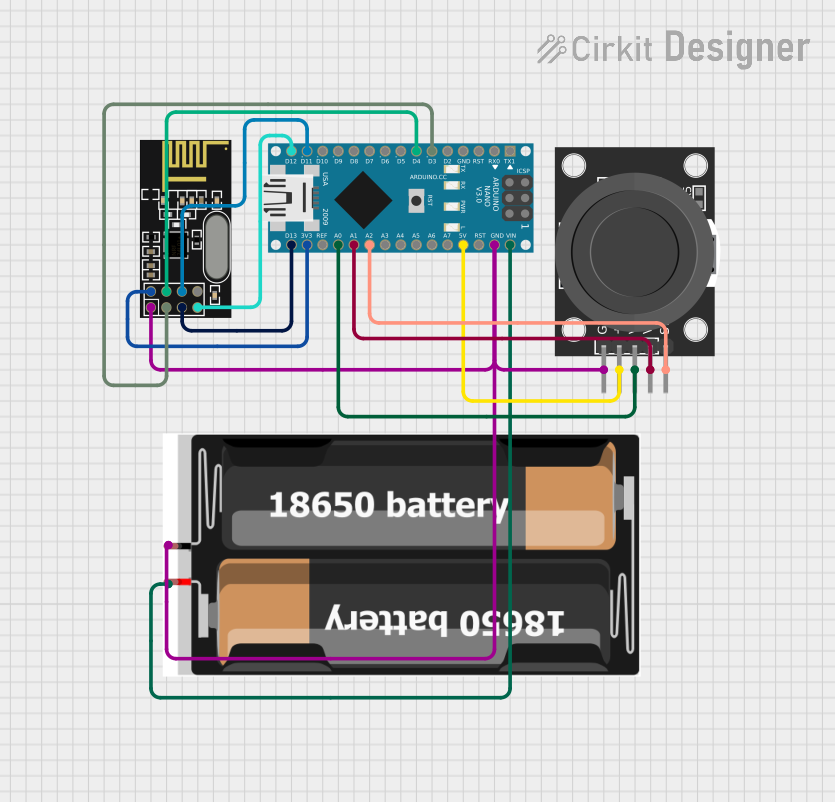 Open Project in Cirkit Designer
Explore Projects Built with JST XH 7P
Open Project in Cirkit DesignerOpen Project in Cirkit DesignerOpen Project in Cirkit DesignerOpen Project in Cirkit DesignerCommon Applications
- Battery pack connections in RC vehicles and drones
- LED strip wiring
- Power and signal connections in small electronic devices
- Prototyping and DIY electronics projects
Technical Specifications
The JST XH 7P connector is part of the XH series, which is characterized by a 2.5 mm pitch between pins. Below are the key technical details:
General Specifications
| Parameter | Value |
|---|---|
| Number of Pins | 7 |
| Pitch (Pin Spacing) | 2.5 mm |
| Rated Voltage | 250 V AC/DC |
| Rated Current | 3 A |
| Contact Resistance | ≤ 10 mΩ |
| Insulation Resistance | ≥ 1000 MΩ |
| Operating Temperature | -25°C to +85°C |
| Connector Type | Wire-to-board |
| Locking Mechanism | Friction lock with housing |
Pin Configuration
The JST XH 7P connector has seven pins arranged in a single row. The pinout is as follows:
| Pin Number | Description | Typical Use Case |
|---|---|---|
| 1 | VCC (Power Supply) | Positive voltage input |
| 2 | GND (Ground) | Ground connection |
| 3 | Signal 1 | Data or control signal |
| 4 | Signal 2 | Data or control signal |
| 5 | Signal 3 | Data or control signal |
| 6 | Signal 4 | Data or control signal |
| 7 | Signal 5 | Data or control signal |
Note: The specific pin assignments may vary depending on the application. Always refer to the circuit design or datasheet for proper pin mapping.
Usage Instructions
How to Use the JST XH 7P Connector
Prepare the Wires:
- Strip approximately 2-3 mm of insulation from the ends of the wires to be connected.
- Use a crimping tool to attach JST XH-compatible crimp terminals to the stripped wire ends.
Insert the Terminals:
- Insert the crimped terminals into the connector housing until they click into place.
- Ensure the terminals are fully seated and aligned with the housing.
Connect to the PCB:
- Align the JST XH 7P connector with the corresponding header on the PCB.
- Push the connector into the header until it locks securely.
Verify Connections:
- Check that all wires are properly connected and that the connector is firmly seated.
Important Considerations
- Wire Gauge: Use wires with a gauge compatible with the crimp terminals (typically 22-28 AWG).
- Crimping Tool: Use a dedicated JST crimping tool for reliable connections.
- Polarity: Ensure correct polarity when connecting power and ground pins to avoid damage to the circuit.
- Insertion Force: Avoid excessive force when inserting or removing the connector to prevent damage.
Example: Connecting to an Arduino UNO
The JST XH 7P connector can be used to connect multiple signals or power lines to an Arduino UNO. Below is an example of how to connect the JST XH 7P to an Arduino for controlling an LED strip:
Circuit Setup
- Pin 1 (VCC) connects to the Arduino's 5V pin.
- Pin 2 (GND) connects to the Arduino's GND pin.
- Pins 3-7 connect to digital pins on the Arduino (e.g., D3, D5, D6, D9, D10).
Arduino Code Example
// Example code to control an LED strip connected via JST XH 7P
// Pins 3-7 are used to control individual LEDs or LED segments

const int ledPins[] = {3, 5, 6, 9, 10}; // Define the pins connected to the LEDs

void setup() {
  // Set all LED pins as output
  for (int i = 0; i < 5; i++) {
    pinMode(ledPins[i], OUTPUT);
  }
}

void loop() {
  // Turn LEDs on sequentially
  for (int i = 0; i < 5; i++) {
    digitalWrite(ledPins[i], HIGH); // Turn on LED
    delay(500);                     // Wait for 500 ms
    digitalWrite(ledPins[i], LOW);  // Turn off LED
  }
}
Note: Ensure the LED strip's power requirements match the Arduino's output capabilities.
Troubleshooting and FAQs
Common Issues
Loose Connections:
- Cause: Terminals not fully inserted into the housing.
- Solution: Reinsert the terminals and ensure they click into place.
Connector Does Not Fit:
- Cause: Incorrect header type or misalignment.
- Solution: Verify the header is compatible with the JST XH 7P and align the connector properly.
Intermittent Signal Loss:
- Cause: Poor crimping or damaged wires.
- Solution: Inspect the crimped terminals and wires for damage. Re-crimp if necessary.
Overheating:
- Cause: Exceeding the rated current of 3 A.
- Solution: Ensure the current through the connector does not exceed its rating.
FAQs
Q: Can I solder wires directly to the JST XH 7P connector?
A: No, the JST XH 7P is designed for crimped terminals. Soldering may damage the housing or compromise the connection.
Q: What is the maximum wire length I can use with this connector?
A: The maximum wire length depends on the application and signal integrity requirements. For power connections, keep wires as short as possible to minimize voltage drop.
Q: Is the JST XH 7P connector waterproof?
A: No, the JST XH 7P is not waterproof. For outdoor or moisture-prone environments, consider using waterproof connectors.
Q: Can I use this connector for high-frequency signals?
A: The JST XH 7P is suitable for low- to medium-frequency signals. For high-frequency applications, consider connectors designed for impedance matching.