
How to Use LiDAR TF Luna: Examples, Pinouts, and Specs
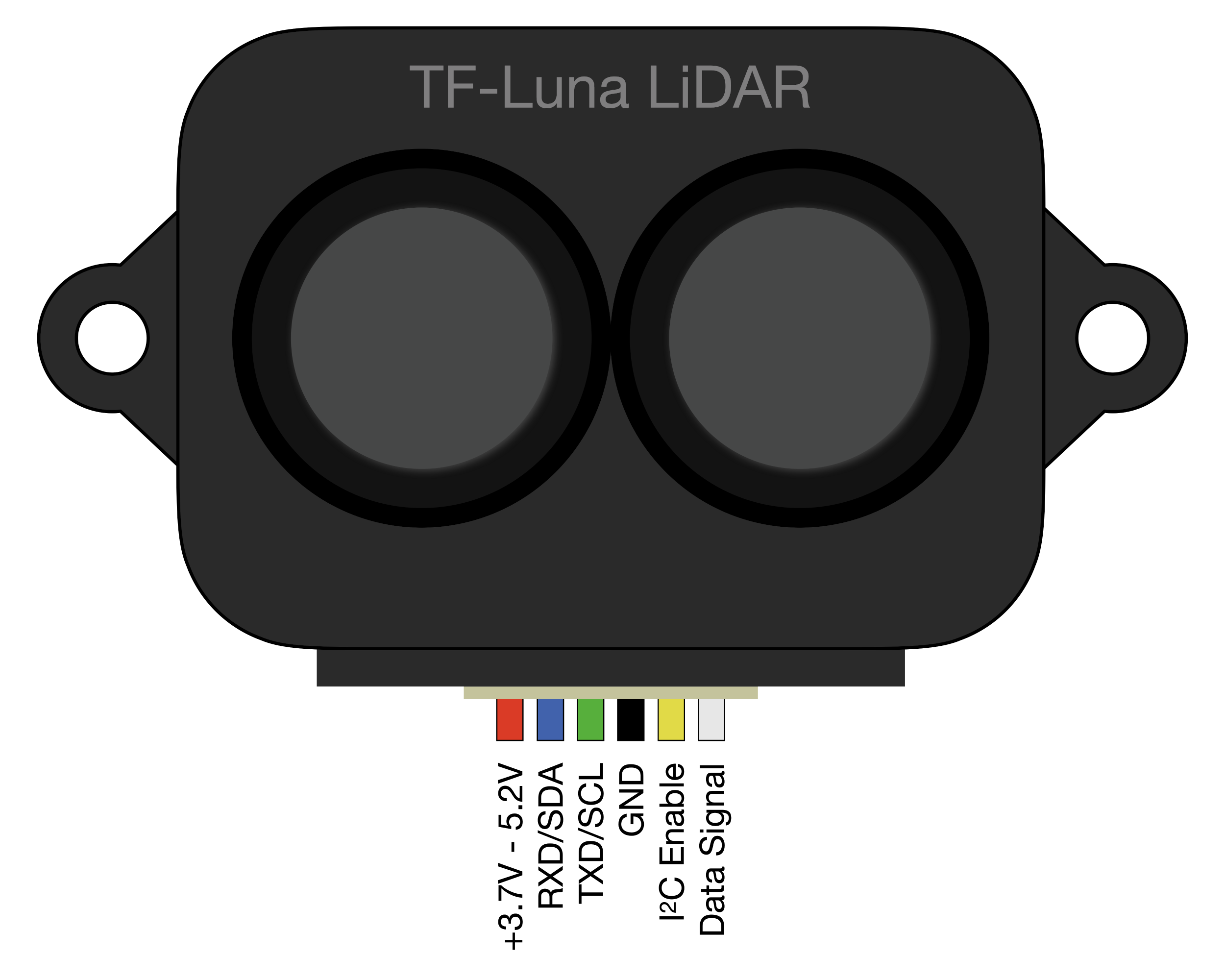
 Design with LiDAR TF Luna in Cirkit Designer
Introduction
The LiDAR TF Luna, manufactured by Sensor (Part ID: UNO), is a high-precision LiDAR sensor designed for mapping and navigation. It features advanced scanning capabilities and real-time data processing, making it ideal for applications such as autonomous vehicles, robotics, drones, and smart devices. Its compact size, low power consumption, and reliable performance make it a popular choice for developers and engineers working on distance measurement and object detection projects.
Explore Projects Built with LiDAR TF Luna
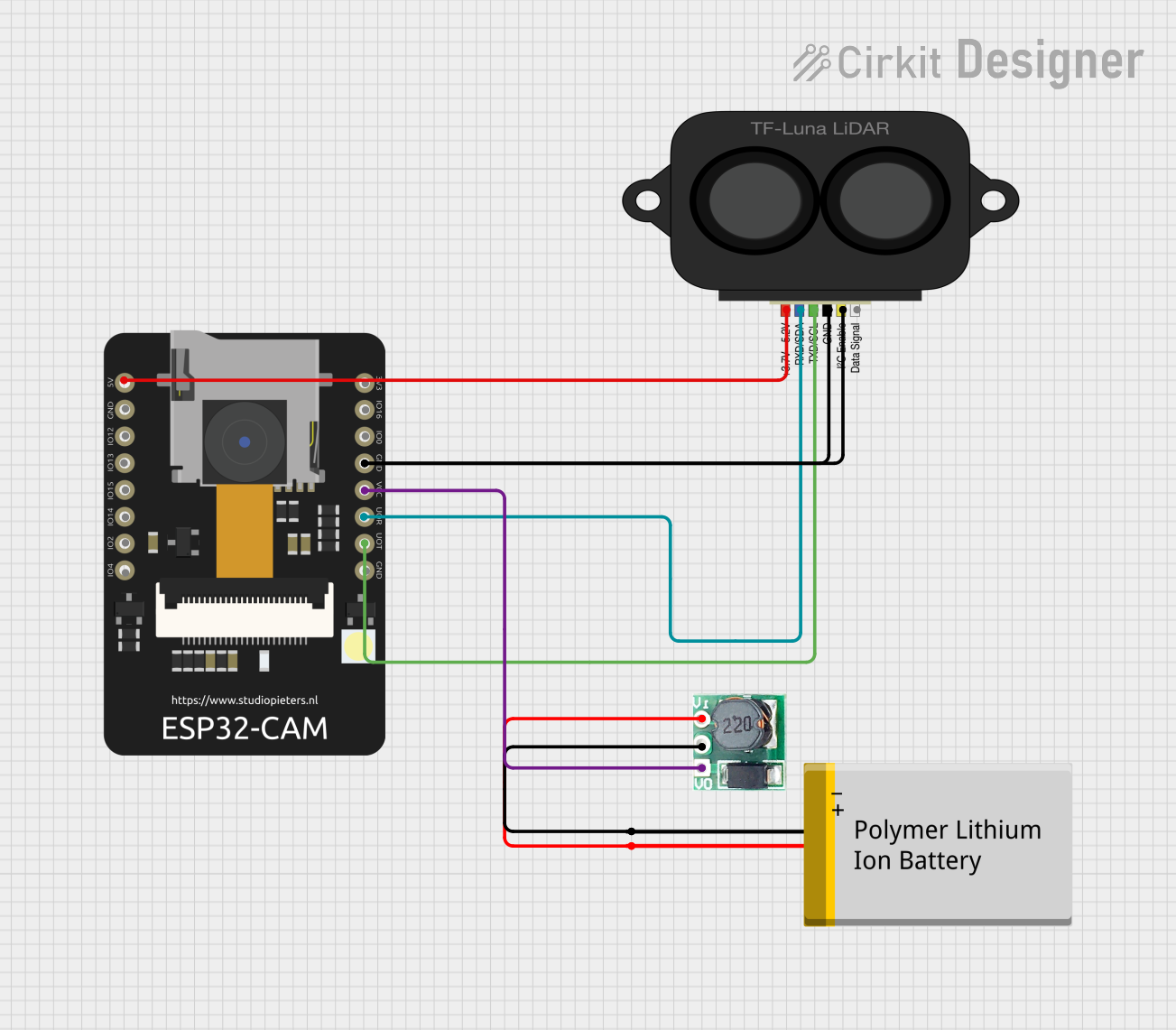 Open Project in Cirkit Designer
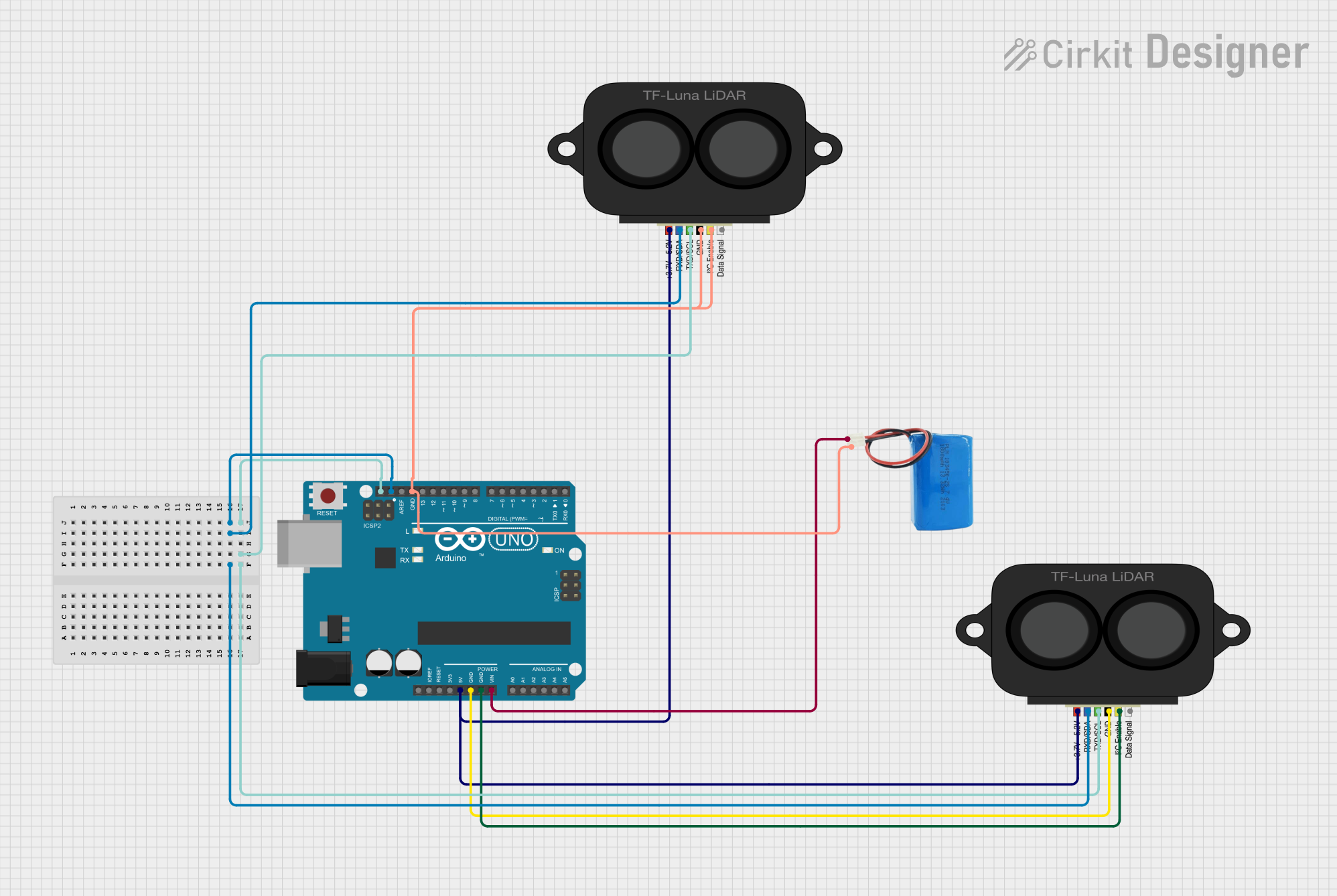 Open Project in Cirkit Designer
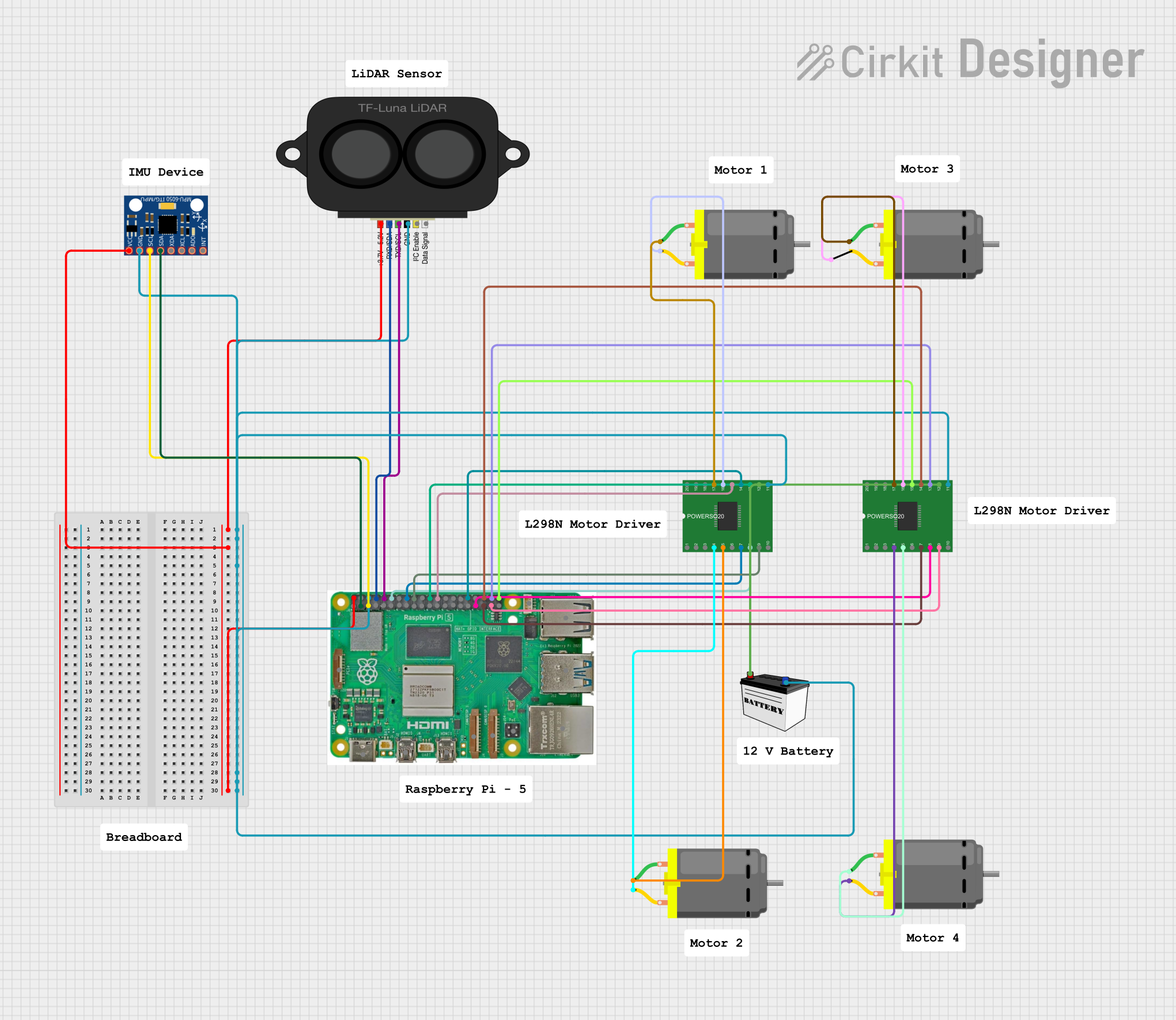 Open Project in Cirkit Designer
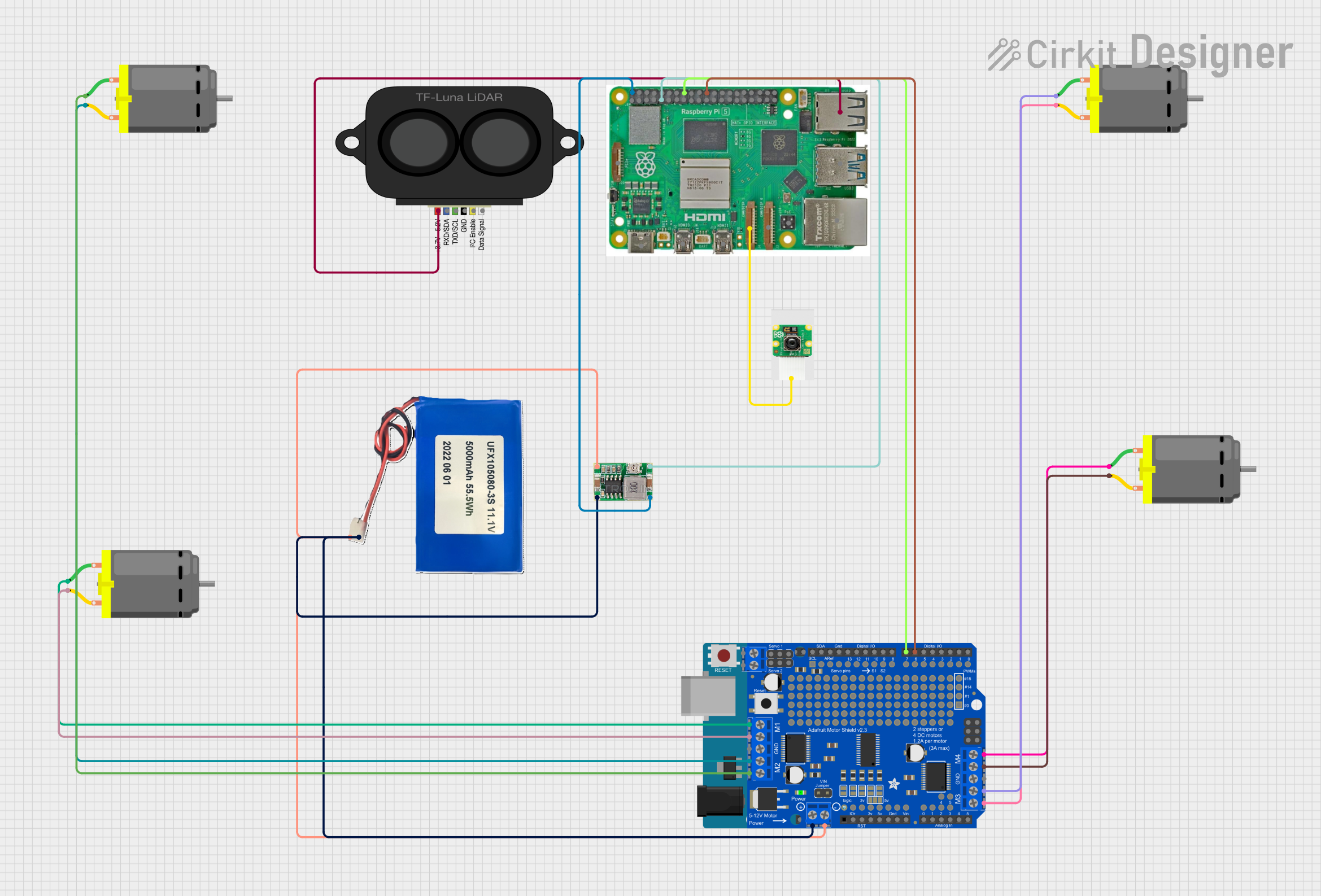 Open Project in Cirkit Designer
Explore Projects Built with LiDAR TF Luna
Open Project in Cirkit DesignerOpen Project in Cirkit DesignerOpen Project in Cirkit DesignerOpen Project in Cirkit DesignerCommon Applications
- Autonomous vehicles for obstacle detection and navigation
- Robotics for mapping and environment sensing
- Drones for altitude measurement and collision avoidance
- Smart devices for proximity sensing and automation
- Industrial automation for object detection and positioning
Technical Specifications
The TF Luna is a versatile and efficient LiDAR sensor with the following key specifications:
| Parameter | Value |
|---|---|
| Measurement Range | 0.2 m to 8 m (indoor), 0.2 m to 6 m (outdoor) |
| Accuracy | ±6 cm (0.2 m to 3 m), ±2% (>3 m) |
| Measurement Frequency | 1 Hz to 250 Hz |
| Operating Voltage | 5 V DC |
| Power Consumption | ≤0.35 W |
| Communication Interface | UART (3.3 V TTL) |
| Operating Temperature | -10°C to 60°C |
| Dimensions | 35 mm × 21.2 mm × 12 mm |
| Weight | 5 g |
Pin Configuration
The TF Luna has a 4-pin interface for power and communication. The pin configuration is as follows:
| Pin | Name | Description |
|---|---|---|
| 1 | VCC | Power supply input (5 V DC) |
| 2 | GND | Ground |
| 3 | RX | UART Receive (3.3 V TTL) |
| 4 | TX | UART Transmit (3.3 V TTL) |
Usage Instructions
Connecting the TF Luna to an Arduino UNO
To use the TF Luna with an Arduino UNO, follow these steps:
- Connect the VCC pin of the TF Luna to the 5V pin on the Arduino.
- Connect the GND pin of the TF Luna to the GND pin on the Arduino.
- Connect the TX pin of the TF Luna to the RX pin (pin 0) on the Arduino.
- Connect the RX pin of the TF Luna to the TX pin (pin 1) on the Arduino.
Sample Arduino Code
Below is a sample Arduino sketch to read distance data from the TF Luna using UART communication:
// Include necessary libraries
#include <SoftwareSerial.h>

// Define the RX and TX pins for SoftwareSerial
SoftwareSerial tfLunaSerial(10, 11); // RX = pin 10, TX = pin 11

void setup() {
  Serial.begin(9600); // Initialize Serial Monitor at 9600 baud
  tfLunaSerial.begin(115200); // Initialize TF Luna at 115200 baud

  Serial.println("TF Luna LiDAR Sensor Initialized");
}

void loop() {
  if (tfLunaSerial.available()) {
    // Read data from the TF Luna
    int distance = tfLunaSerial.read(); // Read distance data (in cm)

    // Print the distance to the Serial Monitor
    Serial.print("Distance: ");
    Serial.print(distance);
    Serial.println(" cm");
  }

  delay(100); // Add a small delay for stability
}
Important Considerations
- Ensure the TF Luna is powered with a stable 5V DC supply.
- Use a level shifter if connecting the TF Luna to a 5V logic microcontroller, as its UART operates at 3.3V TTL.
- Avoid exposing the sensor to direct sunlight or reflective surfaces, as this may affect accuracy.
- For outdoor use, note that the maximum range is reduced to 6 meters.
Troubleshooting and FAQs
Common Issues and Solutions
No data received from the sensor:
- Verify the wiring connections, especially the RX and TX pins.
- Ensure the baud rate in the code matches the sensor's default baud rate (115200).
Inaccurate distance readings:
- Check for obstructions or reflective surfaces in the sensor's field of view.
- Ensure the sensor is mounted securely to avoid vibrations.
Sensor not powering on:
- Confirm the VCC and GND connections are correct.
- Ensure the power supply provides a stable 5V DC output.
FAQs
Q: Can the TF Luna measure distances beyond 8 meters?
A: No, the maximum range is 8 meters indoors and 6 meters outdoors. For longer ranges, consider other LiDAR models.
Q: Can I use the TF Luna with a Raspberry Pi?
A: Yes, the TF Luna can be connected to a Raspberry Pi via its UART interface. Ensure proper voltage level shifting if needed.
Q: How do I change the measurement frequency?
A: The measurement frequency can be adjusted via UART commands. Refer to the manufacturer's communication protocol documentation for details.
Q: Is the TF Luna waterproof?
A: No, the TF Luna is not waterproof. Use it in dry environments or enclose it in a protective housing for outdoor applications.