
How to Use motor controller: Examples, Pinouts, and Specs
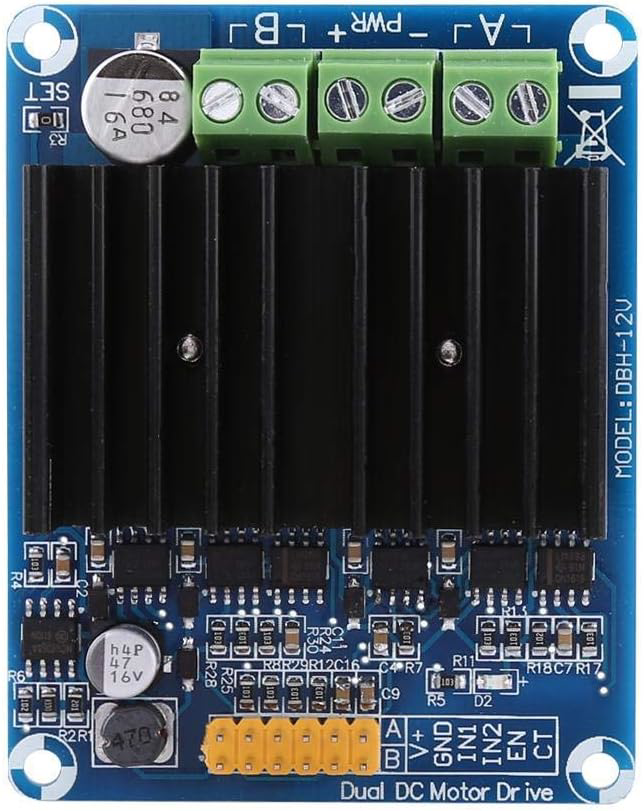
 Design with motor controller in Cirkit Designer
Introduction
A motor controller is an electronic device that manages the operation of an electric motor by controlling its speed, direction, and torque. It acts as an interface between the motor and the control system, enabling precise and efficient motor operation. Motor controllers are widely used in applications such as robotics, industrial automation, electric vehicles, and home appliances.
Common applications and use cases:
- Robotics: Controlling the movement of robotic arms, wheels, or actuators.
- Electric Vehicles: Managing the speed and torque of electric motors in cars, scooters, and bikes.
- Industrial Automation: Driving conveyor belts, pumps, and other machinery.
- Home Appliances: Operating fans, washing machines, and other motorized devices.
Explore Projects Built with motor controller
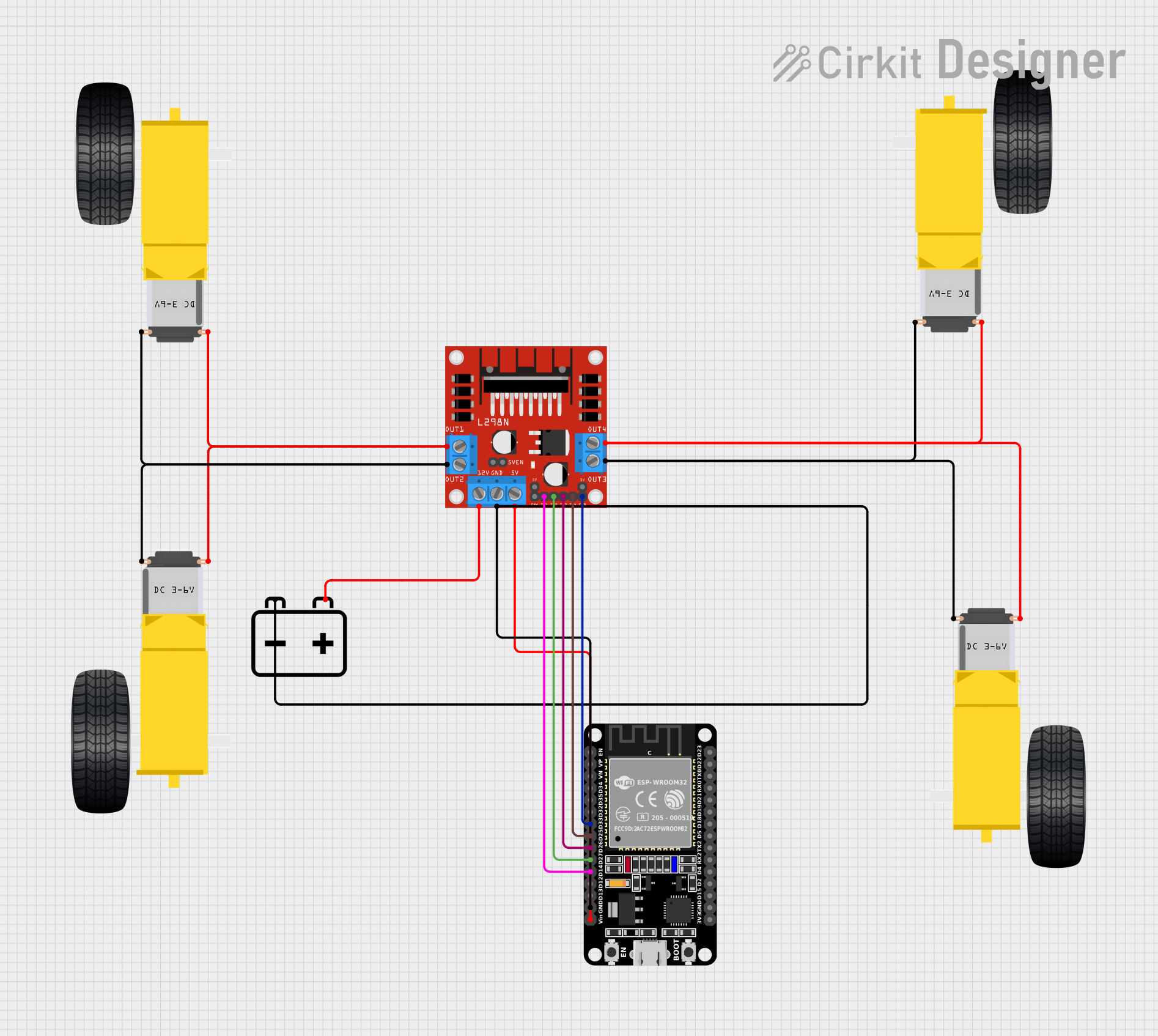 Open Project in Cirkit Designer
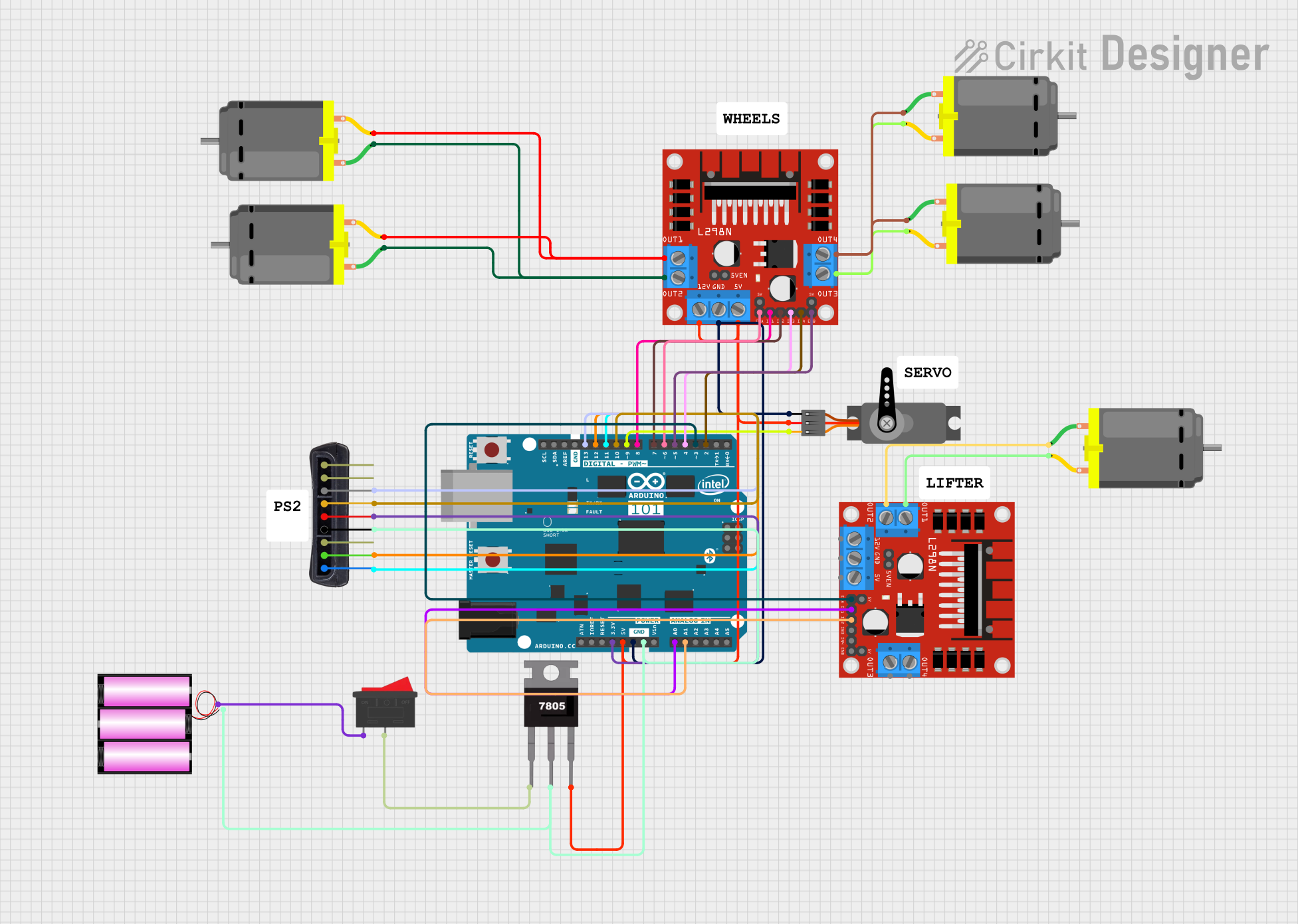 Open Project in Cirkit Designer
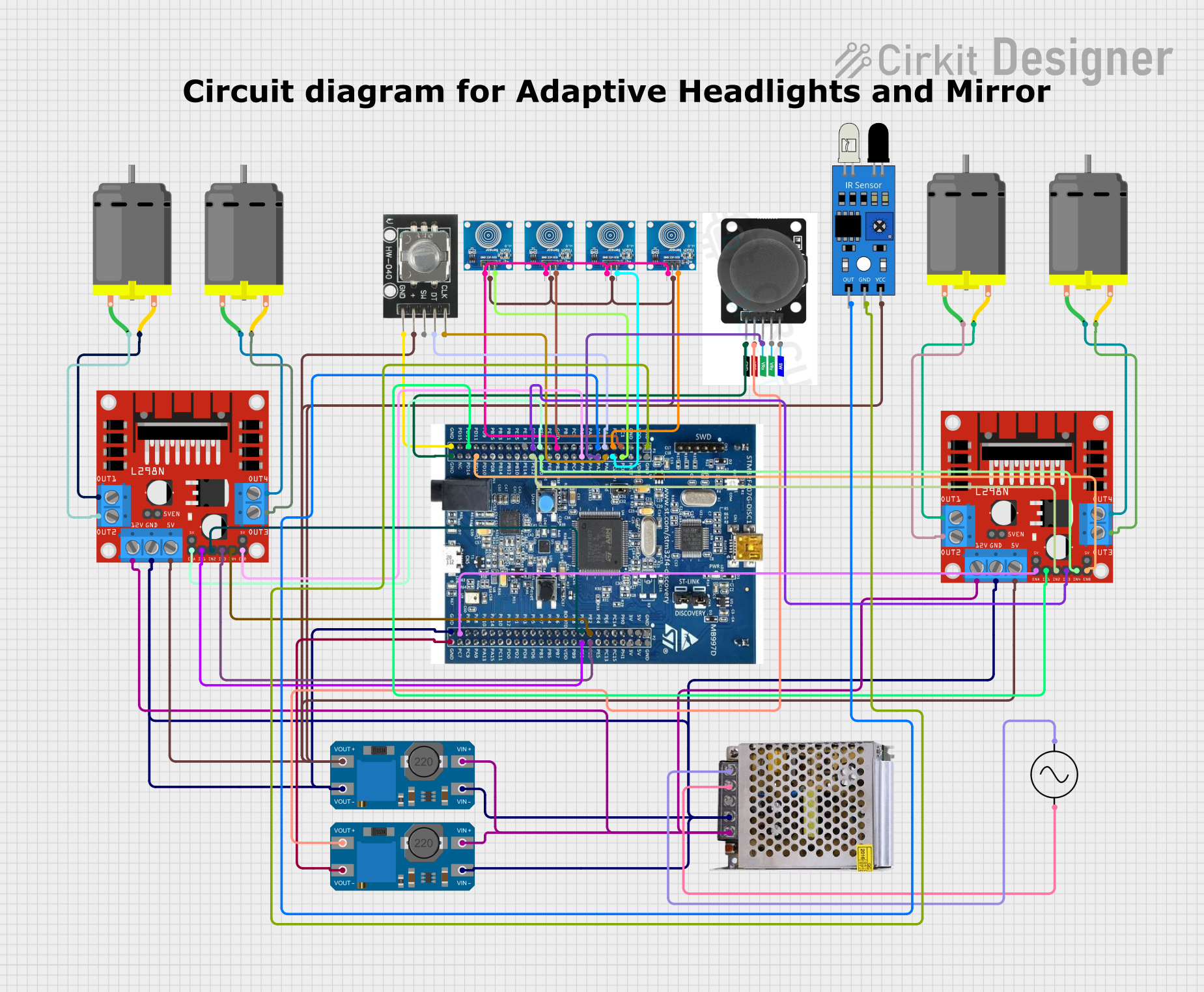 Open Project in Cirkit Designer
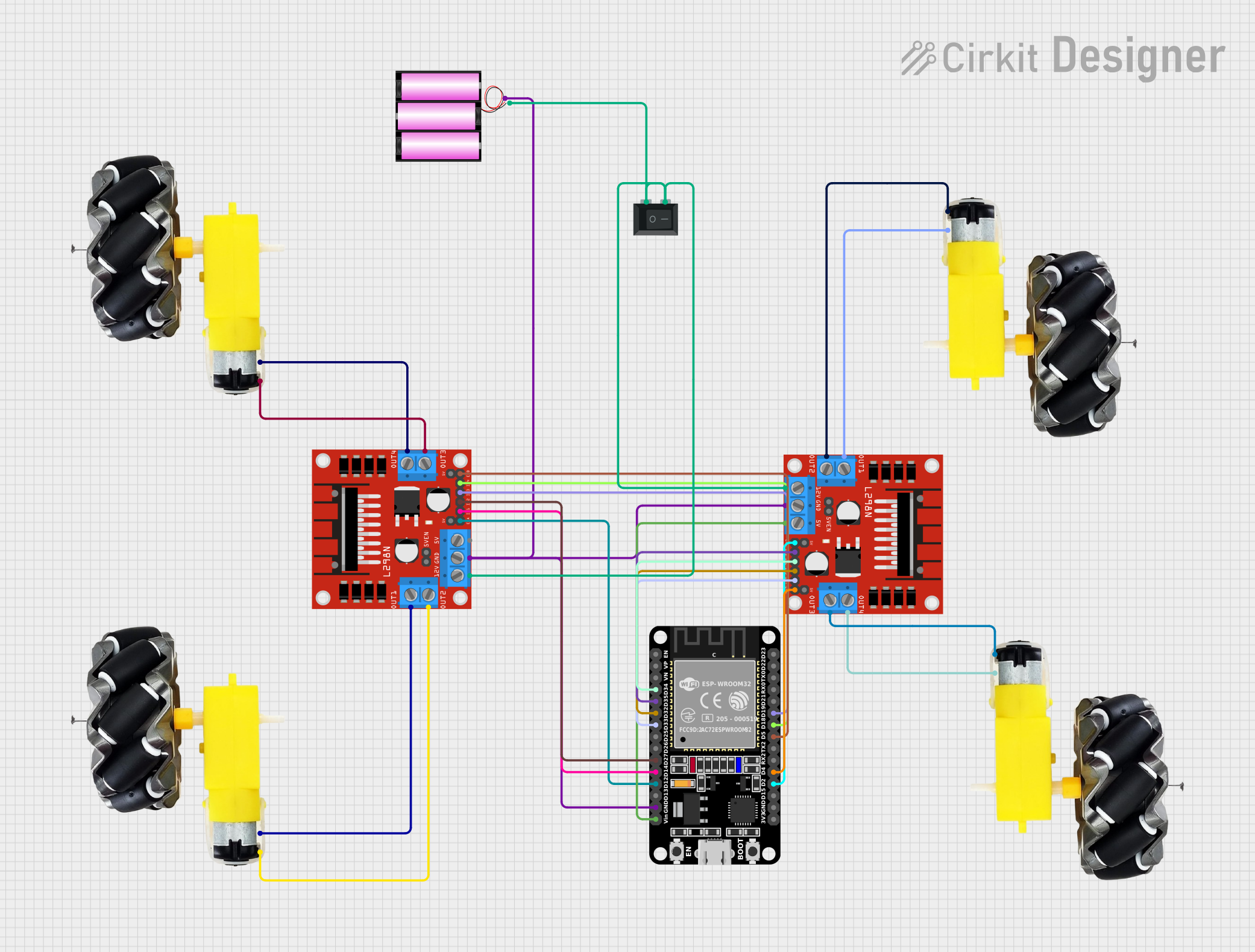 Open Project in Cirkit Designer
Explore Projects Built with motor controller
Open Project in Cirkit DesignerOpen Project in Cirkit DesignerOpen Project in Cirkit DesignerOpen Project in Cirkit DesignerTechnical Specifications
Below are the general technical specifications for a typical motor controller. Note that specific models may vary, so always refer to the datasheet of your motor controller for exact details.
Key Technical Details
- Input Voltage Range: 6V to 36V (varies by model)
- Output Current: Up to 30A (continuous), depending on the controller
- Control Interface: PWM (Pulse Width Modulation), UART, or I2C
- Motor Types Supported: DC motors, stepper motors, or brushless DC (BLDC) motors
- Protection Features: Overcurrent, overvoltage, thermal shutdown, and reverse polarity protection
Pin Configuration and Descriptions
The pin configuration for a typical dual-channel motor controller is shown below:
| Pin Name | Description |
|---|---|
| VCC | Power supply input for the motor controller (e.g., 6V to 36V). |
| GND | Ground connection. |
| IN1 | Control input for Motor 1 (e.g., PWM signal for speed control). |
| IN2 | Control input for Motor 1 (e.g., direction control). |
| IN3 | Control input for Motor 2 (e.g., PWM signal for speed control). |
| IN4 | Control input for Motor 2 (e.g., direction control). |
| OUT1 | Output terminal for Motor 1 (connect to one terminal of the motor). |
| OUT2 | Output terminal for Motor 1 (connect to the other terminal of the motor). |
| OUT3 | Output terminal for Motor 2 (connect to one terminal of the motor). |
| OUT4 | Output terminal for Motor 2 (connect to the other terminal of the motor). |
| ENA | Enable pin for Motor 1 (can be connected to a PWM signal for speed control). |
| ENB | Enable pin for Motor 2 (can be connected to a PWM signal for speed control). |
Usage Instructions
How to Use the Motor Controller in a Circuit
- Power Supply: Connect the VCC pin to a suitable power source (e.g., 12V battery) and the GND pin to the ground of the circuit.
- Motor Connections: Connect the motor terminals to the appropriate output pins (e.g., OUT1 and OUT2 for Motor 1).
- Control Signals: Use a microcontroller (e.g., Arduino UNO) to send control signals to the input pins (IN1, IN2, etc.) for speed and direction control.
- Enable Pins: Ensure the ENA and ENB pins are connected to a high signal (or a PWM signal) to enable motor operation.
Important Considerations and Best Practices
- Voltage Matching: Ensure the motor controller's input voltage matches the motor's operating voltage.
- Current Rating: Verify that the motor controller can handle the motor's current requirements.
- Heat Dissipation: Use a heatsink or cooling fan if the motor controller operates at high currents for extended periods.
- Wiring: Use appropriate wire gauges to handle the current without overheating.
- Protection: Ensure the motor controller has built-in protection features or add external components (e.g., fuses) for safety.
Example: Using a Motor Controller with Arduino UNO
Below is an example of controlling a DC motor using an Arduino UNO and a motor controller.
Circuit Connections
- Connect the motor controller's VCC and GND to a 12V power supply.
- Connect the motor terminals to OUT1 and OUT2.
- Connect IN1 and IN2 to Arduino digital pins 9 and 8, respectively.
- Connect ENA to Arduino digital pin 10 (for PWM speed control).
Arduino Code
// Define motor control pins
const int IN1 = 9;  // Motor direction control pin 1
const int IN2 = 8;  // Motor direction control pin 2
const int ENA = 10; // Motor speed control (PWM) pin

void setup() {
  // Set motor control pins as outputs
  pinMode(IN1, OUTPUT);
  pinMode(IN2, OUTPUT);
  pinMode(ENA, OUTPUT);
}

void loop() {
  // Rotate motor forward at 50% speed
  digitalWrite(IN1, HIGH);  // Set IN1 high
  digitalWrite(IN2, LOW);   // Set IN2 low
  analogWrite(ENA, 128);    // Set ENA to 50% duty cycle (128/255)

  delay(2000); // Run motor for 2 seconds

  // Rotate motor backward at 75% speed
  digitalWrite(IN1, LOW);   // Set IN1 low
  digitalWrite(IN2, HIGH);  // Set IN2 high
  analogWrite(ENA, 192);    // Set ENA to 75% duty cycle (192/255)

  delay(2000); // Run motor for 2 seconds

  // Stop the motor
  digitalWrite(IN1, LOW);   // Set IN1 low
  digitalWrite(IN2, LOW);   // Set IN2 low
  analogWrite(ENA, 0);      // Set ENA to 0% duty cycle (stop motor)

  delay(2000); // Wait for 2 seconds before repeating
}
Troubleshooting and FAQs
Common Issues and Solutions
Motor Not Running:
- Check the power supply voltage and ensure it matches the motor controller's requirements.
- Verify that the enable pins (ENA/ENB) are set high or connected to a PWM signal.
- Ensure the motor connections (OUT1, OUT2, etc.) are secure.
Motor Running in the Wrong Direction:
- Swap the IN1 and IN2 signals (or IN3 and IN4 for Motor 2) to reverse the motor's direction.
- Check the Arduino code to ensure the correct logic is implemented.
Overheating:
- Ensure the motor controller is not exceeding its current rating.
- Add a heatsink or cooling fan to dissipate heat.
PWM Signal Not Working:
- Verify that the PWM pin is correctly configured in the Arduino code.
- Check the duty cycle value (0-255) to ensure it is within the valid range.
FAQs
Can I use this motor controller with a stepper motor?
- Only if the motor controller supports stepper motors. Check the datasheet for compatibility.
What happens if I exceed the current rating?
- The motor controller may overheat or trigger overcurrent protection. Prolonged overcurrent can damage the controller.
Can I control multiple motors with one controller?
- Yes, if the motor controller has multiple channels (e.g., dual-channel controllers can control two motors).
Do I need external diodes for protection?
- Most motor controllers have built-in flyback diodes for protection, but check the datasheet to confirm.