
How to Use TB6612FNG: Examples, Pinouts, and Specs
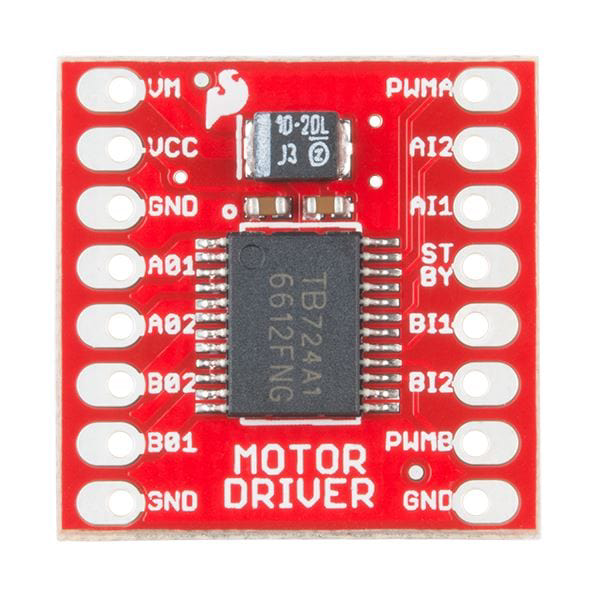
 Design with TB6612FNG in Cirkit Designer
Introduction
The TB6612FNG, manufactured by Modulo (Part ID: DIP-16), is a dual H-bridge motor driver IC designed for efficient control of two DC motors or one stepper motor. It supports PWM (Pulse Width Modulation) for precise speed regulation and direction control. The IC is equipped with built-in safety features, including overcurrent protection and thermal shutdown, making it a reliable choice for motor control applications.
Explore Projects Built with TB6612FNG
 Open Project in Cirkit Designer
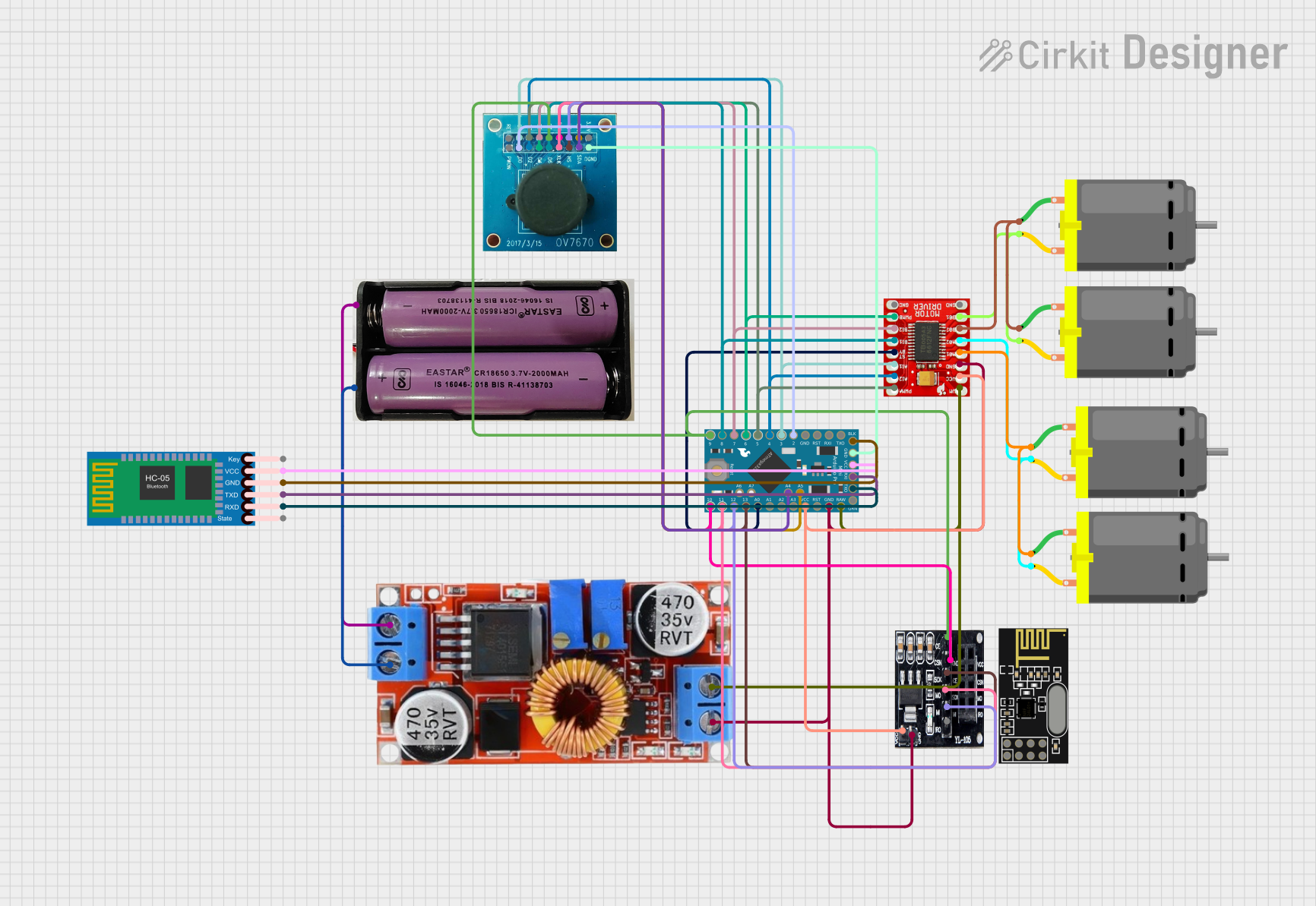 Open Project in Cirkit Designer
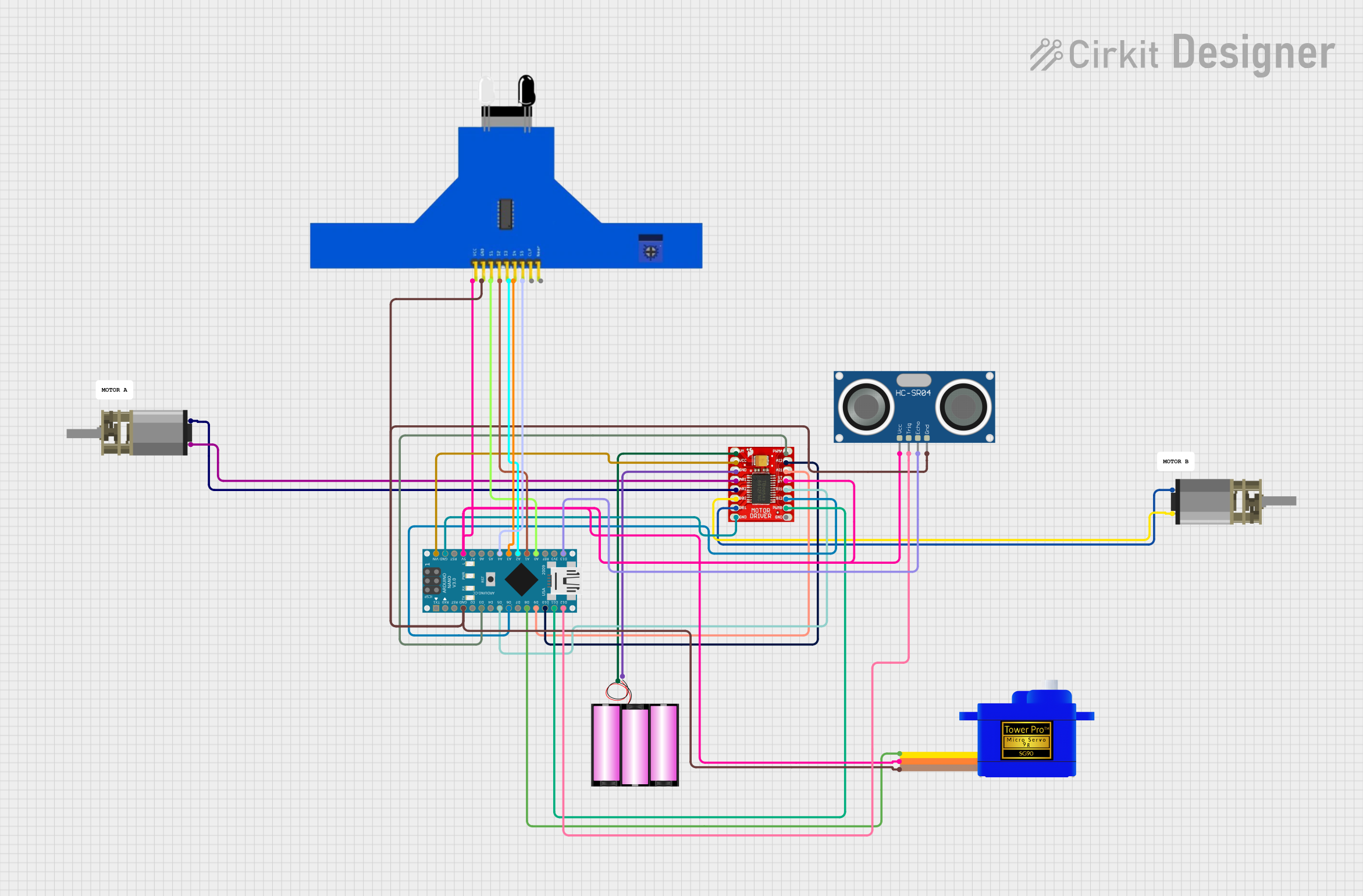 Open Project in Cirkit Designer
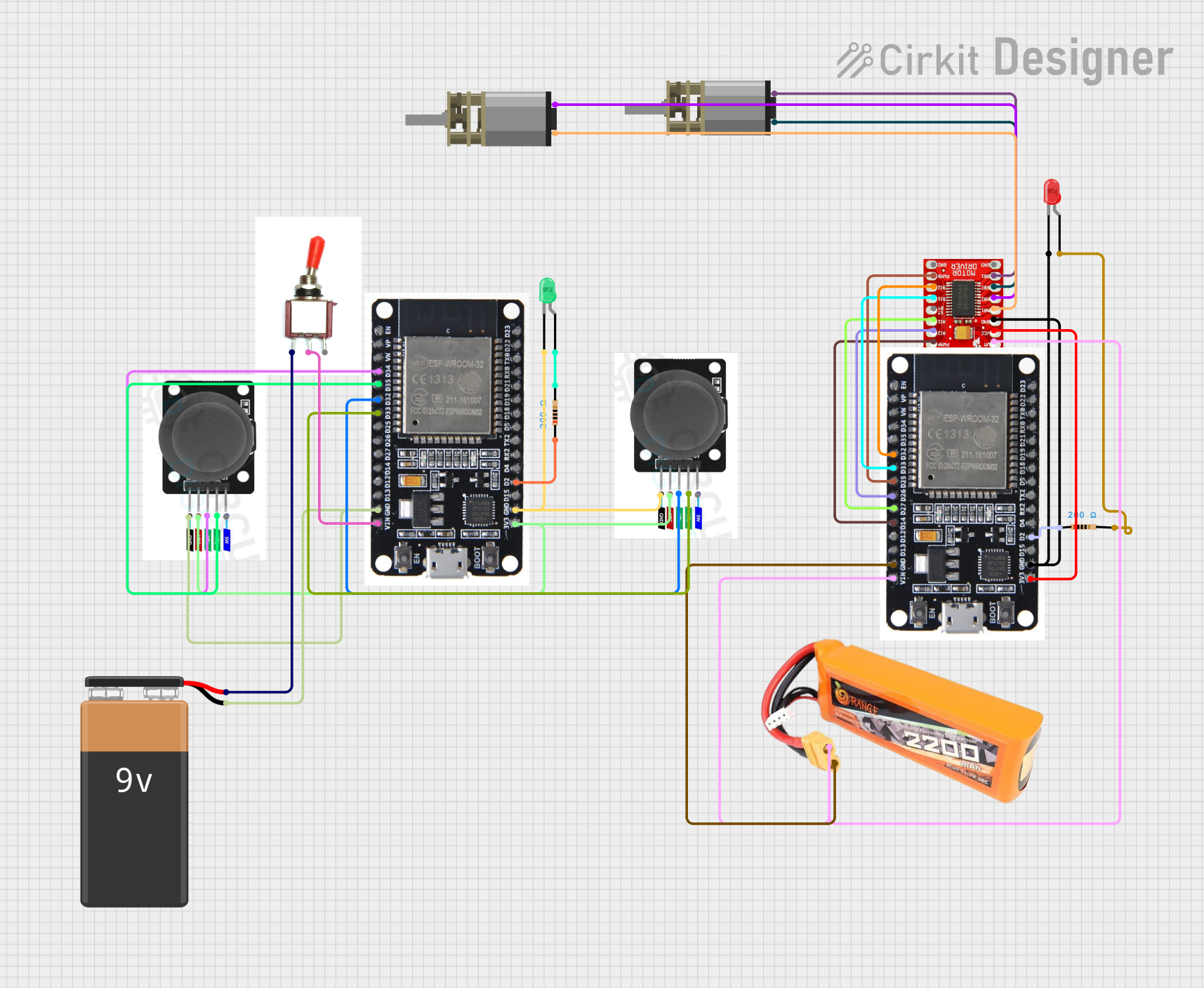 Open Project in Cirkit Designer
Explore Projects Built with TB6612FNG
Open Project in Cirkit DesignerOpen Project in Cirkit DesignerOpen Project in Cirkit DesignerOpen Project in Cirkit DesignerCommon Applications
- Robotics: Driving wheels or actuators in robotic systems
- RC Vehicles: Controlling motors in remote-controlled cars, boats, or drones
- Industrial Automation: Operating conveyor belts or small machinery
- DIY Projects: Motorized systems like automated blinds or camera sliders
Technical Specifications
Key Technical Details
| Parameter | Value |
|---|---|
| Operating Voltage (Vcc) | 2.7V to 5.5V |
| Motor Voltage (VM) | 4.5V to 13.5V |
| Output Current (per channel) | 1.2A (continuous), 3.2A (peak) |
| Control Interface | PWM, Direction Control |
| Standby Current | 1 µA (typical) |
| Built-in Protections | Overcurrent, Thermal Shutdown |
| Package Type | DIP-16 |
Pin Configuration and Descriptions
The TB6612FNG comes in a 16-pin DIP package. Below is the pinout and description:
| Pin Number | Pin Name | Description |
|---|---|---|
| 1 | AIN1 | Input signal for Motor A (Direction control) |
| 2 | AIN2 | Input signal for Motor A (Direction control) |
| 3 | PWMA | PWM input for Motor A (Speed control) |
| 4 | A01 | Output 1 for Motor A |
| 5 | A02 | Output 2 for Motor A |
| 6 | VM | Motor power supply (4.5V to 13.5V) |
| 7 | GND | Ground |
| 8 | Vcc | Logic power supply (2.7V to 5.5V) |
| 9 | STBY | Standby control (High: Active, Low: Standby mode) |
| 10 | BIN1 | Input signal for Motor B (Direction control) |
| 11 | BIN2 | Input signal for Motor B (Direction control) |
| 12 | PWMB | PWM input for Motor B (Speed control) |
| 13 | B01 | Output 1 for Motor B |
| 14 | B02 | Output 2 for Motor B |
| 15 | NC | No connection |
| 16 | NC | No connection |
Usage Instructions
Using the TB6612FNG in a Circuit
- Power Supply: Connect the motor power supply (VM) to a voltage source between 4.5V and 13.5V. Connect the logic power supply (Vcc) to a voltage source between 2.7V and 5.5V.
- Motor Connections: Attach the motor terminals to the A01/A02 pins for Motor A and B01/B02 pins for Motor B.
- Control Signals: Use the AIN1/AIN2 and BIN1/BIN2 pins to control the direction of the motors. Apply PWM signals to PWMA and PWMB for speed control.
- Standby Mode: Set the STBY pin high to enable the IC. Pull it low to enter standby mode and reduce power consumption.
Important Considerations
- Heat Dissipation: Ensure proper heat dissipation, especially when operating near the maximum current limits.
- Decoupling Capacitors: Place decoupling capacitors (e.g., 0.1 µF and 100 µF) near the VM and Vcc pins to stabilize the power supply.
- Logic Level Compatibility: Ensure that the control signals are within the Vcc voltage range.
Example: Controlling a Motor with Arduino UNO
Below is an example of how to control a single DC motor using the TB6612FNG and an Arduino UNO:
// Define TB6612FNG control pins
const int AIN1 = 2;  // Direction control pin 1 for Motor A
const int AIN2 = 3;  // Direction control pin 2 for Motor A
const int PWMA = 5;  // PWM speed control pin for Motor A
const int STBY = 4;  // Standby control pin

void setup() {
  // Set pin modes
  pinMode(AIN1, OUTPUT);
  pinMode(AIN2, OUTPUT);
  pinMode(PWMA, OUTPUT);
  pinMode(STBY, OUTPUT);

  // Enable the motor driver by setting STBY high
  digitalWrite(STBY, HIGH);
}

void loop() {
  // Rotate motor forward
  digitalWrite(AIN1, HIGH);  // Set direction
  digitalWrite(AIN2, LOW);
  analogWrite(PWMA, 128);    // Set speed (0-255)

  delay(2000);               // Run for 2 seconds

  // Rotate motor backward
  digitalWrite(AIN1, LOW);   // Reverse direction
  digitalWrite(AIN2, HIGH);
  analogWrite(PWMA, 128);    // Maintain same speed

  delay(2000);               // Run for 2 seconds

  // Stop the motor
  digitalWrite(AIN1, LOW);
  digitalWrite(AIN2, LOW);
  analogWrite(PWMA, 0);      // Set speed to 0

  delay(2000);               // Wait for 2 seconds
}
Troubleshooting and FAQs
Common Issues and Solutions
Motor Does Not Spin
- Cause: STBY pin is not set high.
- Solution: Ensure the STBY pin is connected to a HIGH signal to enable the IC.
Motor Spins in the Wrong Direction
- Cause: Incorrect AIN1/AIN2 or BIN1/BIN2 configuration.
- Solution: Swap the HIGH/LOW signals on the direction control pins.
Motor Speed is Inconsistent
- Cause: Insufficient power supply or noisy PWM signal.
- Solution: Verify the power supply voltage and ensure proper decoupling capacitors are used.
IC Overheats
- Cause: Exceeding the maximum current rating or poor heat dissipation.
- Solution: Reduce the motor load or add a heatsink to the IC.
FAQs
Q: Can I use the TB6612FNG to control a stepper motor?
A: Yes, the TB6612FNG can control a bipolar stepper motor by driving its two coils using the dual H-bridge configuration.
Q: What happens if the motor draws more than 1.2A continuously?
A: The IC has built-in overcurrent protection and will shut down temporarily to prevent damage. However, prolonged overcurrent conditions should be avoided.
Q: Can I use a 3.3V microcontroller with the TB6612FNG?
A: Yes, as long as the Vcc voltage is within the range of 2.7V to 5.5V, the IC is compatible with 3.3V logic levels.