
How to Use 4.0 TFT LCD 480x320 ST7796S: Examples, Pinouts, and Specs
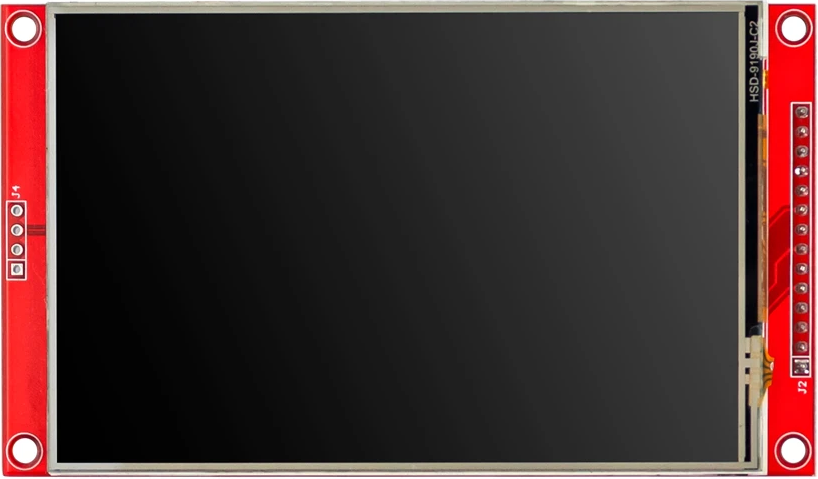
 Design with 4.0 TFT LCD 480x320 ST7796S in Cirkit Designer
Introduction
The 4.0-inch TFT LCD with a resolution of 480x320 pixels is a versatile display module driven by the ST7796S controller. This display is designed for use in embedded systems, offering vibrant colors, high contrast, and a wide viewing angle. Its compact size and high resolution make it ideal for applications such as handheld devices, industrial control panels, IoT interfaces, and DIY electronics projects.
Common applications include:
- Graphical user interfaces (GUIs) for embedded systems
- Portable medical devices
- Smart home control panels
- Educational and hobbyist projects
- Arduino and Raspberry Pi-based projects
Explore Projects Built with 4.0 TFT LCD 480x320 ST7796S
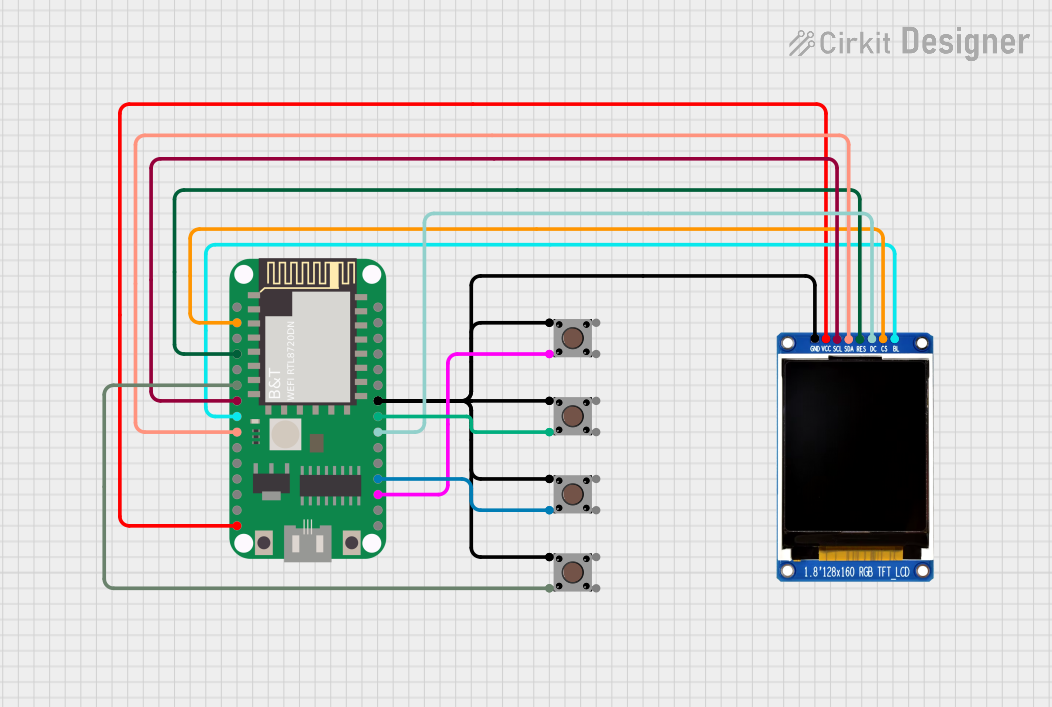 Open Project in Cirkit Designer
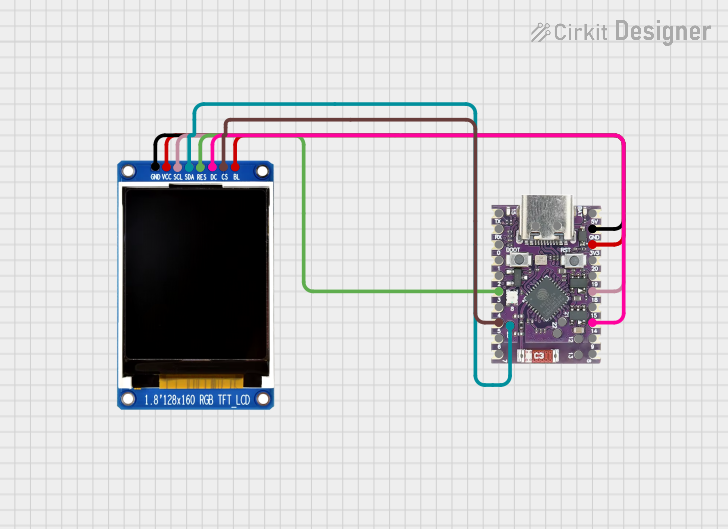 Open Project in Cirkit Designer
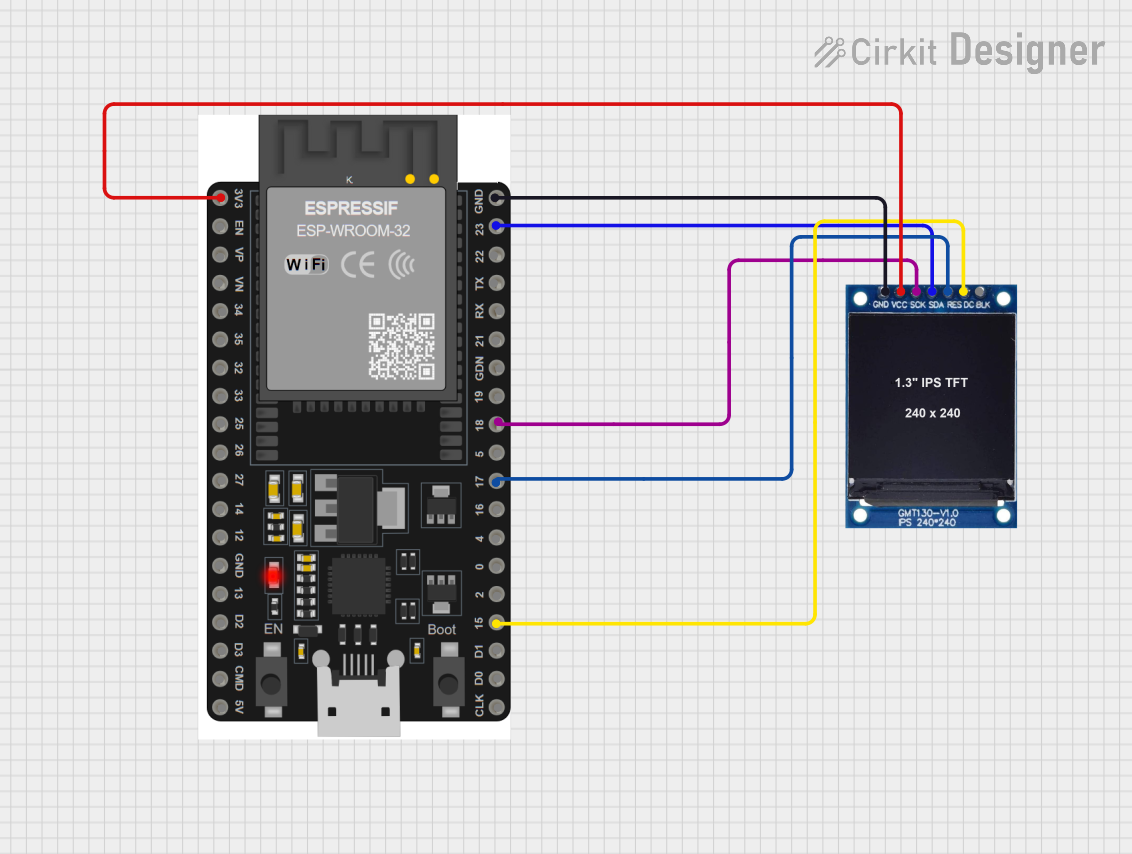 Open Project in Cirkit Designer
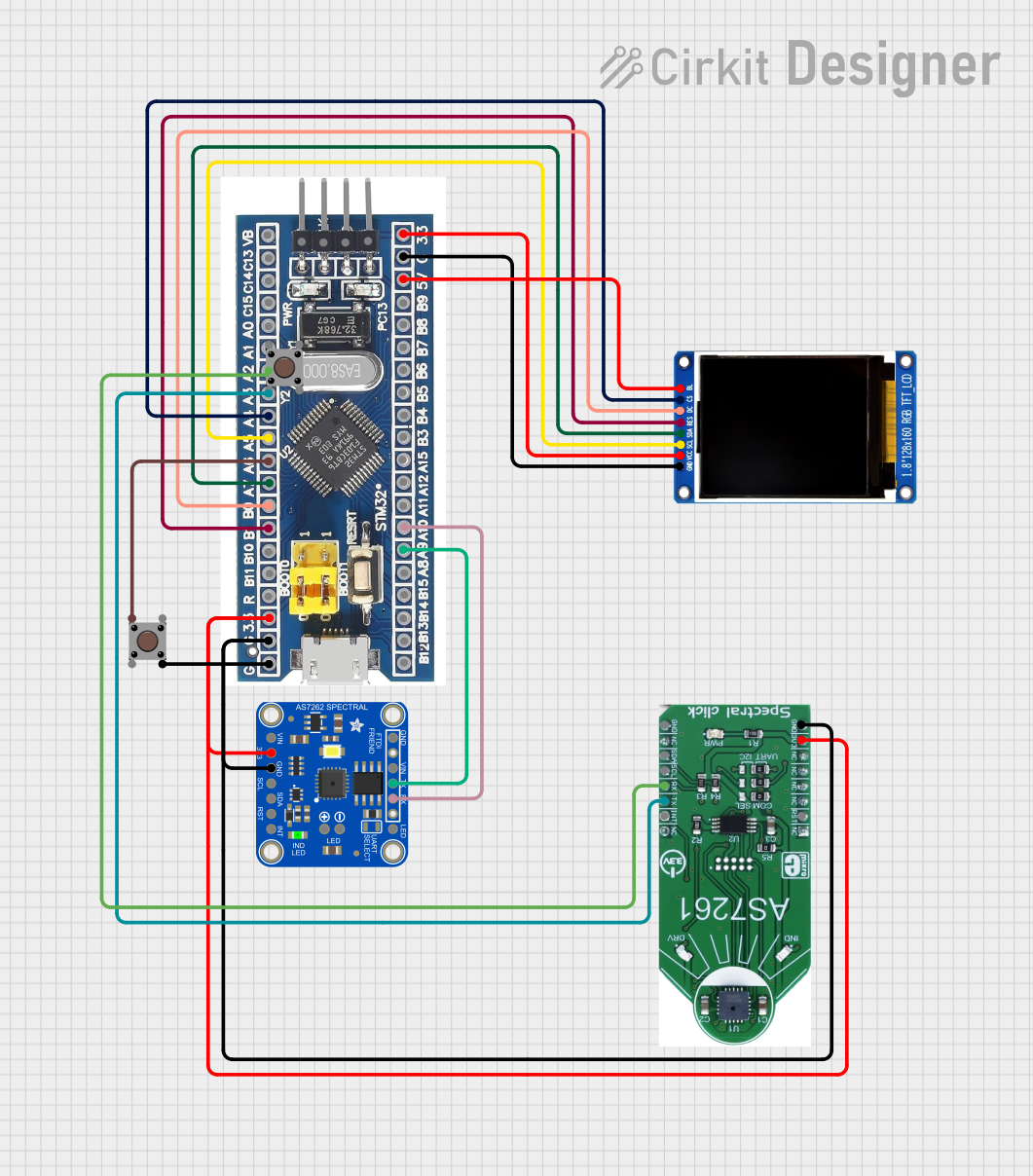 Open Project in Cirkit Designer
Explore Projects Built with 4.0 TFT LCD 480x320 ST7796S
Open Project in Cirkit DesignerOpen Project in Cirkit DesignerOpen Project in Cirkit DesignerOpen Project in Cirkit DesignerTechnical Specifications
Below are the key technical details of the 4.0 TFT LCD 480x320 ST7796S:
| Parameter | Specification |
|---|---|
| Display Type | TFT LCD |
| Screen Size | 4.0 inches |
| Resolution | 480x320 pixels |
| Controller IC | ST7796S |
| Interface | SPI (Serial Peripheral Interface) |
| Operating Voltage | 3.3V |
| Backlight Voltage | 3.0V to 3.6V |
| Backlight Current | 20mA to 40mA |
| Viewing Angle | Wide (typically 160°) |
| Operating Temperature | -20°C to 70°C |
| Storage Temperature | -30°C to 80°C |
Pin Configuration and Descriptions
The module typically has a 14-pin interface. Below is the pinout description:
| Pin | Name | Description |
|---|---|---|
| 1 | GND | Ground connection |
| 2 | VCC | Power supply (3.3V) |
| 3 | CS | Chip Select (active low) |
| 4 | RESET | Reset signal (active low) |
| 5 | DC | Data/Command control pin (High = Data, Low = Command) |
| 6 | SDI/MOSI | Serial Data Input / Master Out Slave In (SPI data input) |
| 7 | SCK | Serial Clock Input (SPI clock) |
| 8 | LED | Backlight control (connect to 3.3V or PWM for brightness control) |
| 9 | SDO/MISO | Serial Data Output / Master In Slave Out (optional, for SPI data output) |
| 10 | T_IRQ | Touch interrupt signal (if touch functionality is available) |
| 11 | T_CS | Touch Chip Select (if touch functionality is available) |
| 12 | T_SCK | Touch Serial Clock (if touch functionality is available) |
| 13 | T_MOSI | Touch Serial Data Input (if touch functionality is available) |
| 14 | T_MISO | Touch Serial Data Output (if touch functionality is available) |
Note: Pins 10-14 are used only if the module includes a touch panel.
Usage Instructions
Connecting the Display to an Arduino UNO
To use the 4.0 TFT LCD with an Arduino UNO, follow these steps:
Wiring: Connect the display module to the Arduino UNO as shown below:
- GND → GND
- VCC → 3.3V
- CS → Pin 10
- RESET → Pin 9
- DC → Pin 8
- SDI/MOSI → Pin 11
- SCK → Pin 13
- LED → 3.3V (or connect to a PWM pin for brightness control)
- SDO/MISO → Not connected (optional)
Install Libraries: Install the
Adafruit_GFXandAdafruit_ST7796Slibraries in the Arduino IDE. These libraries provide functions to control the display.Upload Example Code: Use the following example code to test the display:
#include <Adafruit_GFX.h>       // Core graphics library
#include <Adafruit_ST7796S.h>   // ST7796S driver library
#include <SPI.h>                // SPI communication library

// Define pins for the display
#define TFT_CS   10  // Chip Select pin
#define TFT_RST  9   // Reset pin
#define TFT_DC   8   // Data/Command pin

// Create an instance of the display
Adafruit_ST7796S tft = Adafruit_ST7796S(TFT_CS, TFT_DC, TFT_RST);

void setup() {
  tft.begin();                  // Initialize the display
  tft.setRotation(1);           // Set display orientation (0-3)
  tft.fillScreen(ST7796_BLACK); // Clear the screen with black color

  // Display a message
  tft.setTextColor(ST7796_WHITE);
  tft.setTextSize(2);
  tft.setCursor(10, 10);
  tft.println("Hello, TFT!");
}

void loop() {
  // Add your code here to update the display
}
Important Considerations
- Voltage Levels: Ensure the display operates at 3.3V. If using a 5V microcontroller, use level shifters for the SPI pins.
- Backlight Control: The LED pin can be connected to a PWM pin for adjustable brightness.
- Touch Functionality: If the module includes a touch panel, additional libraries (e.g.,
Adafruit_STMPE610) may be required.
Troubleshooting and FAQs
Common Issues
No Display Output:
- Verify all connections are secure and match the pinout.
- Ensure the power supply is 3.3V and not 5V.
- Check if the
Adafruit_GFXandAdafruit_ST7796Slibraries are installed correctly.
Flickering or Dim Display:
- Ensure the backlight (LED pin) is connected to 3.3V or a PWM pin.
- Check the current rating of the power supply.
Touch Panel Not Working:
- Confirm that the touch-related pins (T_IRQ, T_CS, T_SCK, T_MOSI, T_MISO) are connected properly.
- Install the required touch controller library.
Incorrect Colors or Orientation:
- Use the
setRotation()function to adjust the display orientation. - Verify the initialization code matches the display's specifications.
- Use the
FAQs
Q: Can I use this display with a Raspberry Pi?
A: Yes, the display can be used with a Raspberry Pi. You will need to configure the SPI interface and use appropriate libraries, such as fbtft or Pillow.
Q: Is the display sunlight-readable?
A: No, this display is not designed for direct sunlight readability. It is best suited for indoor or shaded environments.
Q: Can I power the display directly from a 5V source?
A: No, the display operates at 3.3V. Use a voltage regulator or level shifters if your system operates at 5V.
Q: How do I control the brightness?
A: Connect the LED pin to a PWM-capable pin on your microcontroller and use PWM signals to adjust brightness.
By following this documentation, you can successfully integrate and use the 4.0 TFT LCD 480x320 ST7796S in your projects!