
How to Use BMP085 Pressure Sensor: Examples, Pinouts, and Specs
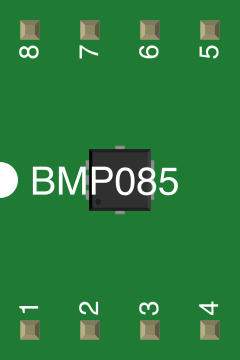
 Design with BMP085 Pressure Sensor in Cirkit Designer
Introduction
The BMP085 is a high-precision digital barometric pressure sensor capable of measuring atmospheric pressure and temperature. It is widely used in applications such as weather stations, altimeters, and mobile devices for altitude estimation. The sensor communicates via the I2C protocol, making it easy to interface with microcontrollers like Arduino. Its compact size and low power consumption make it ideal for portable and embedded systems.
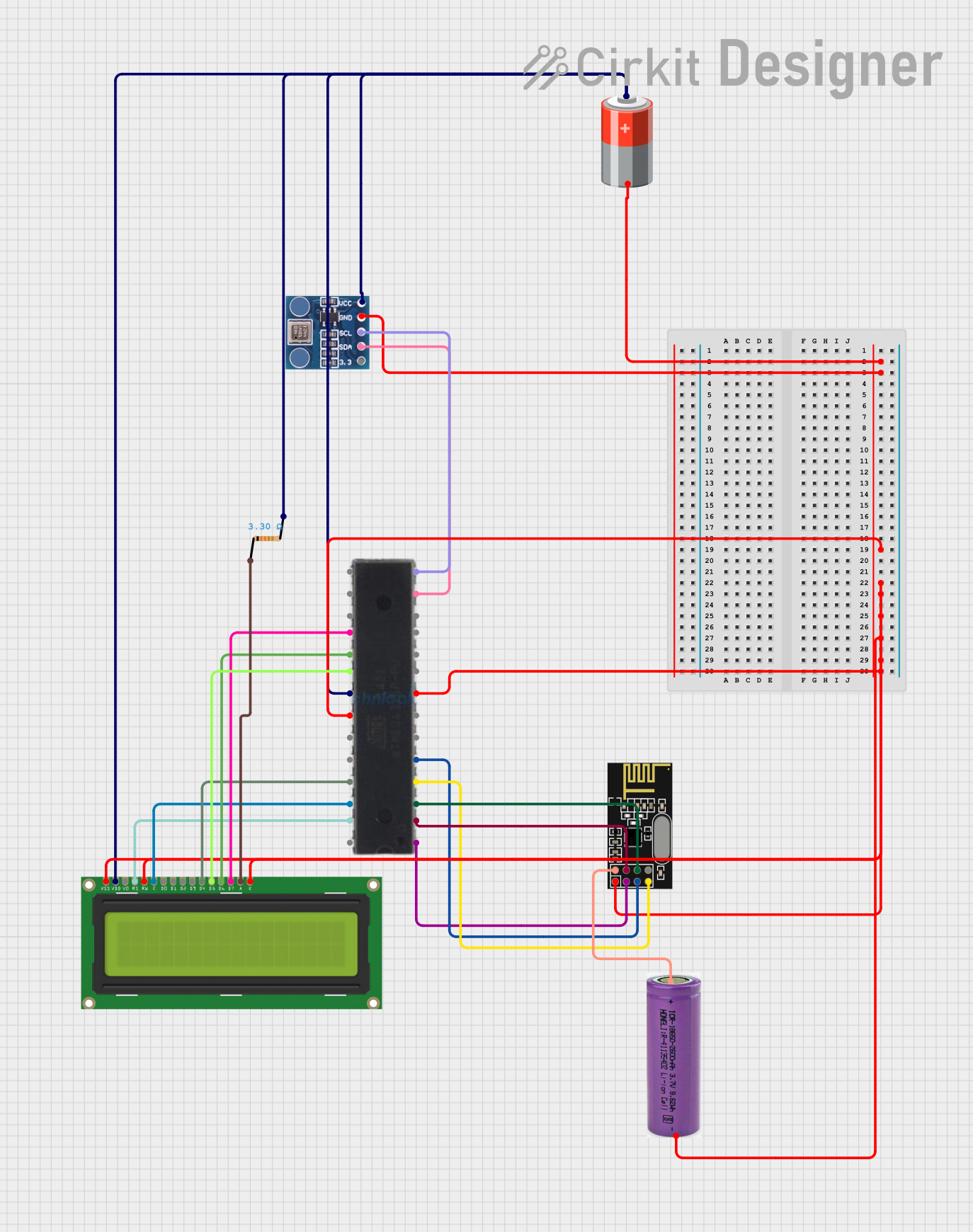
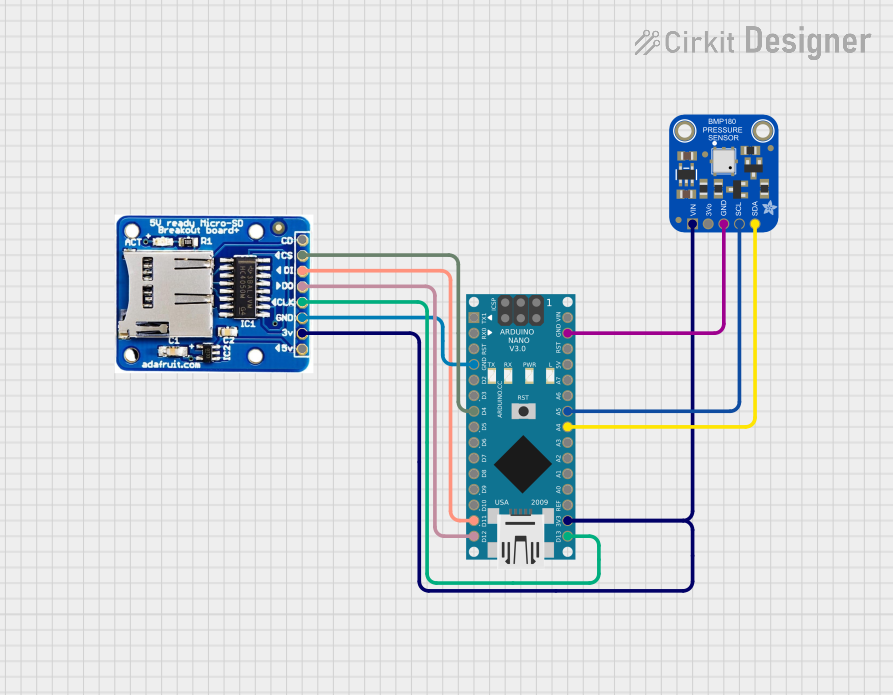
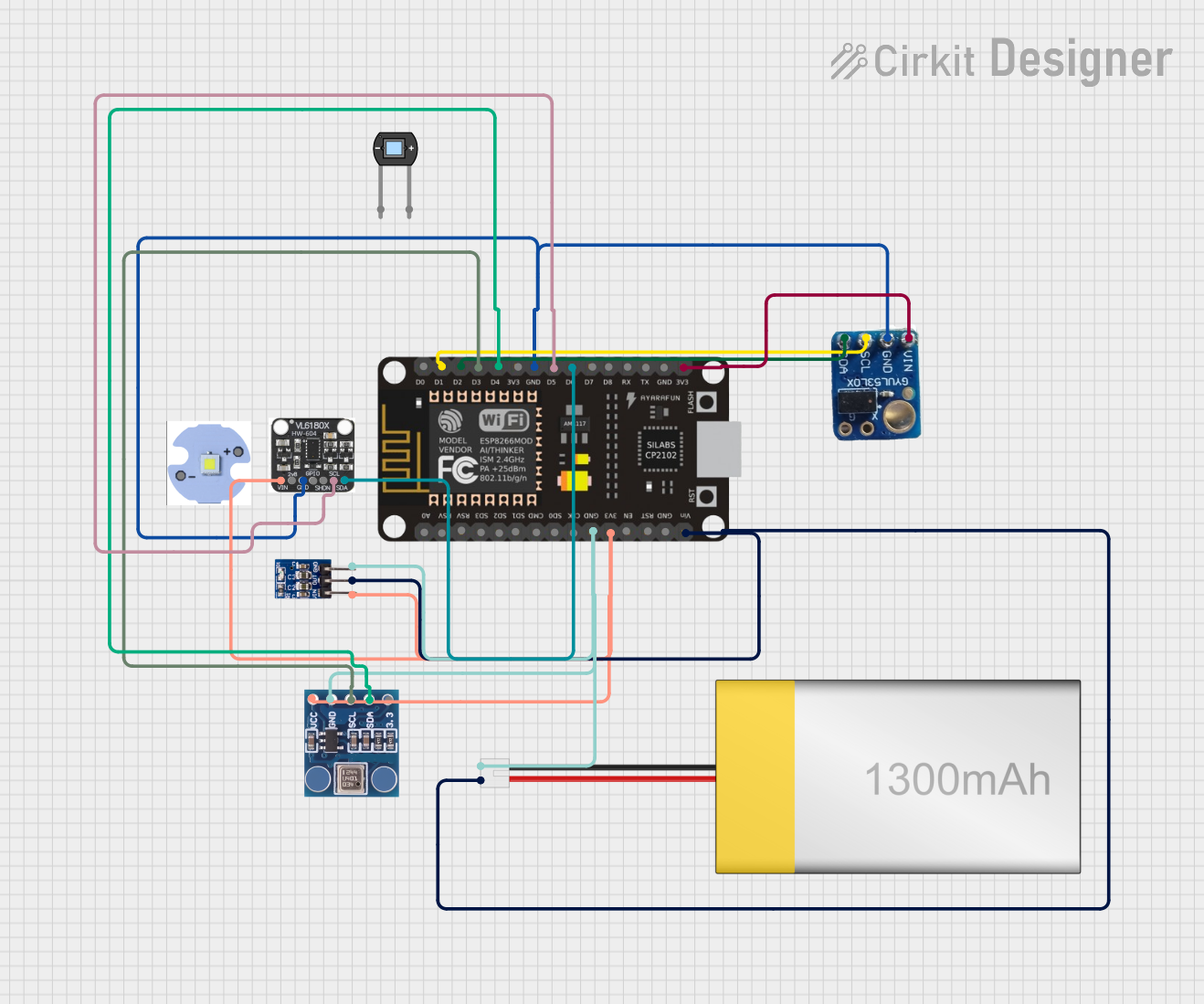
Explore Projects Built with BMP085 Pressure Sensor
 Open Project in Cirkit Designer
 Open Project in Cirkit Designer
 Open Project in Cirkit Designer
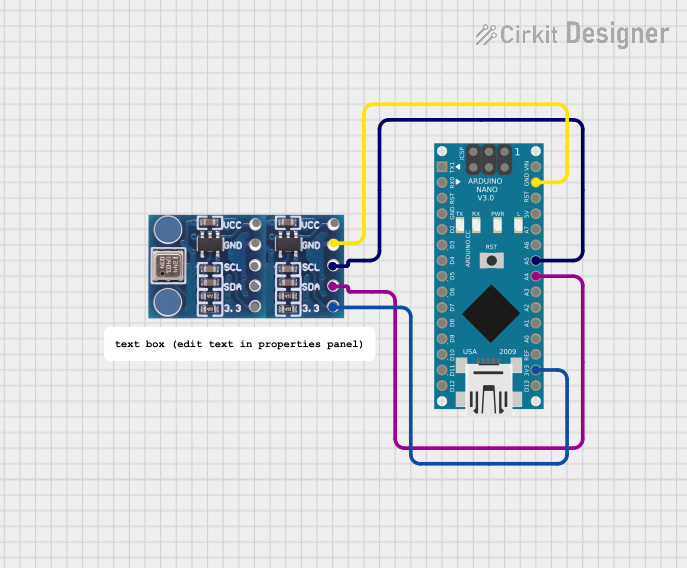 Open Project in Cirkit Designer
Explore Projects Built with BMP085 Pressure Sensor
Open Project in Cirkit DesignerOpen Project in Cirkit DesignerOpen Project in Cirkit DesignerOpen Project in Cirkit DesignerTechnical Specifications
- Operating Voltage: 1.8V to 3.6V (3.3V recommended)
- Pressure Range: 300 hPa to 1100 hPa (altitude range: -500m to +9000m)
- Temperature Range: -40°C to +85°C
- Pressure Resolution: 0.03 hPa
- Temperature Resolution: 0.1°C
- Communication Protocol: I2C (7-bit address: 0x77)
- Power Consumption: 12 µA (typical in standard mode)
Pin Configuration and Descriptions
The BMP085 sensor typically comes in a breakout board with the following pins:
| Pin Name | Description |
|---|---|
| VCC | Power supply pin (connect to 3.3V) |
| GND | Ground pin |
| SDA | I2C data line (connect to Arduino's A4 on UNO) |
| SCL | I2C clock line (connect to Arduino's A5 on UNO) |
| XCLR | Reset pin (optional, usually left unconnected or tied to VCC) |
| EOC | End of conversion pin (optional, used for advanced timing applications) |
Usage Instructions
Connecting the BMP085 to an Arduino UNO
Wiring:
- Connect the VCC pin of the BMP085 to the 3.3V pin on the Arduino UNO.
- Connect the GND pin of the BMP085 to the GND pin on the Arduino UNO.
- Connect the SDA pin of the BMP085 to the A4 pin on the Arduino UNO.
- Connect the SCL pin of the BMP085 to the A5 pin on the Arduino UNO.
Install Required Libraries:
- Download and install the
Adafruit BMP085library from the Arduino Library Manager.
- Download and install the
Sample Code: Below is an example Arduino sketch to read pressure and temperature data from the BMP085:
#include <Wire.h>
#include <Adafruit_Sensor.h>
#include <Adafruit_BMP085_U.h>

// Create an instance of the BMP085 sensor
Adafruit_BMP085_Unified bmp = Adafruit_BMP085_Unified(10085);

void setup() {
  Serial.begin(9600); // Initialize serial communication at 9600 baud
  if (!bmp.begin()) {
    // Check if the sensor is connected and initialized
    Serial.print("Could not find a valid BMP085 sensor, check wiring!");
    while (1); // Halt the program if the sensor is not detected
  }
}

void loop() {
  sensors_event_t event;
  bmp.getEvent(&event); // Get pressure data from the sensor

  if (event.pressure) {
    // Print pressure in hPa
    Serial.print("Pressure: ");
    Serial.print(event.pressure);
    Serial.println(" hPa");

    // Calculate and print altitude (assuming sea level pressure = 1013.25 hPa)
    float seaLevelPressure = 1013.25;
    Serial.print("Altitude: ");
    Serial.print(bmp.pressureToAltitude(seaLevelPressure, event.pressure));
    Serial.println(" m");

    // Get and print temperature
    float temperature;
    bmp.getTemperature(&temperature);
    Serial.print("Temperature: ");
    Serial.print(temperature);
    Serial.println(" °C");
  }

  delay(2000); // Wait 2 seconds before the next reading
}
Important Considerations and Best Practices
- Power Supply: Ensure the BMP085 is powered with 3.3V. Using 5V may damage the sensor.
- Pull-Up Resistors: The I2C lines (SDA and SCL) require pull-up resistors (typically 4.7kΩ). Many breakout boards include these resistors by default.
- Altitude Calculation: The altitude calculation assumes a standard sea-level pressure of 1013.25 hPa. Adjust this value for more accurate results in your location.
- Avoid Noise: Keep the I2C lines short to minimize noise and ensure reliable communication.
Troubleshooting and FAQs
Common Issues
Sensor Not Detected:
- Cause: Incorrect wiring or I2C address mismatch.
- Solution: Double-check the wiring and ensure the I2C address is set to 0x77 in your code.
Inaccurate Readings:
- Cause: Incorrect sea-level pressure value or environmental interference.
- Solution: Update the sea-level pressure value in your code to match your location's current pressure.
No Data Output:
- Cause: Missing or incorrect library installation.
- Solution: Ensure the
Adafruit BMP085library is installed and included in your sketch.
FAQs
Can the BMP085 measure altitude directly? No, the BMP085 measures pressure, and altitude is calculated based on the pressure reading and a reference sea-level pressure.
What is the difference between BMP085 and BMP180? The BMP180 is an updated version of the BMP085 with improved performance and smaller size, but they are functionally similar.
Can I use the BMP085 with a 5V microcontroller? Yes, but you must use a logic level shifter or ensure the breakout board includes level conversion for the I2C lines.
By following this documentation, you can successfully integrate the BMP085 pressure sensor into your projects for accurate pressure, temperature, and altitude measurements.