
How to Use HW-316: Examples, Pinouts, and Specs
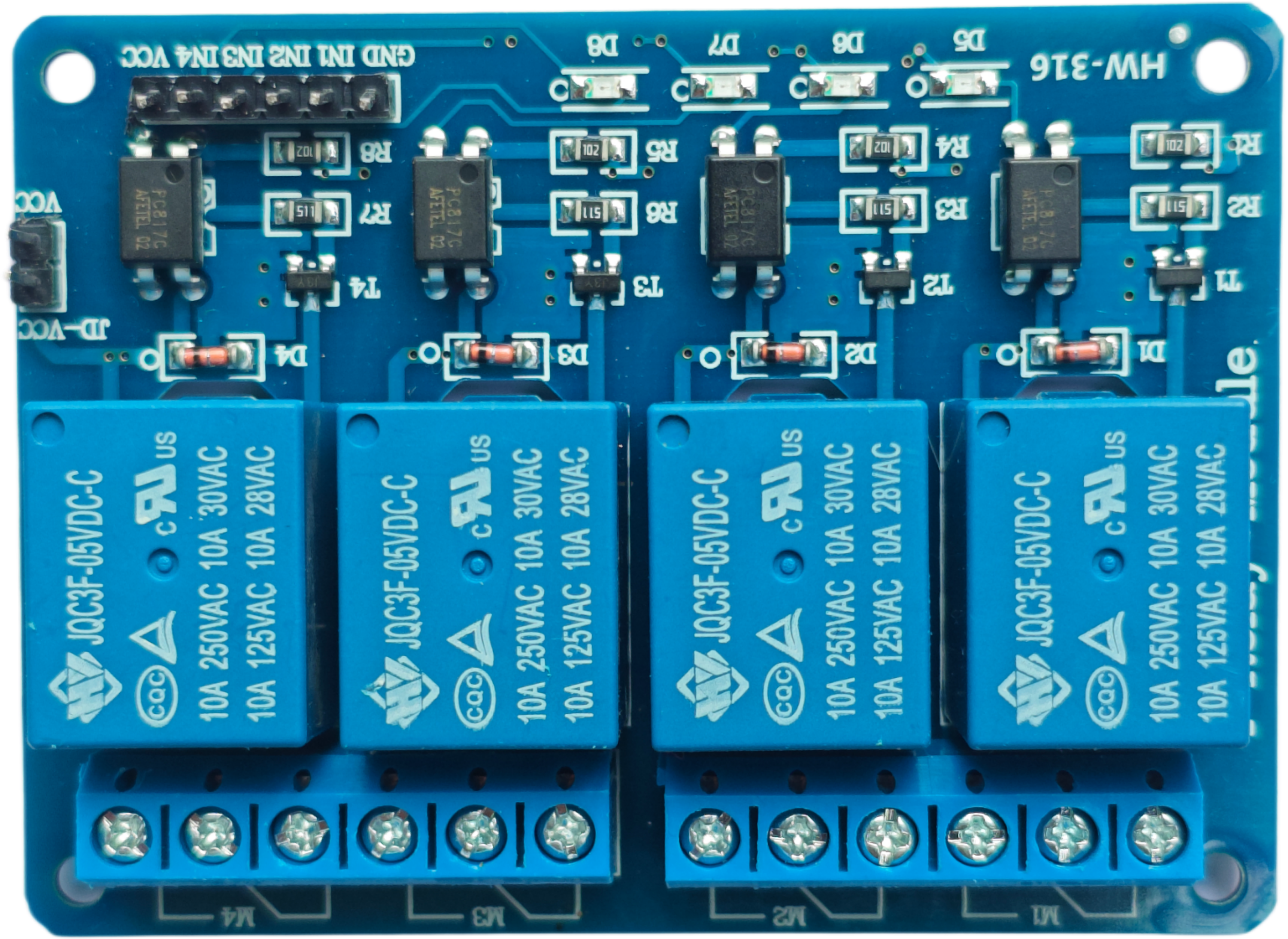
 Design with HW-316 in Cirkit Designer
Introduction
The HW-316 is a versatile electronic component often used in various applications for signal processing and control. It features a compact design, making it suitable for integration into both consumer and industrial devices. Its reliability and ease of use make it a popular choice for engineers and hobbyists alike.
Explore Projects Built with HW-316
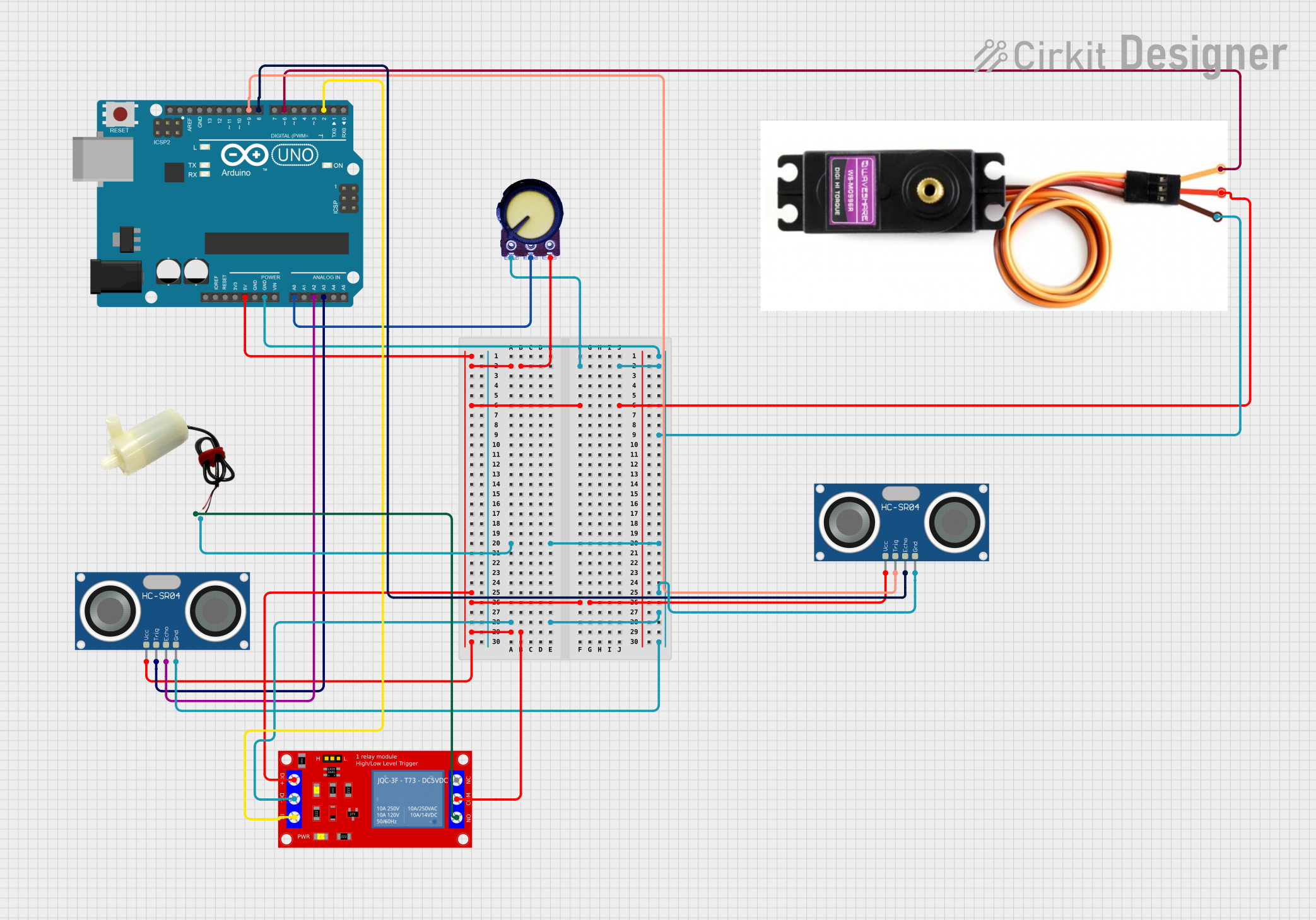 Open Project in Cirkit Designer
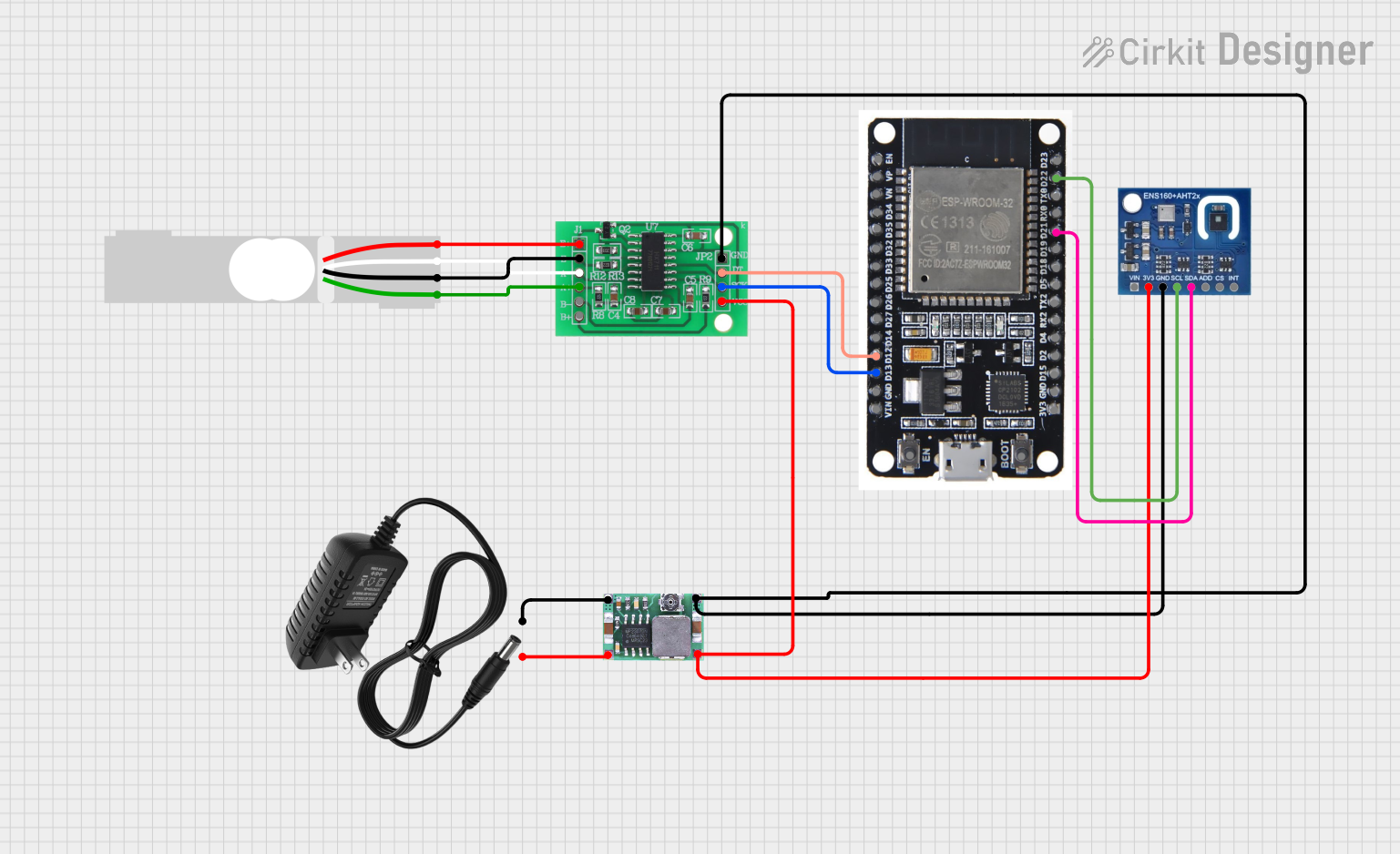 Open Project in Cirkit Designer
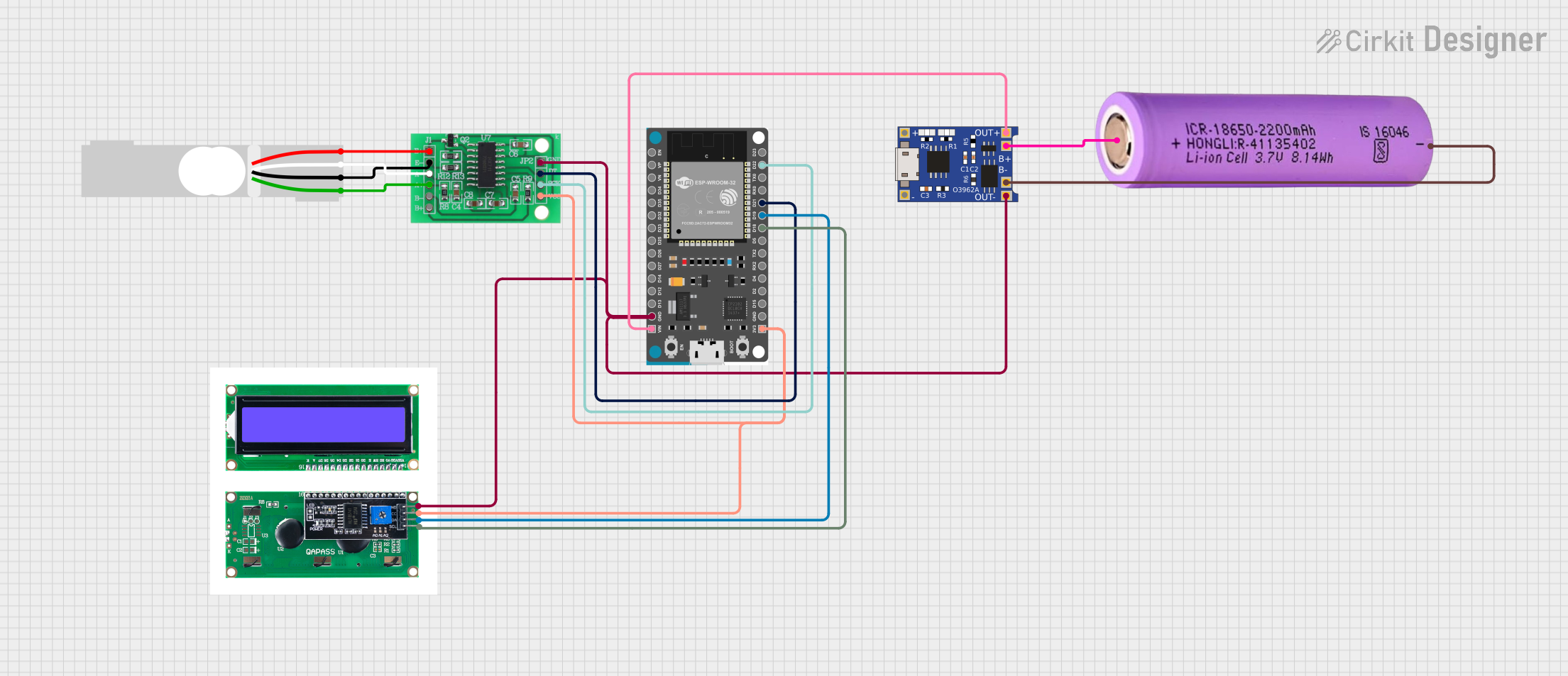 Open Project in Cirkit Designer
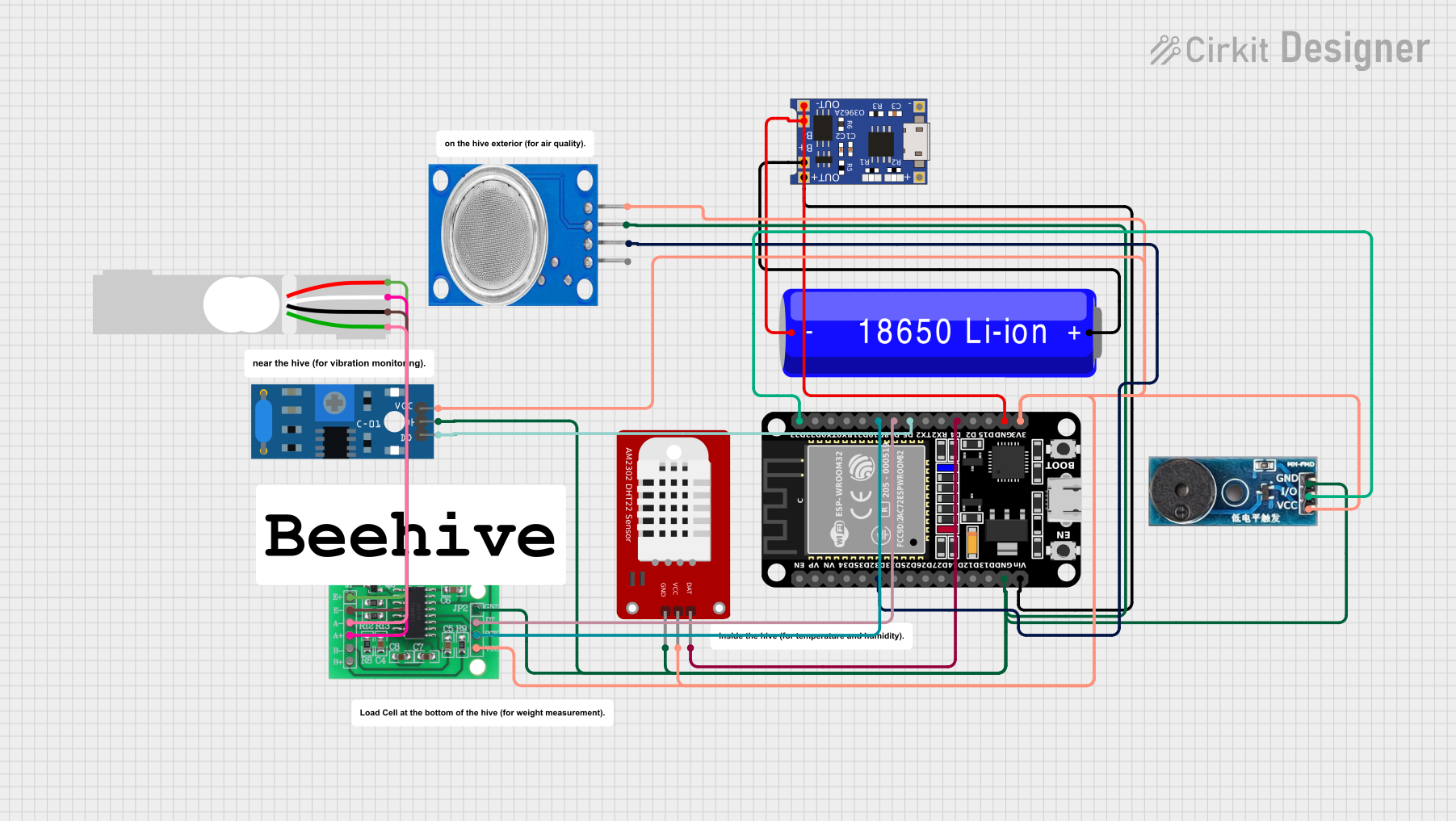 Open Project in Cirkit Designer
Explore Projects Built with HW-316
Open Project in Cirkit DesignerOpen Project in Cirkit DesignerOpen Project in Cirkit DesignerOpen Project in Cirkit DesignerCommon Applications and Use Cases
- Signal amplification and conditioning
- Motor control systems
- Analog-to-digital conversion circuits
- Industrial automation and robotics
- Consumer electronics, such as audio devices and home automation systems
Technical Specifications
The HW-316 is designed to operate efficiently in a wide range of environments. Below are its key technical specifications:
| Parameter | Value |
|---|---|
| Operating Voltage | 3.3V to 5V |
| Maximum Current | 50mA |
| Signal Input Range | 0V to 5V |
| Output Signal Range | 0V to 5V |
| Operating Temperature | -40°C to 85°C |
| Dimensions | 25mm x 15mm x 5mm |
Pin Configuration and Descriptions
The HW-316 has a simple pinout, making it easy to integrate into circuits. Below is the pin configuration:
| Pin | Name | Description |
|---|---|---|
| 1 | VCC | Power supply input (3.3V to 5V) |
| 2 | GND | Ground connection |
| 3 | IN | Signal input (0V to 5V) |
| 4 | OUT | Signal output (0V to 5V, processed signal) |
| 5 | EN | Enable pin (active HIGH to enable the component) |
Usage Instructions
The HW-316 is straightforward to use in a variety of circuits. Follow the steps below to integrate it into your project:
- Power Supply: Connect the VCC pin to a 3.3V or 5V power source and the GND pin to the ground of your circuit.
- Signal Input: Feed the input signal (0V to 5V) to the IN pin. Ensure the signal does not exceed the specified range to avoid damage.
- Enable the Component: Set the EN pin HIGH (connect to VCC) to activate the HW-316. If the EN pin is LOW, the component will remain disabled.
- Output Signal: The processed signal will be available at the OUT pin. Connect this pin to the next stage of your circuit.
Important Considerations and Best Practices
- Power Supply Stability: Use a decoupling capacitor (e.g., 0.1µF) between VCC and GND to ensure stable operation.
- Signal Integrity: Avoid noisy input signals to maintain accurate output.
- Heat Management: While the HW-316 operates efficiently, ensure proper ventilation if used in high-temperature environments.
- Enable Pin Usage: If the EN pin is not used, connect it to VCC to keep the component enabled.
Example: Using HW-316 with Arduino UNO
The HW-316 can be easily interfaced with an Arduino UNO for signal processing. Below is an example code snippet:
// Example: Using HW-316 with Arduino UNO
// This code reads an input signal, processes it using HW-316, and outputs the result.

const int hw316InputPin = A0;  // Connect HW-316 IN pin to Arduino A0
const int hw316OutputPin = 9; // Connect HW-316 OUT pin to Arduino digital pin 9
const int hw316EnablePin = 8; // Connect HW-316 EN pin to Arduino digital pin 8

void setup() {
  pinMode(hw316EnablePin, OUTPUT); // Set EN pin as output
  pinMode(hw316OutputPin, OUTPUT); // Set OUT pin as output
  digitalWrite(hw316EnablePin, HIGH); // Enable the HW-316
  Serial.begin(9600); // Initialize serial communication for debugging
}

void loop() {
  int inputSignal = analogRead(hw316InputPin); // Read input signal from A0
  int processedSignal = map(inputSignal, 0, 1023, 0, 255);
  // Map the input signal to a range of 0-255 for PWM output

  analogWrite(hw316OutputPin, processedSignal);
  // Output the processed signal as PWM

  Serial.print("Input Signal: ");
  Serial.print(inputSignal); // Print the raw input signal
  Serial.print(" | Processed Signal: ");
  Serial.println(processedSignal); // Print the processed signal

  delay(100); // Small delay for stability
}
Troubleshooting and FAQs
Common Issues and Solutions
No Output Signal
- Cause: The EN pin is not set HIGH.
- Solution: Ensure the EN pin is connected to VCC or set HIGH in your circuit.
Distorted Output Signal
- Cause: Noisy input signal or unstable power supply.
- Solution: Use a decoupling capacitor and ensure the input signal is clean.
Component Overheating
- Cause: Exceeding the maximum current rating.
- Solution: Ensure the current does not exceed 50mA and provide proper ventilation.
No Response from the Component
- Cause: Incorrect wiring or damaged component.
- Solution: Double-check all connections and replace the HW-316 if necessary.
FAQs
Q1: Can the HW-316 handle AC signals?
A1: No, the HW-316 is designed for DC signals within the range of 0V to 5V.
Q2: What happens if the input signal exceeds 5V?
A2: Exceeding the input range may damage the component. Use a voltage divider or limiter circuit to protect it.
Q3: Is the HW-316 compatible with 3.3V systems?
A3: Yes, the HW-316 operates with both 3.3V and 5V power supplies.
Q4: Can I leave the EN pin unconnected?
A4: No, the EN pin must be connected to VCC to enable the component. Leaving it unconnected will disable the HW-316.