
How to Use MPR121 Breakout V12 - Touch sensor: Examples, Pinouts, and Specs
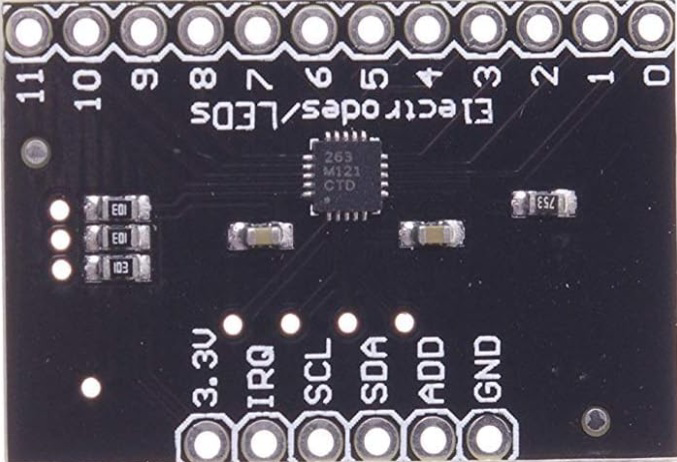
 Design with MPR121 Breakout V12 - Touch sensor in Cirkit Designer
Introduction
The MPR121 Breakout V12 is a capacitive touch sensor module designed for detecting touch inputs. It is based on the MPR121 IC, which supports up to 12 touch-sensitive electrodes. This module is widely used in interactive projects, touch-based user interfaces, and other applications requiring touch detection. Its compact design and I2C communication interface make it easy to integrate into a variety of electronic systems.
Explore Projects Built with MPR121 Breakout V12 - Touch sensor
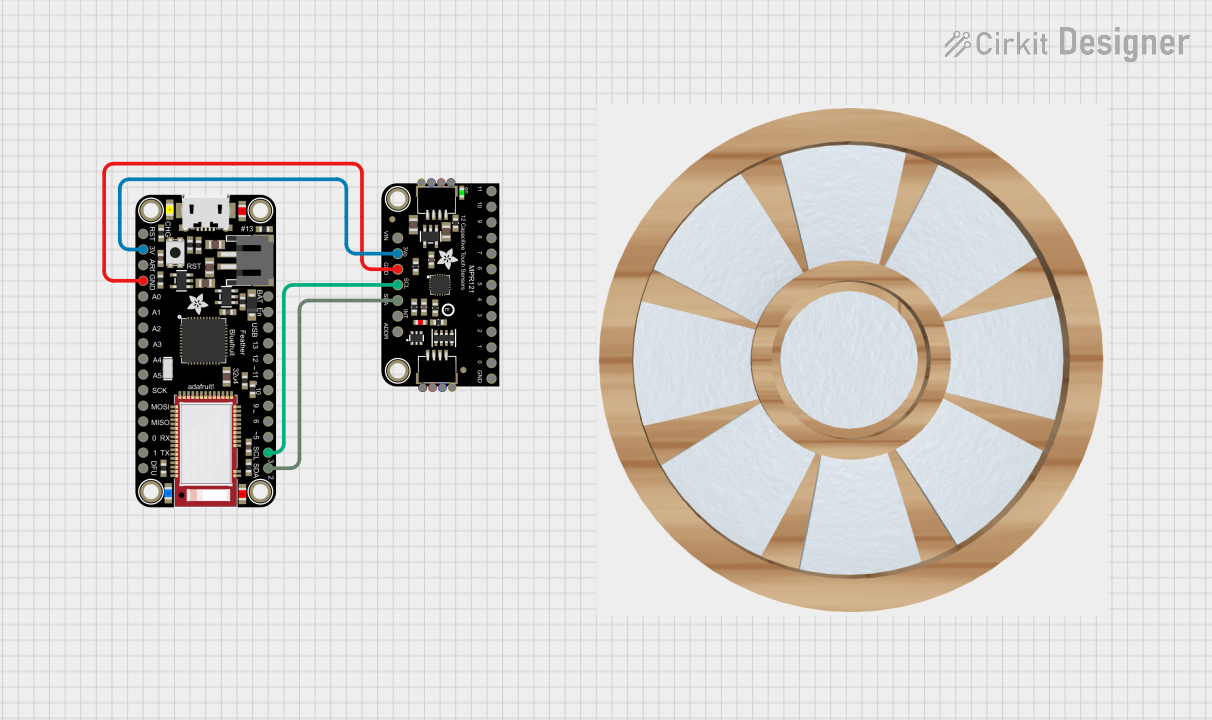 Open Project in Cirkit Designer
 Open Project in Cirkit Designer
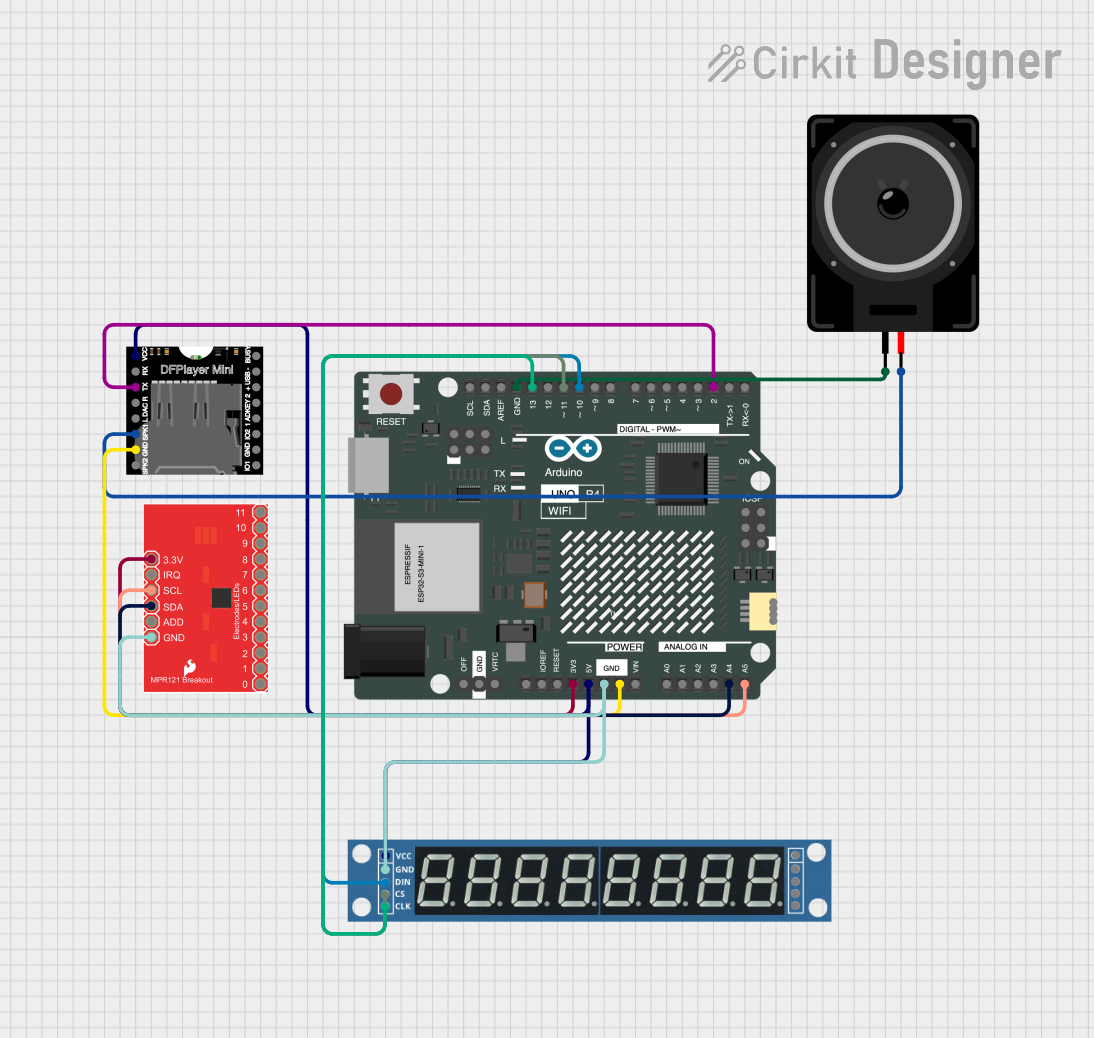 Open Project in Cirkit Designer
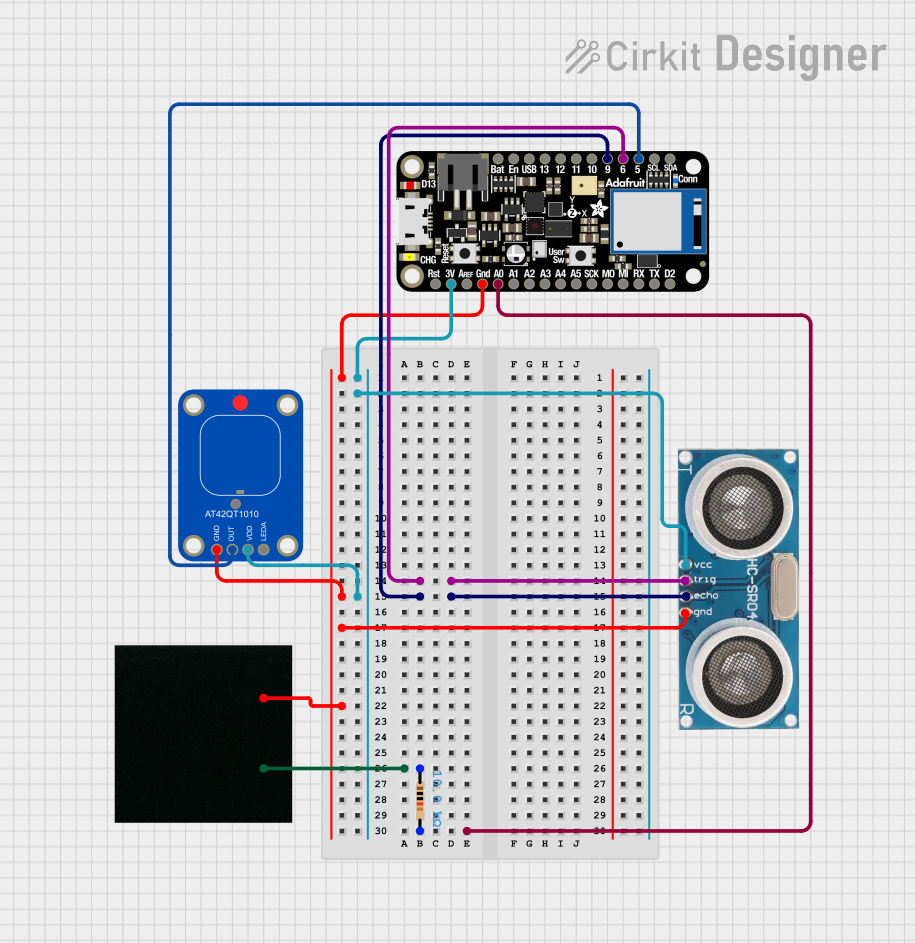 Open Project in Cirkit Designer
Explore Projects Built with MPR121 Breakout V12 - Touch sensor
Open Project in Cirkit DesignerOpen Project in Cirkit DesignerOpen Project in Cirkit DesignerOpen Project in Cirkit DesignerCommon Applications and Use Cases
- Touch-sensitive control panels
- Interactive art installations
- Home automation systems
- Wearable devices
- Musical instruments with touch-sensitive keys
- Educational projects and prototyping
Technical Specifications
The following are the key technical details of the MPR121 Breakout V12:
| Parameter | Value |
|---|---|
| Operating Voltage | 1.8V to 3.6V (typically powered at 3.3V) |
| Communication Interface | I2C (up to 400kHz) |
| Number of Touch Inputs | 12 electrodes |
| Maximum Current Consumption | 29 µA (typical, in normal operation) |
| Electrode Sensitivity | Configurable via registers |
| Operating Temperature | -40°C to +85°C |
| Dimensions | ~25mm x 25mm |
Pin Configuration and Descriptions
The MPR121 Breakout V12 module typically has the following pinout:
| Pin Name | Description |
|---|---|
| VCC | Power supply input (3.3V recommended) |
| GND | Ground connection |
| SDA | I2C data line (connect to microcontroller's SDA pin) |
| SCL | I2C clock line (connect to microcontroller's SCL pin) |
| IRQ | Interrupt output (active low, indicates a touch event) |
| ADDR | I2C address selection pin (connect to GND for default address 0x5A) |
| ELE0-ELE11 | Electrode connections for touch inputs (up to 12 touch points) |
Usage Instructions
How to Use the MPR121 Breakout V12 in a Circuit
- Power the Module: Connect the VCC pin to a 3.3V power source and GND to ground.
- Connect I2C Lines: Connect the SDA and SCL pins to the corresponding I2C pins on your microcontroller.
- Set the I2C Address: By default, the module's I2C address is
0x5A. You can change it by connecting the ADDR pin to different voltage levels (refer to the MPR121 datasheet for address mapping). - Connect Electrodes: Attach conductive materials (e.g., copper tape) to the ELE0-ELE11 pins to act as touch-sensitive electrodes.
- Interrupt Pin (Optional): Connect the IRQ pin to a digital input on your microcontroller to detect touch events without polling.
Important Considerations and Best Practices
- Pull-Up Resistors: Ensure that the I2C lines (SDA and SCL) have appropriate pull-up resistors (typically 4.7kΩ to 10kΩ).
- Electrode Design: Use conductive materials with sufficient surface area for reliable touch detection.
- Noise Reduction: Keep the electrode wires as short as possible to minimize noise and interference.
- Power Supply: Use a stable 3.3V power source to avoid erratic behavior.
- I2C Address Conflicts: If using multiple MPR121 modules, configure unique I2C addresses for each.
Example Code for Arduino UNO
Below is an example of how to use the MPR121 Breakout V12 with an Arduino UNO:
#include <Wire.h>
#include <Adafruit_MPR121.h>

// Create an MPR121 object
Adafruit_MPR121 cap = Adafruit_MPR121();

// Check if the MPR121 is connected
void setup() {
  Serial.begin(9600);
  Serial.println("MPR121 Touch Sensor Test");

  if (!cap.begin(0x5A)) { // Default I2C address is 0x5A
    Serial.println("MPR121 not found. Check wiring!");
    while (1);
  }
  Serial.println("MPR121 found!");
}

void loop() {
  // Read touch status
  uint16_t touched = cap.touched();

  for (uint8_t i = 0; i < 12; i++) {
    // Check if electrode i is touched
    if (touched & (1 << i)) {
      Serial.print("Electrode ");
      Serial.print(i);
      Serial.println(" is touched.");
    }
  }
  delay(100); // Small delay to avoid flooding the serial monitor
}
Notes on the Code
- The
Adafruit_MPR121library is used for easy communication with the sensor. Install it via the Arduino Library Manager. - The
cap.begin(0x5A)function initializes the sensor with the default I2C address. - The
cap.touched()function returns a 12-bit value, where each bit corresponds to the touch status of an electrode.
Troubleshooting and FAQs
Common Issues and Solutions
MPR121 Not Detected
- Cause: Incorrect wiring or I2C address mismatch.
- Solution: Verify the SDA and SCL connections. Ensure the ADDR pin is set correctly for the desired I2C address.
Touch Inputs Not Responding
- Cause: Poor electrode design or insufficient sensitivity.
- Solution: Use larger conductive surfaces for electrodes. Adjust sensitivity settings in the MPR121 configuration registers.
Erratic Behavior
- Cause: Electrical noise or unstable power supply.
- Solution: Use shorter wires for electrodes and ensure a stable 3.3V power source.
Multiple Electrodes Triggering Simultaneously
- Cause: Cross-talk between electrodes.
- Solution: Increase spacing between electrodes and reduce wire length.
FAQs
Q: Can I use the MPR121 with a 5V microcontroller?
A: Yes, but you must use a level shifter for the I2C lines, as the MPR121 operates at 3.3V logic levels.
Q: How do I increase the sensitivity of the touch inputs?
A: Sensitivity can be adjusted by modifying the electrode configuration registers in the MPR121. Refer to the datasheet for details.
Q: Can I use fewer than 12 electrodes?
A: Yes, you can use as many or as few electrodes as needed. Unused electrodes should be left unconnected.
Q: Is the MPR121 suitable for outdoor use?
A: The MPR121 is not weatherproof. If used outdoors, ensure proper protection against moisture and environmental factors.
This concludes the documentation for the MPR121 Breakout V12 - Touch Sensor.