
How to Use SAKLAR HOTEL: Examples, Pinouts, and Specs
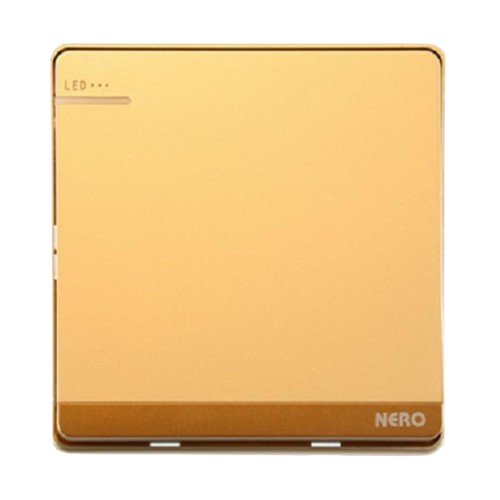
 Design with SAKLAR HOTEL in Cirkit Designer
Introduction
The SAKLAR HOTEL is a specialized switch commonly used in hotel rooms to control lighting and other electrical devices. It is designed with user convenience and energy efficiency in mind, allowing guests to easily manage room lighting while enabling hotels to optimize energy usage. These switches are often integrated with keycard systems or motion sensors to ensure that power is only supplied when the room is occupied.
Explore Projects Built with SAKLAR HOTEL
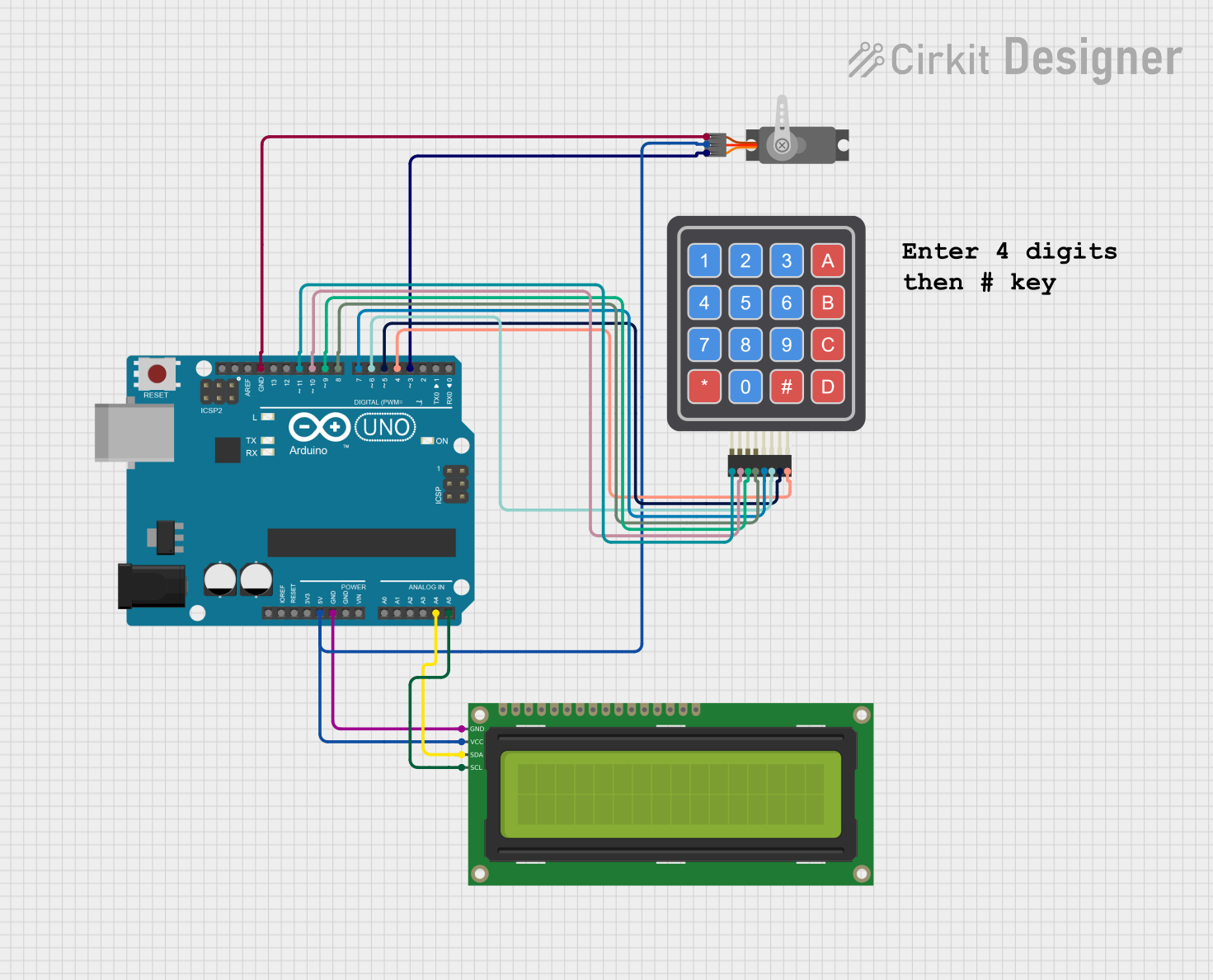 Open Project in Cirkit Designer
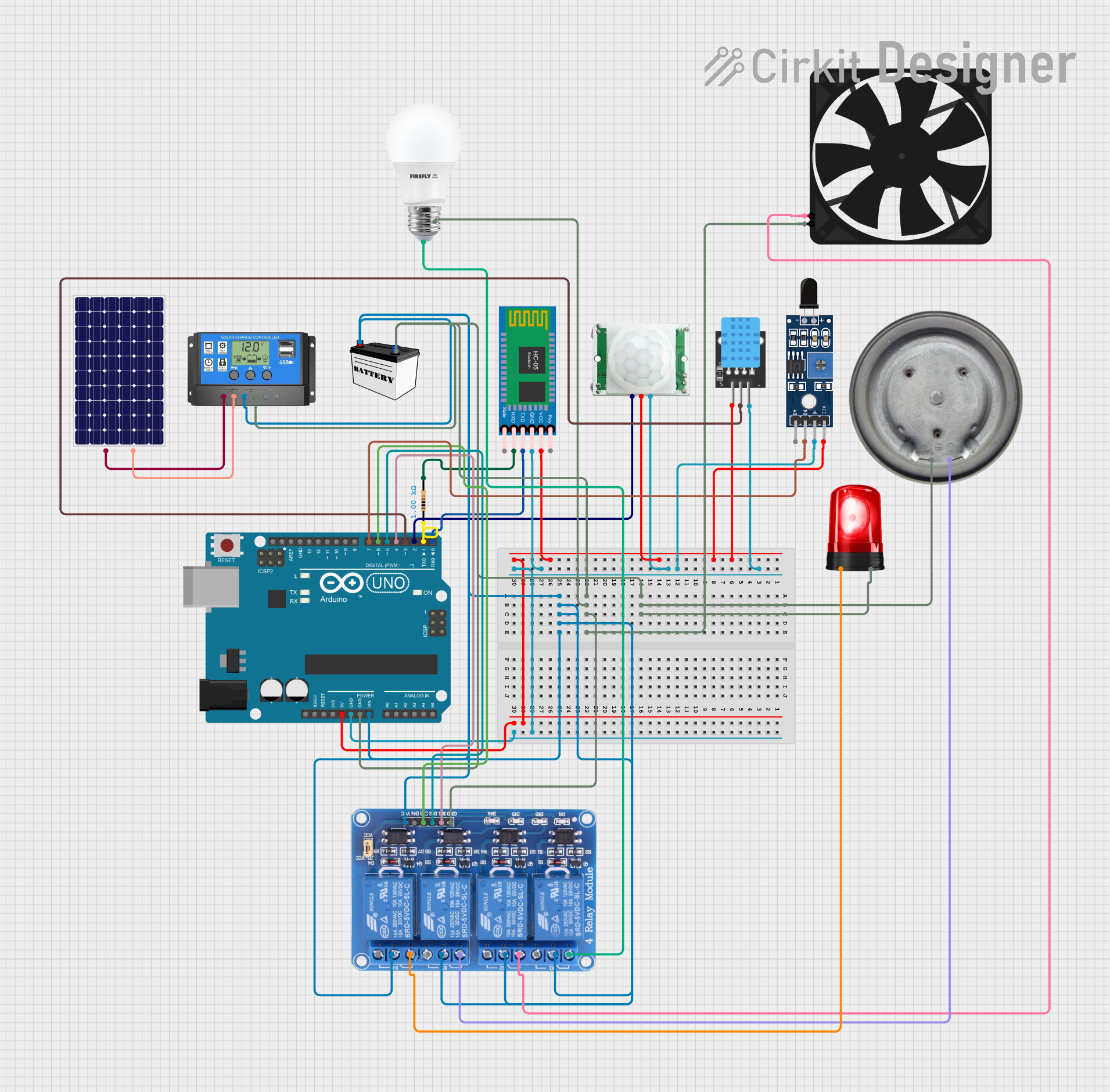 Open Project in Cirkit Designer
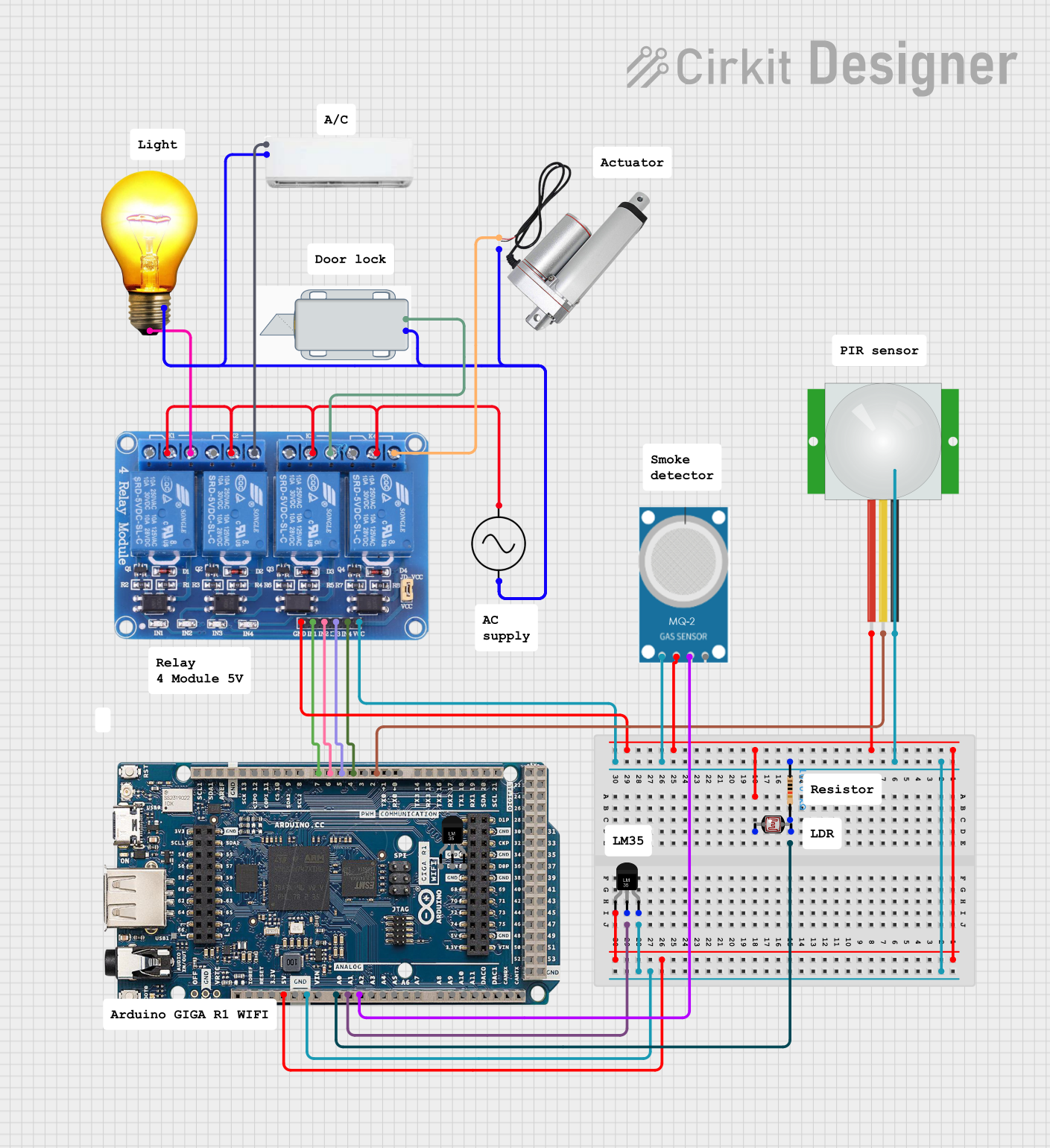 Open Project in Cirkit Designer
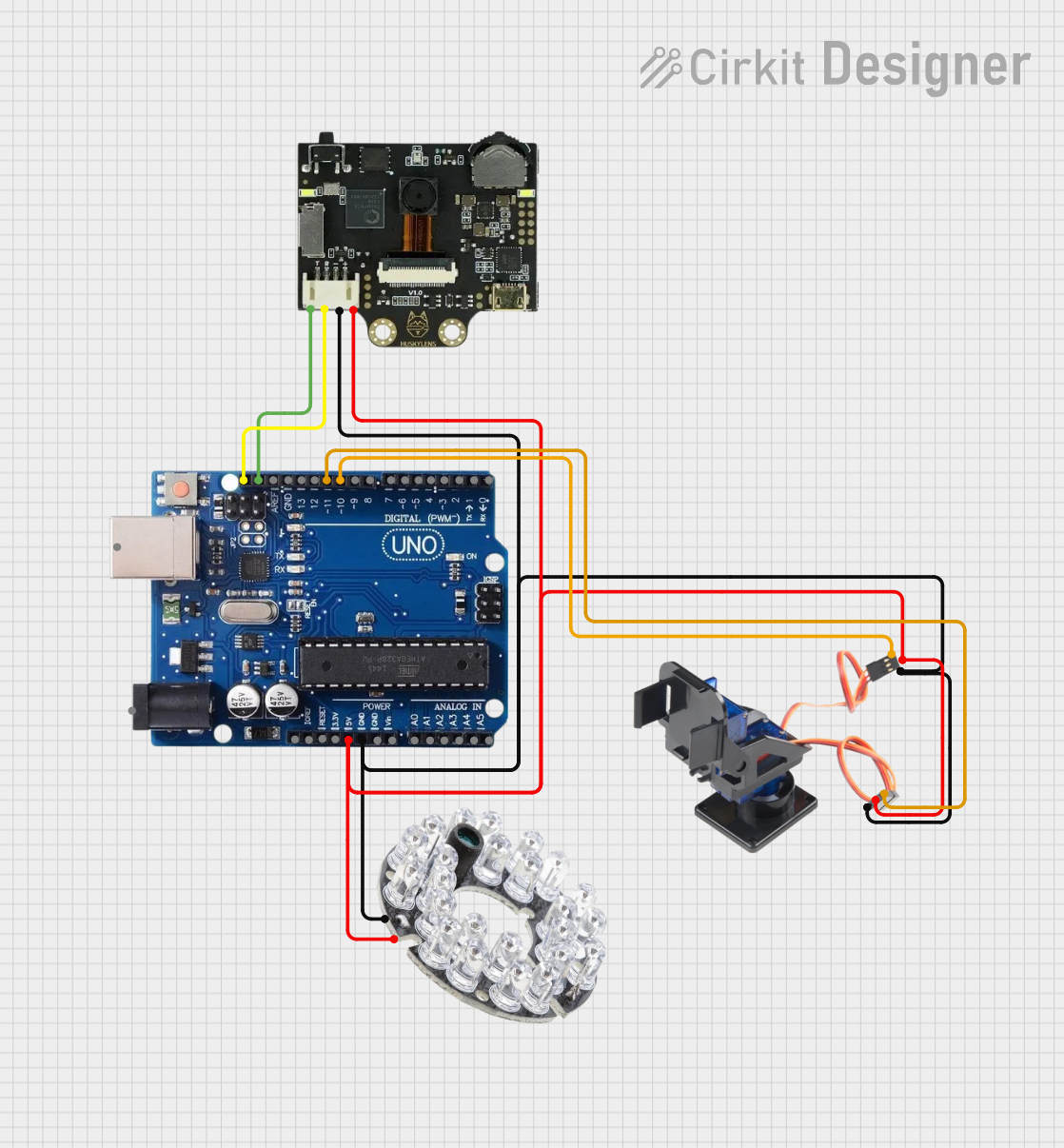 Open Project in Cirkit Designer
Explore Projects Built with SAKLAR HOTEL
Open Project in Cirkit DesignerOpen Project in Cirkit DesignerOpen Project in Cirkit DesignerOpen Project in Cirkit DesignerCommon Applications and Use Cases
- Controlling room lighting in hotels, resorts, and guesthouses.
- Managing power supply to electrical devices such as air conditioning units or televisions.
- Integration with keycard systems to automatically turn off power when the room is unoccupied.
- Enhancing energy efficiency in hospitality environments.
Technical Specifications
The SAKLAR HOTEL switch is available in various configurations depending on the manufacturer. Below are general specifications for a typical model:
| Parameter | Specification |
|---|---|
| Operating Voltage | 110V - 240V AC |
| Maximum Load Current | 10A |
| Power Rating | Up to 2400W |
| Operating Temperature | -10°C to 50°C |
| Material | Flame-retardant ABS or polycarbonate |
| Mounting Type | Wall-mounted |
| Control Mechanism | Mechanical or electronic switching |
Pin Configuration and Descriptions
For electronic SAKLAR HOTEL switches with multiple terminals, the pin configuration is as follows:
| Pin | Label | Description |
|---|---|---|
| 1 | L (Line) | Connects to the live wire from the power source. |
| 2 | N (Neutral) | Connects to the neutral wire from the power source. |
| 3 | Load | Connects to the device or lighting to be controlled. |
| 4 | Ground | Optional grounding for safety (if available). |
Usage Instructions
How to Use the Component in a Circuit
- Turn Off Power: Before installation, ensure that the power supply to the circuit is turned off to avoid electrical hazards.
- Wiring:
- Connect the live wire from the power source to the
Lterminal. - Connect the neutral wire to the
Nterminal. - Connect the device or lighting to the
Loadterminal. - If the switch includes a ground terminal, connect it to the grounding wire for added safety.
- Connect the live wire from the power source to the
- Mounting: Secure the switch to the wall using screws or a mounting bracket.
- Testing: Turn the power back on and test the switch to ensure proper operation.
Important Considerations and Best Practices
- Load Compatibility: Ensure that the connected load does not exceed the switch's maximum power rating (e.g., 2400W).
- Keycard Integration: If using a keycard system, follow the manufacturer's instructions for proper integration.
- Safety: Always use insulated tools and follow local electrical codes during installation.
- Energy Efficiency: Consider pairing the switch with energy-efficient LED lighting for optimal performance.
Arduino UNO Integration (Optional)
If the SAKLAR HOTEL switch includes electronic control features, it can be interfaced with an Arduino UNO for automation. Below is an example of how to use the switch with an Arduino to control a light:
// Example: Controlling a light with SAKLAR HOTEL and Arduino UNO

const int switchPin = 2;  // Pin connected to the SAKLAR HOTEL switch
const int lightPin = 13;  // Pin connected to the light (e.g., LED)

void setup() {
  pinMode(switchPin, INPUT_PULLUP); // Configure switch pin as input with pull-up
  pinMode(lightPin, OUTPUT);        // Configure light pin as output
}

void loop() {
  int switchState = digitalRead(switchPin); // Read the state of the switch

  if (switchState == LOW) { // If switch is pressed (LOW due to pull-up)
    digitalWrite(lightPin, HIGH); // Turn on the light
  } else {
    digitalWrite(lightPin, LOW);  // Turn off the light
  }
}
Troubleshooting and FAQs
Common Issues Users Might Face
Switch Does Not Work:
- Cause: Incorrect wiring or loose connections.
- Solution: Double-check the wiring and ensure all connections are secure.
Flickering Lights:
- Cause: Incompatible load (e.g., low-wattage LED bulbs).
- Solution: Use a compatible load or install a load resistor if necessary.
Overheating:
- Cause: Exceeding the maximum power rating.
- Solution: Reduce the load or replace the switch with a higher-rated model.
No Power to the Load:
- Cause: Faulty switch or blown fuse.
- Solution: Test the switch with a multimeter and replace it if defective. Check and replace the fuse if needed.
Solutions and Tips for Troubleshooting
- Use a multimeter to verify voltage at the terminals.
- Ensure that the switch is properly grounded if required.
- Consult the manufacturer's manual for specific troubleshooting steps.
By following this documentation, users can effectively install, use, and troubleshoot the SAKLAR HOTEL switch for optimal performance in hotel room applications.