
How to Use 5V One channel relay with OPTO lsolation H/L level triggerrigger: Examples, Pinouts, and Specs
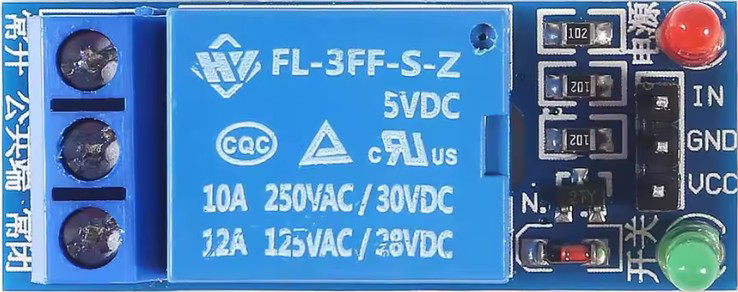
 Design with 5V One channel relay with OPTO lsolation H/L level triggerrigger in Cirkit Designer
Introduction
The 5V One Channel Relay with OPTO Isolation is a versatile and reliable module designed for controlling high-voltage devices using low-voltage signals. It features optical isolation, which enhances safety by electrically isolating the control circuit from the high-voltage load. This relay module can be triggered by either a high-level or low-level signal, making it compatible with a wide range of microcontrollers and control systems.
Explore Projects Built with 5V One channel relay with OPTO lsolation H/L level triggerrigger
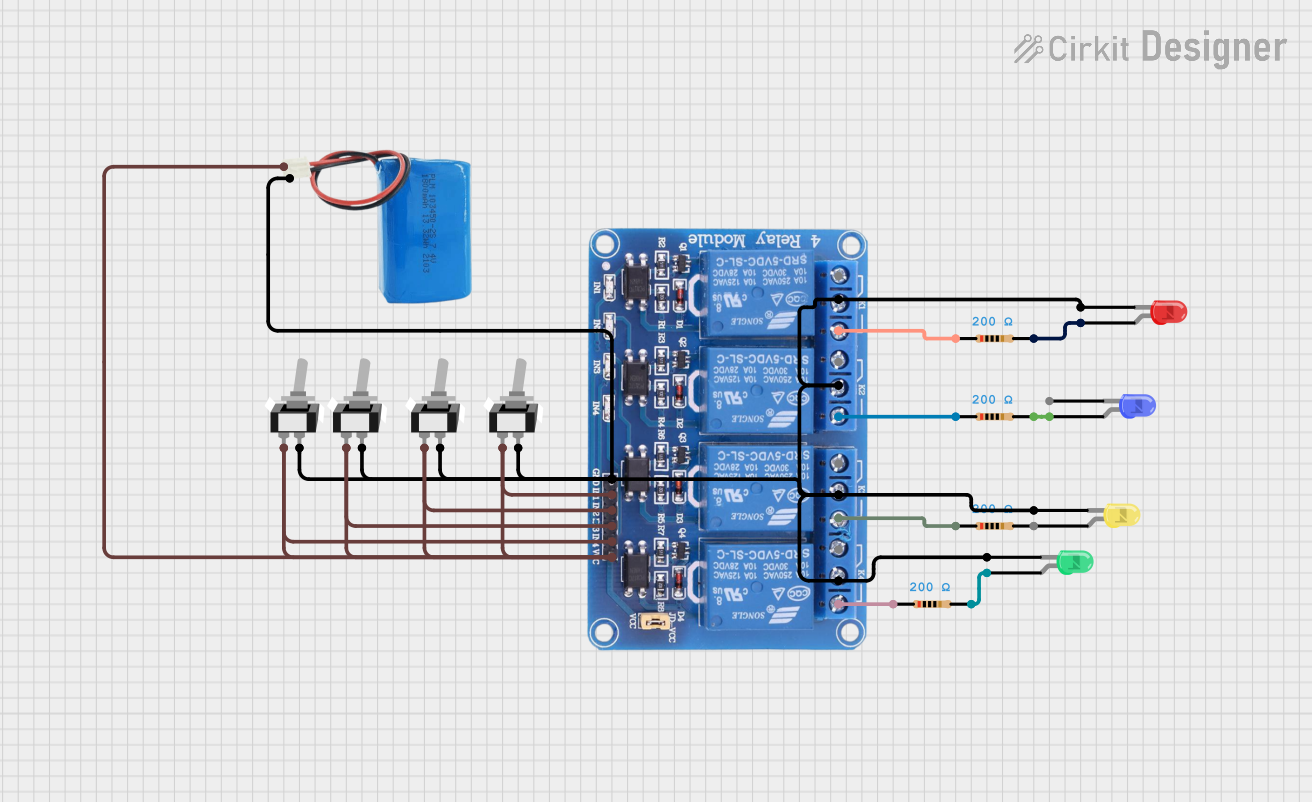 Open Project in Cirkit Designer
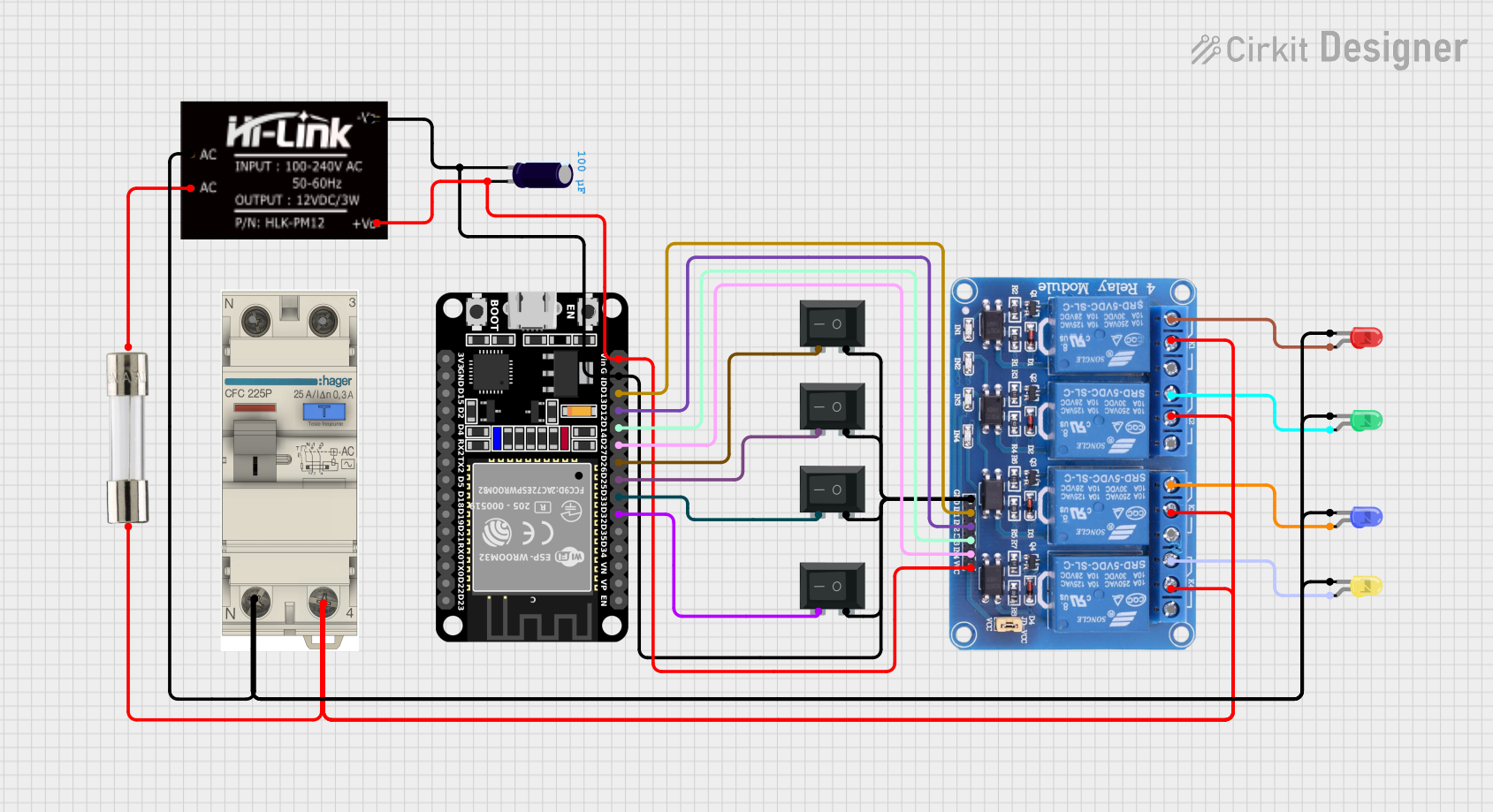 Open Project in Cirkit Designer
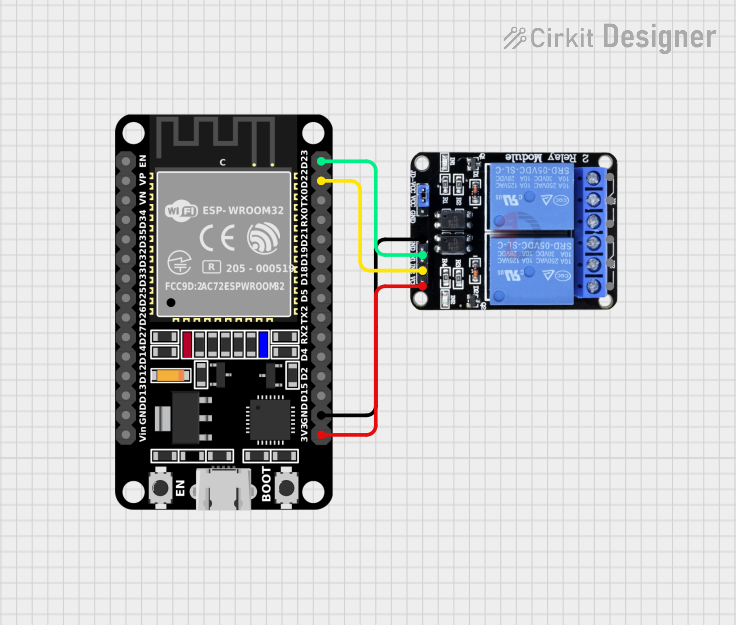 Open Project in Cirkit Designer
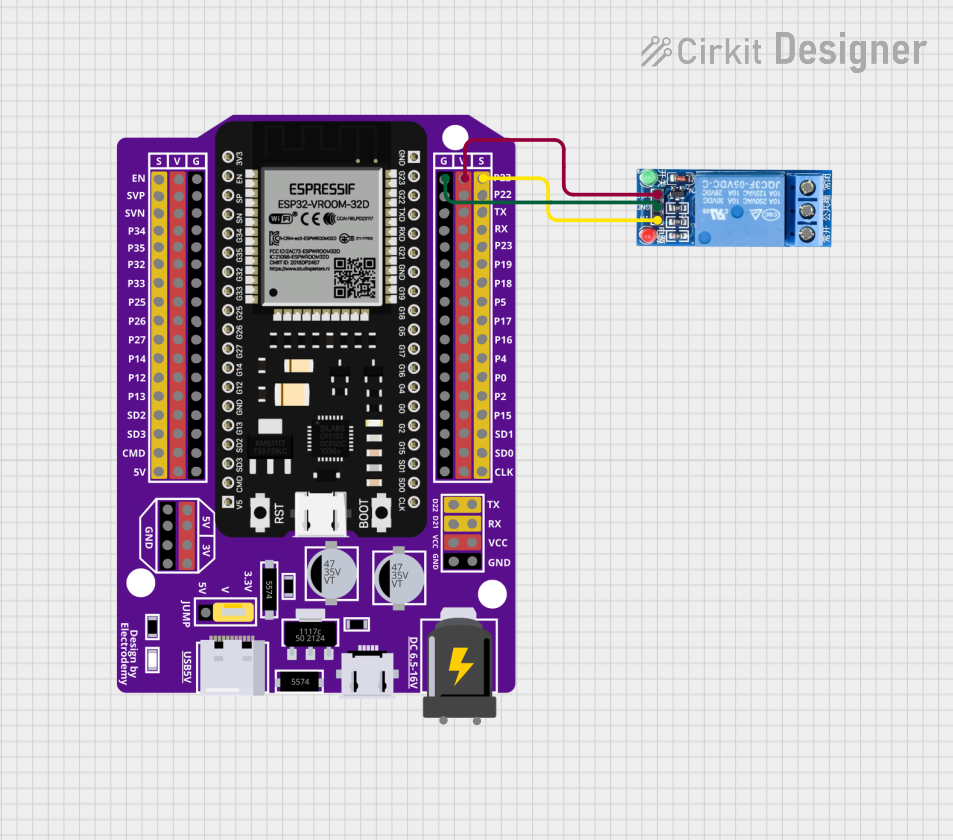 Open Project in Cirkit Designer
Explore Projects Built with 5V One channel relay with OPTO lsolation H/L level triggerrigger
Open Project in Cirkit DesignerOpen Project in Cirkit DesignerOpen Project in Cirkit DesignerOpen Project in Cirkit DesignerCommon Applications and Use Cases
- Home automation systems (e.g., controlling lights, fans, or appliances)
- Industrial control systems
- Robotics and IoT projects
- Switching high-power devices such as motors, solenoids, or heaters
- Safety-critical applications requiring electrical isolation
Technical Specifications
Key Technical Details
- Operating Voltage: 5V DC
- Trigger Voltage: High-level (2.5V–5V) or Low-level (0V–1.5V)
- Relay Type: SPDT (Single Pole Double Throw)
- Maximum Load:
- AC: 250V at 10A
- DC: 30V at 10A
- Optical Isolation: Yes
- Indicator LED: Yes (indicates relay activation)
- Dimensions: ~50mm x 26mm x 18.5mm
- Weight: ~15g
Pin Configuration and Descriptions
The module has a total of 6 pins and 3 terminal blocks. Below is the detailed pinout:
Control Pins
| Pin Name | Description |
|---|---|
| VCC | Connect to 5V DC power supply. |
| GND | Connect to ground. |
| IN | Control signal input. Can be triggered by high-level (H) or low-level (L). |
Jumper Settings
| Jumper Name | Description |
|---|---|
| H/L | Selects the trigger mode: High-level (H) or Low-level (L). |
Relay Output Terminal Block
| Terminal Name | Description |
|---|---|
| COM | Common terminal. Connect to the power source or load. |
| NO | Normally Open terminal. Connect to the load for activation when triggered. |
| NC | Normally Closed terminal. Connect to the load for activation when idle. |
Usage Instructions
How to Use the Component in a Circuit
- Power the Module:
- Connect the VCC pin to a 5V DC power supply and the GND pin to ground.
- Set the Trigger Mode:
- Use the jumper to select the desired trigger mode:
- H (High-level): The relay activates when the IN pin receives a HIGH signal.
- L (Low-level): The relay activates when the IN pin receives a LOW signal.
- Use the jumper to select the desired trigger mode:
- Connect the Load:
- Connect the high-voltage device to the relay's terminal block:
- Use the COM terminal as the common connection.
- Use the NO terminal if the device should activate when the relay is triggered.
- Use the NC terminal if the device should deactivate when the relay is triggered.
- Connect the high-voltage device to the relay's terminal block:
- Control the Relay:
- Send a control signal to the IN pin from a microcontroller or other control circuit.
Important Considerations and Best Practices
- Optical Isolation: Ensure the control circuit and high-voltage circuit are properly isolated to prevent damage or hazards.
- Power Supply: Use a stable 5V DC power supply to avoid erratic relay behavior.
- Load Ratings: Do not exceed the relay's maximum load ratings (250V AC/10A or 30V DC/10A).
- Signal Compatibility: Ensure the control signal voltage matches the selected trigger mode (H or L).
- Indicator LED: Use the onboard LED as a visual indicator of relay activation.
Example: Connecting to an Arduino UNO
Below is an example of how to connect and control the relay module using an Arduino UNO:
Circuit Connections
- Relay Module:
- VCC → 5V pin on Arduino
- GND → GND pin on Arduino
- IN → Digital pin 7 on Arduino
- Load:
- Connect the high-voltage device to the COM and NO terminals.
Arduino Code
// Define the relay control pin
const int relayPin = 7;

void setup() {
  // Set the relay pin as an output
  pinMode(relayPin, OUTPUT);

  // Ensure the relay is off at startup
  digitalWrite(relayPin, LOW);
}

void loop() {
  // Turn the relay on
  digitalWrite(relayPin, HIGH);
  delay(1000); // Keep the relay on for 1 second

  // Turn the relay off
  digitalWrite(relayPin, LOW);
  delay(1000); // Keep the relay off for 1 second
}
Notes:
- Modify the
relayPinvariable if using a different digital pin. - Ensure the Arduino's 5V pin can supply sufficient current for the relay module.
Troubleshooting and FAQs
Common Issues and Solutions
Relay Not Activating:
- Cause: Insufficient power supply or incorrect wiring.
- Solution: Verify the VCC and GND connections and ensure a stable 5V DC supply.
Erratic Behavior:
- Cause: Electrical noise or unstable control signals.
- Solution: Use a decoupling capacitor (e.g., 100µF) across the VCC and GND pins.
Load Not Switching:
- Cause: Incorrect terminal connections.
- Solution: Double-check the connections to the COM, NO, and NC terminals.
Indicator LED Not Lighting:
- Cause: Faulty module or incorrect trigger signal.
- Solution: Test the IN pin with a direct HIGH or LOW signal to confirm functionality.
FAQs
Q: Can I use this relay module with a 3.3V microcontroller?
A: Yes, but ensure the trigger voltage matches the selected mode (H or L). For 3.3V systems, use the low-level trigger mode.Q: Is it safe to control high-power devices with this module?
A: Yes, as long as the load does not exceed the relay's maximum ratings and proper isolation is maintained.Q: Can I use this module to control DC motors?
A: Yes, but consider adding a flyback diode across the motor terminals to protect the relay from voltage spikes.Q: What happens if I exceed the relay's load ratings?
A: Exceeding the load ratings can damage the relay and pose safety risks. Always stay within the specified limits.
This documentation provides a comprehensive guide to using the 5V One Channel Relay with OPTO Isolation effectively and safely.