
How to Use AC Power Socket : Examples, Pinouts, and Specs

 Design with AC Power Socket in Cirkit Designer
Introduction
The AC Power Socket (Manufacturer: Generic, Part ID: Sockets) is a device designed to provide a secure and reliable connection point for electrical appliances to access an alternating current (AC) power supply. It is a fundamental component in electrical systems, enabling the safe transfer of power to various devices. AC power sockets are commonly found in residential, commercial, and industrial environments.
Explore Projects Built with AC Power Socket
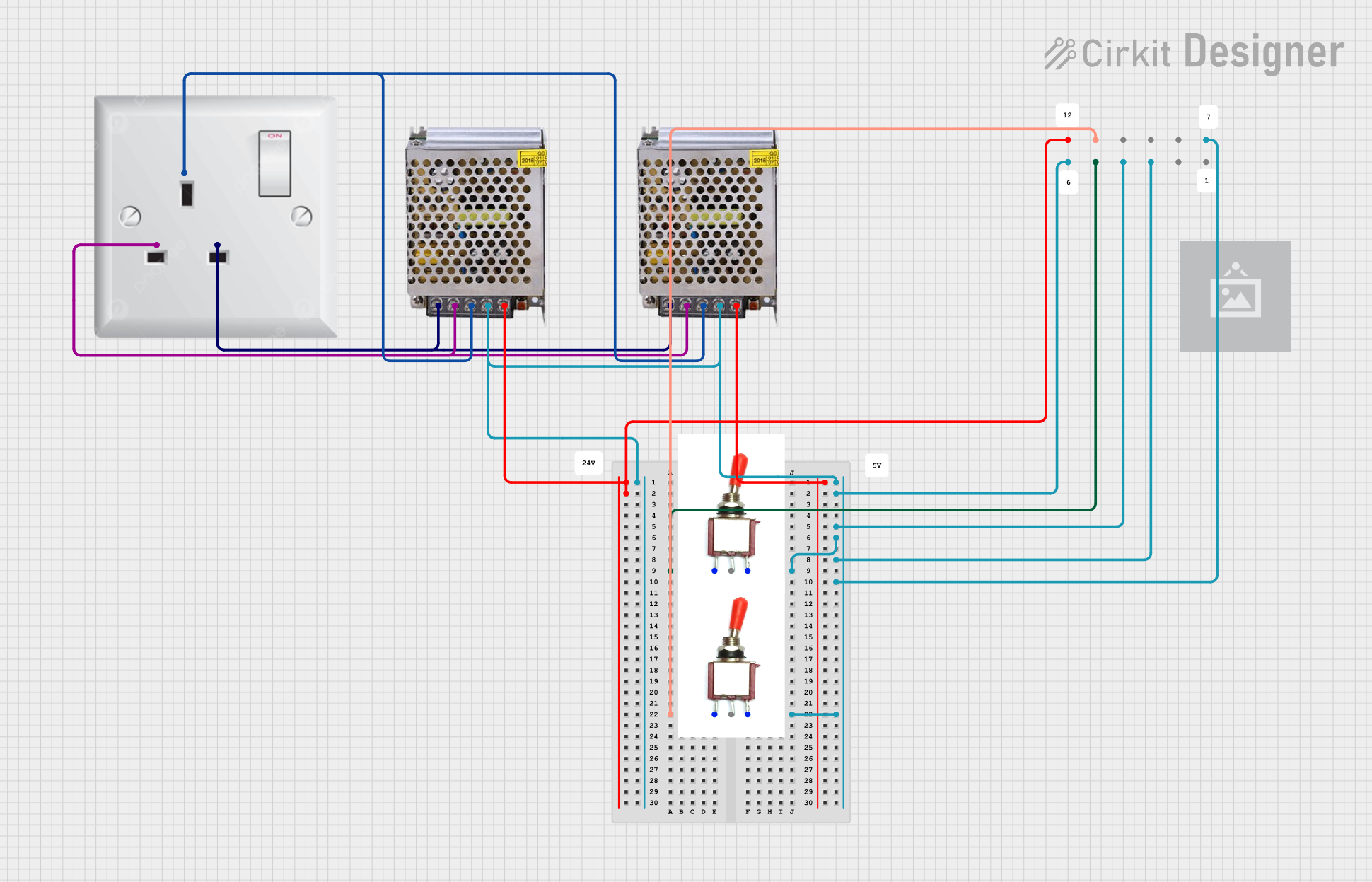 Open Project in Cirkit Designer
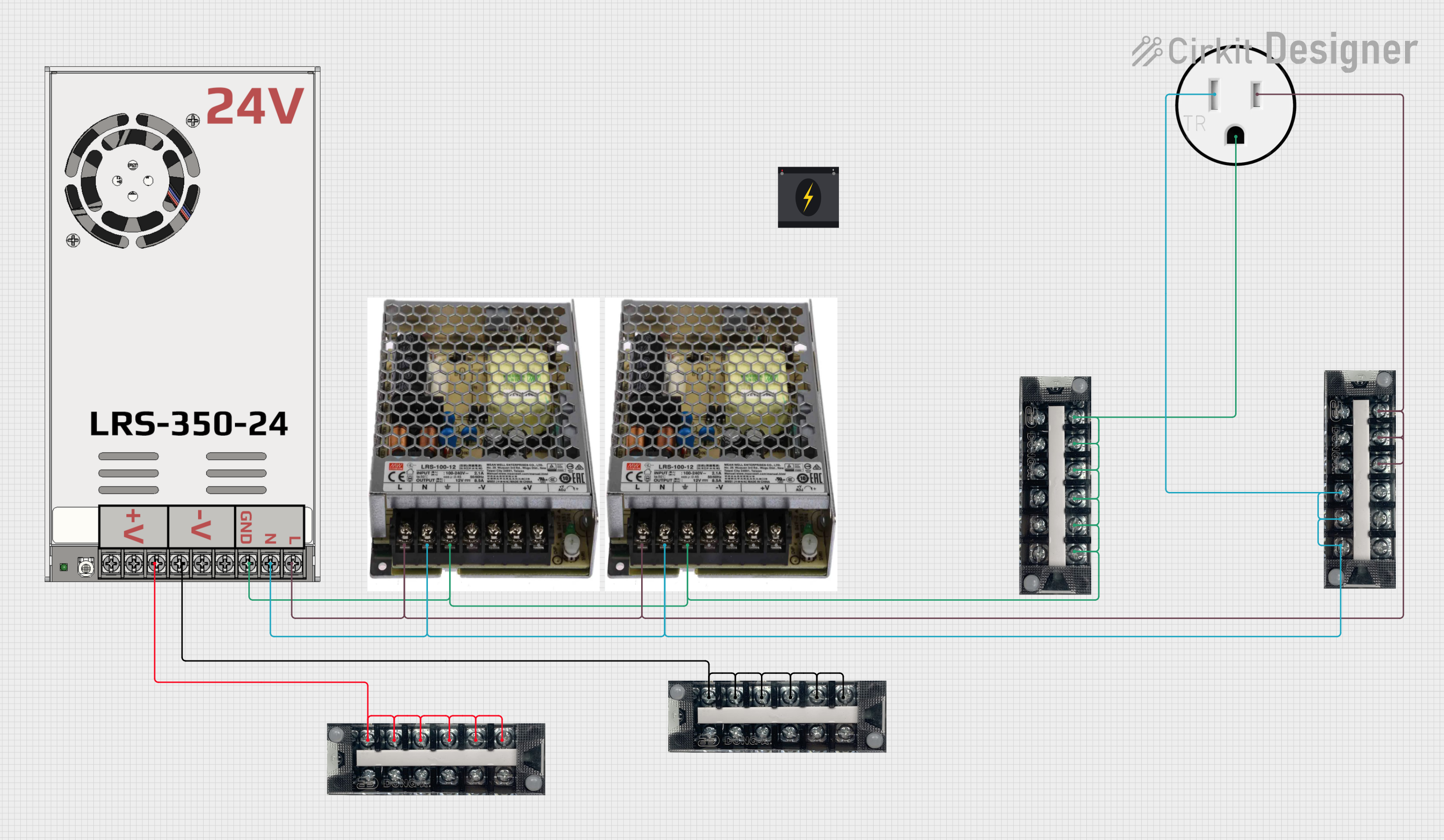 Open Project in Cirkit Designer
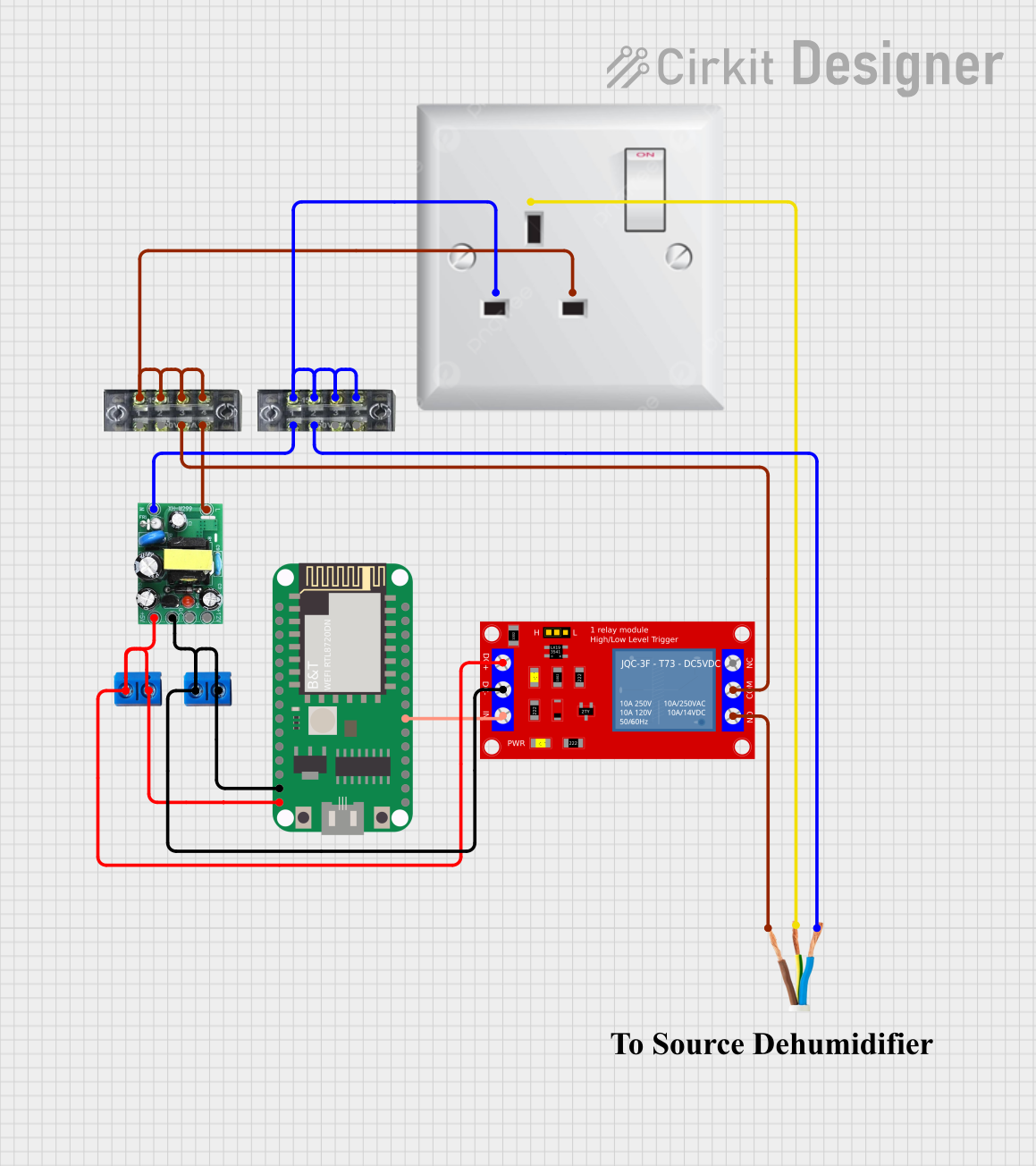 Open Project in Cirkit Designer
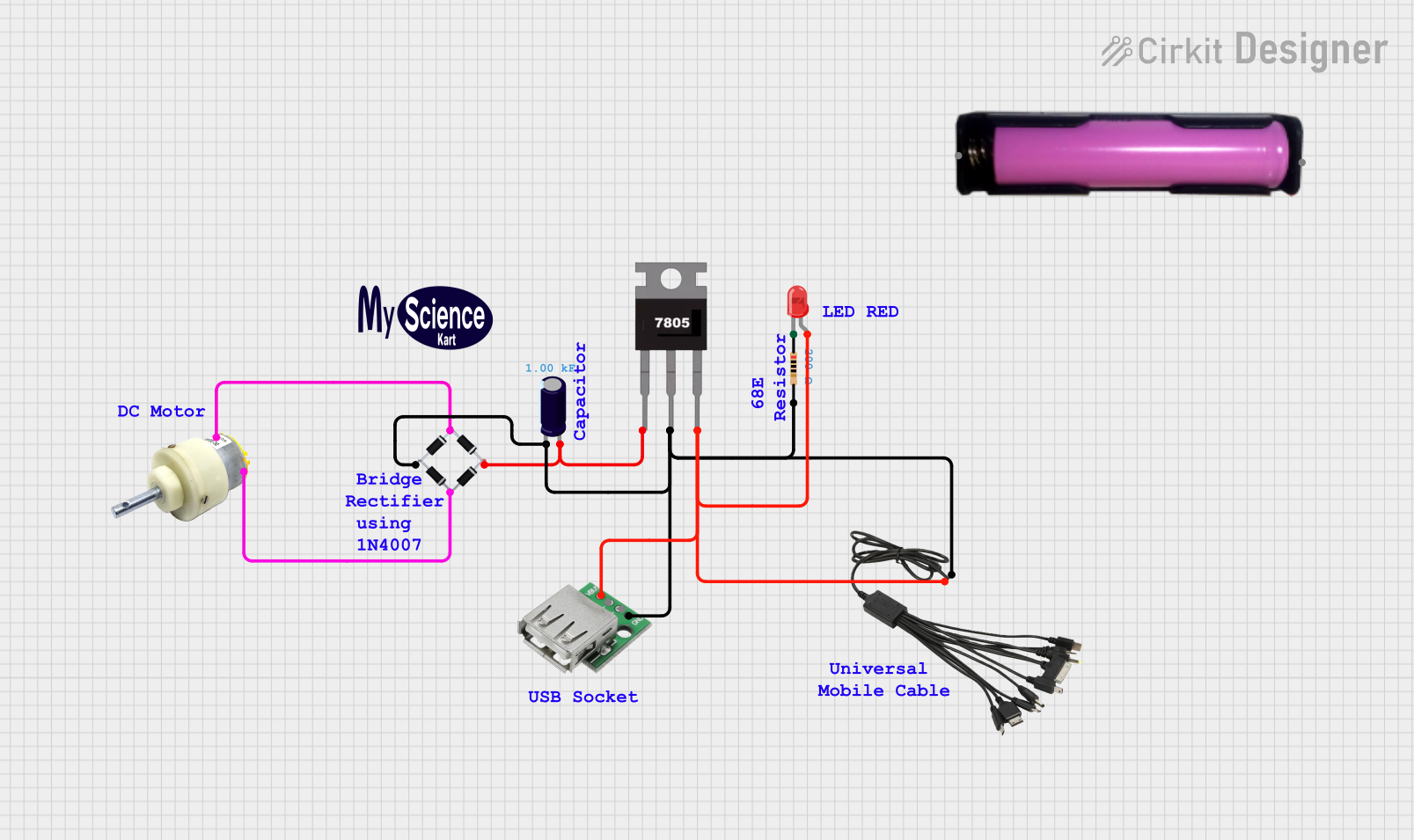 Open Project in Cirkit Designer
Explore Projects Built with AC Power Socket
Open Project in Cirkit DesignerOpen Project in Cirkit DesignerOpen Project in Cirkit DesignerOpen Project in Cirkit DesignerCommon Applications and Use Cases
- Powering household appliances such as lamps, televisions, and kitchen devices.
- Providing power connections in industrial equipment and machinery.
- Used in DIY electronics projects to integrate AC power into custom circuits.
- Essential in power distribution systems for connecting devices to the grid.
Technical Specifications
Key Technical Details
| Parameter | Value/Description |
|---|---|
| Rated Voltage | 110V - 250V AC |
| Rated Current | 6A - 16A (varies by model) |
| Frequency | 50Hz / 60Hz |
| Material | Flame-retardant plastic housing, metal pins |
| Mounting Style | Panel mount or wall mount |
| Operating Temperature | -20°C to 70°C |
| Safety Standards | Compliant with IEC and UL standards |
Pin Configuration and Descriptions
| Pin Name | Description |
|---|---|
| Line (L) | Connects to the live wire of the AC power supply. |
| Neutral (N) | Connects to the neutral wire of the AC power supply. |
| Ground (G) | Provides a safety ground connection to prevent electric shock. |
Usage Instructions
How to Use the Component in a Circuit
Mounting the Socket:
- For panel-mounted sockets, cut an appropriately sized hole in the panel and secure the socket using screws or clips.
- For wall-mounted sockets, install the socket into a standard electrical box.
Wiring the Socket:
- Connect the Line (L) terminal to the live wire of the AC power supply.
- Connect the Neutral (N) terminal to the neutral wire of the AC power supply.
- Connect the Ground (G) terminal to the ground wire for safety.
- Ensure all connections are secure and insulated to prevent short circuits or electric shock.
Testing the Connection:
- Use a multimeter to verify the voltage across the Line and Neutral terminals.
- Check for proper grounding by measuring continuity between the Ground terminal and the earth ground.
Integrating with Other Components:
- If using the AC power socket in a DIY project, ensure that downstream components (e.g., transformers, rectifiers) are rated for the input voltage and current.
Important Considerations and Best Practices
- Always disconnect the power supply before wiring or modifying the socket.
- Use appropriate wire gauges based on the current rating of the socket.
- Ensure the socket is installed in a dry and ventilated area to prevent overheating or moisture ingress.
- For added safety, use a Residual Current Device (RCD) or circuit breaker in the power supply line.
- If integrating with microcontrollers like Arduino, use an AC-to-DC converter or relay module to safely interface with the AC power.
Example: Using an AC Power Socket with an Arduino UNO
To control an AC appliance (e.g., a lamp) using an Arduino UNO, you can use a relay module to switch the AC power. Below is an example code snippet:
/*
  Example: Controlling an AC appliance using an Arduino UNO and a relay module.
  Note: Ensure proper isolation between the AC and DC circuits to avoid electric shock.
*/

const int relayPin = 7; // Pin connected to the relay module

void setup() {
  pinMode(relayPin, OUTPUT); // Set the relay pin as an output
  digitalWrite(relayPin, LOW); // Ensure the relay is off initially
}

void loop() {
  digitalWrite(relayPin, HIGH); // Turn on the relay (AC appliance ON)
  delay(5000); // Keep the appliance ON for 5 seconds
  digitalWrite(relayPin, LOW); // Turn off the relay (AC appliance OFF)
  delay(5000); // Keep the appliance OFF for 5 seconds
}
Warning: Always use a relay module with optoisolation to protect the Arduino from high-voltage AC.
Troubleshooting and FAQs
Common Issues Users Might Face
Socket Does Not Provide Power:
- Check the wiring connections for loose or incorrect connections.
- Verify that the power supply is active and within the rated voltage range.
Overheating of the Socket:
- Ensure the connected load does not exceed the current rating of the socket.
- Check for proper ventilation around the socket.
Appliance Does Not Turn On:
- Test the appliance with a different power source to rule out appliance issues.
- Verify the continuity of the Line and Neutral connections using a multimeter.
Electric Shock When Touching the Socket:
- Ensure the Ground (G) terminal is properly connected to the earth ground.
- Inspect the socket for physical damage or exposed wires.
Solutions and Tips for Troubleshooting
- Use a circuit tester or multimeter to diagnose wiring and connection issues.
- Replace damaged or worn-out sockets immediately to maintain safety.
- If unsure about wiring or installation, consult a licensed electrician.
By following this documentation, users can safely and effectively integrate the AC Power Socket into their electrical systems or projects.