
How to Use Water Pump 5V: Examples, Pinouts, and Specs
 Design with Water Pump 5V in Cirkit Designer
Introduction
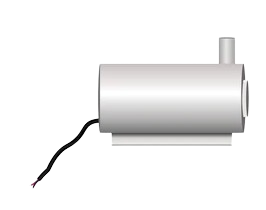
The Water Pump 5V is a compact electric pump designed to move water or other liquids efficiently. Operating at a low voltage of 5 volts, it is ideal for applications requiring small-scale liquid transfer. This pump is commonly used in aquariums, cooling systems, small-scale irrigation setups, and DIY electronics projects. Its low power consumption and ease of integration make it a popular choice for hobbyists and professionals alike.
Explore Projects Built with Water Pump 5V
 Open Project in Cirkit Designer
 Open Project in Cirkit Designer
 Open Project in Cirkit Designer
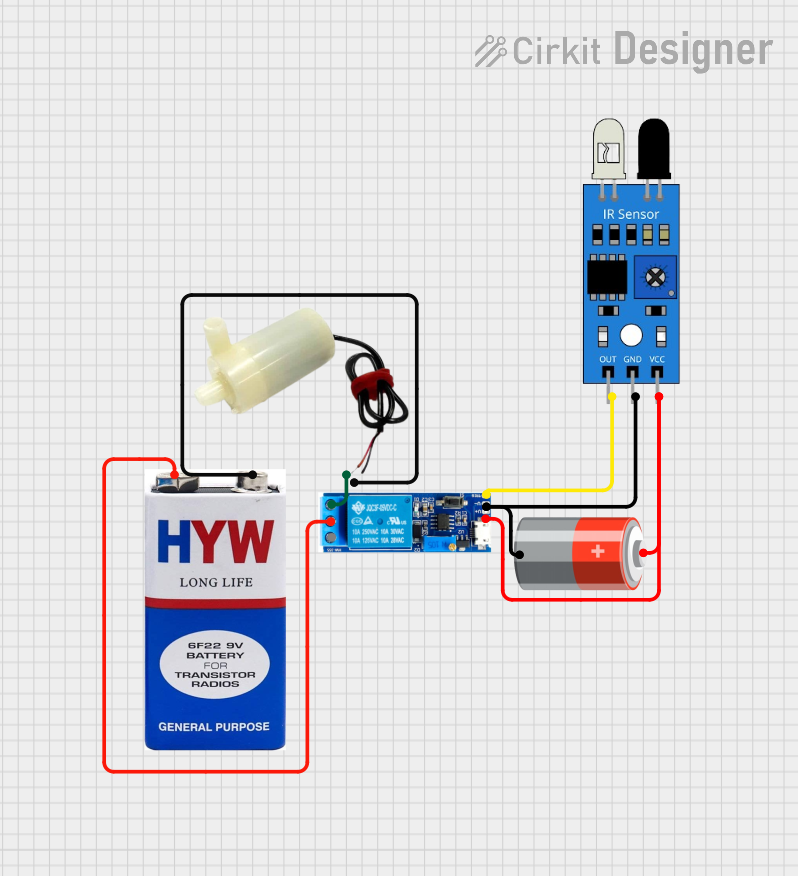 Open Project in Cirkit Designer
Explore Projects Built with Water Pump 5V
Open Project in Cirkit DesignerOpen Project in Cirkit DesignerOpen Project in Cirkit DesignerOpen Project in Cirkit DesignerTechnical Specifications
Below are the key technical details of the Water Pump 5V:
| Parameter | Specification |
|---|---|
| Operating Voltage | 5V DC |
| Operating Current | 100-300 mA (varies with load) |
| Power Consumption | ~1.5W |
| Maximum Flow Rate | ~120 L/h (liters per hour) |
| Maximum Lift Height | ~1 meter |
| Inlet/Outlet Diameter | ~5-6 mm |
| Material | Plastic (housing), metal (motor) |
| Dimensions | ~45mm x 24mm x 30mm |
| Weight | ~30 grams |
Pin Configuration and Descriptions
The Water Pump 5V typically has two wires for connection:
| Wire Color | Function | Description |
|---|---|---|
| Red | Positive (+) | Connect to the 5V power supply or microcontroller. |
| Black | Negative (-) | Connect to ground (GND). |
Usage Instructions
How to Use the Water Pump 5V in a Circuit
- Power Supply: Ensure you have a stable 5V DC power source capable of supplying at least 300 mA of current.
- Connections:
- Connect the red wire of the pump to the positive terminal of the power supply or the 5V pin of a microcontroller (e.g., Arduino UNO).
- Connect the black wire to the ground (GND).
- Control:
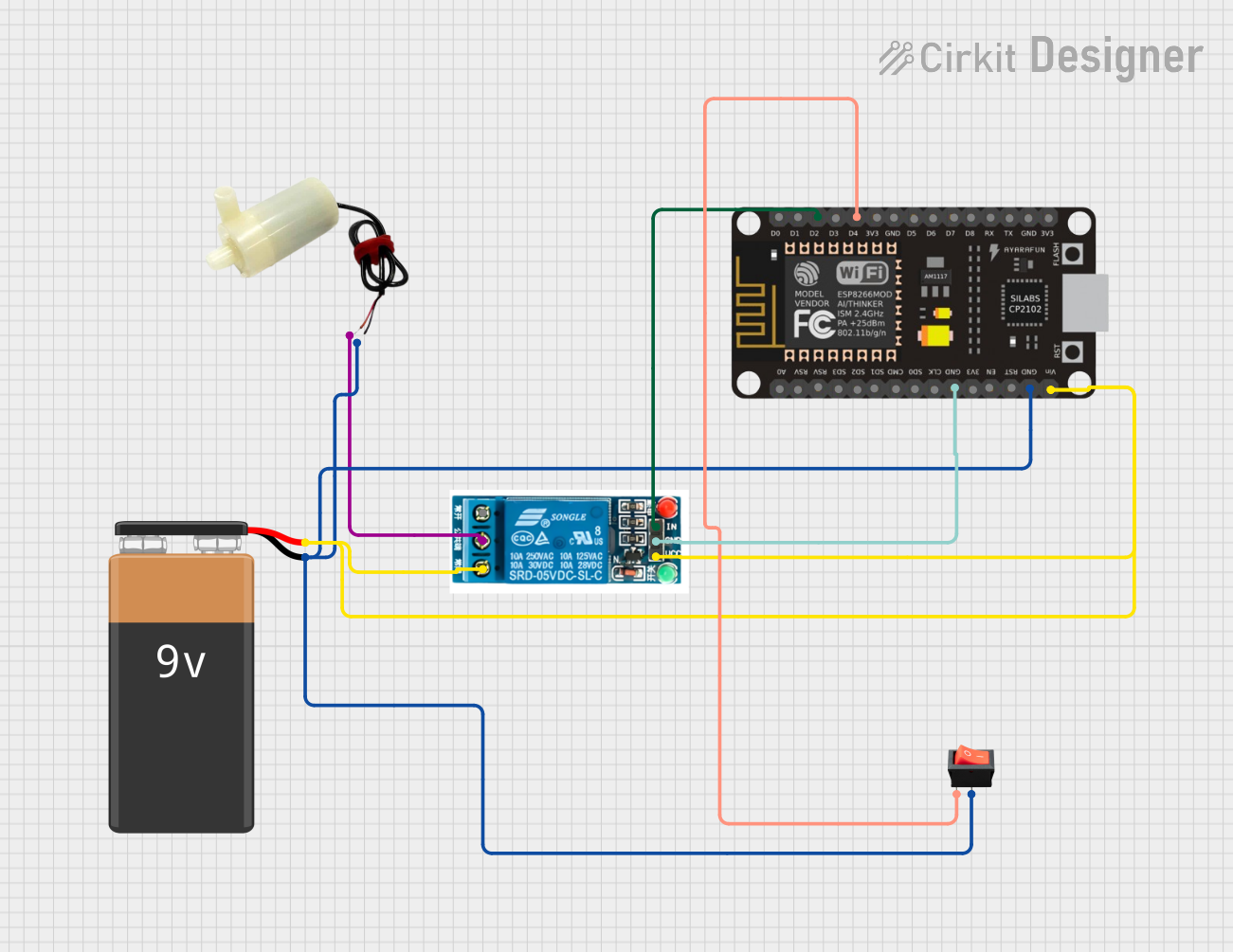
- To control the pump, you can use a transistor, relay module, or MOSFET as a switch. This allows you to turn the pump on/off using a microcontroller.
- Liquid Handling:
- Place the pump's inlet tube in the liquid source and ensure the outlet tube is directed to the desired location.
- Avoid running the pump dry, as this can damage the motor.
Example: Controlling the Pump with an Arduino UNO
Below is an example of how to control the Water Pump 5V using an Arduino UNO and a transistor:
// Example: Controlling a 5V Water Pump with Arduino UNO
// Components: Water Pump 5V, NPN Transistor (e.g., 2N2222), 1kΩ Resistor, Diode (1N4007)

// Define the pin connected to the transistor's base
const int pumpControlPin = 9;

void setup() {
  pinMode(pumpControlPin, OUTPUT); // Set the control pin as an output
}

void loop() {
  digitalWrite(pumpControlPin, HIGH); // Turn the pump ON
  delay(5000);                        // Keep the pump ON for 5 seconds
  digitalWrite(pumpControlPin, LOW);  // Turn the pump OFF
  delay(5000);                        // Keep the pump OFF for 5 seconds
}
Circuit Notes:
- Connect the pump's red wire to the collector of the NPN transistor.
- Connect the emitter of the transistor to GND.
- Use a 1kΩ resistor between the Arduino pin and the transistor's base.
- Place a diode (e.g., 1N4007) across the pump terminals to protect against back EMF.
Important Considerations and Best Practices
- Power Supply: Ensure the power supply can handle the pump's current requirements.
- Dry Run: Avoid running the pump without liquid, as this can cause overheating and damage.
- Filtering: Use a filter on the inlet to prevent debris from entering and clogging the pump.
- Orientation: Install the pump in a stable position to avoid vibrations or tipping.
Troubleshooting and FAQs
Common Issues and Solutions
| Issue | Possible Cause | Solution |
|---|---|---|
| Pump does not start | Insufficient power supply | Check the voltage and current of the power source. |
| Pump runs but no water is pumped | Airlock or clogged inlet/outlet | Check for blockages and ensure the pump is primed. |
| Pump overheats | Running dry or excessive load | Ensure the pump is submerged and not overloaded. |
| Noise during operation | Debris in the pump or loose mounting | Clean the pump and secure it properly. |
FAQs
Can I use the Water Pump 5V with a battery?
- Yes, you can use a 5V battery pack, but ensure it can supply sufficient current (at least 300 mA).
Is the pump waterproof?
- The pump is designed for liquid handling, but the motor housing should not be submerged.
Can I control the pump speed?
- The pump speed can be controlled using a PWM signal, but this may reduce its lifespan.
What liquids can the pump handle?
- The pump is suitable for water and other non-corrosive liquids. Avoid using it with chemicals or viscous fluids.
By following this documentation, you can effectively integrate and operate the Water Pump 5V in your projects.