
How to Use XL4015 5A DC Buck Step-down: Examples, Pinouts, and Specs
 Design with XL4015 5A DC Buck Step-down in Cirkit Designer
Introduction
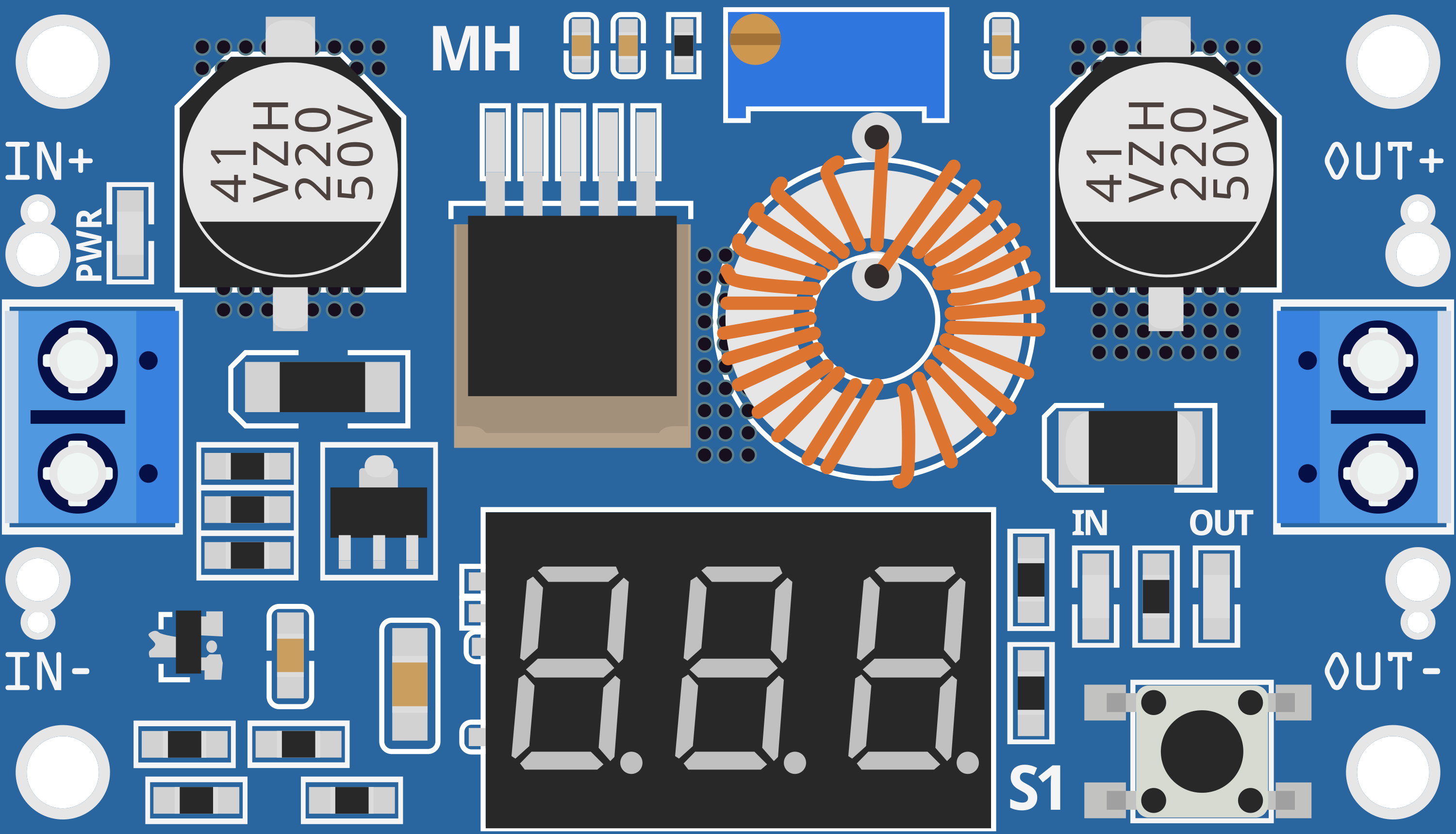
The XL4015 is a high-performance DC-DC buck converter designed to step down voltage efficiently. It is capable of delivering up to 5A of output current with an adjustable output voltage, making it ideal for a wide range of power supply applications. This module is widely used in battery charging, LED drivers, and powering low-voltage devices from higher-voltage sources.
Explore Projects Built with XL4015 5A DC Buck Step-down
 Open Project in Cirkit Designer
 Open Project in Cirkit Designer
 Open Project in Cirkit Designer
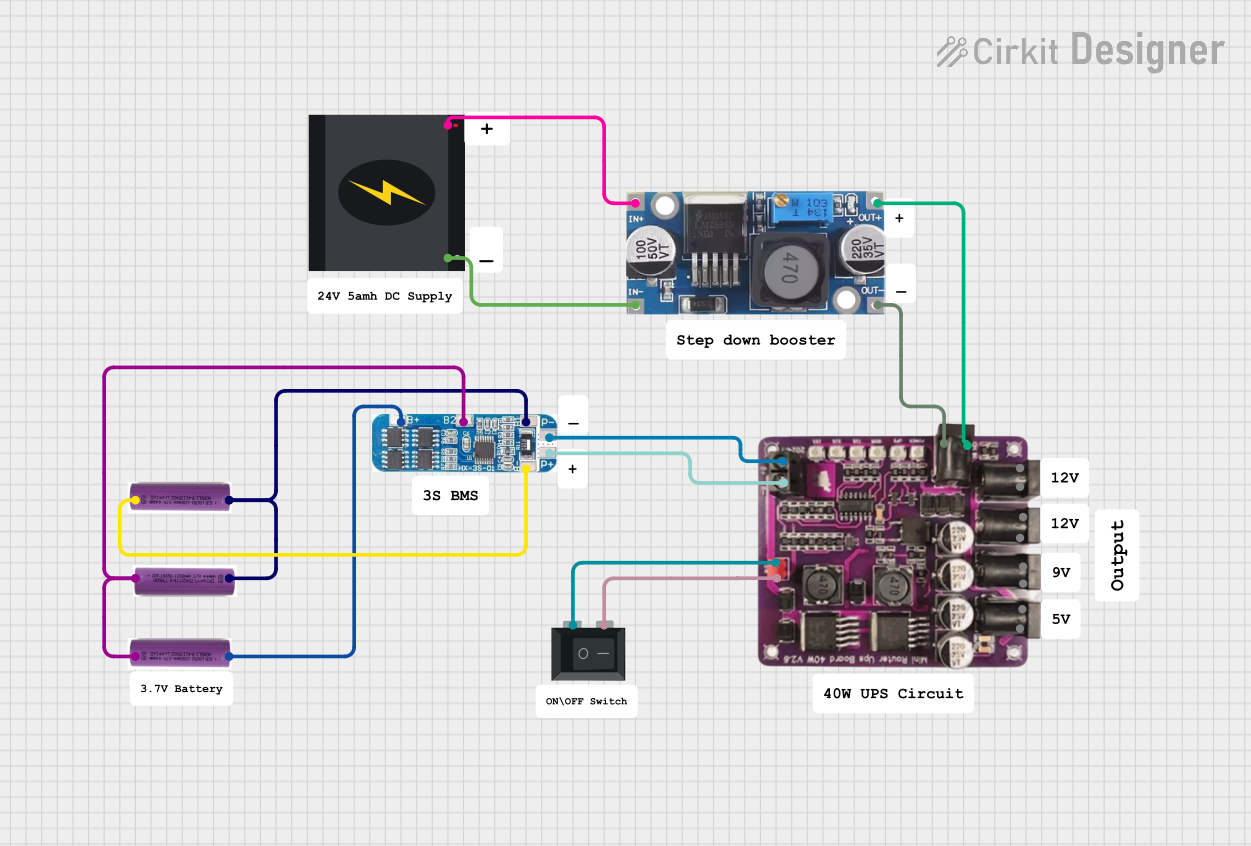 Open Project in Cirkit Designer
Explore Projects Built with XL4015 5A DC Buck Step-down
Open Project in Cirkit DesignerOpen Project in Cirkit DesignerOpen Project in Cirkit DesignerOpen Project in Cirkit DesignerCommon Applications:
- Battery charging circuits
- LED lighting systems
- Powering microcontrollers and single-board computers
- Voltage regulation in DIY electronics projects
- Solar power systems
Technical Specifications
The XL4015 module is designed for high efficiency and flexibility. Below are its key technical details:
Key Specifications:
| Parameter | Value |
|---|---|
| Input Voltage Range | 4V to 38V |
| Output Voltage Range | 1.25V to 36V (adjustable) |
| Maximum Output Current | 5A (with proper heat dissipation) |
| Output Power | Up to 75W |
| Efficiency | Up to 96% |
| Switching Frequency | 180 kHz |
| Voltage Regulation | ±0.5% |
| Load Regulation | ±0.5% |
| Operating Temperature | -40°C to +85°C |
Pin Configuration:
The XL4015 module typically has the following pin layout:
| Pin Name | Description |
|---|---|
| VIN | Input voltage pin (connect to the positive terminal of the power source) |
| GND | Ground pin (connect to the negative terminal of the power source) |
| VOUT | Output voltage pin (connect to the load or circuit requiring regulated power) |
| ADJ | Adjustment pin (used to set the output voltage via a potentiometer) |
Usage Instructions
How to Use the XL4015 in a Circuit:
Connect the Input Voltage:
- Connect the positive terminal of your power source to the
VINpin. - Connect the negative terminal of your power source to the
GNDpin.
- Connect the positive terminal of your power source to the
Set the Output Voltage:
- Use the onboard potentiometer to adjust the output voltage.
- Turn the potentiometer clockwise to increase the output voltage and counterclockwise to decrease it.
- Use a multimeter to measure the output voltage at the
VOUTpin while adjusting.
Connect the Load:
- Connect the positive terminal of your load to the
VOUTpin. - Connect the negative terminal of your load to the
GNDpin.
- Connect the positive terminal of your load to the
Ensure Proper Heat Dissipation:
- If the output current exceeds 3A, attach a heatsink to the XL4015 module to prevent overheating.
Important Considerations:
- Input Voltage: Ensure the input voltage is at least 1.5V higher than the desired output voltage.
- Current Limitation: Do not exceed the 5A maximum output current to avoid damaging the module.
- Heat Management: For high-power applications, ensure adequate cooling with a heatsink or active cooling.
- Polarity Protection: Double-check the polarity of the input and output connections to avoid damage.
Example: Using XL4015 with Arduino UNO
The XL4015 can be used to power an Arduino UNO by stepping down a higher voltage (e.g., 12V) to 5V. Below is an example setup:
- Connect a 12V power source to the
VINandGNDpins of the XL4015. - Adjust the output voltage to 5V using the potentiometer.
- Connect the
VOUTpin to the Arduino's 5V pin and theGNDpin to the Arduino's GND pin.
Here is an example Arduino code to blink an LED, powered by the XL4015:
// Example Arduino code to blink an LED
// Ensure the XL4015 is providing 5V to the Arduino UNO

const int ledPin = 13; // Pin connected to the onboard LED

void setup() {
  pinMode(ledPin, OUTPUT); // Set the LED pin as an output
}

void loop() {
  digitalWrite(ledPin, HIGH); // Turn the LED on
  delay(1000);               // Wait for 1 second
  digitalWrite(ledPin, LOW);  // Turn the LED off
  delay(1000);               // Wait for 1 second
}
Troubleshooting and FAQs
Common Issues:
No Output Voltage:
- Cause: Incorrect input polarity or loose connections.
- Solution: Verify the input connections and ensure the polarity is correct.
Overheating:
- Cause: Excessive current draw or insufficient cooling.
- Solution: Attach a heatsink or reduce the load current.
Output Voltage Not Adjustable:
- Cause: Faulty potentiometer or incorrect adjustment.
- Solution: Check the potentiometer for damage and adjust it carefully.
Low Efficiency:
- Cause: Input voltage too close to the output voltage.
- Solution: Ensure the input voltage is at least 1.5V higher than the output voltage.
FAQs:
Q: Can the XL4015 be used to charge batteries?
A: Yes, but ensure the output voltage and current are set according to the battery's specifications.Q: What is the maximum input voltage for the XL4015?
A: The maximum input voltage is 38V. Exceeding this may damage the module.Q: Can I use the XL4015 without a heatsink?
A: Yes, but only for loads drawing less than 3A. For higher currents, a heatsink is recommended.Q: How do I measure the output voltage?
A: Use a multimeter to measure the voltage across theVOUTandGNDpins.
This concludes the documentation for the XL4015 5A DC Buck Step-down module.