
How to Use ph 4502c: Examples, Pinouts, and Specs
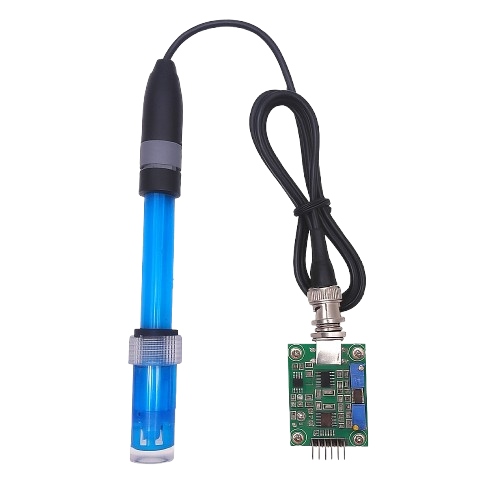
 Design with ph 4502c in Cirkit Designer
Introduction
The PH 4502C is a high-performance operational amplifier (op-amp) designed for precision signal processing applications. It features low noise, high gain, and wide bandwidth, making it ideal for use in audio processing, instrumentation, and control systems. Its robust design ensures reliable operation in a variety of environments, making it a versatile choice for both analog and mixed-signal circuits.
Explore Projects Built with ph 4502c
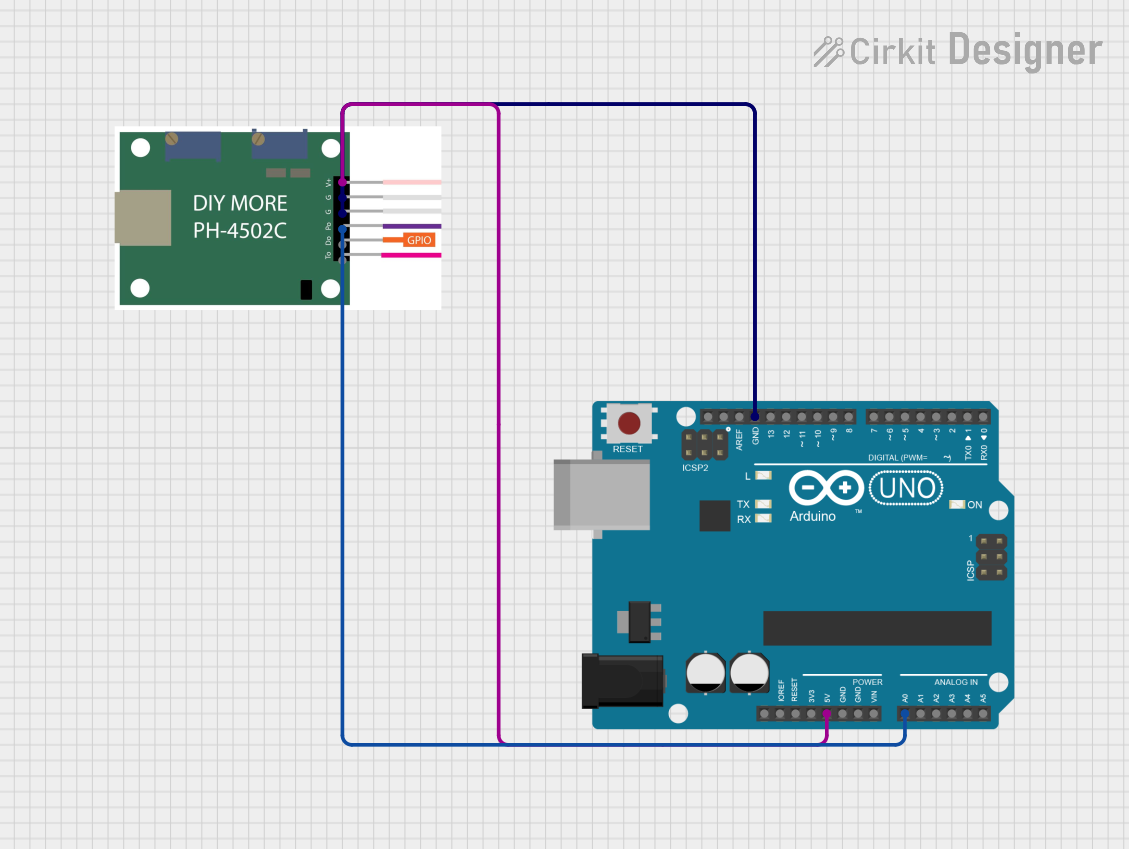 Open Project in Cirkit Designer
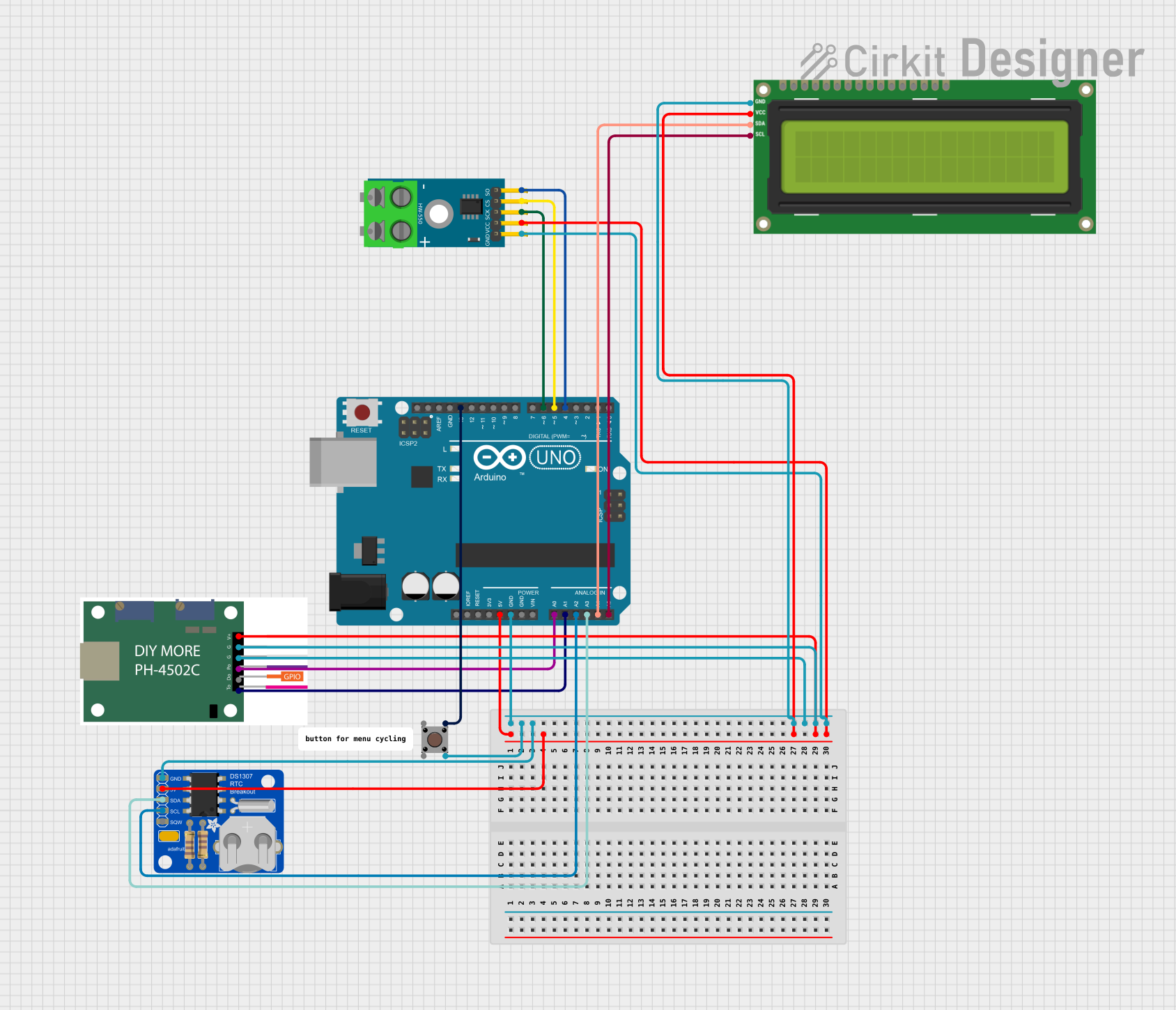 Open Project in Cirkit Designer
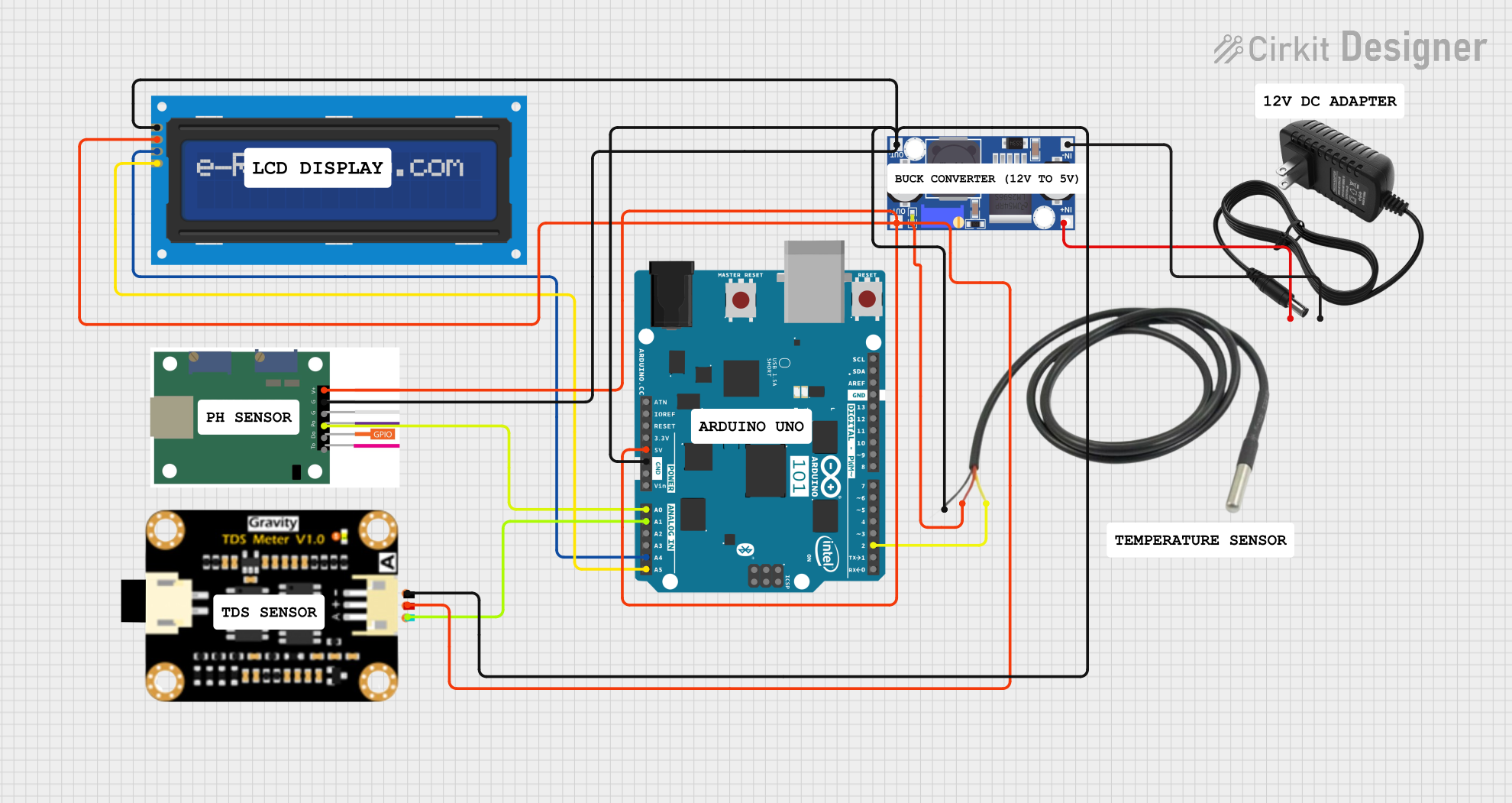 Open Project in Cirkit Designer
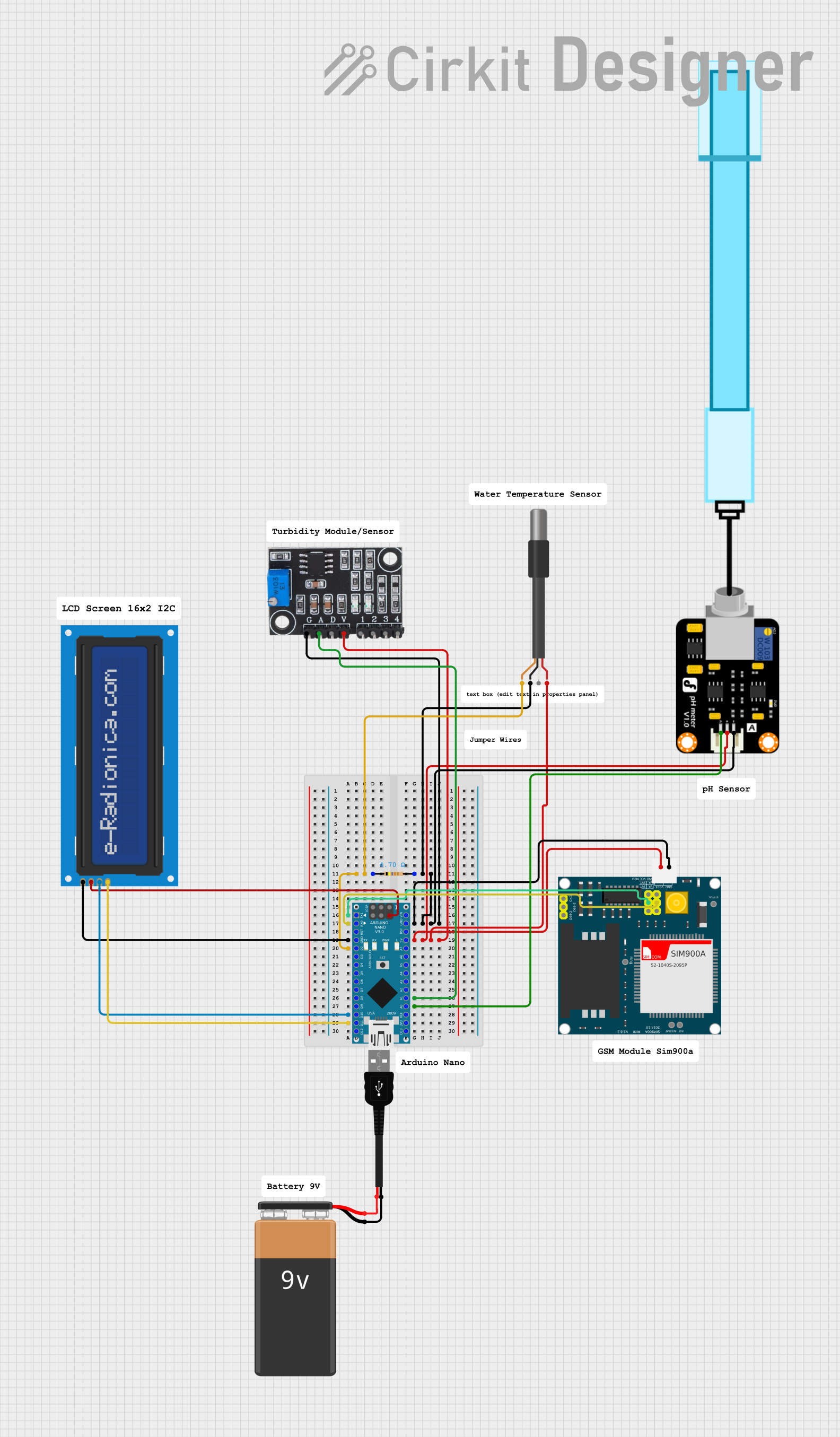 Open Project in Cirkit Designer
Explore Projects Built with ph 4502c
Open Project in Cirkit DesignerOpen Project in Cirkit DesignerOpen Project in Cirkit DesignerOpen Project in Cirkit DesignerCommon Applications
- Audio signal amplification
- Sensor signal conditioning
- Active filters and oscillators
- Precision voltage followers
- Analog computation circuits
Technical Specifications
Key Specifications
| Parameter | Value |
|---|---|
| Supply Voltage Range | ±3V to ±18V |
| Input Offset Voltage | ≤ 1 mV |
| Input Bias Current | ≤ 50 nA |
| Gain Bandwidth Product | 10 MHz |
| Slew Rate | 0.5 V/µs |
| Input Impedance | ≥ 10 MΩ |
| Output Impedance | ≤ 75 Ω |
| Operating Temperature | -40°C to +85°C |
| Package Type | DIP-8, SOIC-8 |
Pin Configuration
The PH 4502C is typically available in an 8-pin DIP or SOIC package. The pinout is as follows:
| Pin Number | Pin Name | Description |
|---|---|---|
| 1 | Offset Null 1 | Offset voltage adjustment (connect to pot) |
| 2 | Inverting Input | Inverting input terminal (-) |
| 3 | Non-Inverting Input | Non-inverting input terminal (+) |
| 4 | V- (GND) | Negative power supply or ground |
| 5 | Offset Null 2 | Offset voltage adjustment (connect to pot) |
| 6 | Output | Output terminal |
| 7 | V+ | Positive power supply |
| 8 | NC (No Connect) | Not connected internally |
Usage Instructions
Using the PH 4502C in a Circuit
- Power Supply: Connect the op-amp to a dual power supply (e.g., ±12V) or a single supply (e.g., 0V and +12V) depending on your application.
- Input Connections:
- Connect the signal source to the inverting or non-inverting input, depending on the desired configuration (e.g., inverting amplifier, non-inverting amplifier, etc.).
- Use appropriate resistors and capacitors to set the gain and bandwidth.
- Output Load: Ensure the load impedance is within the recommended range to avoid distortion or instability.
- Offset Adjustment: If precise offset voltage adjustment is required, connect a 10 kΩ potentiometer between pins 1 and 5, with the wiper connected to V+.
Example Circuit: Non-Inverting Amplifier
Below is an example of a non-inverting amplifier circuit using the PH 4502C:
       +V (e.g., +12V)
        |
        |
        +-------------------+
        |                   |
        |                   |
       (R1)                (R2)
        |                   |
        |                   |
Input --+---|> (PH 4502C)---+--- Output
        |                   |
       GND                 GND
- R1: Input resistor (e.g., 10 kΩ)
- R2: Feedback resistor (e.g., 100 kΩ)
- Gain = 1 + (R2 / R1)
Arduino UNO Example
The PH 4502C can be used with an Arduino UNO for signal amplification. Below is an example code snippet for reading an amplified sensor signal:
// Arduino code to read an amplified signal from the PH 4502C
const int analogPin = A0; // Analog pin connected to the op-amp output
int sensorValue = 0;      // Variable to store the sensor reading

void setup() {
  Serial.begin(9600); // Initialize serial communication
}

void loop() {
  sensorValue = analogRead(analogPin); // Read the amplified signal
  float voltage = sensorValue * (5.0 / 1023.0); // Convert to voltage
  Serial.print("Amplified Voltage: ");
  Serial.println(voltage); // Print the voltage to the Serial Monitor
  delay(500); // Wait for 500 ms
}
Best Practices
- Use decoupling capacitors (e.g., 0.1 µF) close to the power supply pins to reduce noise.
- Avoid exceeding the maximum supply voltage to prevent damage.
- Use proper grounding techniques to minimize interference.
Troubleshooting and FAQs
Common Issues and Solutions
No Output Signal:
- Check the power supply connections and ensure the op-amp is powered correctly.
- Verify that the input signal is within the acceptable range.
Distorted Output:
- Ensure the load impedance is not too low.
- Check for proper feedback resistor values to avoid instability.
High Noise Levels:
- Use shielded cables for input signals.
- Add bypass capacitors to the power supply lines.
Offset Voltage Too High:
- Adjust the offset null pins using a potentiometer.
FAQs
Q: Can the PH 4502C operate with a single power supply?
A: Yes, the PH 4502C can operate with a single supply, but the input signal must remain within the common-mode voltage range.
Q: What is the maximum gain I can achieve with this op-amp?
A: The maximum gain depends on the circuit configuration and bandwidth requirements. For high gains, ensure the gain-bandwidth product (10 MHz) is not exceeded.
Q: Is the PH 4502C suitable for audio applications?
A: Yes, its low noise and high gain make it an excellent choice for audio signal amplification.
Q: How do I protect the op-amp from damage?
A: Use clamping diodes at the input to protect against voltage spikes and avoid exceeding the maximum supply voltage.