
How to Use DPS310: Examples, Pinouts, and Specs
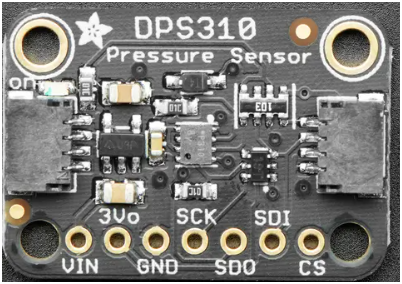
 Design with DPS310 in Cirkit Designer
Introduction
The DPS310 is a digital barometric pressure sensor that provides high-precision measurements of atmospheric pressure and temperature. It is designed for low-power operation and features a small form factor, making it ideal for portable and battery-powered devices. The DPS310 is commonly used in applications such as weather monitoring, altitude measurement, and environmental sensing. Its high accuracy and digital interface make it a versatile choice for a wide range of projects.
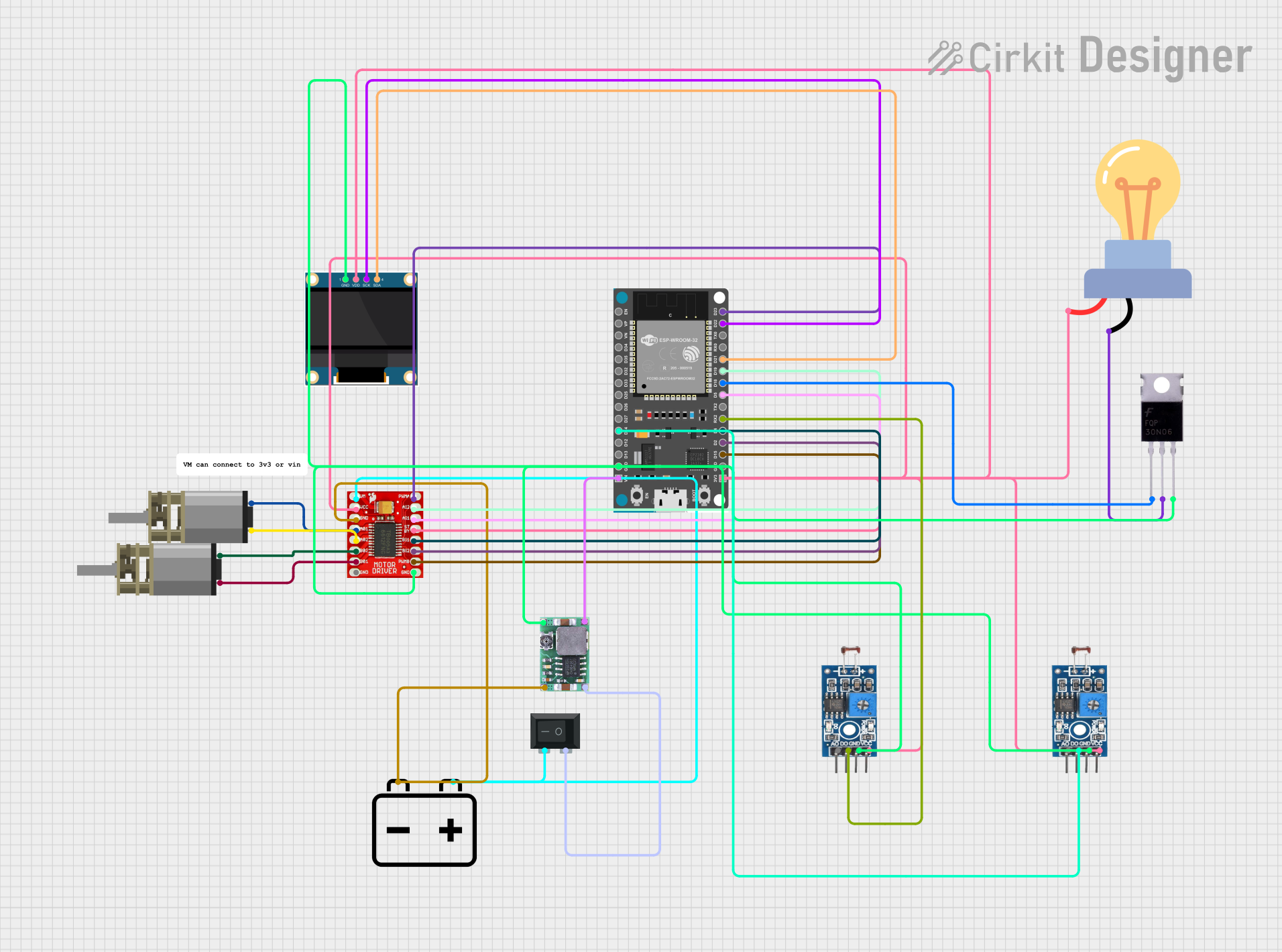
Explore Projects Built with DPS310
 Open Project in Cirkit Designer
 Open Project in Cirkit Designer
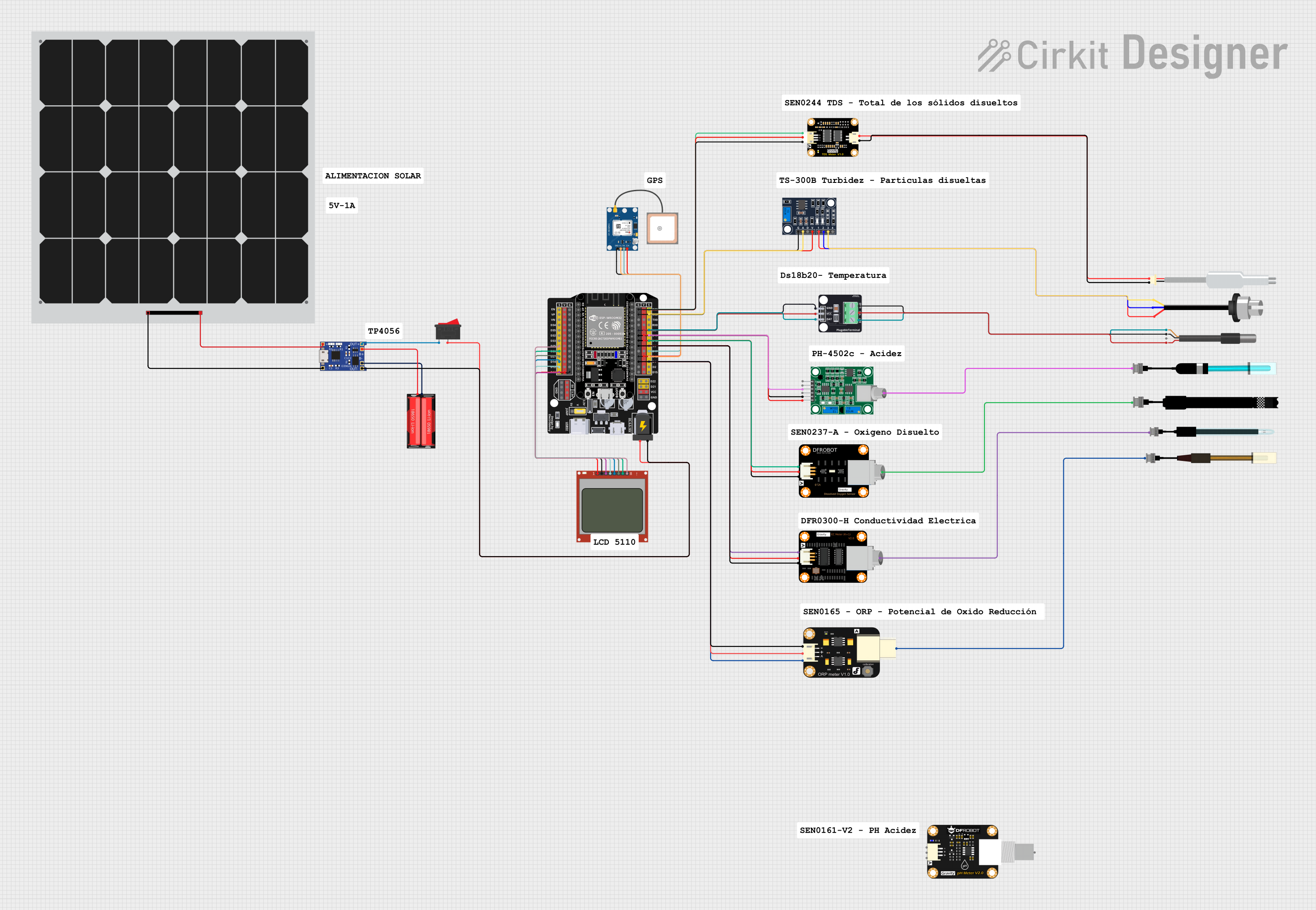 Open Project in Cirkit Designer
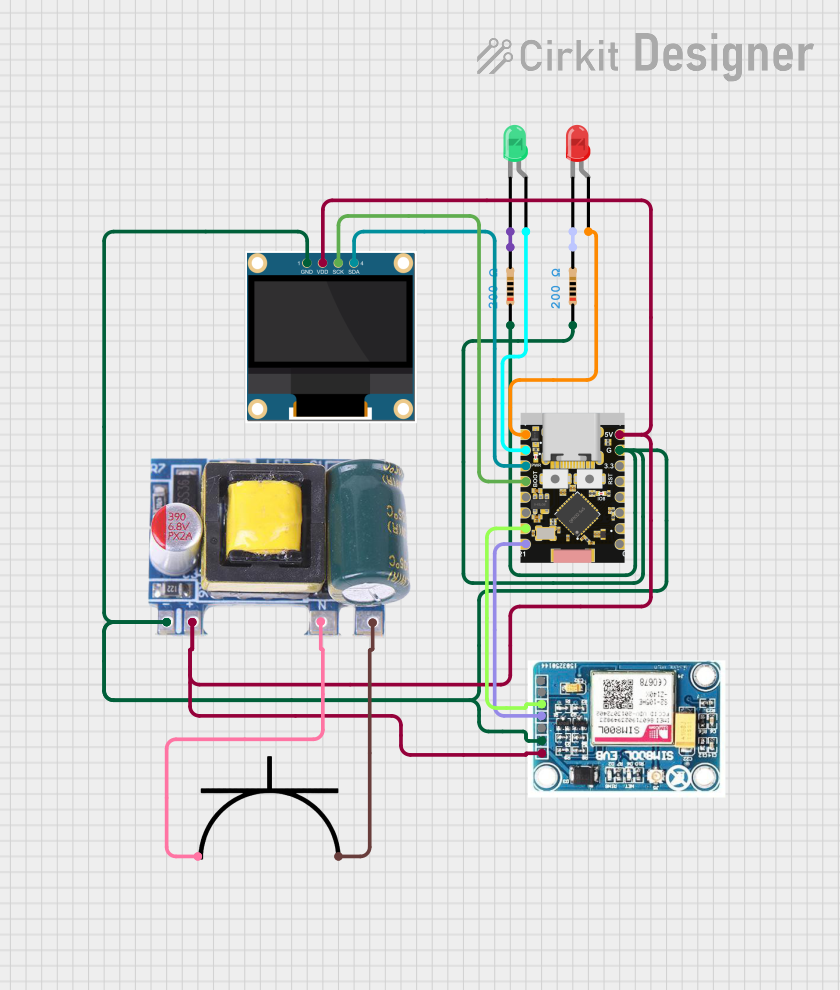 Open Project in Cirkit Designer
Explore Projects Built with DPS310
Open Project in Cirkit DesignerOpen Project in Cirkit DesignerOpen Project in Cirkit DesignerOpen Project in Cirkit DesignerTechnical Specifications
- Pressure Measurement Range: 300 hPa to 1200 hPa (equivalent to -500 m to 9000 m altitude)
- Temperature Measurement Range: -40°C to +85°C
- Pressure Accuracy: ±0.005 hPa (high-precision mode)
- Temperature Accuracy: ±0.5°C
- Operating Voltage: 1.7 V to 3.6 V
- Interface: I²C (up to 3.4 MHz) and SPI (up to 20 MHz)
- Current Consumption:
- Standby: 1.8 µA
- Measurement: 1.7 µA (1 Hz pressure and temperature)
- Package: 8-pin LGA, 2.0 mm × 2.5 mm × 1.0 mm
Pin Configuration and Descriptions
The DPS310 has 8 pins, as described in the table below:
| Pin | Name | Description |
|---|---|---|
| 1 | GND | Ground |
| 2 | VDD | Supply voltage (1.7 V to 3.6 V) |
| 3 | SCL | I²C clock line / SPI clock input |
| 4 | SDA | I²C data line / SPI data input/output |
| 5 | CSB | Chip select for SPI (active low) / I²C address bit |
| 6 | PS | Protocol select: High = I²C, Low = SPI |
| 7 | INT | Interrupt output (optional) |
| 8 | GND | Ground |
Usage Instructions
How to Use the DPS310 in a Circuit
- Power Supply: Connect the VDD pin to a 1.7 V to 3.6 V power source and the GND pins to ground.
- Communication Protocol:
- For I²C: Connect the SCL and SDA pins to the corresponding I²C lines on your microcontroller. Use pull-up resistors (typically 4.7 kΩ) on both lines.
- For SPI: Connect the SCL, SDA, and CSB pins to the SPI clock, data, and chip select lines, respectively. Set the PS pin to LOW for SPI mode.
- Interrupt (Optional): If needed, connect the INT pin to a GPIO pin on your microcontroller to handle interrupts.
- Initialization: Configure the DPS310 using the appropriate library or commands to set the measurement mode, sampling rate, and other parameters.
Important Considerations and Best Practices
- Power Supply Stability: Ensure a stable power supply to avoid measurement errors.
- I²C Pull-Up Resistors: Use appropriate pull-up resistors on the I²C lines to ensure reliable communication.
- Temperature Compensation: The DPS310 includes built-in temperature compensation, but ensure proper initialization for accurate readings.
- Placement: Avoid placing the sensor near heat sources or in areas with high airflow, as this can affect measurements.
Example Code for Arduino UNO
Below is an example of how to use the DPS310 with an Arduino UNO via I²C:
#include <Wire.h>
#include <Adafruit_Sensor.h>
#include <Adafruit_DPS310.h>

// Create an instance of the DPS310 sensor
Adafruit_DPS310 dps310;

void setup() {
  Serial.begin(9600);
  while (!Serial); // Wait for Serial Monitor to open

  // Initialize I²C communication
  if (!dps310.begin_I2C()) {
    Serial.println("Failed to find DPS310 sensor!");
    while (1); // Halt execution if sensor is not found
  }

  Serial.println("DPS310 sensor initialized.");
}

void loop() {
  // Read pressure in hPa
  float pressure = dps310.readPressure();
  // Read temperature in °C
  float temperature = dps310.readTemperature();

  // Print the readings to the Serial Monitor
  Serial.print("Pressure: ");
  Serial.print(pressure);
  Serial.println(" hPa");

  Serial.print("Temperature: ");
  Serial.print(temperature);
  Serial.println(" °C");

  delay(1000); // Wait 1 second before the next reading
}
Troubleshooting and FAQs
Common Issues
Sensor Not Detected:
- Cause: Incorrect wiring or communication protocol mismatch.
- Solution: Double-check the wiring and ensure the PS pin is set correctly for I²C or SPI mode.
Inaccurate Readings:
- Cause: Improper initialization or environmental factors (e.g., heat sources).
- Solution: Verify the initialization code and ensure the sensor is placed in a stable environment.
I²C Communication Errors:
- Cause: Missing or incorrect pull-up resistors on the I²C lines.
- Solution: Add 4.7 kΩ pull-up resistors to the SCL and SDA lines.
FAQs
Q: Can the DPS310 measure altitude directly?
A: The DPS310 provides pressure readings, which can be converted to altitude using the barometric formula. Many libraries include this functionality.Q: What is the maximum I²C clock speed supported?
A: The DPS310 supports I²C clock speeds up to 3.4 MHz.Q: Can the DPS310 operate in high-humidity environments?
A: While the DPS310 is robust, prolonged exposure to high humidity may affect its performance. Consider using a protective enclosure in such environments.