
How to Use A3144: Examples, Pinouts, and Specs
 Design with A3144 in Cirkit Designer
Introduction
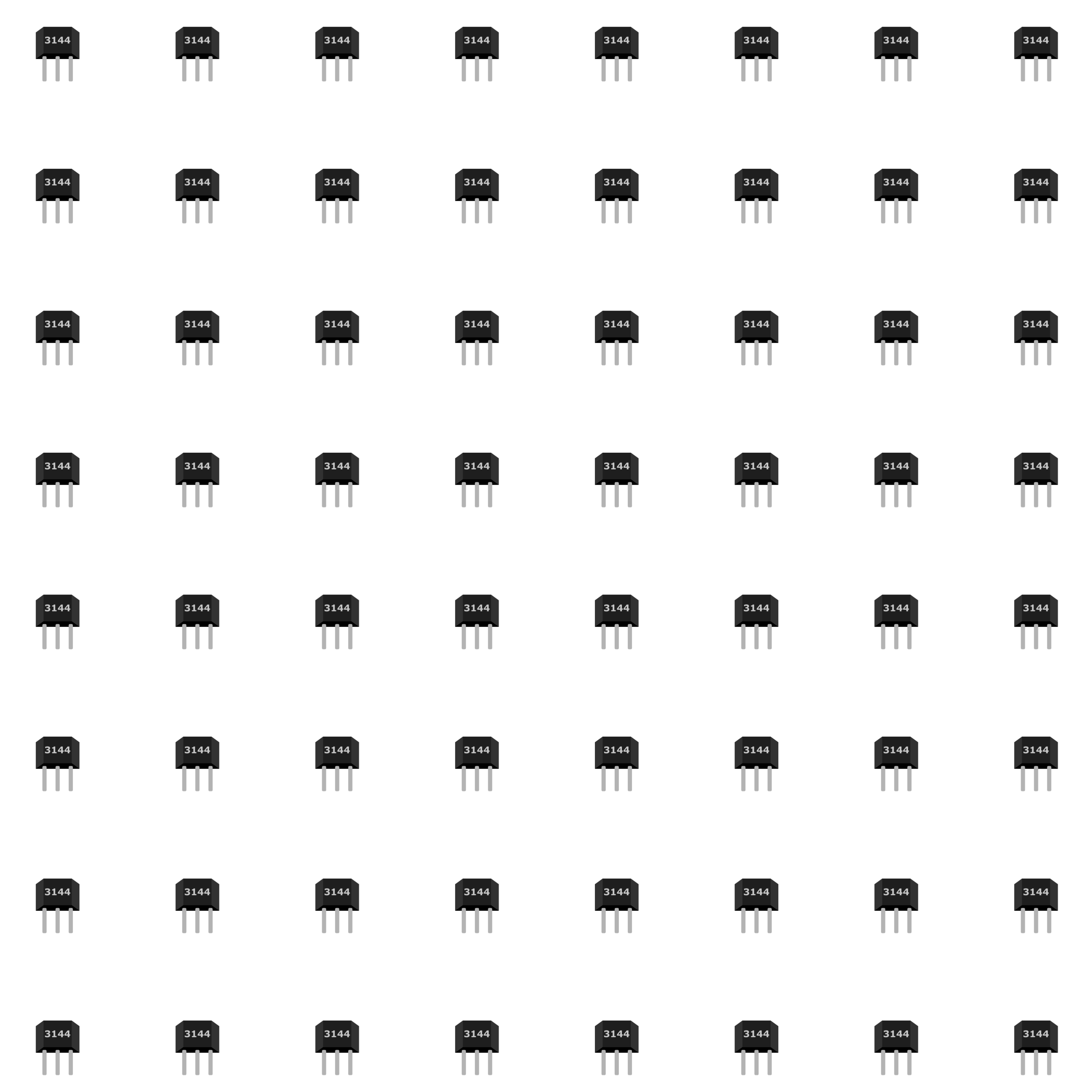
The A3144 is a Hall effect sensor designed to detect magnetic fields. It outputs a digital signal when a magnetic field is present, making it a versatile and reliable component for various applications. The sensor is commonly used in position sensing, speed detection, and proximity sensing. Its compact size and ease of use make it a popular choice for both hobbyists and professionals.
Explore Projects Built with A3144
 Open Project in Cirkit Designer
 Open Project in Cirkit Designer
 Open Project in Cirkit Designer
 Open Project in Cirkit Designer
Explore Projects Built with A3144
Open Project in Cirkit DesignerOpen Project in Cirkit DesignerOpen Project in Cirkit DesignerOpen Project in Cirkit DesignerCommon Applications
- Position Sensing: Detecting the position of a moving object.
- Speed Detection: Measuring the rotational speed of motors or wheels.
- Proximity Sensing: Detecting the presence of nearby magnetic objects.
- Contactless Switches: Used in devices requiring non-mechanical switching.
Technical Specifications
Below are the key technical details of the A3144 Hall effect sensor:
| Parameter | Value |
|---|---|
| Operating Voltage | 4.5V to 24V |
| Output Type | Digital (Open Collector) |
| Output Current (Max) | 25mA |
| Magnetic Sensitivity | North or South Pole Detection |
| Operating Temperature | -40°C to +85°C |
| Package Type | TO-92 |
Pin Configuration and Descriptions
The A3144 has three pins, as described in the table below:
| Pin Number | Name | Description |
|---|---|---|
| 1 | VCC | Power supply input (4.5V to 24V) |
| 2 | GND | Ground connection |
| 3 | OUT | Digital output signal (active low when magnetic field is detected) |
Usage Instructions
How to Use the A3144 in a Circuit
- Power the Sensor: Connect the VCC pin to a power supply (4.5V to 24V) and the GND pin to ground.
- Connect the Output: Attach the OUT pin to a pull-up resistor (e.g., 10kΩ) and then to the input pin of a microcontroller or other digital logic circuit.
- Place a Magnet: Position a magnet near the sensor. The output will go LOW when the sensor detects a magnetic field.
Important Considerations
- Pull-Up Resistor: The A3144 requires a pull-up resistor on the output pin to function correctly. Without it, the output may not provide a valid signal.
- Magnet Orientation: The sensor can detect both the North and South poles of a magnet, but the sensitivity may vary depending on the strength and orientation of the magnetic field.
- Power Supply: Ensure the power supply voltage is within the specified range (4.5V to 24V) to avoid damaging the sensor.
Example: Connecting the A3144 to an Arduino UNO
Below is an example of how to use the A3144 with an Arduino UNO to detect a magnetic field:
Circuit Diagram
- Connect the VCC pin of the A3144 to the 5V pin on the Arduino.
- Connect the GND pin of the A3144 to the GND pin on the Arduino.
- Connect the OUT pin of the A3144 to digital pin 2 on the Arduino, with a 10kΩ pull-up resistor between OUT and VCC.
Arduino Code
// A3144 Hall Effect Sensor Example
// This code reads the output of the A3144 and prints the state to the Serial Monitor.

const int hallSensorPin = 2; // A3144 OUT pin connected to digital pin 2
int sensorState = 0;         // Variable to store the sensor state

void setup() {
  pinMode(hallSensorPin, INPUT); // Set the sensor pin as input
  Serial.begin(9600);           // Initialize serial communication
}

void loop() {
  sensorState = digitalRead(hallSensorPin); // Read the sensor state

  if (sensorState == LOW) {
    // Output goes LOW when a magnetic field is detected
    Serial.println("Magnetic field detected!");
  } else {
    Serial.println("No magnetic field detected.");
  }

  delay(500); // Wait for 500ms before reading again
}
Best Practices
- Use a stable power supply to avoid erratic behavior.
- Keep the sensor away from strong electromagnetic interference (EMI) sources.
- Test the sensor with different magnets to determine the optimal distance and orientation for your application.
Troubleshooting and FAQs
Common Issues and Solutions
| Issue | Possible Cause | Solution |
|---|---|---|
| No output signal | Missing or incorrect pull-up resistor | Add a 10kΩ pull-up resistor to the OUT pin. |
| Output signal is unstable | Power supply noise or interference | Use a decoupling capacitor (e.g., 0.1µF) across VCC and GND. |
| Sensor not detecting the magnet | Weak magnetic field or incorrect orientation | Use a stronger magnet or adjust its position. |
| Sensor overheating | Exceeding voltage or current limits | Ensure the supply voltage is within 4.5V to 24V and output current is below 25mA. |
FAQs
Can the A3144 detect both poles of a magnet?
- Yes, the A3144 can detect both the North and South poles of a magnet.
What type of output does the A3144 provide?
- The A3144 provides a digital output (active LOW) when a magnetic field is detected.
Can I use the A3144 with a 3.3V microcontroller?
- The A3144 requires a minimum operating voltage of 4.5V, so it cannot be directly powered by a 3.3V microcontroller. However, you can use a level shifter or a separate 5V power supply.
What is the maximum distance at which the A3144 can detect a magnet?
- The detection distance depends on the strength of the magnet. Stronger magnets can be detected from a greater distance, typically a few millimeters to a few centimeters.
By following this documentation, you can effectively integrate the A3144 Hall effect sensor into your projects and troubleshoot any issues that arise.