
How to Use RJ45 Ethernet: Examples, Pinouts, and Specs
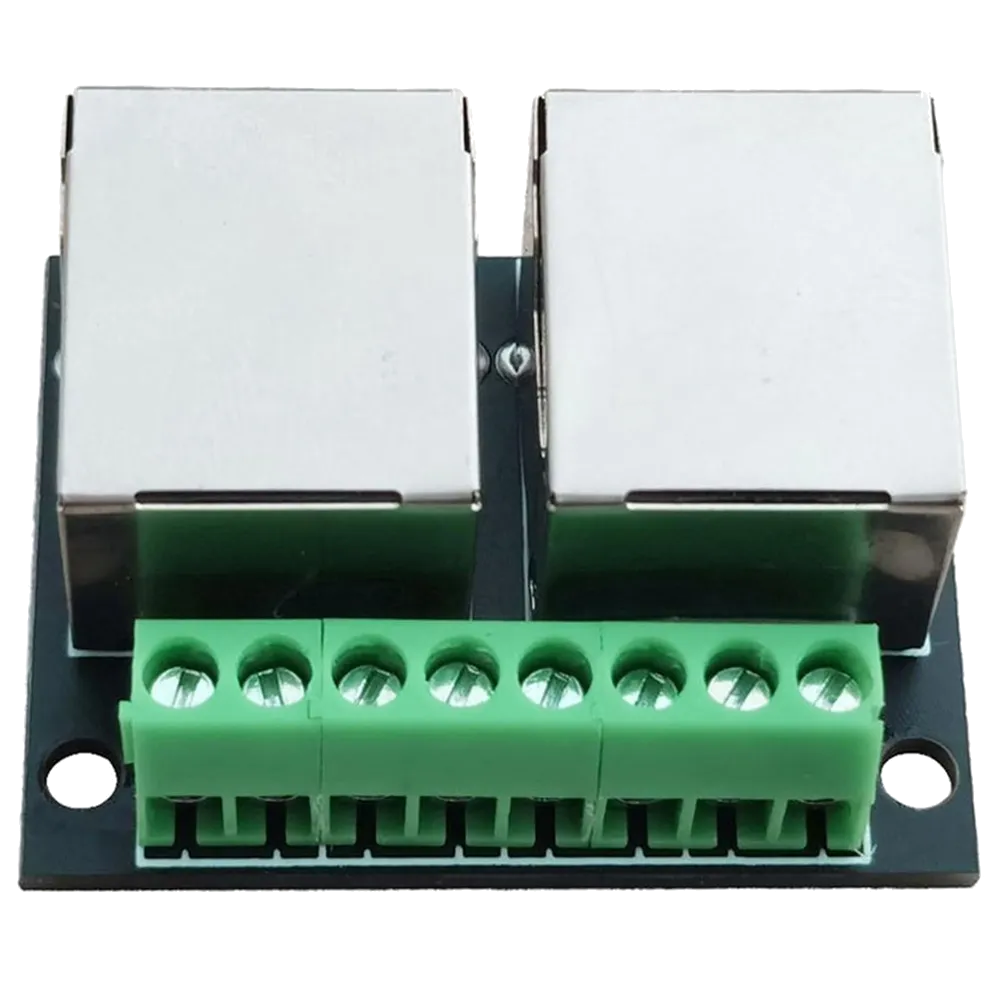
 Design with RJ45 Ethernet in Cirkit Designer
Introduction
The RJ45 Ethernet connector is a standardized interface widely used for Ethernet networking. It features an 8-pin modular design and is commonly employed to connect computers, routers, switches, and other devices to local area networks (LANs). Its robust design and reliable performance make it a staple in both residential and commercial networking applications.
Explore Projects Built with RJ45 Ethernet
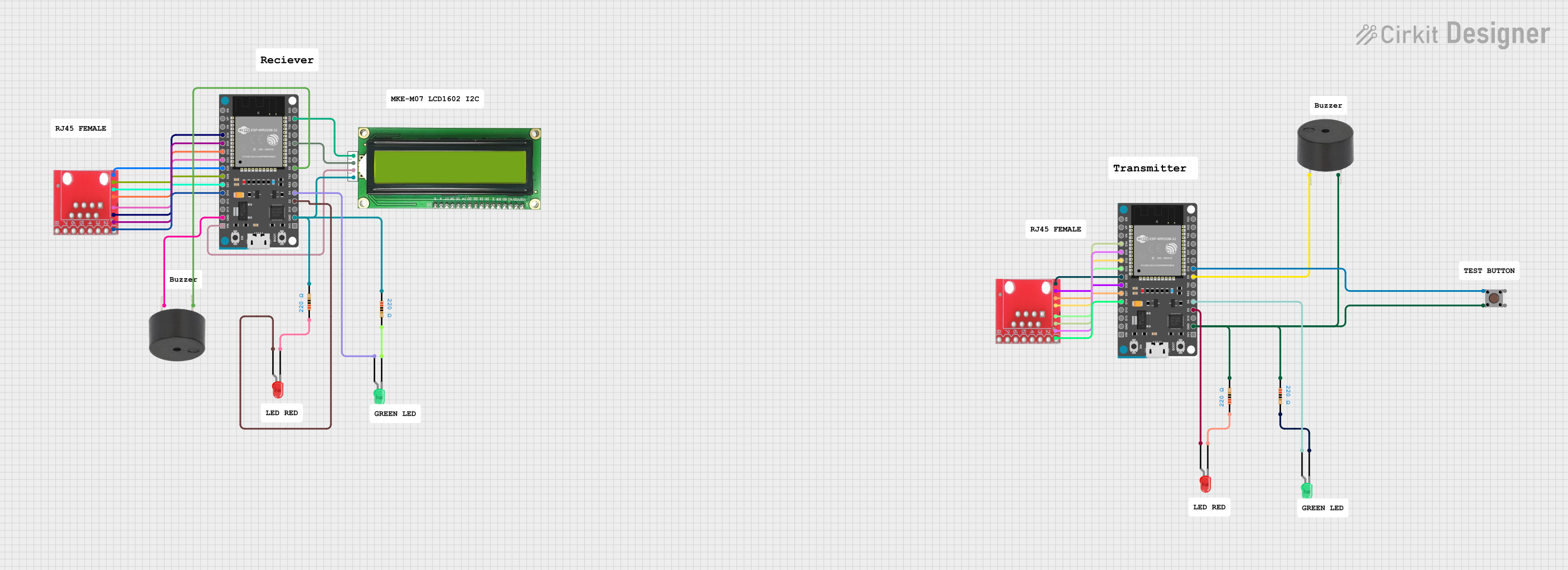 Open Project in Cirkit Designer
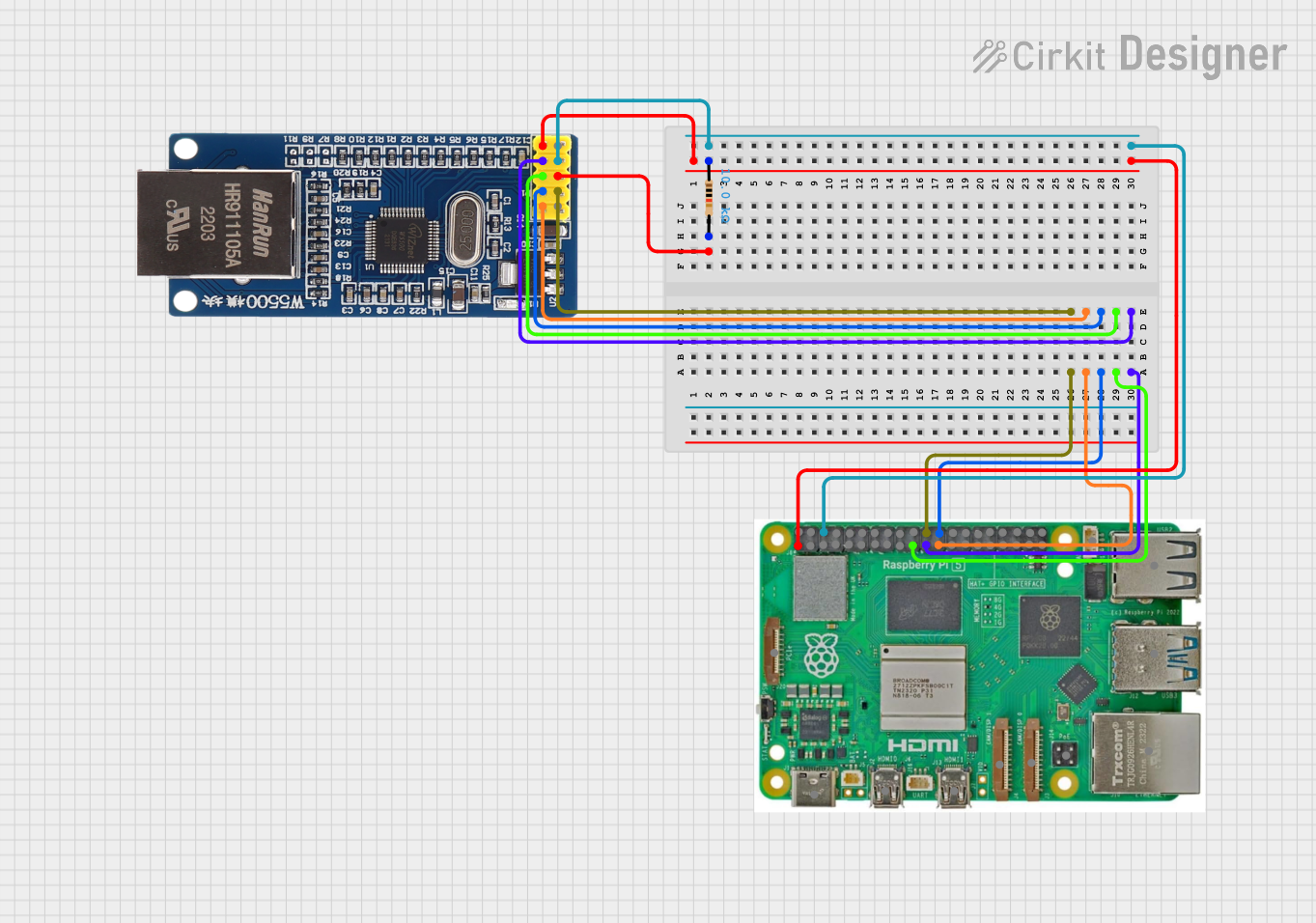 Open Project in Cirkit Designer
 Open Project in Cirkit Designer
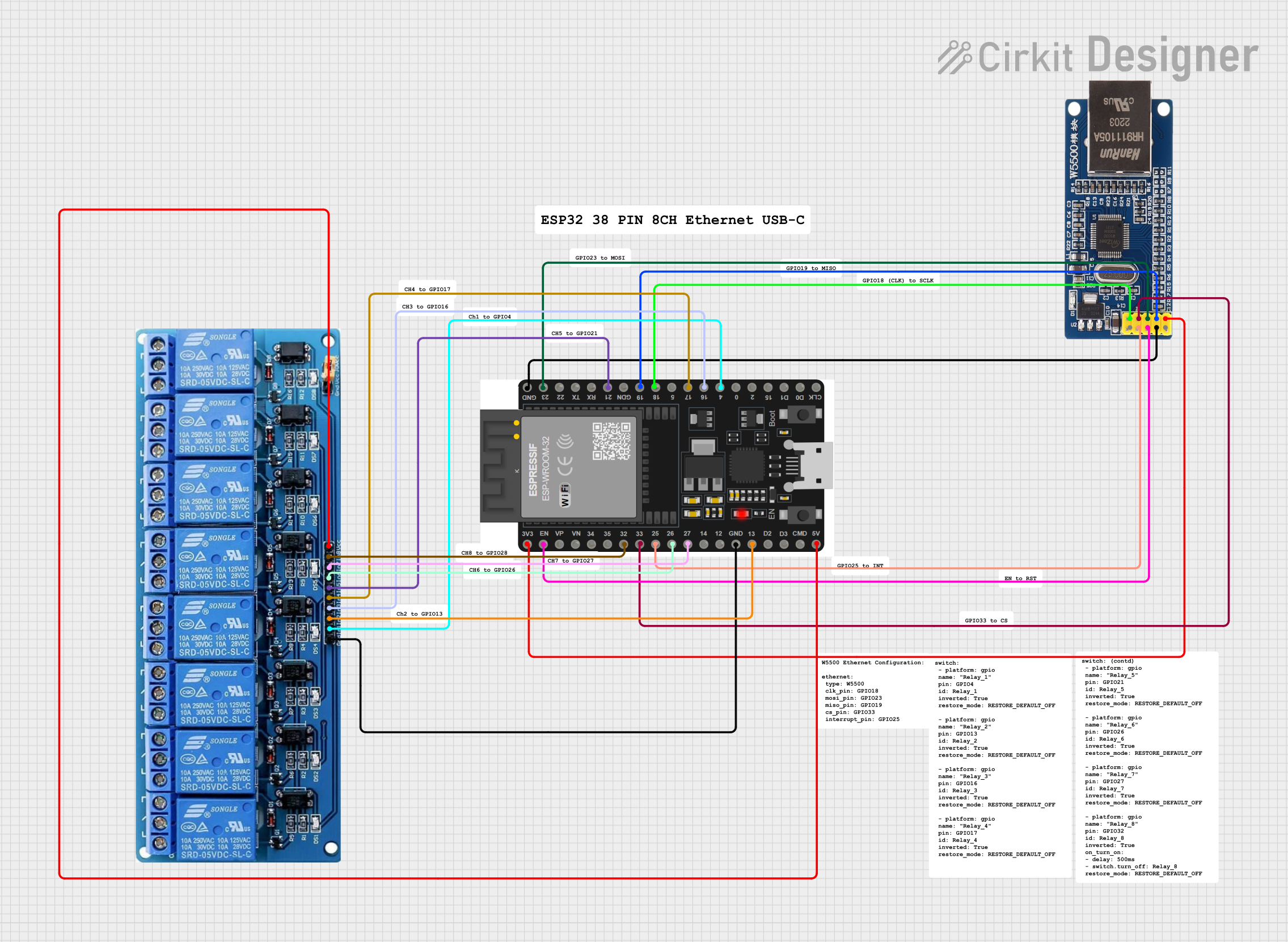 Open Project in Cirkit Designer
Explore Projects Built with RJ45 Ethernet
Open Project in Cirkit DesignerOpen Project in Cirkit DesignerOpen Project in Cirkit DesignerOpen Project in Cirkit DesignerCommon Applications and Use Cases
- Connecting computers, routers, and switches in LANs
- Establishing wired internet connections
- Industrial and commercial networking setups
- Power over Ethernet (PoE) applications
- Data transfer in high-speed networks
Technical Specifications
The RJ45 Ethernet connector is designed to meet the requirements of Ethernet standards, including 10BASE-T, 100BASE-TX, and 1000BASE-T (Gigabit Ethernet). Below are its key technical details:
Key Technical Details
| Parameter | Specification |
|---|---|
| Connector Type | RJ45 (8P8C - 8 Positions, 8 Contacts) |
| Supported Standards | 10BASE-T, 100BASE-TX, 1000BASE-T |
| Number of Pins | 8 |
| Voltage Rating | 150V (typical) |
| Current Rating | 1.5A (maximum per pin) |
| Operating Temperature | -40°C to +85°C |
| Contact Resistance | ≤ 20 mΩ |
| Insulation Resistance | ≥ 500 MΩ |
| Durability | 750+ mating cycles |
Pin Configuration and Descriptions
The RJ45 connector uses an 8-pin configuration. The pinout follows the T568A or T568B wiring standards, which are commonly used in Ethernet cables.
T568B Wiring Standard (Most Common)
| Pin Number | Wire Color | Signal Description |
|---|---|---|
| 1 | White/Orange | Transmit Data + (TX+) |
| 2 | Orange | Transmit Data - (TX-) |
| 3 | White/Green | Receive Data + (RX+) |
| 4 | Blue | Unused (or PoE Power +) |
| 5 | White/Blue | Unused (or PoE Power +) |
| 6 | Green | Receive Data - (RX-) |
| 7 | White/Brown | Unused (or PoE Power -) |
| 8 | Brown | Unused (or PoE Power -) |
T568A Wiring Standard
| Pin Number | Wire Color | Signal Description |
|---|---|---|
| 1 | White/Green | Transmit Data + (TX+) |
| 2 | Green | Transmit Data - (TX-) |
| 3 | White/Orange | Receive Data + (RX+) |
| 4 | Blue | Unused (or PoE Power +) |
| 5 | White/Blue | Unused (or PoE Power +) |
| 6 | Orange | Receive Data - (RX-) |
| 7 | White/Brown | Unused (or PoE Power -) |
| 8 | Brown | Unused (or PoE Power -) |
Usage Instructions
How to Use the RJ45 Ethernet Connector in a Circuit
- Cable Preparation: Use a Cat5e, Cat6, or higher Ethernet cable for optimal performance. Strip the cable jacket to expose the twisted pairs.
- Wire Arrangement: Arrange the wires according to the T568A or T568B wiring standard. Ensure the wires are untwisted and straightened for proper insertion.
- Connector Crimping: Insert the wires into the RJ45 connector, ensuring each wire aligns with the correct pin. Use an RJ45 crimping tool to secure the connector.
- Testing: Use a cable tester to verify the continuity and correct wiring of the cable.
- Connection: Plug the RJ45 connector into the Ethernet port of the device.
Important Considerations and Best Practices
- Always use high-quality Ethernet cables to ensure reliable data transmission.
- Avoid excessive bending or twisting of the cable to prevent signal degradation.
- For Power over Ethernet (PoE) applications, ensure the connector and cable meet the required power specifications.
- Use a proper crimping tool to avoid damaging the connector or wires.
Example: Connecting an RJ45 Ethernet Module to an Arduino UNO
The RJ45 Ethernet connector is often used with Ethernet modules like the ENC28J60 or W5100 to enable Arduino-based projects to connect to a network. Below is an example of Arduino code for using an Ethernet shield with an RJ45 connector.
#include <SPI.h>
#include <Ethernet.h>

// MAC address and IP address for the Ethernet shield
byte mac[] = { 0xDE, 0xAD, 0xBE, 0xEF, 0xFE, 0xED };
IPAddress ip(192, 168, 1, 177);

// Initialize the Ethernet server on port 80
EthernetServer server(80);

void setup() {
  // Start the Ethernet connection
  Ethernet.begin(mac, ip);

  // Start the server
  server.begin();
  Serial.begin(9600);
  Serial.println("Server is ready at IP: ");
  Serial.println(Ethernet.localIP());
}

void loop() {
  // Listen for incoming clients
  EthernetClient client = server.available();
  if (client) {
    Serial.println("New client connected");
    while (client.connected()) {
      if (client.available()) {
        char c = client.read();
        Serial.write(c); // Echo the received data to the Serial Monitor
      }
    }
    client.stop();
    Serial.println("Client disconnected");
  }
}
Troubleshooting and FAQs
Common Issues and Solutions
Issue: No network connection or intermittent connectivity.
- Solution: Check the wiring and ensure the correct T568A or T568B standard is followed. Verify the cable with a tester.
Issue: Ethernet module not detected by the Arduino.
- Solution: Ensure the RJ45 connector is properly crimped and securely connected. Verify the Ethernet shield is powered and the SPI pins are correctly connected.
Issue: Slow network speeds.
- Solution: Use a higher category cable (e.g., Cat6) and ensure the network hardware supports the desired speed.
Issue: PoE device not powering up.
- Solution: Confirm that the RJ45 connector and cable are rated for PoE. Check the power supply and ensure the correct pins are used for power delivery.
FAQs
Q1: Can I use the RJ45 connector for non-Ethernet applications?
A1: Yes, the RJ45 connector can be used for other applications, such as serial communication or custom wiring, but it is primarily designed for Ethernet networking.
Q2: What is the difference between T568A and T568B wiring standards?
A2: The difference lies in the arrangement of the wire pairs. Both standards are functionally identical for Ethernet, but T568B is more commonly used in the United States.
Q3: How many times can I plug and unplug an RJ45 connector?
A3: The typical durability of an RJ45 connector is rated for 750+ mating cycles.