
How to Use 4G LTE MODULE FRONT: Examples, Pinouts, and Specs
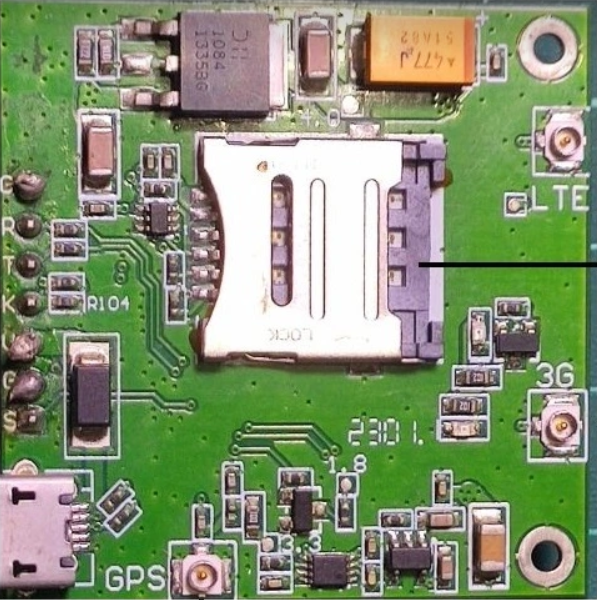
 Design with 4G LTE MODULE FRONT in Cirkit Designer
Introduction
The SIM7600 is a 4G LTE module front manufactured by SimCom Wireless Solutions. It is a high-performance communication device designed to enable wireless data transmission over 4G LTE networks. This module provides high-speed internet connectivity and supports a wide range of applications, including IoT devices, mobile computing, remote monitoring, and industrial automation.
With its compact design and robust features, the SIM7600 is ideal for applications requiring reliable and efficient wireless communication. It supports multiple network standards, including 4G LTE, 3G, and 2G, ensuring compatibility with various network infrastructures.
Explore Projects Built with 4G LTE MODULE FRONT
 Open Project in Cirkit Designer
 Open Project in Cirkit Designer
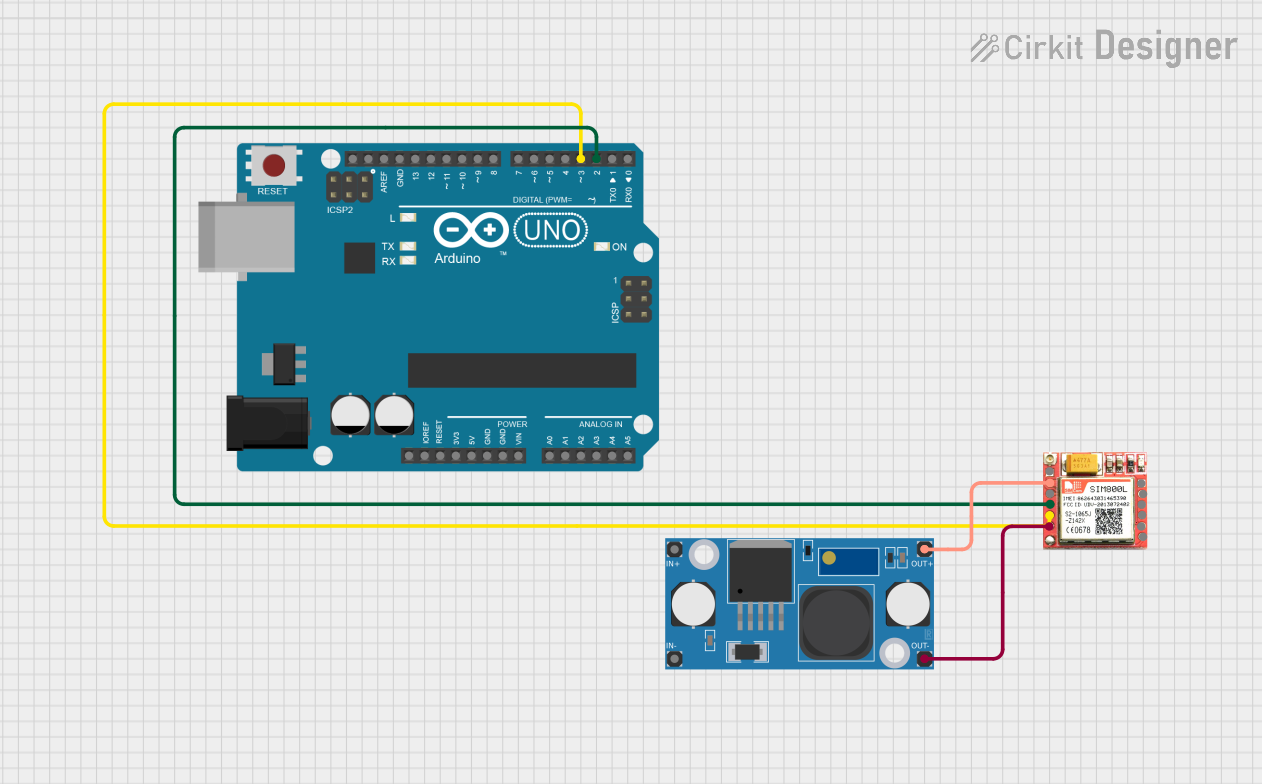 Open Project in Cirkit Designer
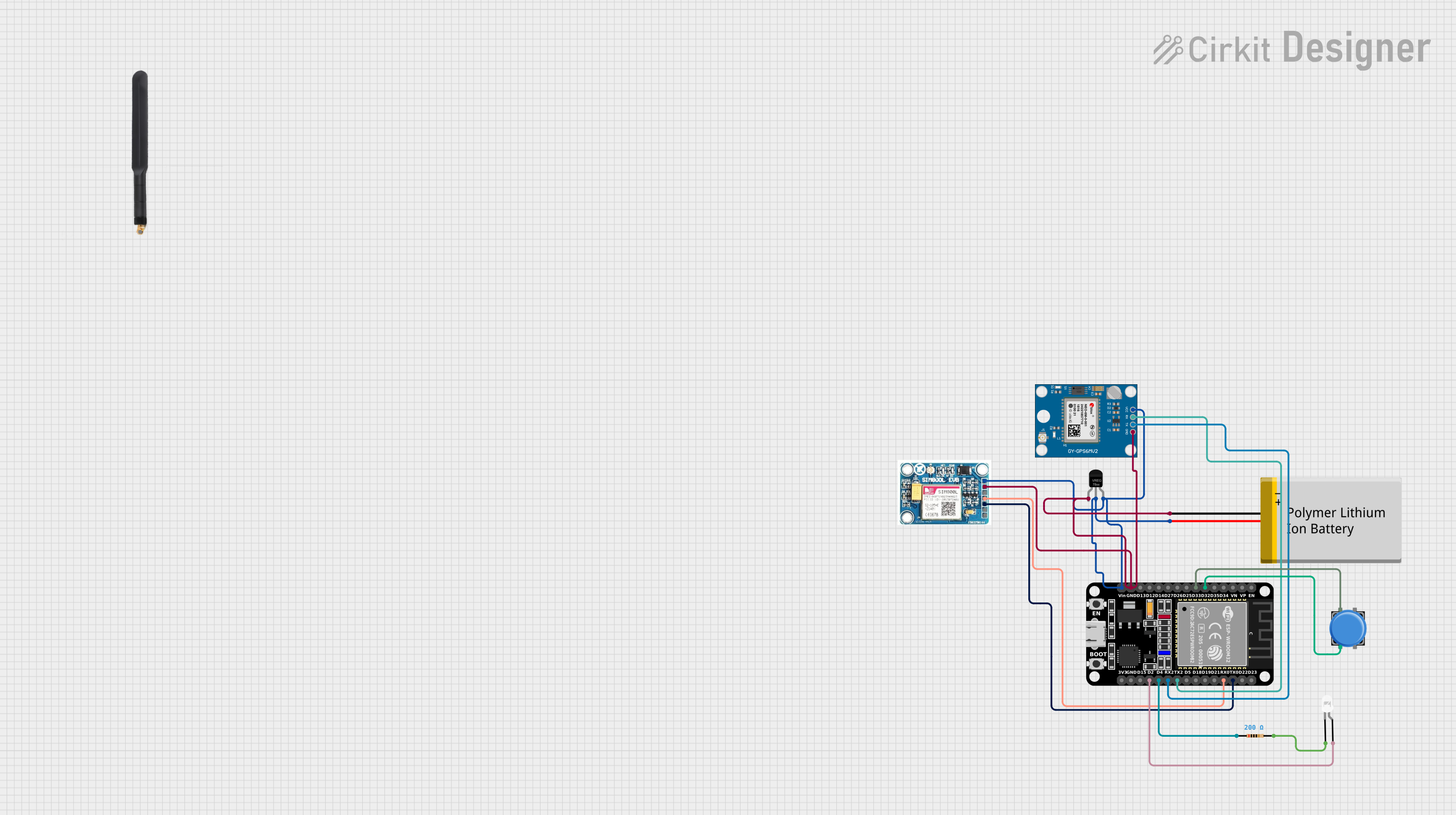 Open Project in Cirkit Designer
Explore Projects Built with 4G LTE MODULE FRONT
Open Project in Cirkit DesignerOpen Project in Cirkit DesignerOpen Project in Cirkit DesignerOpen Project in Cirkit DesignerCommon Applications
- Internet of Things (IoT) devices
- Smart metering and remote monitoring
- Mobile computing and portable devices
- Vehicle telematics and fleet management
- Industrial automation and control systems
- Smart home and security systems
Technical Specifications
Key Technical Details
| Parameter | Specification |
|---|---|
| Manufacturer | SimCom Wireless Solutions |
| Part Number | SIM7600 |
| Network Standards | 4G LTE, 3G, 2G |
| LTE Bands | LTE-FDD: B1/B2/B3/B4/B5/B7/B8/B12/B13/B18/B19/B20/B25/B26/B28/B66 |
| Data Rates | LTE Cat-4: Uplink up to 50 Mbps, Downlink up to 150 Mbps |
| Operating Voltage | 3.4V to 4.2V (Typical: 3.8V) |
| Power Consumption | Idle: ~20mA, Active: ~500mA (varies with network conditions) |
| Operating Temperature | -40°C to +85°C |
| Dimensions | 30mm x 30mm x 2.9mm |
| Interfaces | UART, USB 2.0, GPIO, I2C, SPI, ADC, PCM, SIM card interface |
| SIM Card Support | 1.8V/3.0V SIM cards |
| GNSS Support | GPS, GLONASS, BeiDou, Galileo, QZSS |
| Certifications | CE, FCC, RoHS, PTCRB, GCF |
Pin Configuration and Descriptions
The SIM7600 module has multiple pins for communication and power. Below is a summary of the key pins:
| Pin Number | Pin Name | Description |
|---|---|---|
| 1 | VCC | Power supply input (3.4V to 4.2V, typical 3.8V) |
| 2 | GND | Ground connection |
| 3 | TXD | UART Transmit Data |
| 4 | RXD | UART Receive Data |
| 5 | USB_D+ | USB 2.0 Data Positive |
| 6 | USB_D- | USB 2.0 Data Negative |
| 7 | SIM_VDD | SIM card power supply |
| 8 | SIM_DATA | SIM card data line |
| 9 | SIM_CLK | SIM card clock |
| 10 | SIM_RST | SIM card reset |
| 11 | GNSS_TXD | GNSS UART Transmit Data |
| 12 | GNSS_RXD | GNSS UART Receive Data |
| 13 | GPIO1 | General-purpose input/output |
| 14 | GPIO2 | General-purpose input/output |
| 15 | ADC | Analog-to-digital converter input |
| 16 | RESET | Reset pin (active low) |
Usage Instructions
How to Use the SIM7600 in a Circuit
- Power Supply: Connect the VCC pin to a stable power source (3.8V typical) and GND to ground. Ensure the power supply can handle peak currents of up to 2A.
- UART Communication: Connect the TXD and RXD pins to a microcontroller or host device for serial communication. Use a level shifter if the host operates at a different voltage level.
- SIM Card Interface: Insert a compatible SIM card (1.8V/3.0V) into the SIM card slot. Connect the SIM_VDD, SIM_DATA, SIM_CLK, and SIM_RST pins to the corresponding lines.
- USB Interface: For USB communication, connect the USB_D+ and USB_D- pins to a USB host or PC.
- GNSS Functionality: To use GNSS features, connect the GNSS_TXD and GNSS_RXD pins to a UART interface on the host device.
- Antenna Connection: Attach a 4G LTE antenna and, if required, a GNSS antenna to the respective connectors for optimal signal reception.
Important Considerations and Best Practices
- Power Supply: Use a low-noise, high-current power supply to ensure stable operation.
- Antenna Placement: Place the antennas away from noise sources and ensure proper grounding for better signal quality.
- Firmware Updates: Regularly update the module's firmware to ensure compatibility with the latest network standards.
- ESD Protection: Implement ESD protection on all external interfaces to prevent damage to the module.
- Heat Dissipation: Ensure adequate ventilation or heat sinking if the module operates in high-temperature environments.
Example: Connecting SIM7600 to Arduino UNO
Below is an example of how to connect the SIM7600 module to an Arduino UNO and send an HTTP GET request.
Wiring Diagram
| SIM7600 Pin | Arduino Pin |
|---|---|
| TXD | RX (Pin 0) |
| RXD | TX (Pin 1) |
| VCC | 5V |
| GND | GND |
Arduino Code
#include <SoftwareSerial.h>

// Define RX and TX pins for SoftwareSerial
SoftwareSerial sim7600(10, 11); // RX = Pin 10, TX = Pin 11

void setup() {
  Serial.begin(9600); // Initialize Serial Monitor
  sim7600.begin(9600); // Initialize SIM7600 communication

  Serial.println("Initializing SIM7600...");
  delay(1000);

  // Send AT command to check communication
  sim7600.println("AT");
  delay(1000);
  while (sim7600.available()) {
    Serial.write(sim7600.read()); // Print response to Serial Monitor
  }

  // Configure APN for your network provider
  sim7600.println("AT+CGDCONT=1,\"IP\",\"your_apn_here\"");
  delay(1000);

  // Start HTTP GET request
  sim7600.println("AT+HTTPINIT");
  delay(1000);
  sim7600.println("AT+HTTPPARA=\"URL\",\"http://example.com\"");
  delay(1000);
  sim7600.println("AT+HTTPACTION=0"); // 0 = GET request
  delay(5000);

  // Read HTTP response
  sim7600.println("AT+HTTPREAD");
  delay(1000);
  while (sim7600.available()) {
    Serial.write(sim7600.read());
  }

  sim7600.println("AT+HTTPTERM"); // Terminate HTTP session
}

void loop() {
  // No actions in loop
}
Troubleshooting and FAQs
Common Issues and Solutions
Module Not Responding to AT Commands
- Ensure the power supply is stable and within the specified voltage range.
- Check the UART connections and baud rate settings.
- Verify that the module is powered on (use the RESET pin if necessary).
No Network Connection
- Confirm that the SIM card is properly inserted and activated.
- Check the APN settings for your network provider.
- Ensure the antenna is securely connected and positioned correctly.
High Power Consumption
- Verify that the module is in idle mode when not transmitting data.
- Use power-saving modes (e.g., AT+CSCLK command) to reduce power usage.
Weak Signal Strength
- Relocate the antenna to a position with better signal reception.
- Use a high-gain antenna if necessary.
FAQs
Q: Can the SIM7600 work with 3G or 2G networks?
A: Yes, the SIM7600 is backward compatible with 3G and 2G networks.
Q: Does the module support voice calls?
A: Yes, the SIM7600 supports voice calls via AT commands.
Q: How do I update the firmware?
A: Firmware updates can be performed via the USB interface using SimCom's official tools.
Q: Can I use the SIM7600 for GPS tracking?
A: Yes, the module includes GNSS functionality for GPS, GLONASS, BeiDou, Galileo, and QZSS.
This concludes the documentation for the SIM7600 4G LTE Module Front. For further assistance, refer to the official SimCom user manual or contact technical support.