
How to Use Power Supply 9V-Center: Examples, Pinouts, and Specs

 Design with Power Supply 9V-Center in Cirkit Designer
Introduction
The Power Supply 9V-Center is a reliable and stable power source designed to provide a consistent 9V DC output. It is commonly used to power a wide range of electronic circuits and devices, including microcontrollers, sensors, and small motors. The "center" designation refers to the polarity of the connector, where the positive terminal is located at the center pin, and the outer sleeve is the negative terminal. This polarity standard is widely adopted in electronics, ensuring compatibility with most devices.
Explore Projects Built with Power Supply 9V-Center
 Open Project in Cirkit Designer
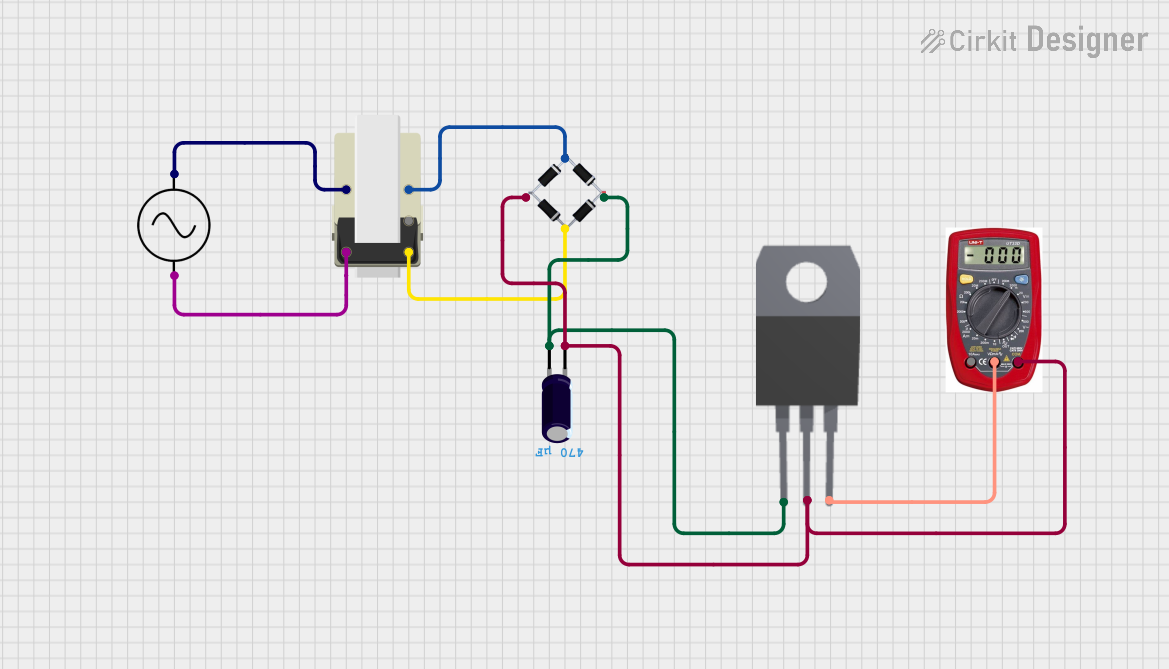 Open Project in Cirkit Designer
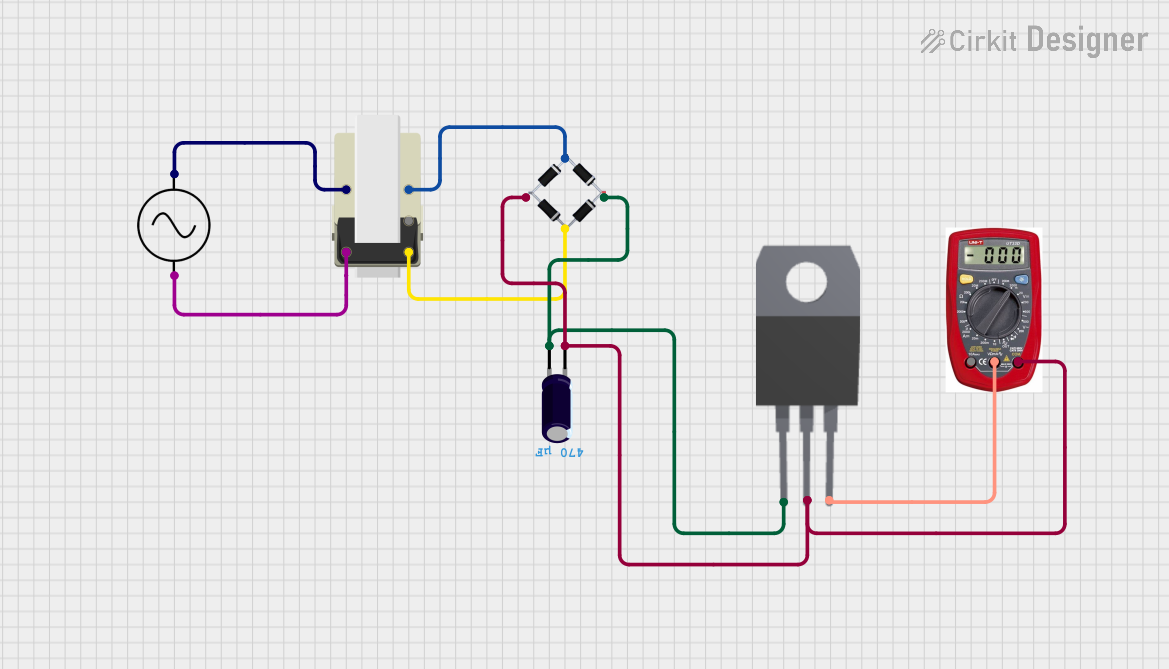 Open Project in Cirkit Designer
 Open Project in Cirkit Designer
Explore Projects Built with Power Supply 9V-Center
Open Project in Cirkit DesignerOpen Project in Cirkit DesignerOpen Project in Cirkit DesignerOpen Project in Cirkit DesignerCommon Applications and Use Cases
- Powering microcontroller boards such as Arduino, Raspberry Pi (via voltage regulators), and other development platforms.
- Supplying power to sensors, actuators, and small DC motors.
- Providing a stable voltage source for breadboard prototyping and testing circuits.
- Replacing batteries in low-power devices for continuous operation.
Technical Specifications
The following table outlines the key technical details of the Power Supply 9V-Center:
| Parameter | Specification |
|---|---|
| Output Voltage | 9V DC |
| Output Current | Typically 500mA to 2A (varies by model) |
| Input Voltage | 100-240V AC (depending on region) |
| Connector Type | Barrel jack (center-positive) |
| Connector Dimensions | Outer diameter: 5.5mm, Inner diameter: 2.1mm |
| Polarity | Center-positive |
| Ripple and Noise | < 50mV (typical) |
| Operating Temperature | 0°C to 40°C |
| Storage Temperature | -20°C to 70°C |
Pin Configuration and Descriptions
The Power Supply 9V-Center uses a standard barrel jack connector. The pin configuration is as follows:
| Pin Name | Description |
|---|---|
| Center Pin | Positive terminal (+9V) |
| Outer Sleeve | Negative terminal (Ground, 0V) |
Usage Instructions
How to Use the Component in a Circuit
- Verify Polarity: Ensure that the device or circuit you are powering is compatible with a center-positive power supply. Incorrect polarity can damage your components.
- Connect to the Device: Plug the barrel jack into the power input of your device. Ensure a snug and secure connection.
- Power On: Connect the power supply to an AC outlet and switch it on (if applicable). Verify that the device powers up correctly.
- Monitor Voltage: If necessary, use a multimeter to confirm the output voltage is stable at 9V.
Important Considerations and Best Practices
- Check Current Requirements: Ensure the power supply can provide sufficient current for your device. Exceeding the rated current may cause overheating or damage.
- Avoid Short Circuits: Ensure that the center pin and outer sleeve do not come into contact with each other or other conductive materials.
- Use Proper Connectors: If your device uses a different connector type, use an appropriate adapter or modify the connection carefully.
- Heat Dissipation: If the power supply becomes warm during operation, ensure adequate ventilation to prevent overheating.
- Arduino UNO Example: The Power Supply 9V-Center can be used to power an Arduino UNO via the barrel jack input. The Arduino UNO has an onboard voltage regulator to handle the 9V input.
Example Code for Arduino UNO
Below is an example of using the Power Supply 9V-Center to power an Arduino UNO and control an LED:
// This example assumes the Arduino UNO is powered via the 9V-Center power supply.
// The LED is connected to pin 13 with a 220-ohm resistor in series.

void setup() {
  pinMode(13, OUTPUT); // Set pin 13 as an output for the LED
}

void loop() {
  digitalWrite(13, HIGH); // Turn the LED on
  delay(1000);            // Wait for 1 second
  digitalWrite(13, LOW);  // Turn the LED off
  delay(1000);            // Wait for 1 second
}
Notes:
- Ensure the Arduino UNO's barrel jack is connected to the Power Supply 9V-Center.
- The onboard voltage regulator will step down the 9V input to 5V for the Arduino's operation.
Troubleshooting and FAQs
Common Issues Users Might Face
Device Does Not Power On:
- Cause: Incorrect polarity or loose connection.
- Solution: Verify the polarity of the power supply and ensure the barrel jack is securely connected.
Overheating Power Supply:
- Cause: The connected device is drawing more current than the power supply's rated capacity.
- Solution: Check the current requirements of your device and use a power supply with a higher current rating if needed.
Voltage Drop or Unstable Output:
- Cause: Excessive load or a faulty power supply.
- Solution: Reduce the load or replace the power supply if it is defective.
Short Circuit:
- Cause: The center pin and outer sleeve are accidentally shorted.
- Solution: Disconnect the power supply immediately, inspect the connections, and resolve the short circuit.
Solutions and Tips for Troubleshooting
- Use a multimeter to measure the output voltage and confirm it is 9V.
- Inspect the barrel jack and connector for physical damage or wear.
- If the power supply has a fuse, check if it has blown and replace it if necessary.
- For devices with high inrush current (e.g., motors), consider using a power supply with a higher current rating or adding a capacitor to stabilize the voltage.
By following these guidelines, the Power Supply 9V-Center can be used safely and effectively in a variety of electronic applications.