
How to Use Battery Charging Module 2 x 18650 USB 5V: Examples, Pinouts, and Specs
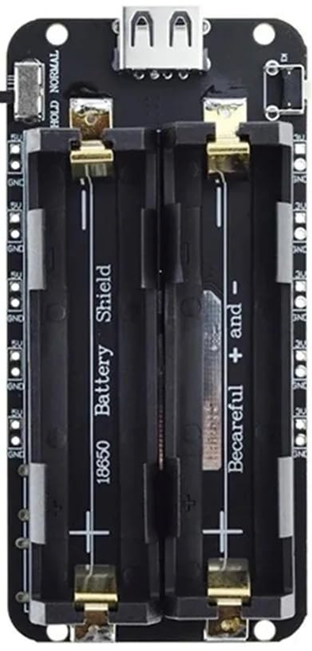
 Design with Battery Charging Module 2 x 18650 USB 5V in Cirkit Designer
Introduction
The Battery Charging Module 2 x 18650 USB 5V (Manufacturer Part ID: 1567) is a compact and efficient module designed to charge two 18650 lithium-ion batteries simultaneously. It features a USB input for charging and provides a regulated 5V output, making it ideal for powering small electronic devices or circuits. This module is widely used in portable power banks, DIY electronics projects, and backup power systems.
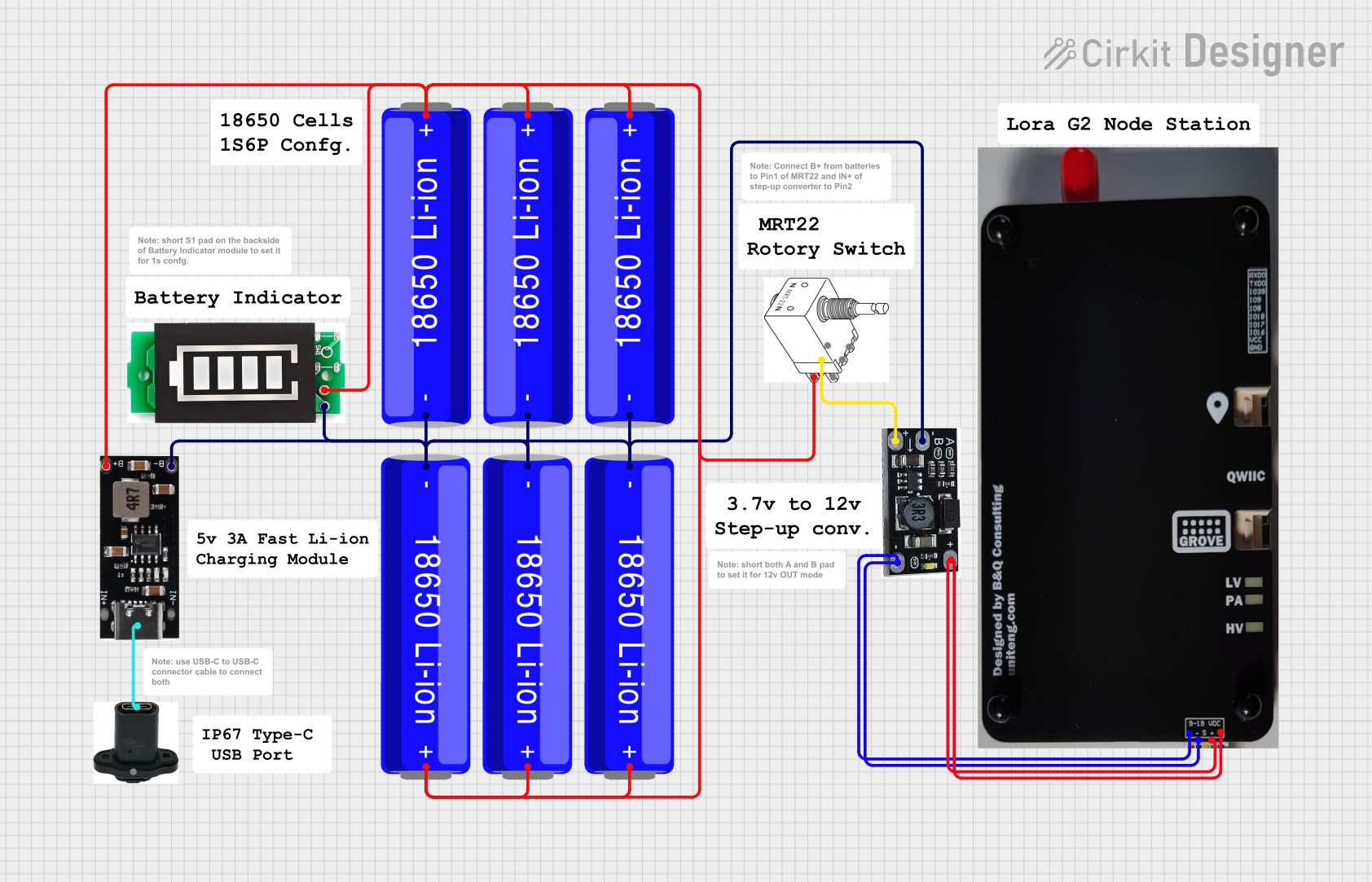
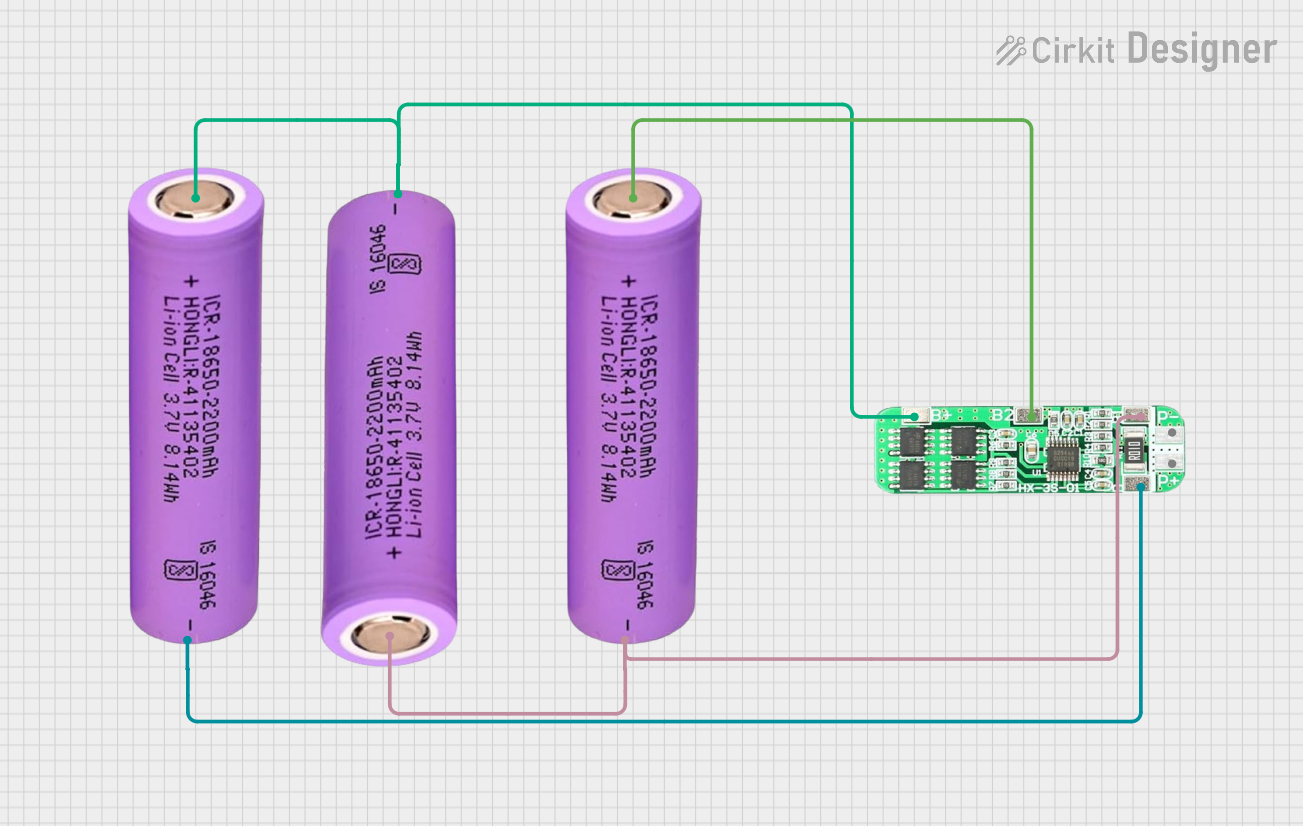
Explore Projects Built with Battery Charging Module 2 x 18650 USB 5V
 Open Project in Cirkit Designer
 Open Project in Cirkit Designer
 Open Project in Cirkit Designer
 Open Project in Cirkit Designer
Explore Projects Built with Battery Charging Module 2 x 18650 USB 5V
Open Project in Cirkit DesignerOpen Project in Cirkit DesignerOpen Project in Cirkit DesignerOpen Project in Cirkit DesignerCommon Applications
- Portable power banks
- DIY electronics and prototyping
- Backup power supplies for microcontrollers
- Emergency lighting systems
- Small IoT devices
Technical Specifications
Below are the key technical details of the module:
| Parameter | Specification |
|---|---|
| Input Voltage | 5V (via micro-USB or USB Type-A port) |
| Output Voltage | 5V (regulated) |
| Battery Type Supported | 18650 lithium-ion batteries |
| Number of Batteries | 2 (connected in parallel) |
| Charging Current | 1A (maximum) |
| Output Current | 1A (maximum) |
| Protection Features | Overcharge, over-discharge, and short-circuit protection |
| Dimensions | 60mm x 22mm x 15mm |
Pin Configuration and Descriptions
The module has several key connectors and pins for input, output, and battery connections. Below is a detailed description:
| Pin/Connector | Description |
|---|---|
| Micro-USB Port | Used for charging the 18650 batteries via a 5V USB power source. |
| USB Type-A Port | Provides a regulated 5V output for powering external devices or circuits. |
| B+ | Positive terminal for connecting the first 18650 battery. |
| B- | Negative terminal for connecting the first 18650 battery. |
| OUT+ | Positive terminal for the 5V output (if not using the USB Type-A port). |
| OUT- | Negative terminal for the 5V output (if not using the USB Type-A port). |
Usage Instructions
How to Use the Module in a Circuit
Connect the Batteries:
- Insert two 18650 lithium-ion batteries into the module, ensuring correct polarity. The positive terminal of the battery should connect to the
B+pin, and the negative terminal to theB-pin. - Ensure the batteries are securely placed in the holder or connected via wires.
- Insert two 18650 lithium-ion batteries into the module, ensuring correct polarity. The positive terminal of the battery should connect to the
Power the Module:
- Use a standard 5V USB power source (e.g., a phone charger or USB port) to charge the batteries via the micro-USB port.
Output Power:
- To power an external device or circuit, connect the load to the USB Type-A port or use the
OUT+andOUT-pins for direct connections.
- To power an external device or circuit, connect the load to the USB Type-A port or use the
Monitor Charging:
- The module typically includes indicator LEDs:
- Red LED: Charging in progress.
- Blue LED: Charging complete.
- The module typically includes indicator LEDs:
Important Considerations and Best Practices
- Battery Safety: Only use high-quality 18650 lithium-ion batteries with built-in protection circuits to avoid risks of overcharging or overheating.
- Heat Management: Ensure proper ventilation around the module during operation to prevent overheating.
- Load Current: Do not exceed the maximum output current of 1A to avoid damaging the module.
- Polarity Check: Double-check the polarity of the batteries before connecting them to the module to prevent damage.
Example: Using with an Arduino UNO
The module can be used to power an Arduino UNO via its USB Type-A port. Below is an example code to blink an LED using the Arduino UNO powered by the module:
// Example code to blink an LED using Arduino UNO
// Ensure the Arduino is powered via the USB Type-A port of the module

const int ledPin = 13; // Pin connected to the onboard LED

void setup() {
  pinMode(ledPin, OUTPUT); // Set the LED pin as an output
}

void loop() {
  digitalWrite(ledPin, HIGH); // Turn the LED on
  delay(1000);               // Wait for 1 second
  digitalWrite(ledPin, LOW);  // Turn the LED off
  delay(1000);               // Wait for 1 second
}
Troubleshooting and FAQs
Common Issues and Solutions
Module Not Charging the Batteries:
- Cause: Incorrect battery polarity or damaged batteries.
- Solution: Verify the battery polarity and ensure the batteries are functional.
No Output Voltage:
- Cause: Batteries are not charged or the load exceeds the maximum current rating.
- Solution: Charge the batteries fully and ensure the load current is within the 1A limit.
Overheating During Operation:
- Cause: Prolonged high current draw or poor ventilation.
- Solution: Reduce the load current and ensure proper airflow around the module.
LED Indicators Not Working:
- Cause: Faulty LEDs or improper connections.
- Solution: Check the connections and replace the module if necessary.
FAQs
Can I use only one 18650 battery with this module?
- Yes, the module can operate with a single 18650 battery, but the runtime will be reduced.
Is it safe to leave the module connected to a USB charger indefinitely?
- Yes, the module includes overcharge protection, but it is recommended to disconnect once fully charged to prolong battery life.
Can I use this module to charge other types of batteries?
- No, this module is specifically designed for 18650 lithium-ion batteries and should not be used with other battery types.
What happens if I connect a load that exceeds 1A?
- The module may overheat or shut down to protect itself. Always ensure the load current is within the specified limit.