
How to Use Orange pi 4 pro: Examples, Pinouts, and Specs
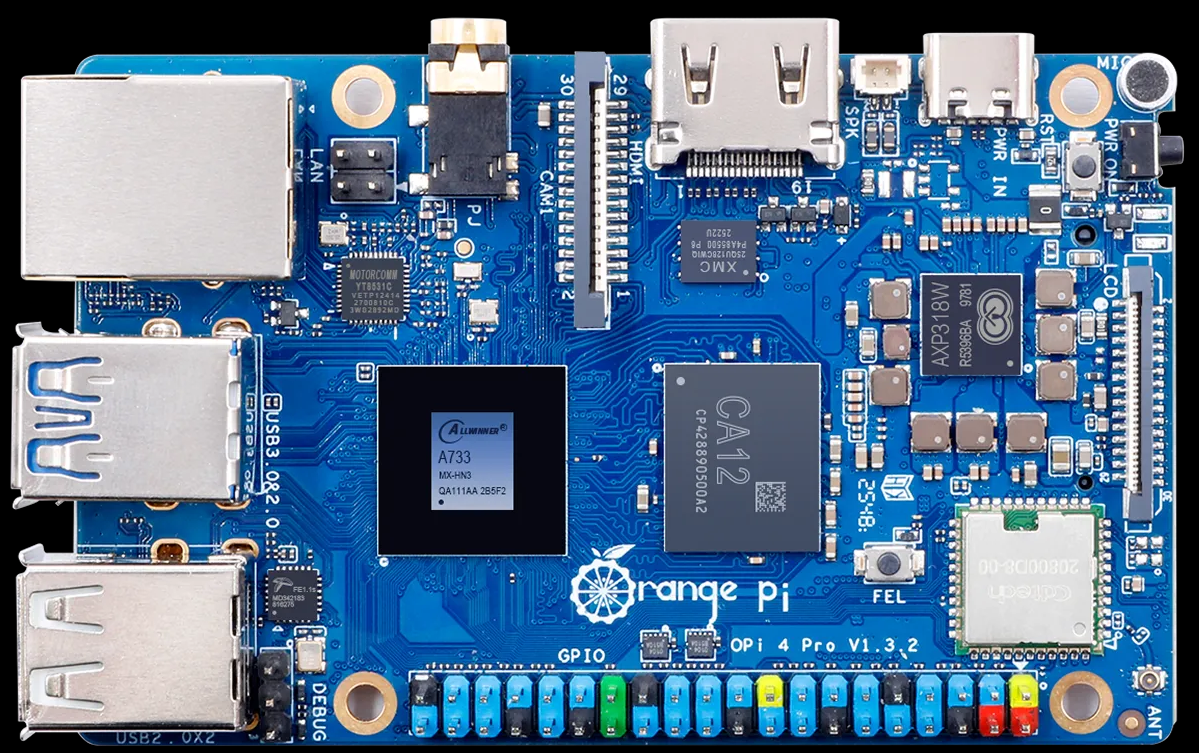
 Design with Orange pi 4 pro in Cirkit Designer
Introduction
The Orange Pi 4 Pro, manufactured by Shenzhen Xunlong Software CO., Limited, is a high-performance single-board computer (SBC) designed for a wide range of applications. Powered by a quad-core ARM Cortex-A72 processor and equipped with up to 4GB of LPDDR4 RAM, this SBC offers robust computing capabilities. It features multiple connectivity options, including USB 3.0, HDMI, and Gigabit Ethernet, making it suitable for tasks such as media centers, IoT projects, AI development, and educational purposes.
Explore Projects Built with Orange pi 4 pro
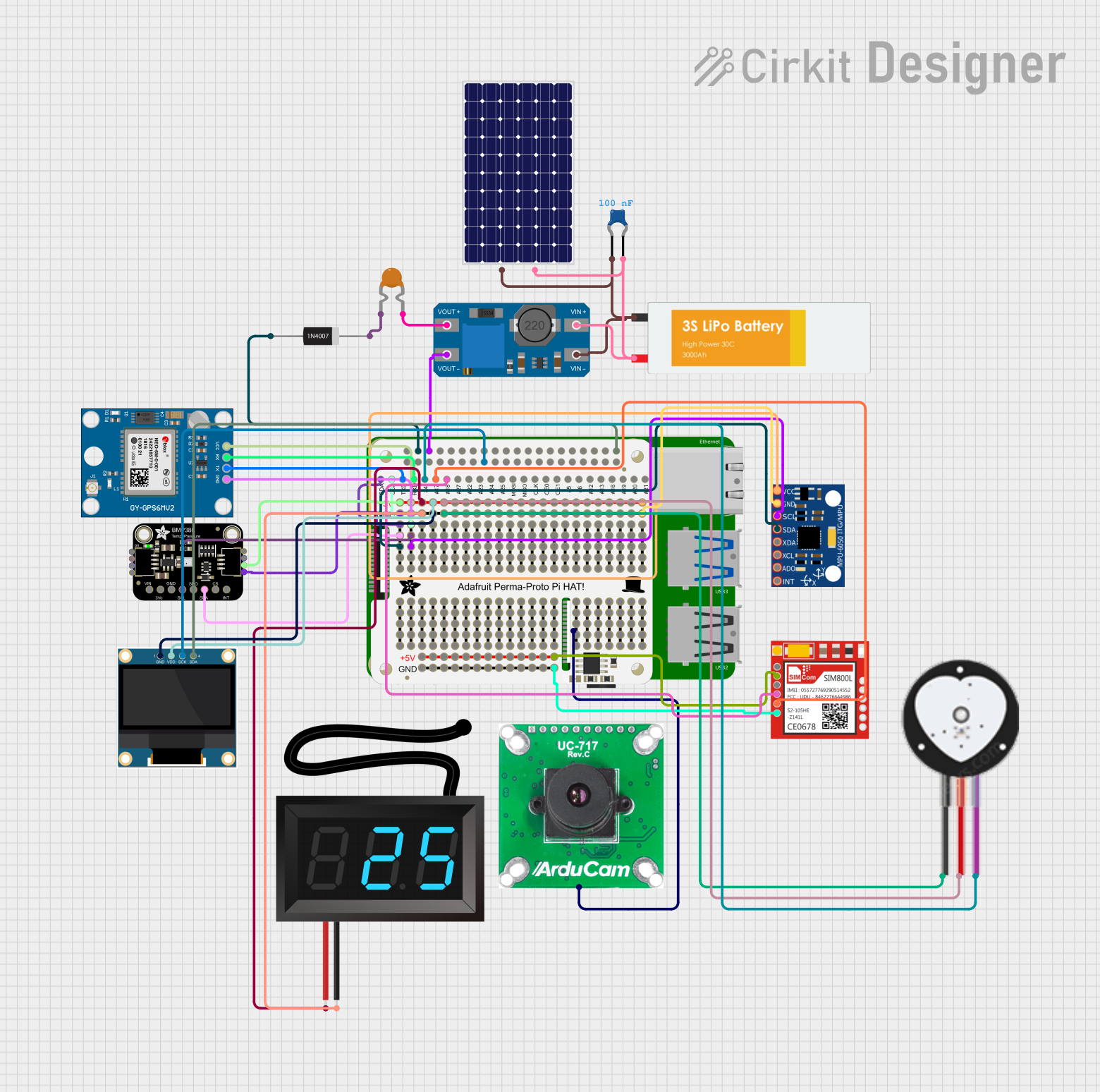 Open Project in Cirkit Designer
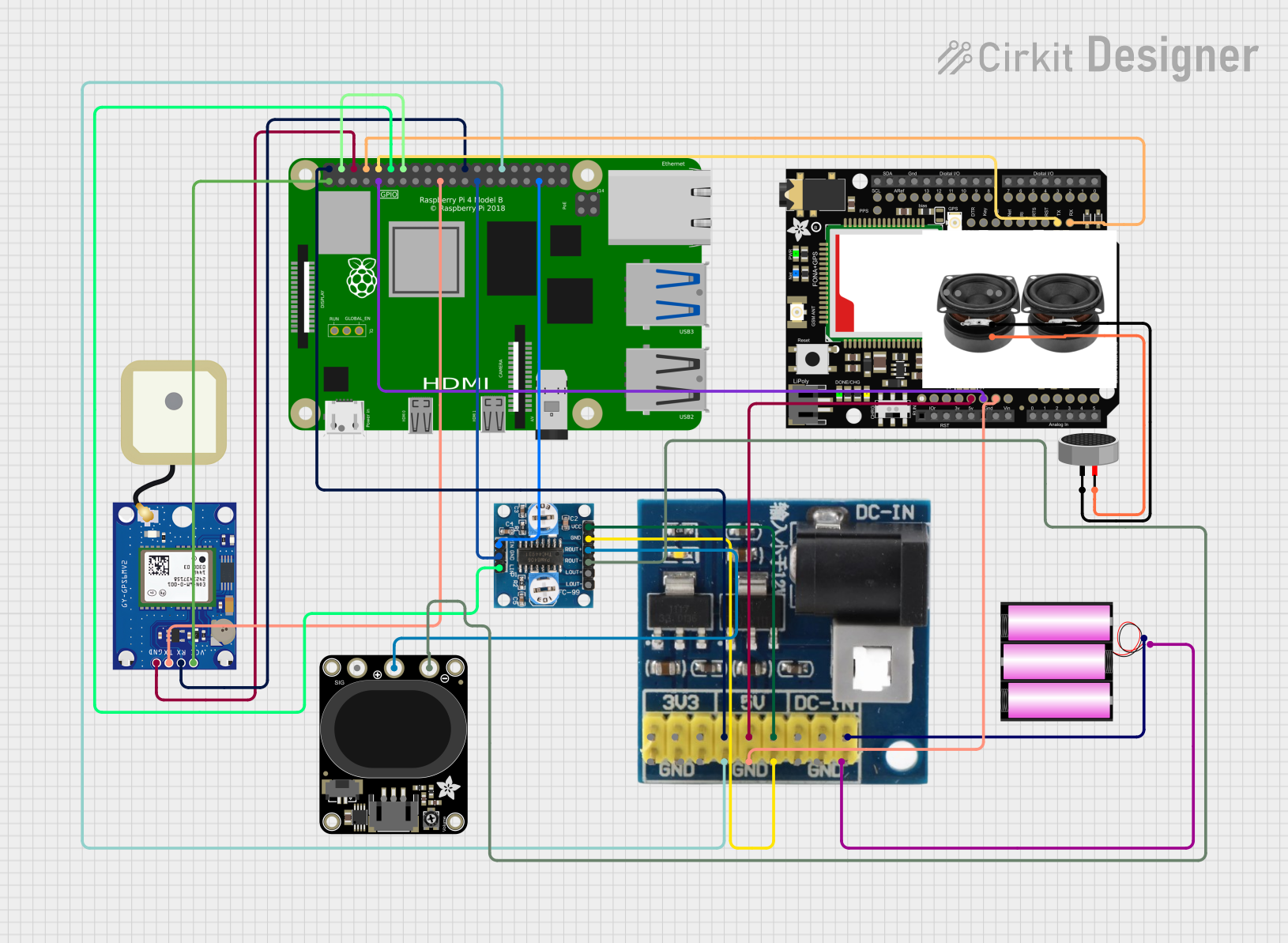 Open Project in Cirkit Designer
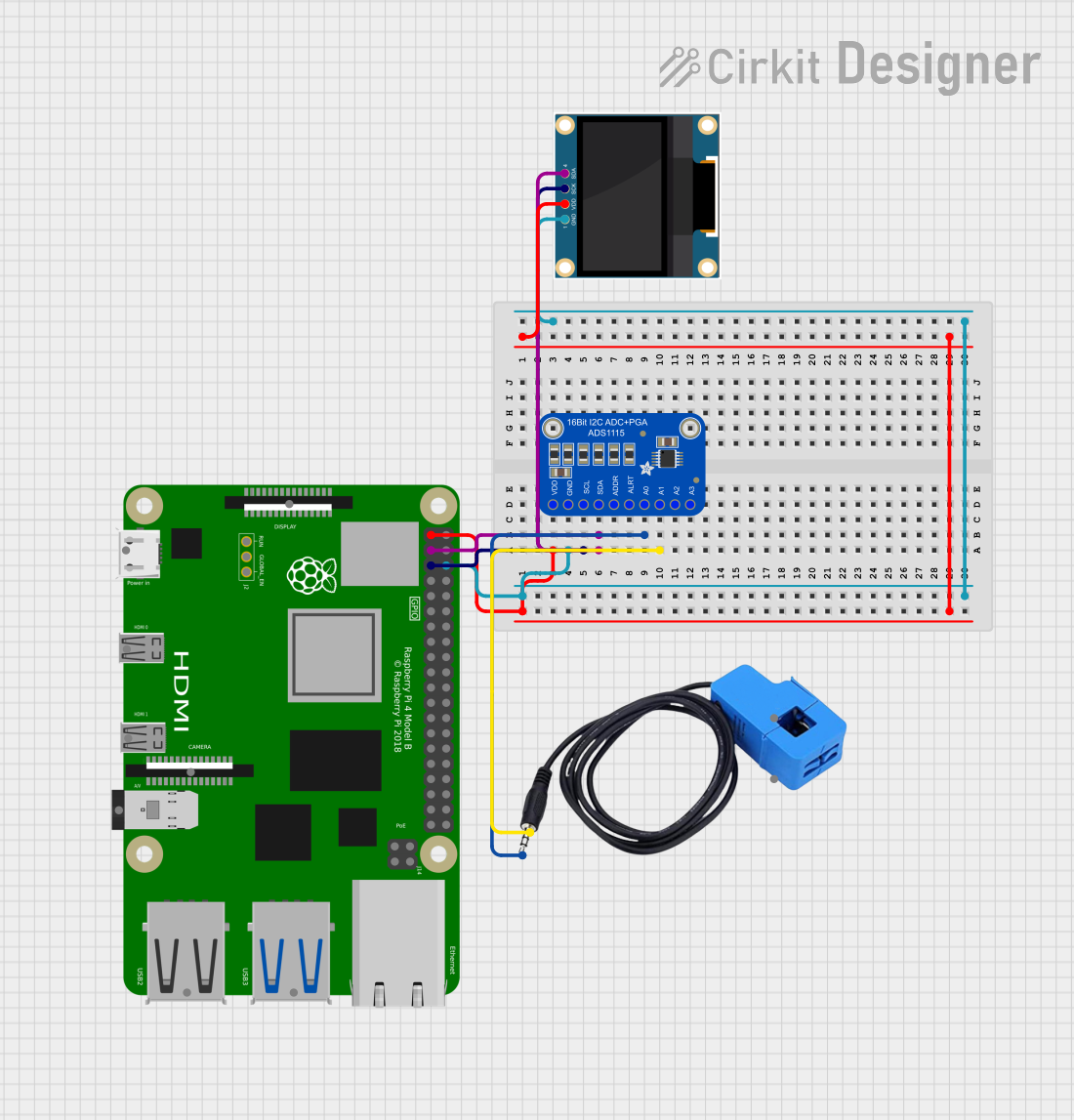 Open Project in Cirkit Designer
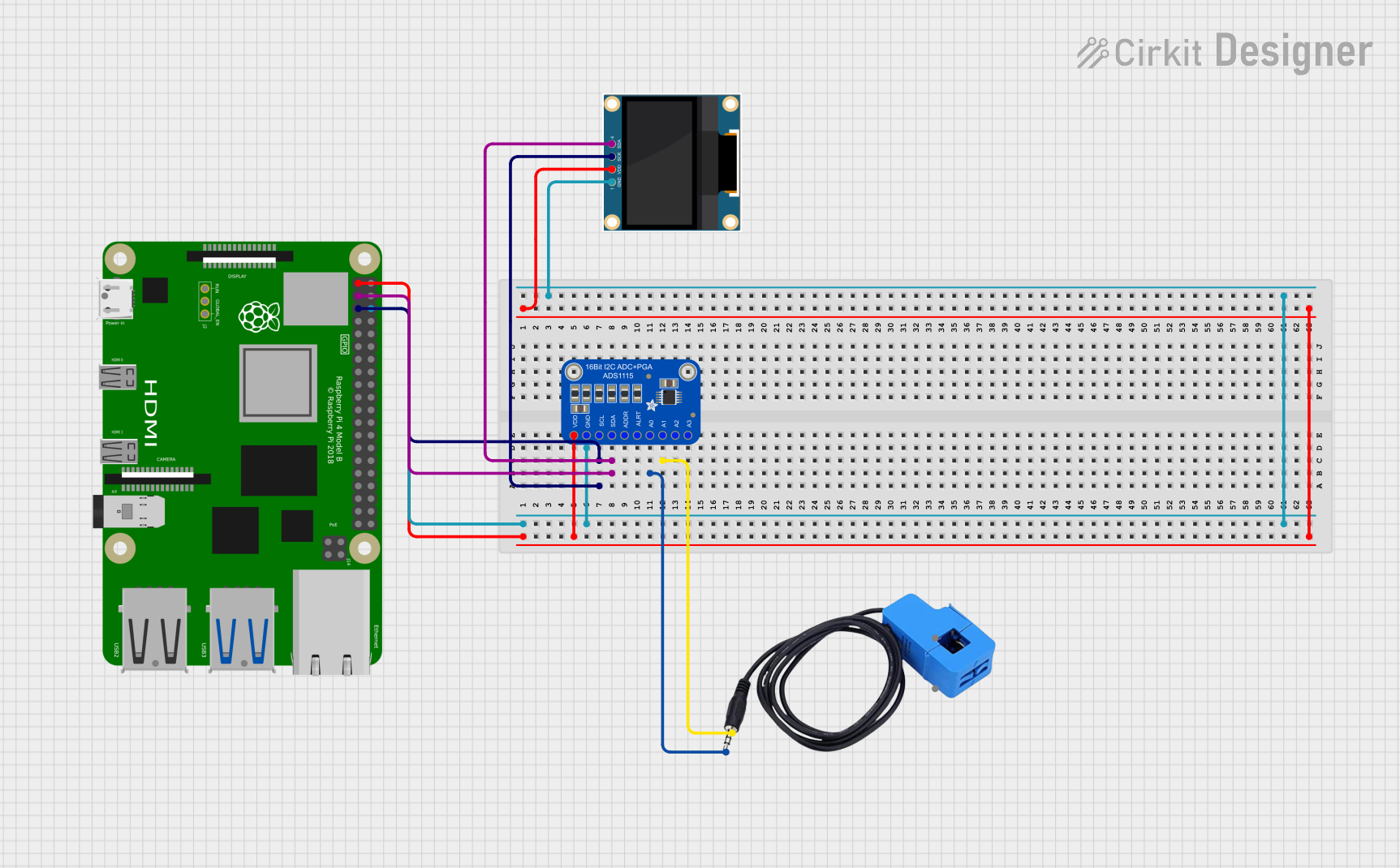 Open Project in Cirkit Designer
Explore Projects Built with Orange pi 4 pro
Open Project in Cirkit DesignerOpen Project in Cirkit DesignerOpen Project in Cirkit DesignerOpen Project in Cirkit DesignerCommon Applications
- Media Centers: Stream and play high-definition video content.
- IoT Projects: Serve as a hub for Internet of Things devices.
- AI and Machine Learning: Run lightweight AI models and edge computing tasks.
- Educational Use: Teach programming, electronics, and system design.
- Home Automation: Control smart home devices and systems.
Technical Specifications
Key Technical Details
| Specification | Details |
|---|---|
| Processor | Rockchip RK3399 (Dual Cortex-A72 @ 2.0GHz + Quad Cortex-A53 @ 1.5GHz) |
| GPU | ARM Mali-T860 MP4 |
| RAM | 4GB LPDDR4 |
| Storage | eMMC (16GB/32GB/64GB options) and microSD card slot |
| Connectivity | Gigabit Ethernet, Wi-Fi 802.11ac, Bluetooth 5.0 |
| USB Ports | 1x USB 3.0, 2x USB 2.0, 1x USB Type-C (OTG and power delivery) |
| Video Output | HDMI 2.0 (4K@60Hz), MIPI-DSI |
| Audio Output | HDMI, 3.5mm audio jack |
| Power Supply | 5V/3A via USB Type-C |
| Operating Systems | Android, Debian, Ubuntu, and other Linux distributions |
| GPIO | 40-pin GPIO header (compatible with Raspberry Pi GPIO layout) |
| Dimensions | 90mm x 64mm |
Pin Configuration and Descriptions
The Orange Pi 4 Pro features a 40-pin GPIO header, which is compatible with the Raspberry Pi GPIO layout. Below is the pinout description:
| Pin | Name | Description |
|---|---|---|
| 1 | 3.3V | Power (3.3V) |
| 2 | 5V | Power (5V) |
| 3 | GPIO2 (SDA1) | I2C Data Line |
| 4 | 5V | Power (5V) |
| 5 | GPIO3 (SCL1) | I2C Clock Line |
| 6 | GND | Ground |
| 7 | GPIO4 | General Purpose I/O |
| 8 | GPIO14 (TXD0) | UART Transmit |
| 9 | GND | Ground |
| 10 | GPIO15 (RXD0) | UART Receive |
| ... | ... | ... |
| 39 | GND | Ground |
| 40 | GPIO21 | General Purpose I/O |
For the full GPIO pinout, refer to the official Orange Pi 4 Pro documentation.
Usage Instructions
How to Use the Orange Pi 4 Pro in a Circuit
- Powering the Board: Use a 5V/3A power adapter with a USB Type-C connector to power the board. Ensure the power supply is stable to avoid damage.
- Connecting Peripherals: Attach peripherals such as a keyboard, mouse, and monitor via USB and HDMI ports. For headless operation, connect via SSH over Ethernet or Wi-Fi.
- Booting the OS: Flash a compatible operating system (e.g., Debian or Ubuntu) onto a microSD card or eMMC storage. Insert the microSD card into the slot and power on the board.
- GPIO Usage: Use the 40-pin GPIO header for interfacing with sensors, actuators, and other devices. Libraries such as
RPi.GPIO(Python) orWiringPican be used for programming the GPIO pins.
Important Considerations
- Cooling: The RK3399 processor can generate significant heat under load. Use a heatsink or active cooling (fan) for optimal performance.
- Power Supply: Ensure the power supply meets the 5V/3A requirement to prevent instability.
- Static Protection: Handle the board with care to avoid electrostatic discharge (ESD) damage.
- OS Compatibility: Verify that the operating system you choose supports the features you need.
Example: Blinking an LED with GPIO and Python
Below is an example of how to blink an LED connected to GPIO pin 7 using Python:
Import the required library
import RPi.GPIO as GPIO import time
Pin configuration
LED_PIN = 7 # GPIO pin number where the LED is connected
GPIO setup
GPIO.setmode(GPIO.BOARD) # Use physical pin numbering GPIO.setup(LED_PIN, GPIO.OUT) # Set the pin as an output
try: while True: GPIO.output(LED_PIN, GPIO.HIGH) # Turn the LED on time.sleep(1) # Wait for 1 second GPIO.output(LED_PIN, GPIO.LOW) # Turn the LED off time.sleep(1) # Wait for 1 second except KeyboardInterrupt: # Clean up GPIO settings on exit GPIO.cleanup()
**Note**: Install the `RPi.GPIO` library on your Orange Pi 4 Pro before running the code.

---
Troubleshooting and FAQs
Common Issues
Board Does Not Power On:
- Ensure the power supply provides 5V/3A and is connected securely.
- Check the USB Type-C cable for damage or poor quality.
No Display Output:
- Verify the HDMI cable and monitor are functioning correctly.
- Ensure the operating system is properly flashed onto the storage device.
Overheating:
- Install a heatsink or fan to improve cooling.
- Avoid running the board in enclosed spaces without ventilation.
GPIO Pins Not Working:
- Double-check the pin configuration and connections.
- Ensure the GPIO library is installed and configured correctly.
FAQs
Q: Can I use Raspberry Pi HATs with the Orange Pi 4 Pro?
A: Yes, the 40-pin GPIO header is compatible with most Raspberry Pi HATs, but software support may vary.Q: What operating systems are supported?
A: The Orange Pi 4 Pro supports Android, Debian, Ubuntu, and other Linux distributions.Q: How do I enable Wi-Fi?
A: Use the network manager in your operating system to scan and connect to Wi-Fi networks.Q: Can I power the board via GPIO pins?
A: Yes, you can supply 5V directly to the 5V GPIO pins, but ensure proper polarity and voltage regulation.
For additional support, refer to the official Orange Pi 4 Pro documentation or community forums.