
How to Use PS2 Controller Adapter: Examples, Pinouts, and Specs
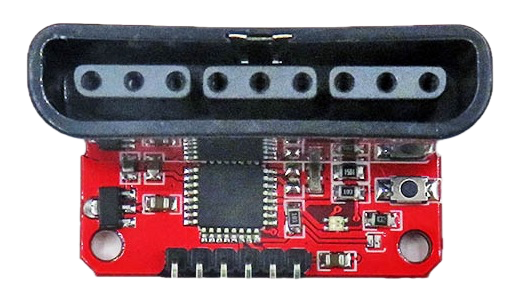
 Design with PS2 Controller Adapter in Cirkit Designer
Introduction
The PS2 Controller Adapter is a versatile device that enables PlayStation 2 controllers to connect to other systems or devices, such as PCs, microcontrollers, or gaming consoles. This adapter translates the proprietary PS2 controller signals into a format that is compatible with the target system, allowing users to leverage the ergonomic design and functionality of PS2 controllers in a variety of applications.
Explore Projects Built with PS2 Controller Adapter
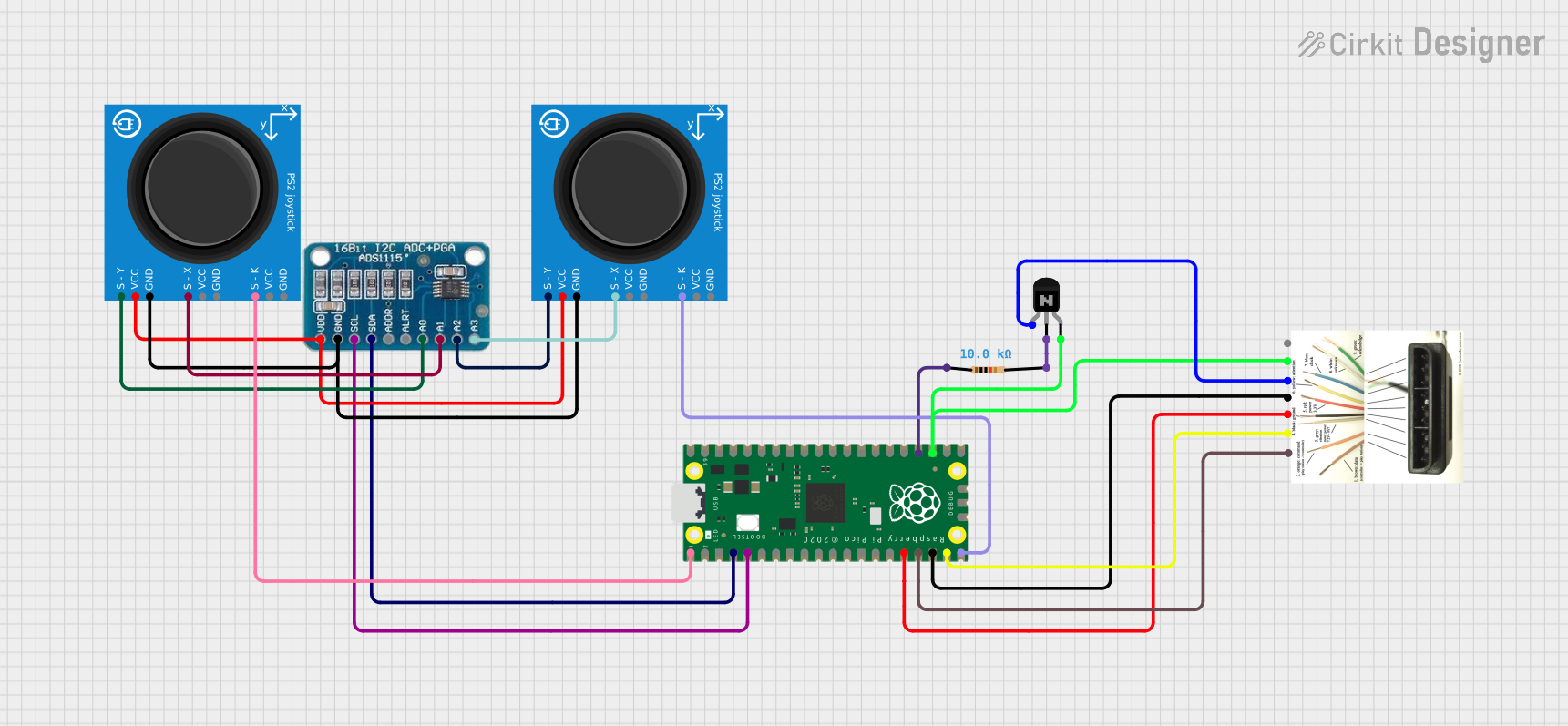 Open Project in Cirkit Designer
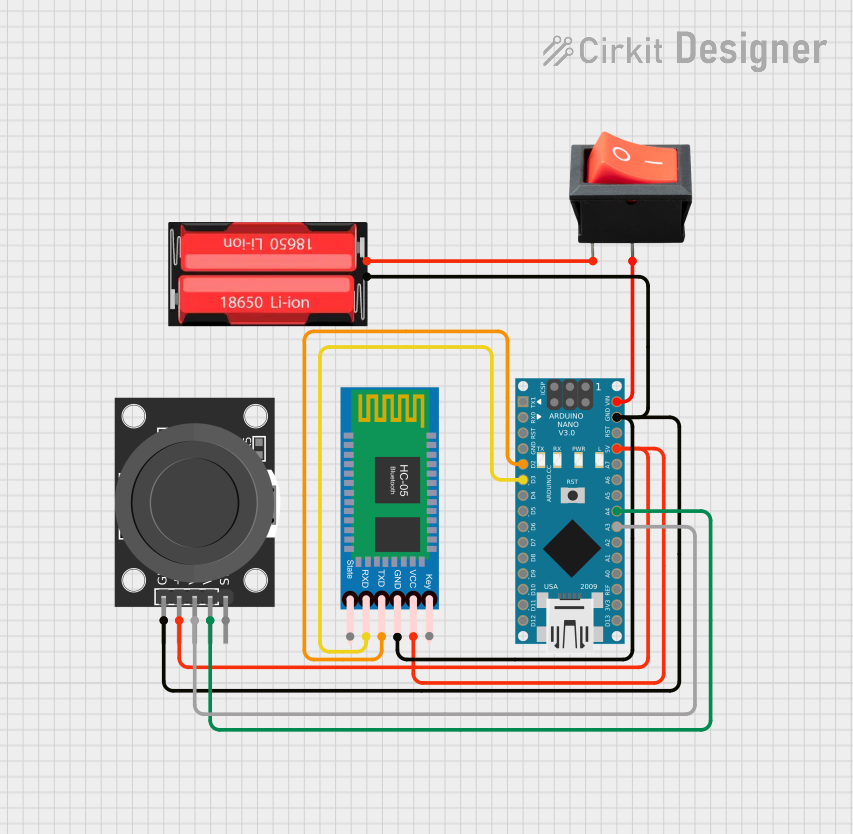 Open Project in Cirkit Designer
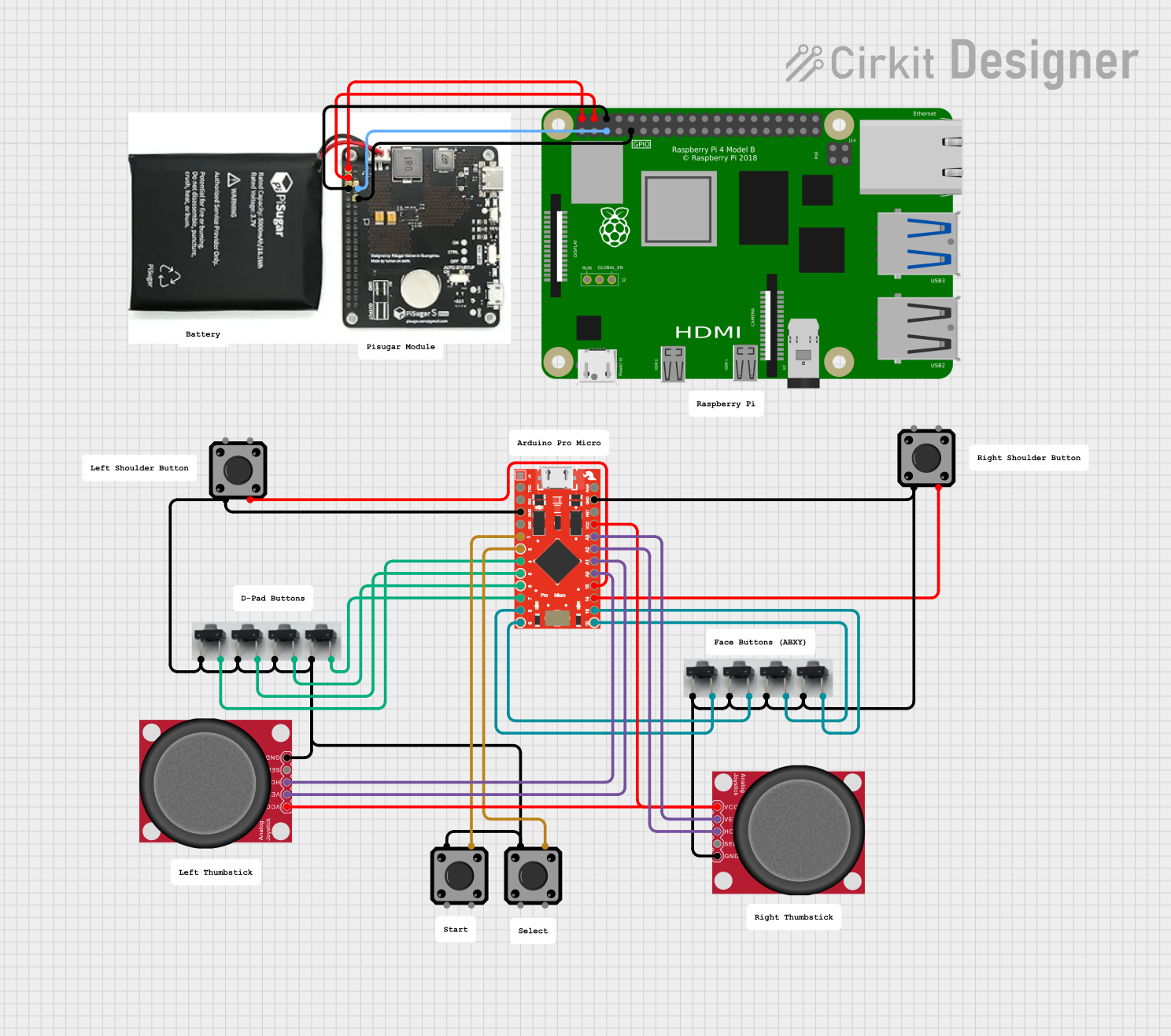 Open Project in Cirkit Designer
 Open Project in Cirkit Designer
Explore Projects Built with PS2 Controller Adapter
Open Project in Cirkit DesignerOpen Project in Cirkit DesignerOpen Project in Cirkit DesignerOpen Project in Cirkit DesignerCommon Applications and Use Cases
- Connecting PS2 controllers to PCs for gaming or emulation.
- Using PS2 controllers with microcontrollers (e.g., Arduino) for custom projects.
- Retro gaming setups where PS2 controllers are preferred.
- Robotics and DIY projects requiring joystick input.
Technical Specifications
The PS2 Controller Adapter typically includes the following specifications:
| Specification | Details |
|---|---|
| Input Voltage | 5V (via USB or microcontroller power supply) |
| Communication Protocol | Serial communication (SPI or UART, depending on the adapter) |
| Supported Controllers | DualShock 2, DualShock 1, and other PS2-compatible controllers |
| Output Interface | USB, UART, or GPIO pins (depending on the adapter model) |
| Dimensions | Varies by model, typically compact for easy integration |
| Operating Temperature | 0°C to 70°C |
Pin Configuration and Descriptions
For adapters with GPIO pin outputs, the pin configuration is as follows:
| Pin Name | Description |
|---|---|
VCC |
Power input (5V). Supplies power to the adapter and connected PS2 controller. |
GND |
Ground connection. |
DATA |
Serial data line for communication from the PS2 controller. |
CMD |
Command line for sending instructions to the PS2 controller. |
ATT |
Attention line to select the PS2 controller for communication. |
CLK |
Clock line for synchronizing data transfer. |
For USB-based adapters, the pinout follows the standard USB configuration.
Usage Instructions
How to Use the PS2 Controller Adapter in a Circuit
- Connect the Adapter to the PS2 Controller: Plug the PS2 controller into the adapter's input port.
- Power the Adapter: Provide a 5V power supply to the adapter via USB or a microcontroller's
VCCandGNDpins. - Connect to the Target System:
- For USB adapters, plug the USB connector into the target device (e.g., PC or gaming console).
- For GPIO-based adapters, connect the
DATA,CMD,ATT, andCLKpins to the corresponding pins on the microcontroller.
- Initialize Communication: If using a microcontroller, configure the communication protocol (e.g., SPI) to interact with the adapter.
Important Considerations and Best Practices
- Voltage Levels: Ensure the adapter and connected devices operate at compatible voltage levels (typically 5V).
- Cable Length: Use short cables to minimize signal degradation, especially for GPIO-based connections.
- Controller Compatibility: Verify that the PS2 controller is supported by the adapter.
- Software Libraries: For microcontroller projects, use libraries or code examples specific to PS2 communication.
Example Code for Arduino UNO
Below is an example of how to interface a PS2 controller with an Arduino UNO using the PS2 Controller Adapter:
#include <PS2X_lib.h> // Include the PS2X library for PS2 controller communication

// Create a PS2X object
PS2X ps2x;

// Pin definitions for the PS2 adapter
#define PS2_DAT 12  // Data pin
#define PS2_CMD 11  // Command pin
#define PS2_SEL 10  // Attention pin
#define PS2_CLK 13  // Clock pin

void setup() {
  Serial.begin(9600); // Initialize serial communication for debugging

  // Initialize the PS2 controller
  int error = ps2x.config_gamepad(PS2_CLK, PS2_CMD, PS2_SEL, PS2_DAT);

  if (error == 0) {
    Serial.println("PS2 Controller successfully connected!");
  } else {
    Serial.println("Error connecting to PS2 Controller.");
  }
}

void loop() {
  ps2x.read_gamepad(); // Read data from the PS2 controller

  // Example: Print the state of the X button
  if (ps2x.ButtonPressed(PSB_CROSS)) {
    Serial.println("X button pressed!");
  }

  delay(100); // Small delay to avoid spamming the serial monitor
}
Troubleshooting and FAQs
Common Issues and Solutions
PS2 Controller Not Detected:
- Ensure the controller is securely connected to the adapter.
- Verify the power supply to the adapter is stable and within the required range.
- Check the wiring if using a GPIO-based adapter.
No Response from Buttons or Joysticks:
- Confirm the communication protocol (e.g., SPI) is correctly configured in the software.
- Test the controller on a PlayStation 2 console to ensure it is functional.
Intermittent or Unstable Operation:
- Use shorter cables to reduce signal interference.
- Check for loose connections or damaged wires.
FAQs
Q: Can I use this adapter with wireless PS2 controllers?
A: Most adapters are designed for wired controllers. Wireless controllers may require additional configuration or may not be supported.
Q: Is the adapter compatible with PlayStation 1 controllers?
A: Many adapters support PS1 controllers, but functionality may vary. Check the adapter's documentation for details.
Q: Can I use multiple adapters simultaneously?
A: Yes, but ensure each adapter is connected to a separate communication channel to avoid conflicts.