
How to Use SparkFun Load Sensor Combinator: Examples, Pinouts, and Specs
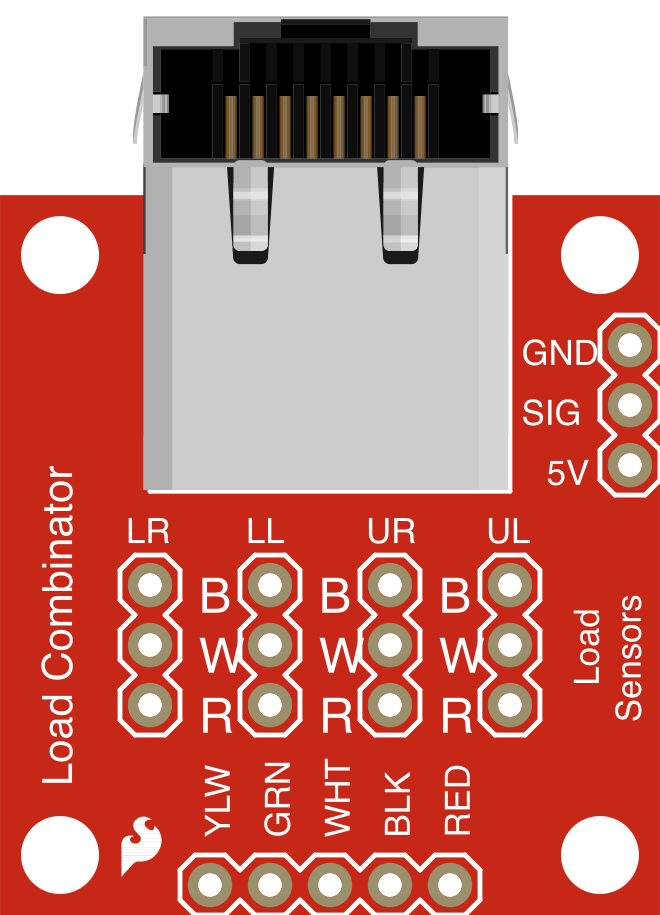
 Design with SparkFun Load Sensor Combinator in Cirkit Designer
Introduction
The SparkFun Load Sensor Combinator (SEN-13281) is a versatile device designed to combine multiple load sensors (also known as strain gauges) into a single output. This allows users to measure weight or force from multiple sensors simultaneously, making it ideal for applications requiring precise load measurement and data acquisition. The combinator simplifies the process of connecting multiple load sensors to a single amplifier or microcontroller, ensuring accurate and reliable readings.
Explore Projects Built with SparkFun Load Sensor Combinator
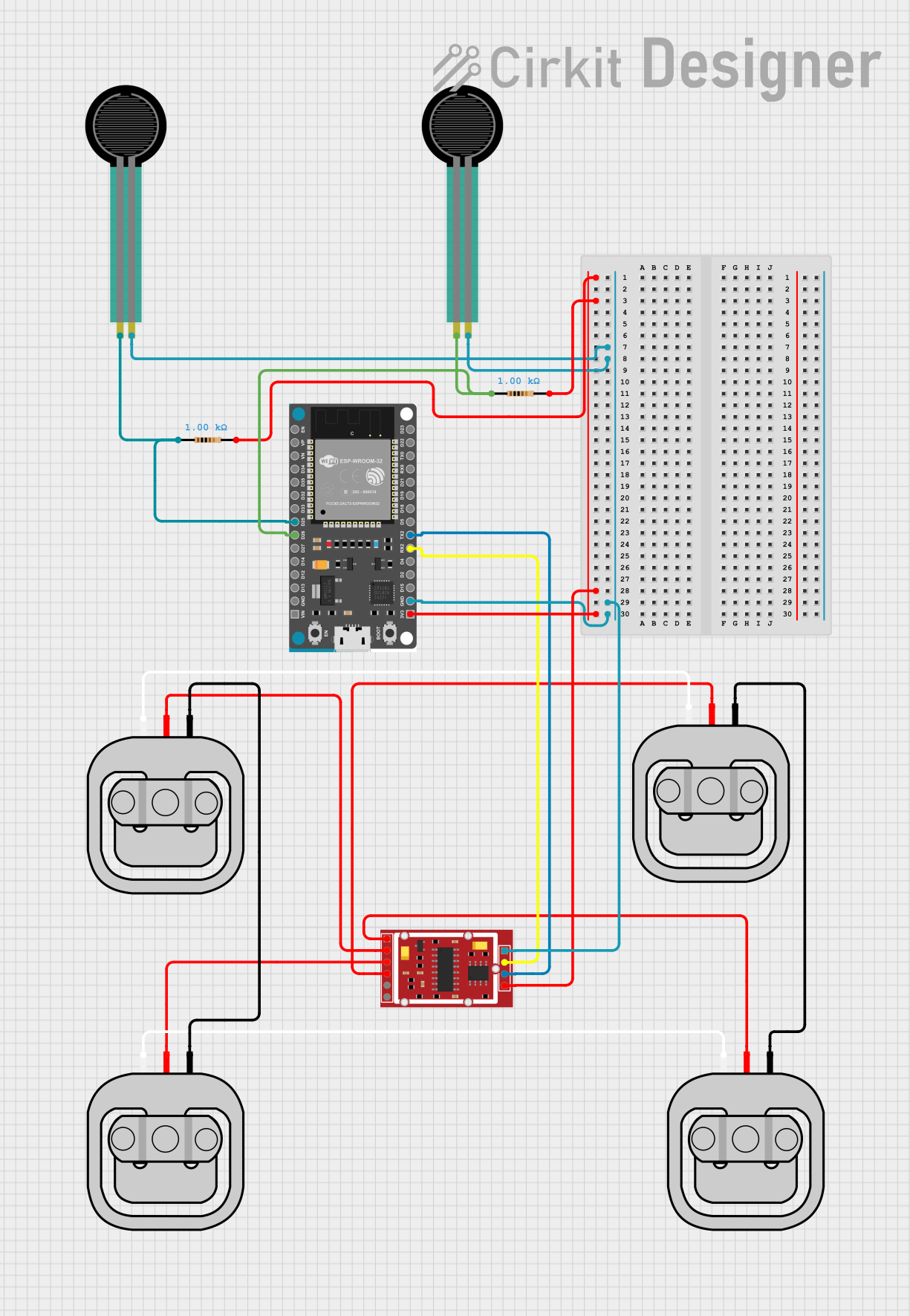 Open Project in Cirkit Designer
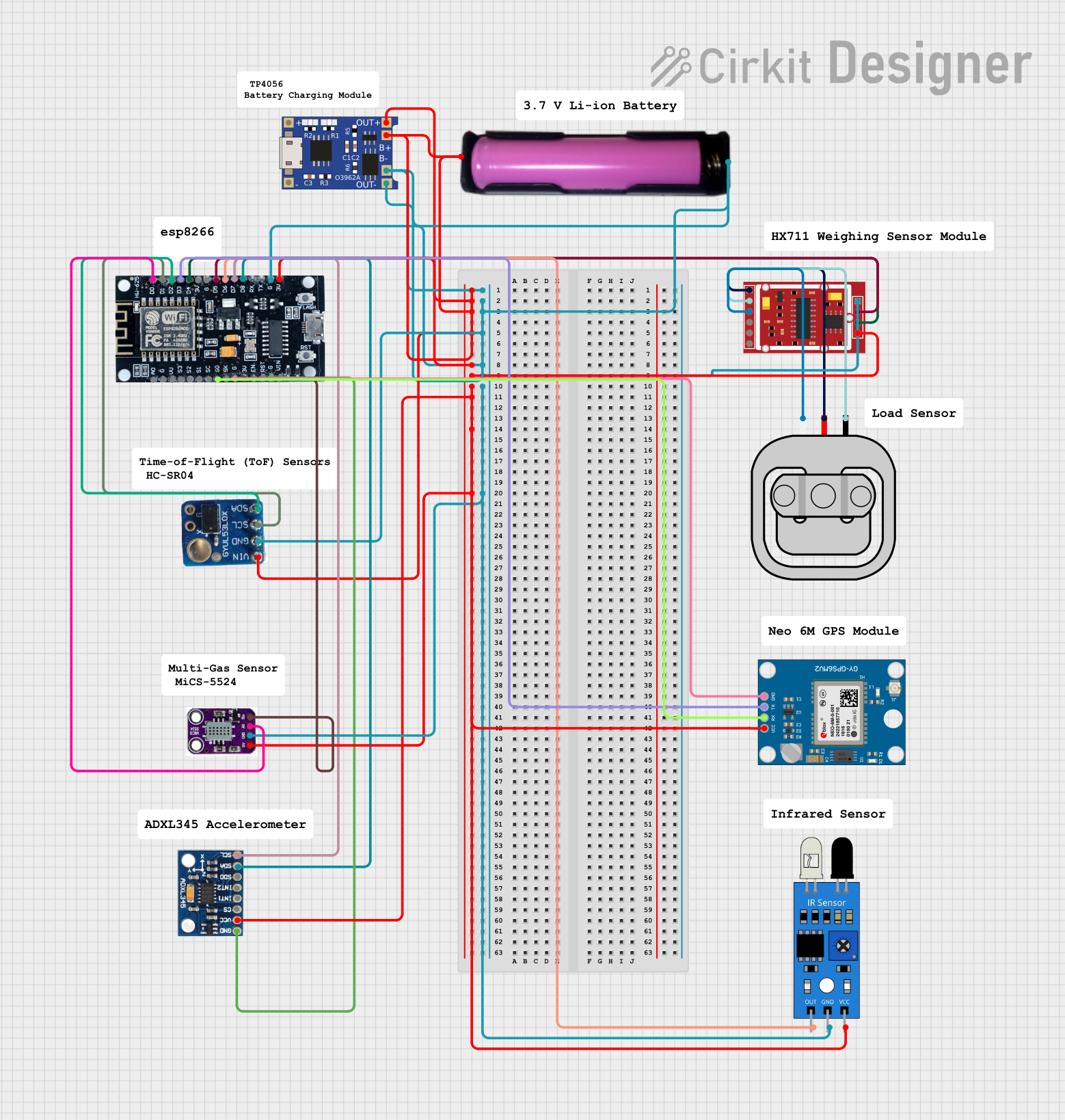 Open Project in Cirkit Designer
 Open Project in Cirkit Designer
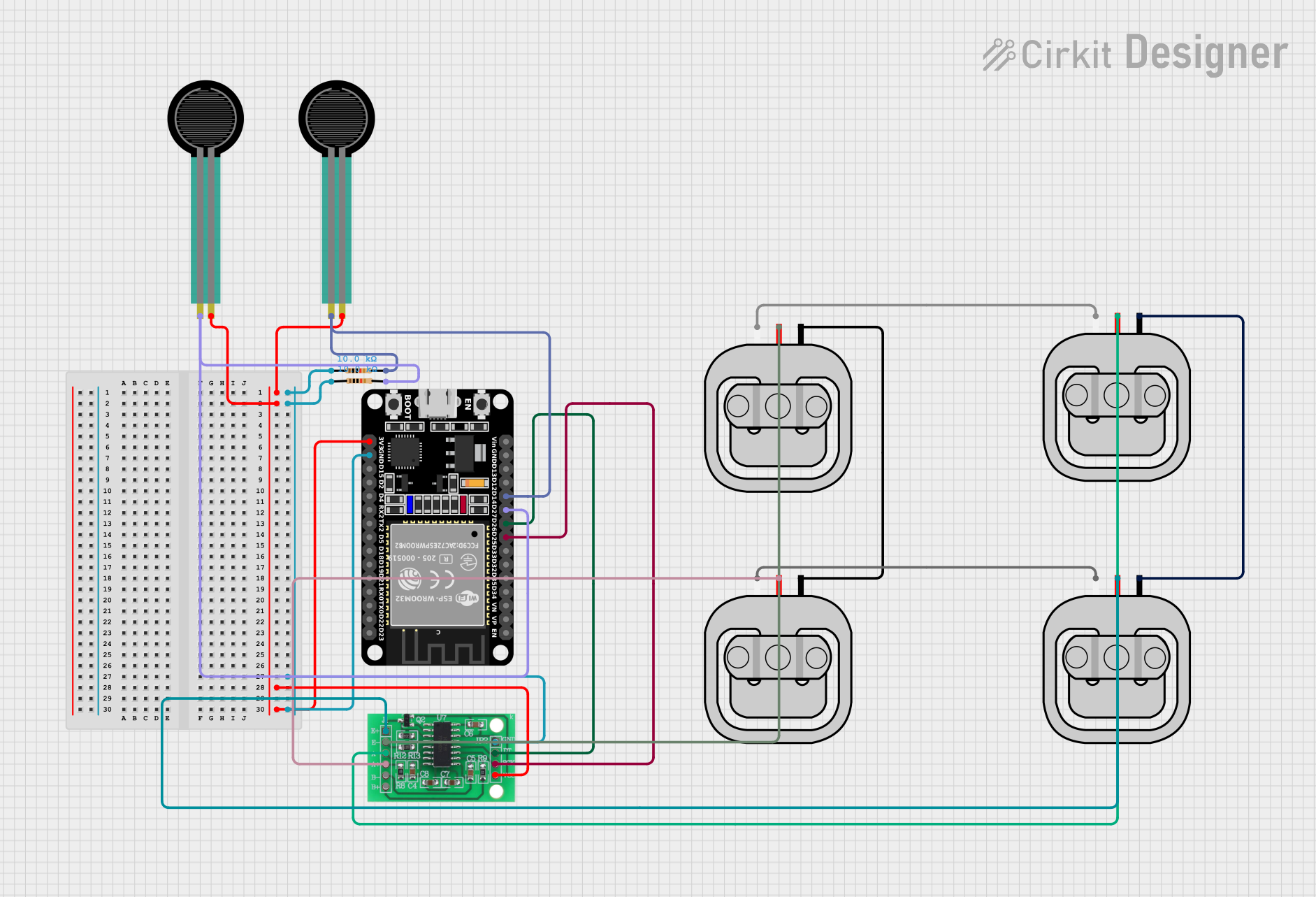 Open Project in Cirkit Designer
Explore Projects Built with SparkFun Load Sensor Combinator
Open Project in Cirkit DesignerOpen Project in Cirkit DesignerOpen Project in Cirkit DesignerOpen Project in Cirkit DesignerCommon Applications and Use Cases
- Digital weighing scales
- Robotics and automation systems
- Industrial force measurement
- IoT-based weight monitoring systems
- Research and development in material testing
Technical Specifications
The following table outlines the key technical details of the SparkFun Load Sensor Combinator:
| Parameter | Specification |
|---|---|
| Manufacturer Part ID | SEN-13281 |
| Input Channels | 4 (supports up to 4 load sensors) |
| Output Type | Single combined output |
| Connector Type | Screw terminals for load sensors |
| Dimensions | 1.8" x 1.2" (45.7mm x 30.5mm) |
| PCB Thickness | 1.6mm |
| Operating Voltage | N/A (passive device) |
| Compatibility | HX711 amplifier, Arduino, Raspberry Pi |
Pin Configuration and Descriptions
The SparkFun Load Sensor Combinator features screw terminals for easy connection of load sensors. Below is the pin configuration:
| Pin Label | Description |
|---|---|
| E+ | Excitation positive terminal for load sensors |
| E- | Excitation negative terminal for load sensors |
| A+ | Signal positive terminal for load sensor A |
| A- | Signal negative terminal for load sensor A |
| B+ | Signal positive terminal for load sensor B |
| B- | Signal negative terminal for load sensor B |
| C+ | Signal positive terminal for load sensor C |
| C- | Signal negative terminal for load sensor C |
| D+ | Signal positive terminal for load sensor D |
| D- | Signal negative terminal for load sensor D |
| OUT+ | Combined signal positive output |
| OUT- | Combined signal negative output |
Usage Instructions
How to Use the Component in a Circuit
Connect Load Sensors:
- Attach up to four load sensors to the screw terminals labeled A+, A-, B+, B-, C+, C-, D+, and D-.
- Ensure proper polarity when connecting the sensors to avoid incorrect readings.
Connect to Amplifier:
- Connect the combined output terminals (OUT+ and OUT-) to the input of a load cell amplifier, such as the HX711.
Power the Amplifier:
- Provide the required excitation voltage to the amplifier. The combinator itself does not require power as it is a passive device.
Interface with Microcontroller:
- Use a microcontroller (e.g., Arduino UNO) to read the amplified signal from the HX711 and process the data.
Important Considerations and Best Practices
- Sensor Matching: Use load sensors with identical specifications (e.g., capacity, sensitivity) for accurate results.
- Wiring: Ensure secure and tight connections at the screw terminals to prevent signal loss or noise.
- Calibration: Calibrate the system after connecting the sensors to ensure accurate weight or force measurements.
- Shielding: Use shielded cables for the load sensors to minimize electromagnetic interference (EMI).
Example Code for Arduino UNO
Below is an example of how to use the SparkFun Load Sensor Combinator with an HX711 amplifier and Arduino UNO:
#include "HX711.h"

// Define HX711 pins
#define DT 3  // Data pin connected to Arduino pin 3
#define SCK 2 // Clock pin connected to Arduino pin 2

HX711 scale;

void setup() {
  Serial.begin(9600); // Initialize serial communication
  scale.begin(DT, SCK); // Initialize HX711 with defined pins

  Serial.println("Calibrating... Place a known weight on the scale.");
  delay(5000); // Wait for user to place weight
  scale.set_scale(); // Set scale to default calibration factor
  scale.tare(); // Reset the scale to 0
  Serial.println("Calibration complete.");
}

void loop() {
  // Read weight from the load sensors
  float weight = scale.get_units(10); // Average 10 readings for stability
  Serial.print("Weight: ");
  Serial.print(weight);
  Serial.println(" kg");

  delay(1000); // Wait 1 second before next reading
}
Note: Replace the calibration factor in the
scale.set_scale()function with the appropriate value for your setup. Refer to the HX711 library documentation for calibration instructions.
Troubleshooting and FAQs
Common Issues and Solutions
No Output Signal:
- Verify that all load sensors are securely connected to the combinator.
- Check the wiring between the combinator and the amplifier.
Inconsistent Readings:
- Ensure all load sensors have identical specifications.
- Calibrate the system properly after setup.
High Noise in Output:
- Use shielded cables for load sensors to reduce EMI.
- Ensure the combinator and amplifier are placed away from high-frequency noise sources.
Incorrect Weight Measurements:
- Double-check the polarity of the load sensor connections.
- Recalibrate the system with a known weight.
FAQs
Q: Can I use fewer than four load sensors with the combinator?
A: Yes, you can use fewer than four load sensors. Simply leave the unused terminals unconnected.
Q: Is the combinator compatible with other amplifiers besides HX711?
A: Yes, the combinator can work with any amplifier that supports load cell inputs, as long as the amplifier's input specifications match the output of the combinator.
Q: Do I need to power the combinator?
A: No, the combinator is a passive device and does not require power.
Q: Can I use this with a Raspberry Pi instead of an Arduino?
A: Yes, the combinator can be used with a Raspberry Pi. You will need an appropriate library to interface with the amplifier (e.g., HX711 Python library).
By following this documentation, you can effectively integrate the SparkFun Load Sensor Combinator into your projects for accurate and reliable load measurement.