
How to Use STM32F103C8T6 Blue Pill: Examples, Pinouts, and Specs
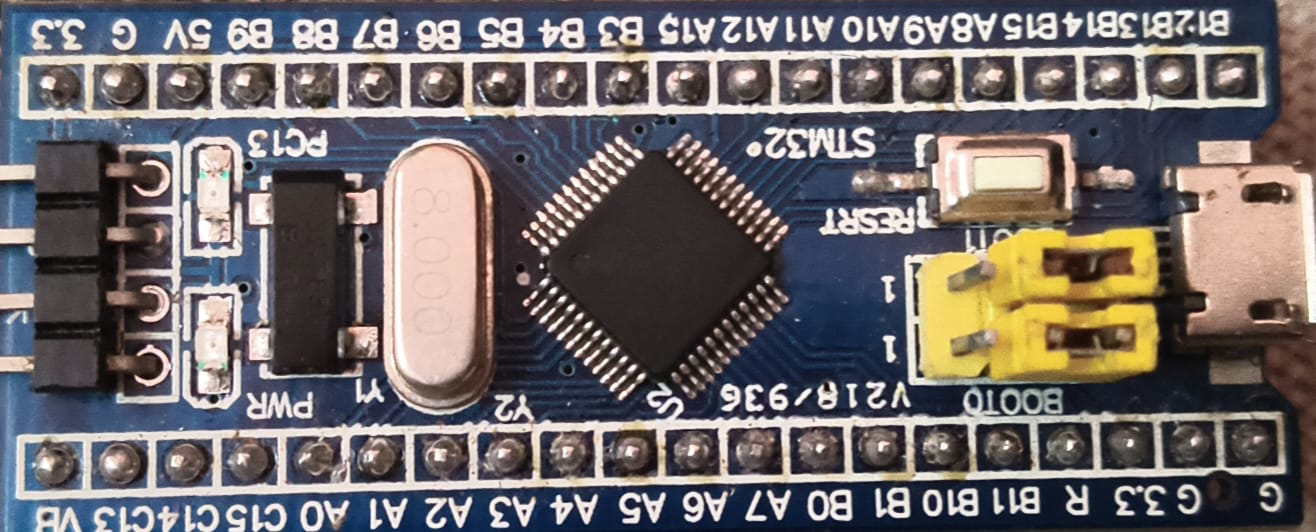
 Design with STM32F103C8T6 Blue Pill in Cirkit Designer
Introduction
The STM32F103C8T6 Blue Pill is a compact and affordable microcontroller development board manufactured by STMicroelectronics. It is based on the STM32F103C8T6 chip, which features a 32-bit ARM Cortex-M3 core. This board is widely used in prototyping and embedded applications due to its powerful processing capabilities, low cost, and versatile I/O options.
Explore Projects Built with STM32F103C8T6 Blue Pill
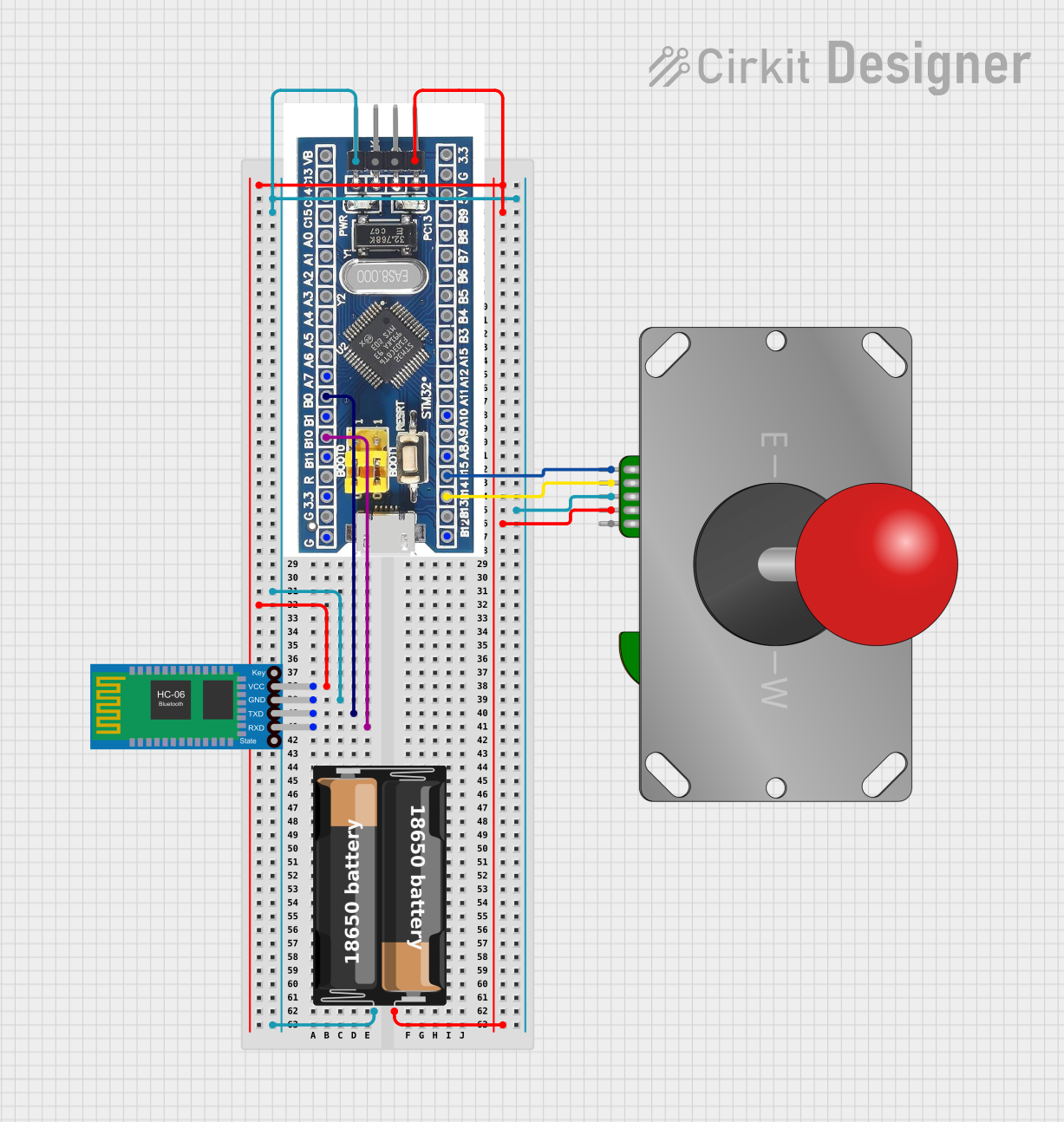 Open Project in Cirkit Designer
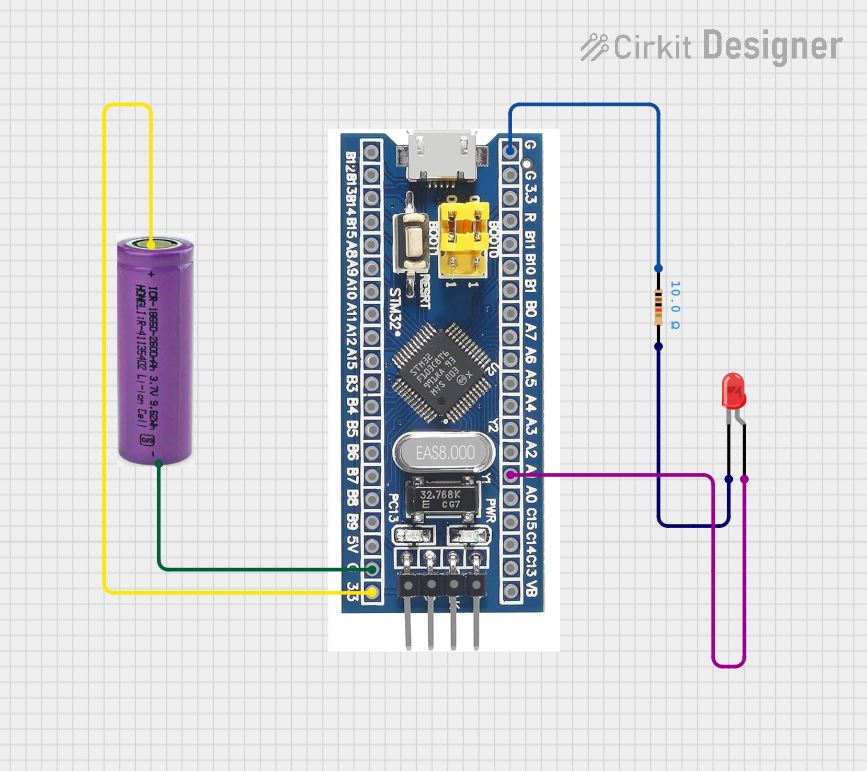 Open Project in Cirkit Designer
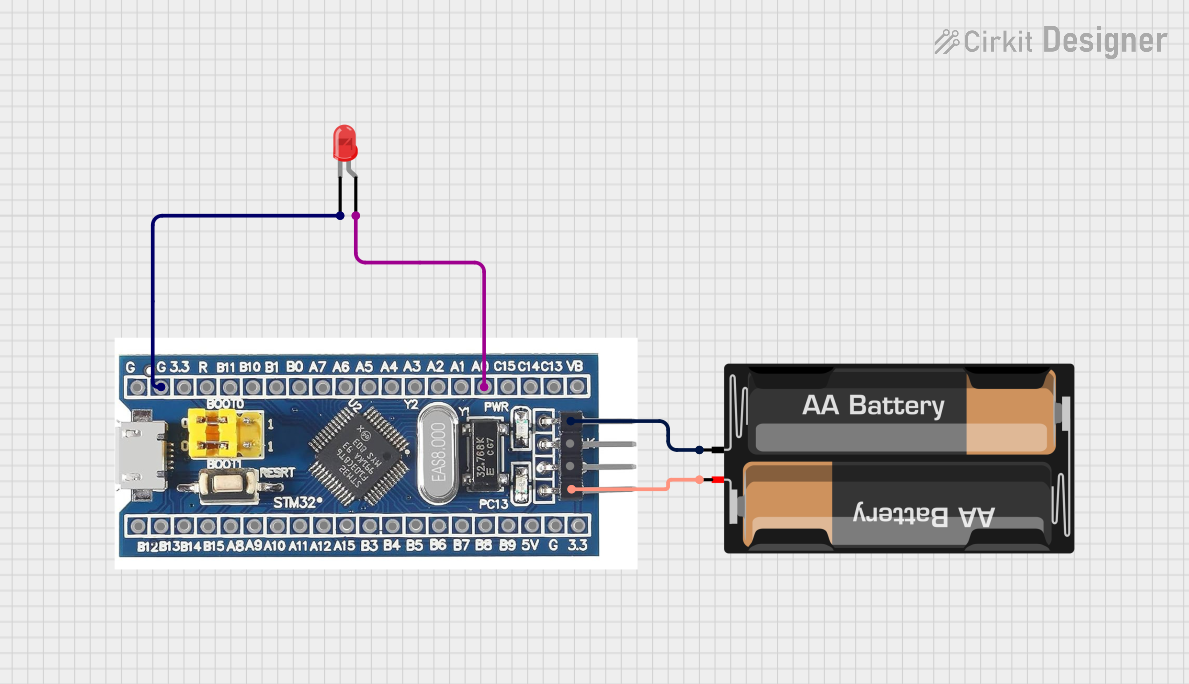 Open Project in Cirkit Designer
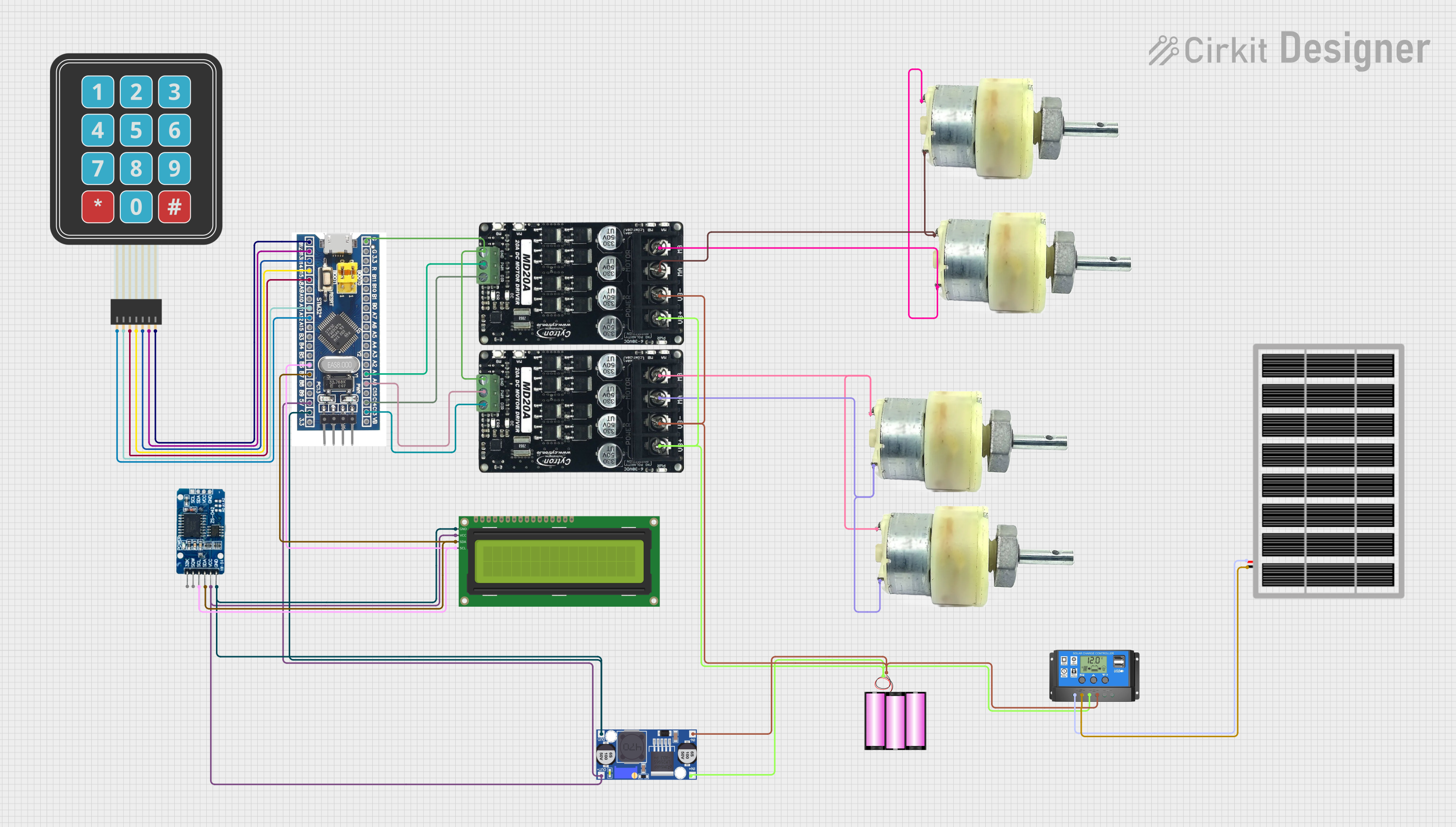 Open Project in Cirkit Designer
Explore Projects Built with STM32F103C8T6 Blue Pill
Open Project in Cirkit DesignerOpen Project in Cirkit DesignerOpen Project in Cirkit DesignerOpen Project in Cirkit DesignerCommon Applications and Use Cases
- Robotics and automation systems
- IoT (Internet of Things) devices
- Data acquisition and logging
- Motor control and PWM applications
- Communication protocols (UART, SPI, I2C, CAN)
- Educational projects and prototyping
Technical Specifications
The STM32F103C8T6 Blue Pill offers the following key technical features:
| Feature | Specification |
|---|---|
| Microcontroller | STM32F103C8T6 (ARM Cortex-M3, 32-bit) |
| Operating Voltage | 3.3V (5V tolerant I/O pins) |
| Flash Memory | 64 KB |
| SRAM | 20 KB |
| Clock Speed | 72 MHz |
| GPIO Pins | 37 (16-bit and 32-bit configurable) |
| Communication Interfaces | UART, SPI, I2C, CAN, USB 2.0 |
| ADC | 12-bit, up to 16 channels |
| Timers | 7 (including advanced control timers) |
| Power Supply | 5V via USB or external power (VIN pin) |
| Dimensions | 53 mm x 22 mm |
Pin Configuration and Descriptions
The STM32F103C8T6 Blue Pill has a 40-pin layout. Below is a summary of the pin configuration:
| Pin Name | Type | Description |
|---|---|---|
| 3.3V | Power | 3.3V output for powering external components |
| 5V | Power | 5V input/output for powering the board or external components |
| GND | Ground | Ground connection |
| PA0-PA15 | GPIO/Analog | General-purpose I/O pins, some with ADC functionality |
| PB0-PB15 | GPIO | General-purpose I/O pins |
| PC13-PC15 | GPIO | General-purpose I/O pins |
| USB+ / USB- | Communication | USB data lines for programming and communication |
| BOOT0 | Boot Select | Selects boot mode (flash, system memory, or SRAM) |
| NRST | Reset | Active-low reset pin |
| TX / RX | UART | UART communication pins (TX: transmit, RX: receive) |
| SWDIO/SWCLK | Debugging | Serial Wire Debug (SWD) interface for programming and debugging |
Usage Instructions
How to Use the STM32F103C8T6 Blue Pill in a Circuit
Powering the Board:
- Connect the board to a 5V power source via the USB port or the VIN pin.
- Ensure the GND pin is connected to the ground of your circuit.
Programming the Board:
- Use a USB-to-Serial adapter or an ST-Link programmer to upload code.
- Set the BOOT0 pin to the appropriate position for programming (1 for flash programming, 0 for normal operation).
Connecting Peripherals:
- Use the GPIO pins for digital I/O, PWM, or ADC as required.
- Connect communication peripherals (e.g., sensors, displays) to the UART, SPI, or I2C pins.
Flashing Code:
- Install the STM32CubeIDE or Arduino IDE with the STM32 core.
- Write your code and upload it to the board using the selected IDE.
Important Considerations and Best Practices
- Voltage Levels: The GPIO pins are 5V tolerant, but the board operates at 3.3V. Ensure external components are compatible.
- Boot Mode: Always set the BOOT0 pin to 0 after programming to run the code from flash memory.
- Decoupling Capacitors: Add decoupling capacitors near power pins for stable operation in noisy environments.
- Debugging: Use the SWD interface for debugging and troubleshooting.
Example Code for Arduino IDE
Below is an example of blinking an LED connected to pin PC13:
// Define the LED pin
#define LED_PIN PC13

void setup() {
  pinMode(LED_PIN, OUTPUT); // Set PC13 as an output pin
}

void loop() {
  digitalWrite(LED_PIN, HIGH); // Turn the LED on
  delay(1000);                 // Wait for 1 second
  digitalWrite(LED_PIN, LOW);  // Turn the LED off
  delay(1000);                 // Wait for 1 second
}
Troubleshooting and FAQs
Common Issues and Solutions
The board is not detected by the computer:
- Ensure the USB cable is functional and supports data transfer.
- Check the BOOT0 pin position (set to 1 for programming).
Code does not run after flashing:
- Verify that the BOOT0 pin is set to 0 after programming.
- Ensure the correct clock settings are configured in the IDE.
GPIO pins are not working as expected:
- Confirm the pin mode (input/output) is correctly set in the code.
- Check for short circuits or incorrect connections.
Board overheats or malfunctions:
- Ensure the power supply voltage does not exceed the recommended range.
- Check for excessive current draw from connected peripherals.
FAQs
Can I use the STM32F103C8T6 Blue Pill with the Arduino IDE? Yes, install the STM32 core in the Arduino IDE to program the board.
What is the maximum clock speed of the STM32F103C8T6? The maximum clock speed is 72 MHz.
How do I reset the board? Press the onboard reset button or pull the NRST pin low.
Can I power the board with 3.3V directly? Yes, you can power the board via the 3.3V pin, but ensure the supply is stable.
This concludes the documentation for the STM32F103C8T6 Blue Pill.