
How to Use 18650 Lithium Battery Charger USB Type-C: Examples, Pinouts, and Specs
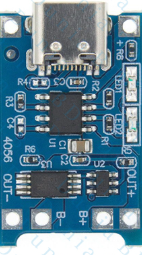
 Design with 18650 Lithium Battery Charger USB Type-C in Cirkit Designer
Introduction
The 18650 Lithium Battery Charger USB Type-C is a compact and efficient charging module designed specifically for 18650 lithium-ion batteries. It features a USB Type-C interface, ensuring compatibility with modern devices and providing a reliable power source for charging. This charger is ideal for DIY electronics projects, portable power banks, and other applications requiring rechargeable 18650 batteries.
Explore Projects Built with 18650 Lithium Battery Charger USB Type-C
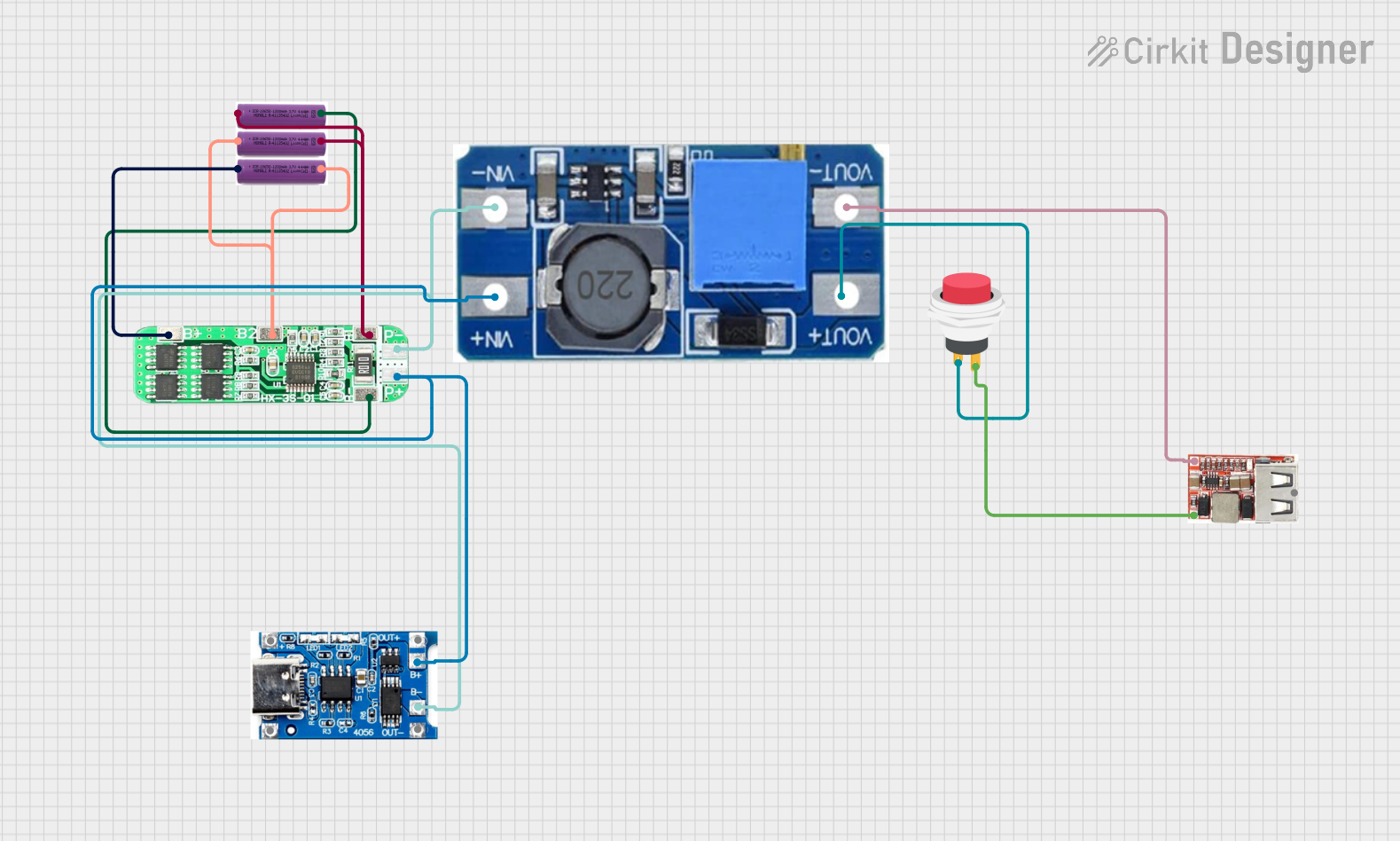 Open Project in Cirkit Designer
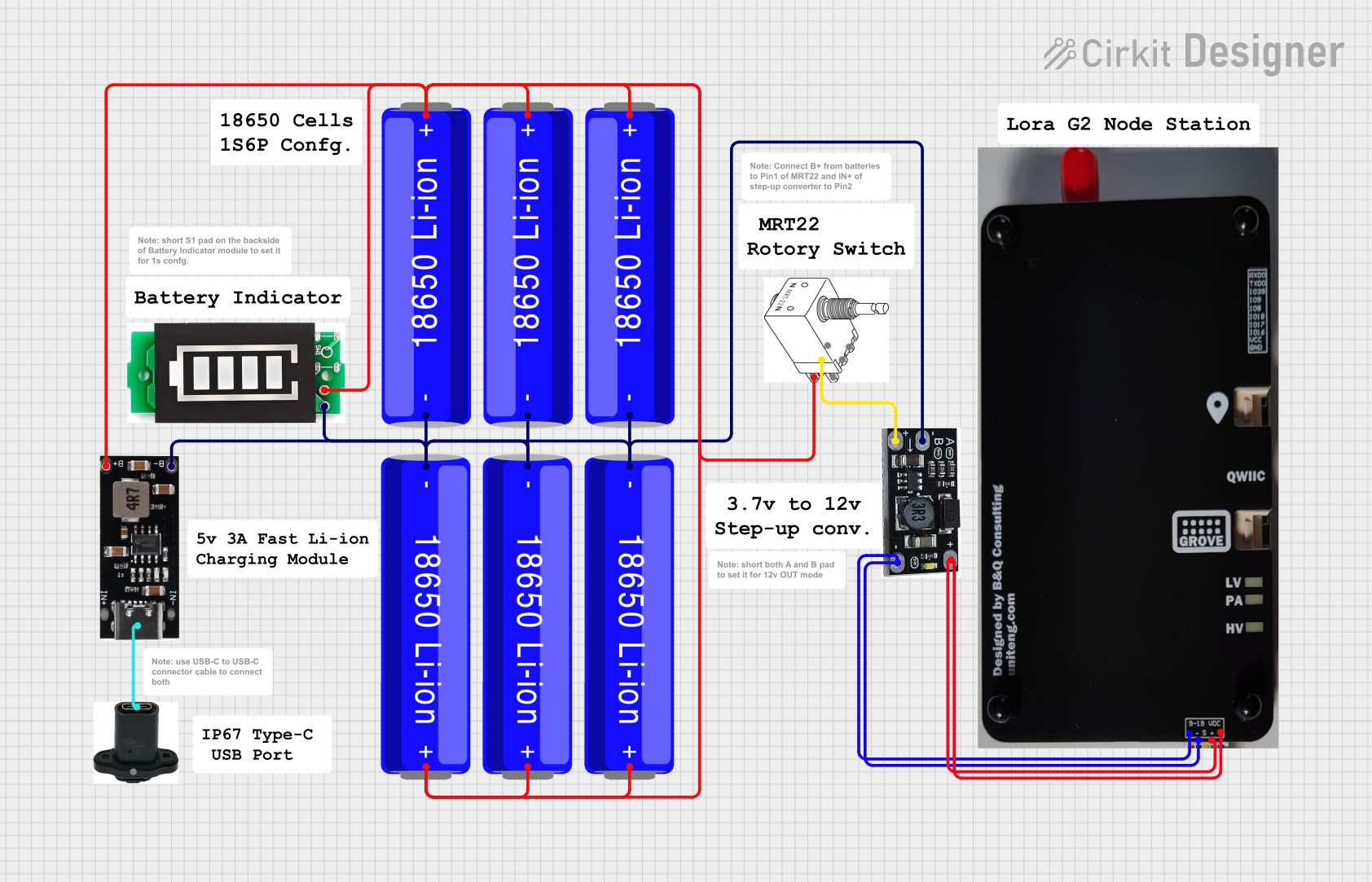 Open Project in Cirkit Designer
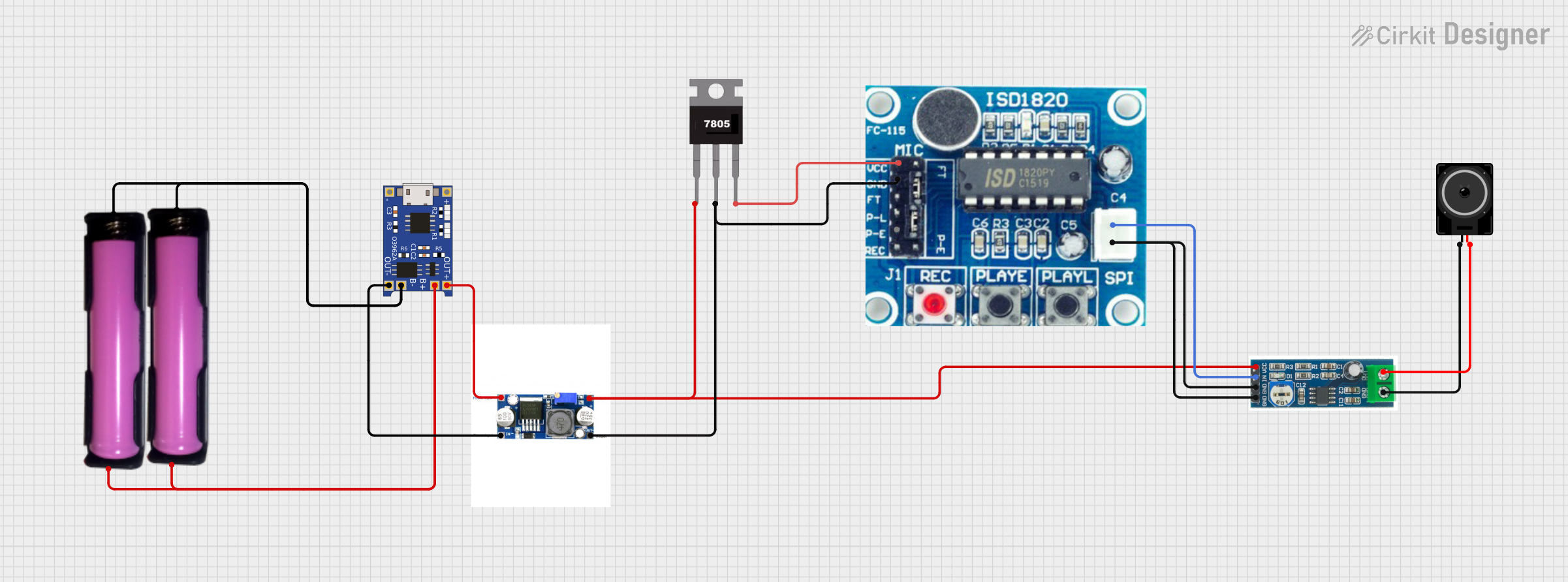 Open Project in Cirkit Designer
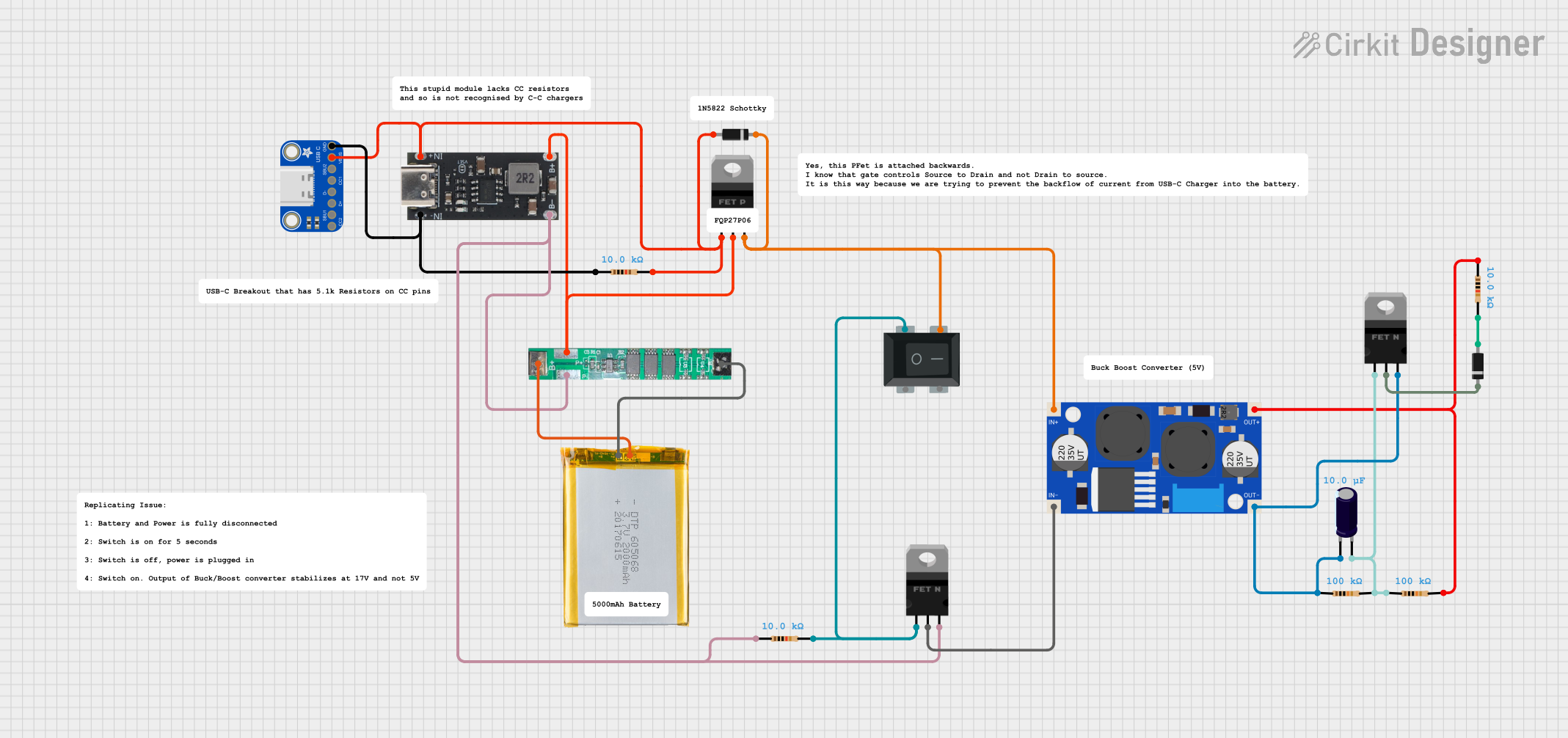 Open Project in Cirkit Designer
Explore Projects Built with 18650 Lithium Battery Charger USB Type-C
Open Project in Cirkit DesignerOpen Project in Cirkit DesignerOpen Project in Cirkit DesignerOpen Project in Cirkit DesignerCommon Applications and Use Cases
- DIY power banks and portable chargers
- Robotics and IoT projects
- Flashlights and portable lighting systems
- Backup power supplies
- Battery-powered electronic devices
Technical Specifications
Below are the key technical details and pin configurations for the 18650 Lithium Battery Charger USB Type-C module:
Key Technical Details
| Parameter | Specification |
|---|---|
| Input Voltage | 5V (via USB Type-C port) |
| Charging Current | 1A (default, adjustable in some models) |
| Battery Type Supported | 18650 Lithium-Ion |
| Charging Cut-Off Voltage | 4.2V ± 1% |
| Overcharge Protection | Yes |
| Over-discharge Protection | Yes |
| Short Circuit Protection | Yes |
| Dimensions | ~25mm x 19mm x 10mm |
Pin Configuration and Descriptions
| Pin Name | Description |
|---|---|
| USB Type-C | Input power port for 5V DC supply |
| B+ | Positive terminal for the 18650 battery |
| B- | Negative terminal for the 18650 battery |
| OUT+ | Positive output terminal for connected load |
| OUT- | Negative output terminal for connected load |
Usage Instructions
How to Use the Component in a Circuit
- Connect the Battery:
- Attach the positive terminal of the 18650 battery to the
B+pin. - Attach the negative terminal of the 18650 battery to the
B-pin.
- Attach the positive terminal of the 18650 battery to the
- Power the Charger:
- Connect a 5V DC power source (e.g., USB Type-C cable) to the USB Type-C port.
- Load Connection (Optional):
- If you want to power a load while charging, connect the load's positive terminal to
OUT+and the negative terminal toOUT-.
- If you want to power a load while charging, connect the load's positive terminal to
- Monitor Charging:
- The onboard LED indicators will show the charging status:
- Red LED: Charging in progress.
- Blue LED: Charging complete.
- The onboard LED indicators will show the charging status:
Important Considerations and Best Practices
- Ensure the input voltage does not exceed 5V to avoid damaging the module.
- Use only high-quality 18650 lithium-ion batteries with built-in protection circuits for safety.
- Avoid short-circuiting the
B+andB-terminals. - Do not reverse the polarity of the battery connections.
- Allow adequate ventilation to prevent overheating during charging.
Example: Using with Arduino UNO
The 18650 Lithium Battery Charger USB Type-C can be used to power an Arduino UNO. Below is an example of how to connect the charger to the Arduino:
- Connect the
OUT+pin of the charger to the Arduino'sVINpin. - Connect the
OUT-pin of the charger to the Arduino'sGNDpin.
Here is a simple Arduino sketch to blink an LED while powered by the 18650 battery:
// Simple LED Blink Example
// This code blinks an LED connected to pin 13 of the Arduino UNO.
// Ensure the Arduino is powered via the 18650 battery charger.

void setup() {
  pinMode(13, OUTPUT); // Set pin 13 as an output
}

void loop() {
  digitalWrite(13, HIGH); // Turn the LED on
  delay(1000);            // Wait for 1 second
  digitalWrite(13, LOW);  // Turn the LED off
  delay(1000);            // Wait for 1 second
}
Troubleshooting and FAQs
Common Issues and Solutions
| Issue | Possible Cause | Solution |
|---|---|---|
| Charger not powering on | No input power or faulty USB cable | Check the USB Type-C cable and power source. |
| Battery not charging | Incorrect battery connection | Verify the polarity of the battery connections. |
| Red LED stays on indefinitely | Faulty or deeply discharged battery | Replace the battery or pre-charge it with a dedicated charger. |
| Module overheating | Excessive load or poor ventilation | Reduce the load or ensure proper ventilation. |
FAQs
Can I use this charger for batteries other than 18650?
- No, this charger is specifically designed for 18650 lithium-ion batteries. Using other battery types may result in damage or unsafe operation.
What happens if I connect the battery in reverse polarity?
- The module includes reverse polarity protection, but it is always best to double-check connections to avoid potential damage.
Can I charge multiple 18650 batteries simultaneously?
- No, this module is designed to charge a single 18650 battery. For multiple batteries, use a dedicated multi-cell charger.
Is it safe to leave the battery connected after charging is complete?
- Yes, the module includes overcharge protection, but it is recommended to disconnect the battery when not in use for extended periods.
By following this documentation, you can safely and effectively use the 18650 Lithium Battery Charger USB Type-C in your projects.