Cirkit Designer LogoCirkit DesignerYour all-in-one circuit design IDE Launch Cirkit Designer App

How to Use MAX30102: Examples, Pinouts, and Specs

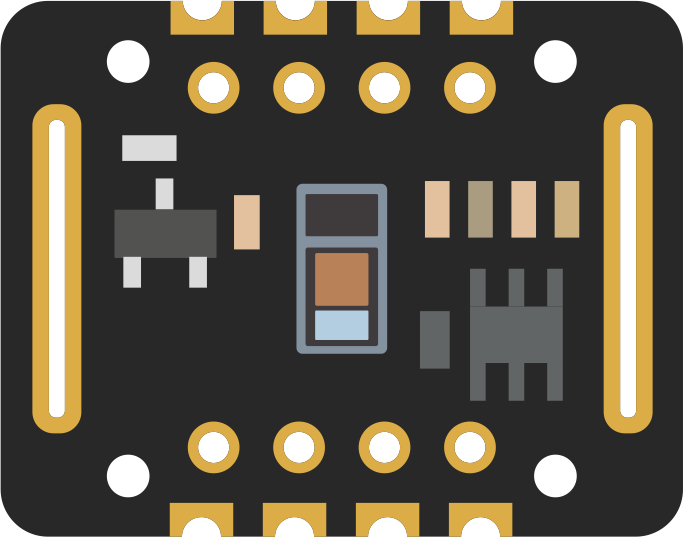
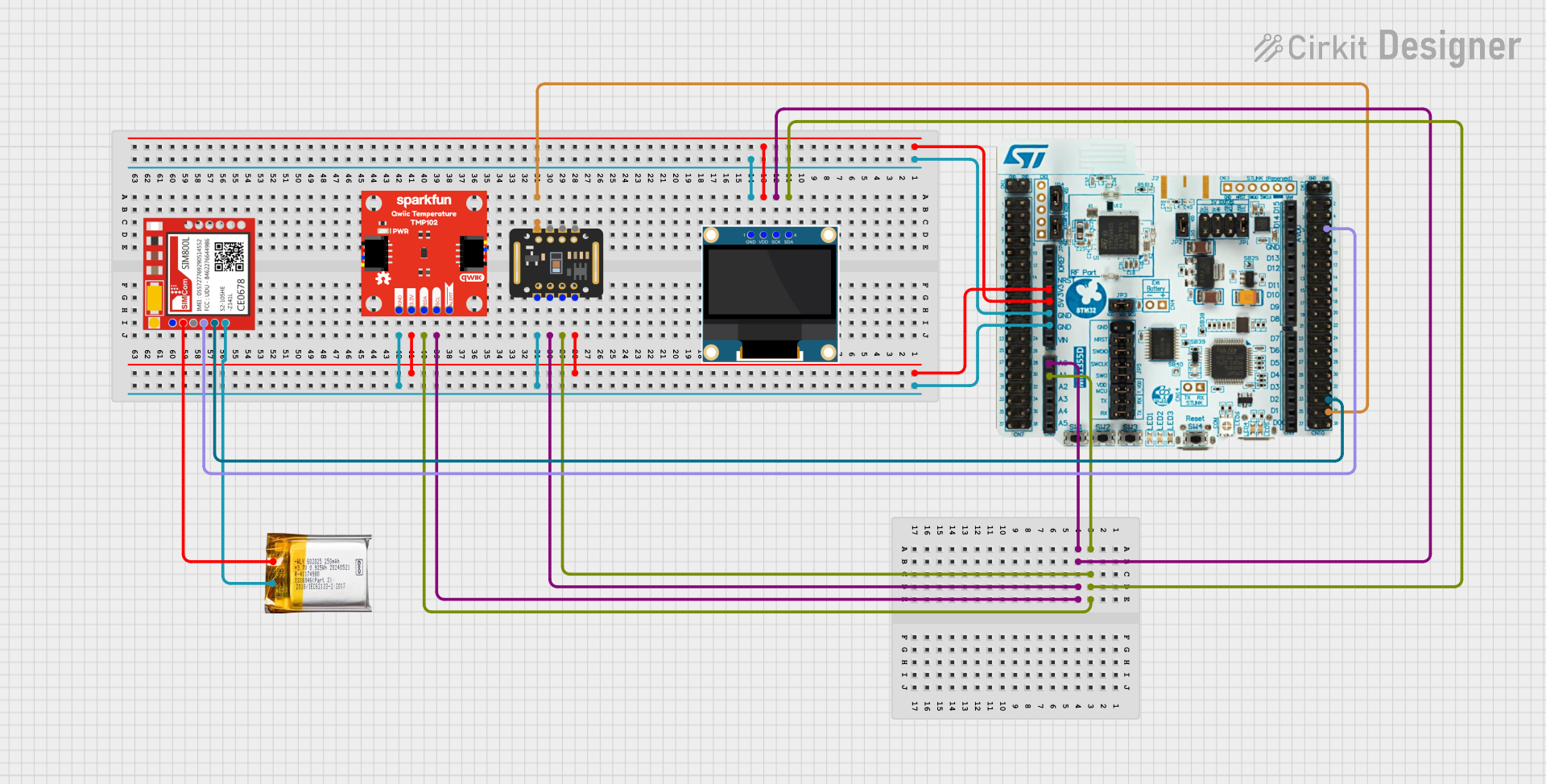
Image of MAX30102Design with MAX30102 in Cirkit Designer

Introduction

The MAX30102 is a pulse oximeter and heart-rate sensor designed for non-invasive health monitoring applications. It utilizes photoplethysmography (PPG) technology to measure blood oxygen saturation (SpO2) and heart rate. The sensor integrates red and infrared LEDs, a photodetector, optical elements, and low-noise electronics in a compact package, making it ideal for wearable devices, fitness trackers, and medical monitoring systems.

Explore Projects Built with MAX30102

Use Cirkit Designer to design, explore, and prototype these projects online. Some projects support real-time simulation. Click "Open Project" to start designing instantly!
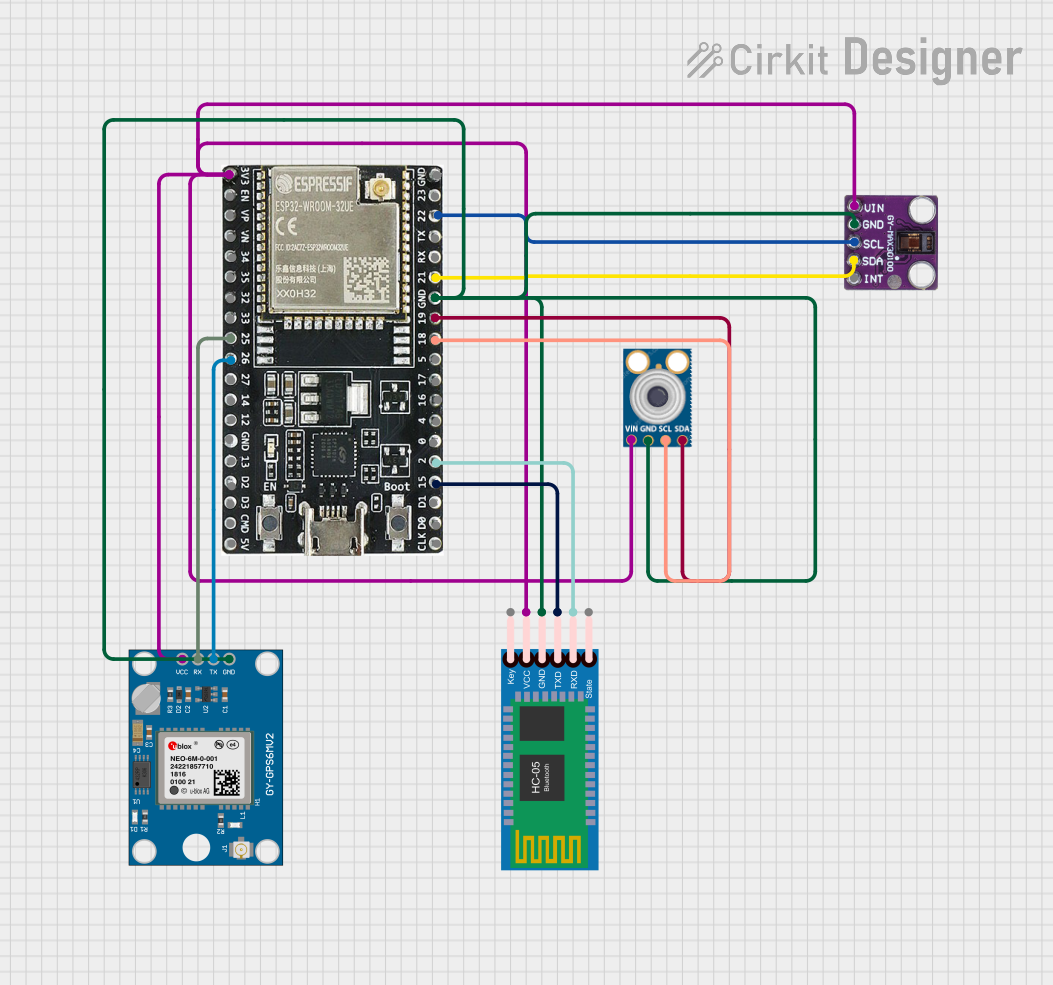
Image of ESP32-Based Multi-Sensor Health Monitoring System with Bluetooth Connectivity: A project utilizing MAX30102 in a practical application
ESP32-Based Multi-Sensor Health Monitoring System with Bluetooth Connectivity

This circuit features an ESP32-WROOM-32UE microcontroller as the central processing unit, interfacing with a variety of sensors and modules. It includes a MAX30100 pulse oximeter and heart-rate sensor, an MLX90614 infrared thermometer, an HC-05 Bluetooth module for wireless communication, and a Neo 6M GPS module for location tracking. All components are powered by a common voltage supply and are connected to specific GPIO pins on the ESP32 for data exchange, with the sensors using I2C communication and the modules using UART.

Open Project in Cirkit Designer
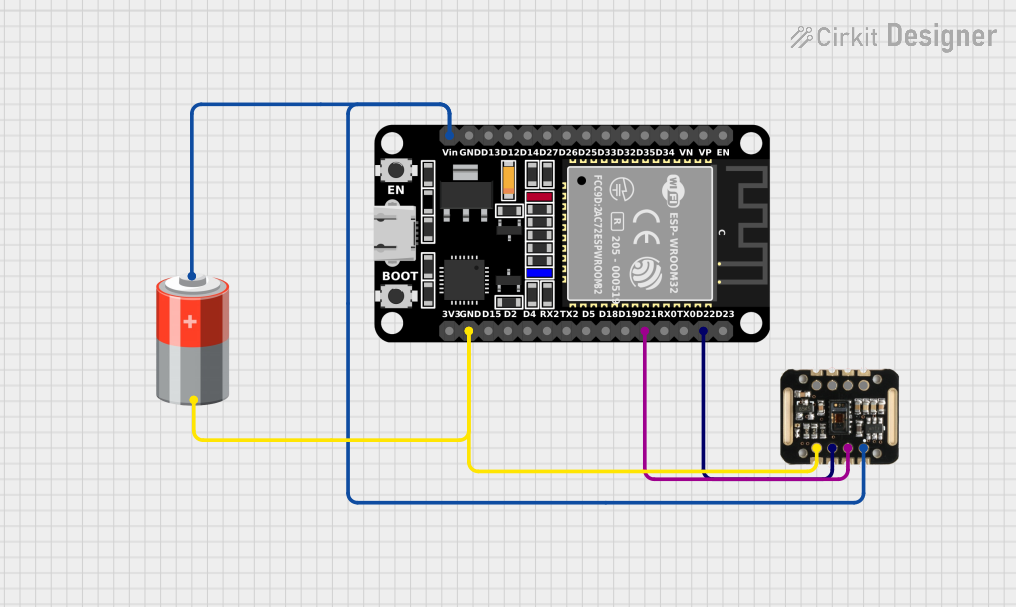
Image of ESP32 and MAX30100 Pulse Oximeter: A project utilizing MAX30102 in a practical application
ESP32 and MAX30100 Pulse Oximeter

This circuit features an ESP32 microcontroller connected to a MAX30100 sensor, which is likely used for measuring pulse oximetry. The ESP32 is interfaced with the MAX30100 via I2C communication, as indicated by the SDA and SCL connections. Power is supplied to both the ESP32 and the MAX30100 by a 5V battery, with common ground established across the components.

Open Project in Cirkit Designer

Common Applications

Technical Specifications

The MAX30102 is a highly integrated sensor with the following key specifications:

Parameter Value
Operating Voltage 1.8V (core) and 3.3V (LEDs)
Current Consumption 600 µA (typical, during active operation)
LED Wavelengths Red: 660 nm, Infrared: 880 nm
Communication Interface I2C (7-bit address: 0x57)
Sampling Rate Programmable (up to 1000 samples per second)
Operating Temperature Range -40°C to +85°C
Package Dimensions 5.6 mm x 3.3 mm x 1.55 mm

Pin Configuration and Descriptions

The MAX30102 has 8 pins, as described in the table below:

Pin Name Pin Number Description
VIN 1 Power supply input (1.8V or 3.3V)
GND 2 Ground
SDA 3 I2C data line
SCL 4 I2C clock line
INT 5 Interrupt output (active low)
RD1 6 Red LED cathode (internally connected)
IRD1 7 Infrared LED cathode (internally connected)
NC 8 No connection

Usage Instructions

How to Use the MAX30102 in a Circuit

  1. Power Supply: Connect the VIN pin to a 1.8V or 3.3V power source and the GND pin to ground.
  2. I2C Communication: Connect the SDA and SCL pins to the corresponding I2C pins on your microcontroller. Use pull-up resistors (typically 4.7 kΩ) on both lines.
  3. Interrupt Pin: Optionally, connect the INT pin to a GPIO pin on your microcontroller to handle interrupts.
  4. LED Control: The red and infrared LEDs are internally connected and controlled by the MAX30102 firmware.

Important Considerations

Example Code for Arduino UNO

Below is an example of how to interface the MAX30102 with an Arduino UNO to read heart rate and SpO2 data:

#include <Wire.h>
#include "MAX30105.h" // Include the MAX30102 library

MAX30105 particleSensor; // Create an instance of the sensor

void setup() {
  Serial.begin(9600); // Initialize serial communication
  Serial.println("Initializing MAX30102...");

  // Initialize the sensor
  if (!particleSensor.begin()) {
    Serial.println("MAX30102 not detected. Check connections.");
    while (1); // Halt execution if the sensor is not found
  }

  // Configure the sensor
  particleSensor.setup(); // Default settings
  particleSensor.setPulseAmplitudeRed(0x0A); // Set red LED brightness
  particleSensor.setPulseAmplitudeIR(0x0A);  // Set IR LED brightness
}

void loop() {
  // Read data from the sensor
  long redValue = particleSensor.getRed(); // Red LED value
  long irValue = particleSensor.getIR();   // IR LED value

  // Print the values to the serial monitor
  Serial.print("Red: ");
  Serial.print(redValue);
  Serial.print(" IR: ");
  Serial.println(irValue);

  delay(100); // Delay for stability
}

Notes:

Troubleshooting and FAQs

Common Issues

  1. Sensor Not Detected:

    • Ensure the I2C connections (SDA, SCL) are correct.
    • Verify that the I2C pull-up resistors are in place.
    • Check the sensor's power supply voltage.
  2. Inaccurate Readings:

    • Ensure proper skin contact with the sensor.
    • Minimize ambient light interference by using a dark enclosure.
    • Verify that the LED brightness is appropriately configured.
  3. No Data Output:

    • Confirm that the correct I2C address (0x57) is being used.
    • Check the interrupt pin connection if interrupts are enabled.

Tips for Troubleshooting

By following this documentation, you should be able to successfully integrate and use the MAX30102 in your projects.