
How to Use IRL2203N: Examples, Pinouts, and Specs
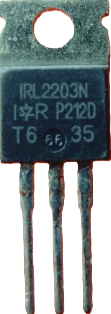
 Design with IRL2203N in Cirkit Designer
Introduction
The IRL2203N is an N-channel MOSFET designed for low voltage applications. It features low on-resistance and fast switching capabilities, making it highly efficient for power management and switching applications. This component is widely used in circuits requiring high-speed switching, motor control, and DC-DC converters. Its ability to operate with logic-level gate drive voltages makes it compatible with microcontrollers like the Arduino UNO.
Explore Projects Built with IRL2203N
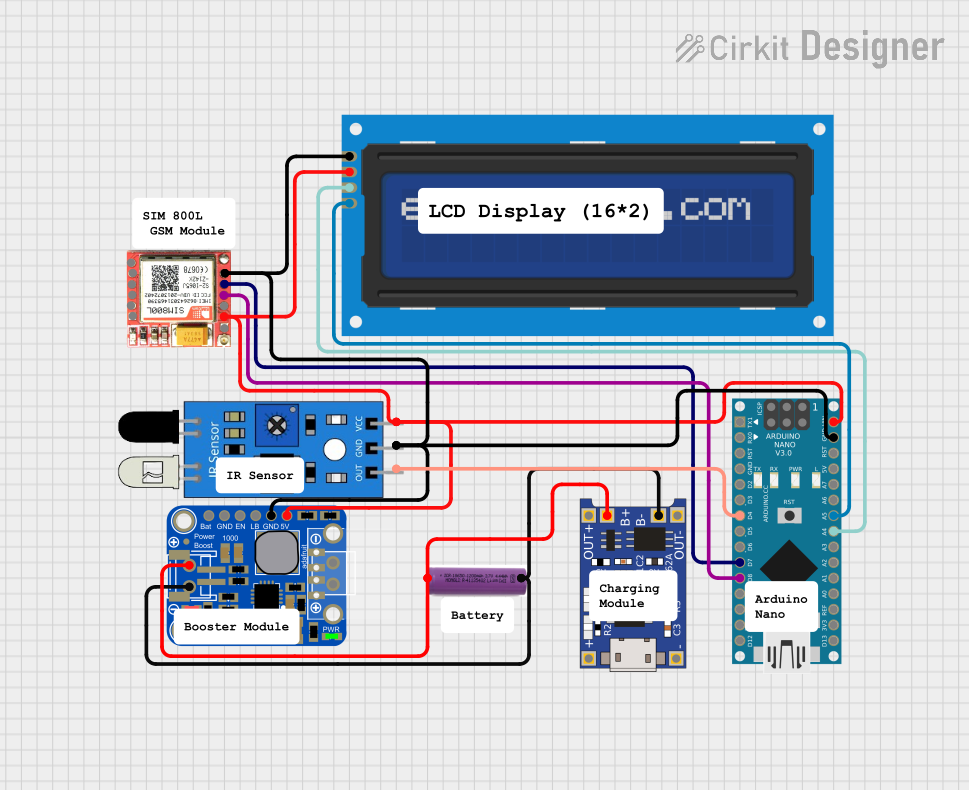 Open Project in Cirkit Designer
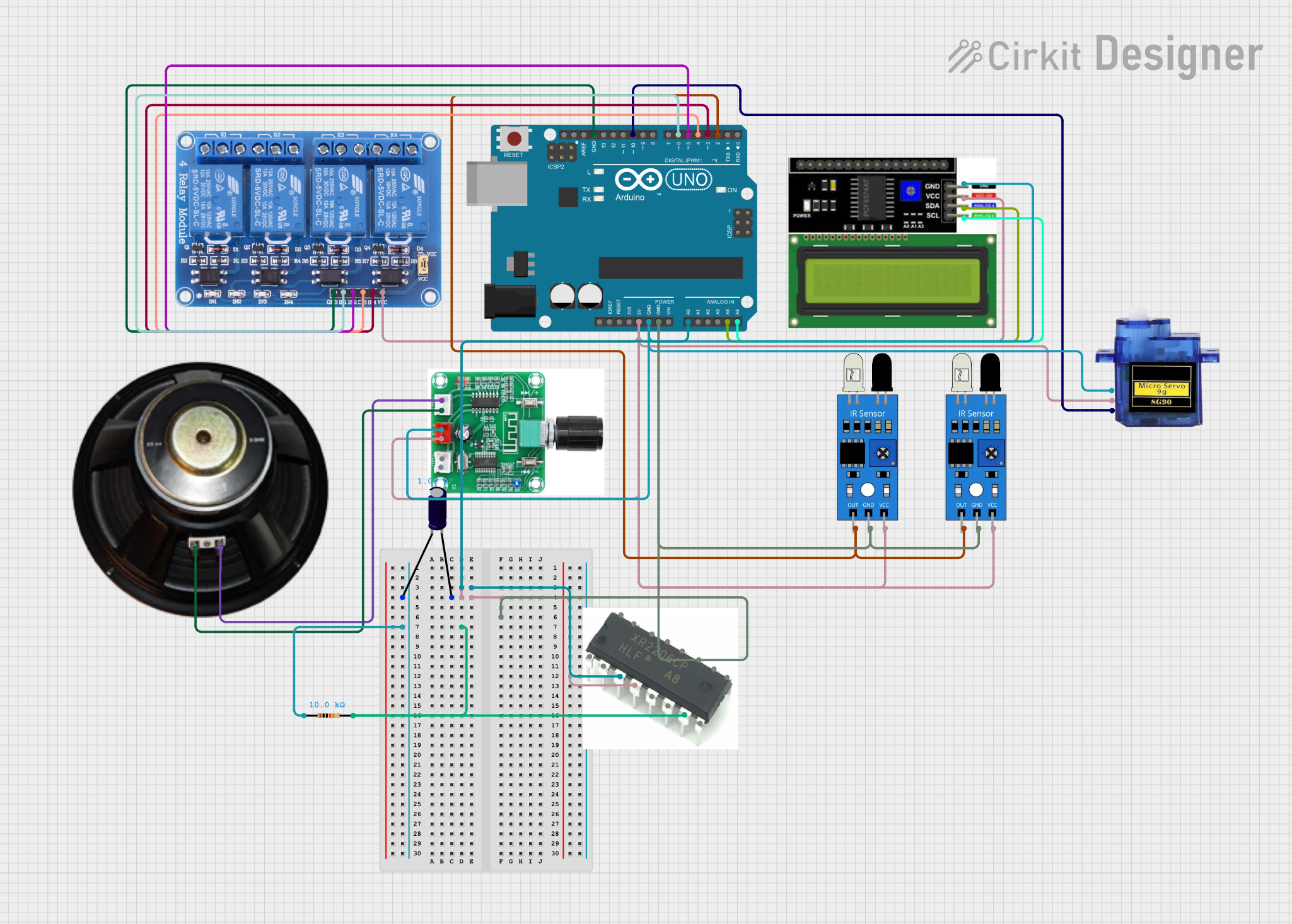 Open Project in Cirkit Designer
 Open Project in Cirkit Designer
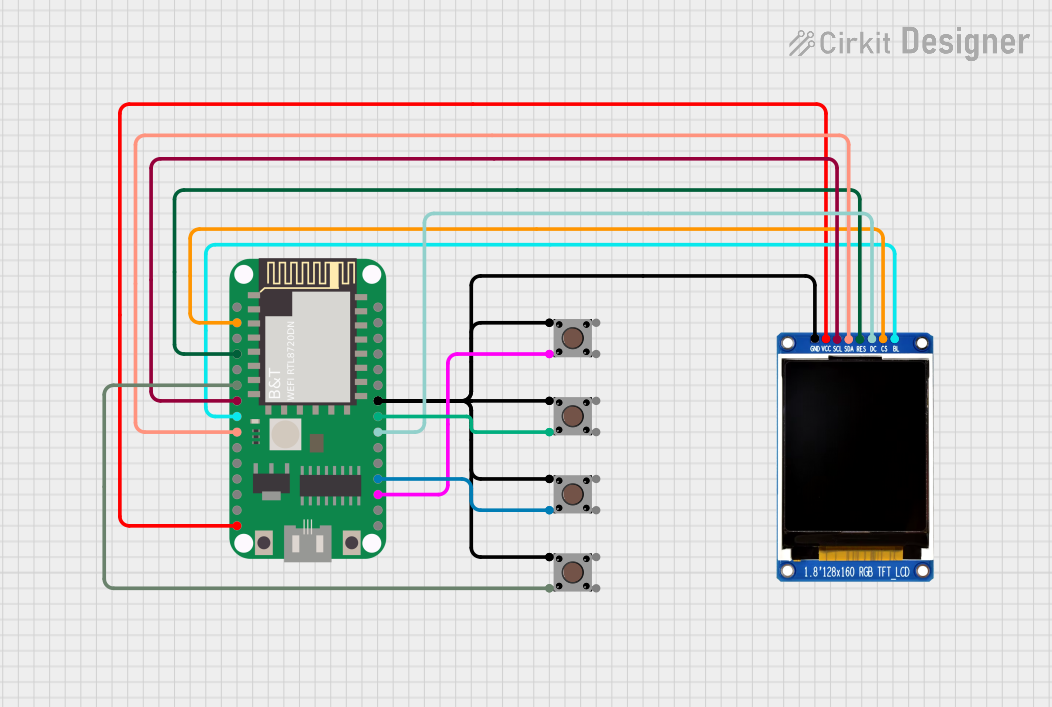 Open Project in Cirkit Designer
Explore Projects Built with IRL2203N
Open Project in Cirkit DesignerOpen Project in Cirkit DesignerOpen Project in Cirkit DesignerOpen Project in Cirkit DesignerCommon Applications
- DC-DC converters
- Motor drivers
- Power management in low-voltage systems
- High-speed switching circuits
- Battery-powered devices
Technical Specifications
Below are the key technical details and pin configuration for the IRL2203N:
Key Technical Details
| Parameter | Value |
|---|---|
| Type | N-Channel MOSFET |
| Maximum Drain-Source Voltage (VDS) | 30V |
| Maximum Gate-Source Voltage (VGS) | ±16V |
| Continuous Drain Current (ID) | 58A (at 25°C) |
| Pulsed Drain Current (IDM) | 230A |
| Maximum Power Dissipation (PD) | 150W |
| RDS(on) (On-Resistance) | 0.0035Ω (at VGS = 10V) |
| Gate Threshold Voltage (VGS(th)) | 1.0V - 2.0V |
| Operating Temperature Range | -55°C to +175°C |
| Package Type | TO-220 |
Pin Configuration
The IRL2203N has three pins, as described in the table below:
| Pin Number | Name | Description |
|---|---|---|
| 1 | Gate | Controls the MOSFET switching state |
| 2 | Drain | Current flows from drain to source |
| 3 | Source | Current flows to the source terminal |
Usage Instructions
How to Use the IRL2203N in a Circuit
- Gate Control: Connect the gate pin to a control signal, such as a microcontroller GPIO pin. Ensure the gate voltage (VGS) is within the specified range (logic-level compatible, typically 5V for microcontrollers like Arduino).
- Drain-Source Path: Connect the load (e.g., motor, LED, or other devices) between the drain pin and the positive supply voltage. The source pin should be connected to ground.
- Gate Resistor: Use a resistor (typically 100Ω to 1kΩ) between the microcontroller pin and the gate to limit inrush current and prevent damage to the microcontroller.
- Flyback Diode: For inductive loads (e.g., motors or relays), connect a flyback diode across the load to protect the MOSFET from voltage spikes during switching.
Example Circuit with Arduino UNO
Below is an example of how to use the IRL2203N to control an LED with an Arduino UNO:
Circuit Connections
- Gate (Pin 1): Connect to Arduino digital pin (e.g., D9) through a 220Ω resistor.
- Drain (Pin 2): Connect to the negative terminal of the LED.
- Source (Pin 3): Connect to ground.
- LED Positive Terminal: Connect to a 12V power supply through a current-limiting resistor.
Arduino Code Example
// Example code to control an LED using the IRL2203N MOSFET
// Connect the MOSFET gate to pin 9 of the Arduino through a 220Ω resistor

const int mosfetGatePin = 9; // Pin connected to the MOSFET gate

void setup() {
  pinMode(mosfetGatePin, OUTPUT); // Set the MOSFET gate pin as output
}

void loop() {
  digitalWrite(mosfetGatePin, HIGH); // Turn on the MOSFET (LED ON)
  delay(1000);                       // Wait for 1 second
  digitalWrite(mosfetGatePin, LOW);  // Turn off the MOSFET (LED OFF)
  delay(1000);                       // Wait for 1 second
}
Important Considerations
- Ensure the gate voltage (VGS) is within the recommended range to fully turn on the MOSFET and minimize RDS(on).
- Use a heat sink if the MOSFET is expected to dissipate significant power.
- Avoid exceeding the maximum ratings for VDS, VGS, and ID to prevent damage.
Troubleshooting and FAQs
Common Issues and Solutions
MOSFET Not Switching Properly
- Cause: Insufficient gate voltage.
- Solution: Ensure the gate voltage is at least 5V for logic-level operation. Check the microcontroller output voltage.
Excessive Heat Generation
- Cause: High current or insufficient heat dissipation.
- Solution: Use a heat sink or reduce the load current.
MOSFET Fails to Turn Off
- Cause: Gate voltage not fully discharged.
- Solution: Add a pull-down resistor (10kΩ) between the gate and source to ensure the gate voltage is pulled to 0V when the control signal is off.
Voltage Spikes Damaging the MOSFET
- Cause: Inductive load without a flyback diode.
- Solution: Add a flyback diode across the load to suppress voltage spikes.
FAQs
Q: Can the IRL2203N be used with a 3.3V microcontroller?
A: Yes, the IRL2203N is a logic-level MOSFET and can operate with gate voltages as low as 3.3V. However, ensure the gate voltage is sufficient to fully turn on the MOSFET for your specific load.
Q: Do I need a heat sink for the IRL2203N?
A: A heat sink is recommended if the MOSFET is operating at high currents or dissipating significant power.
Q: Can I use the IRL2203N for AC loads?
A: No, the IRL2203N is designed for DC applications. For AC loads, consider using a TRIAC or other suitable components.
Q: What is the maximum current the IRL2203N can handle?
A: The IRL2203N can handle up to 58A continuously at 25°C, but this depends on proper heat dissipation. Always check the thermal limits in your application.