
How to Use battery: Examples, Pinouts, and Specs
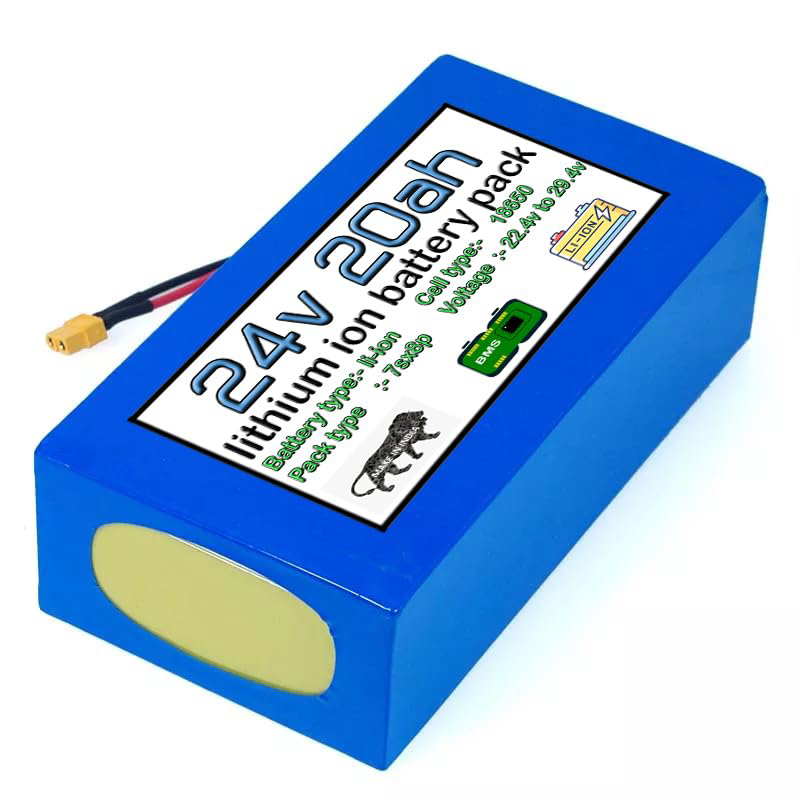
 Design with battery in Cirkit Designer
Introduction
A battery is a fundamental electronic component that stores energy in its chemical compounds and can release it as electrical power when connected to an electronic device or circuit. The Amazon Part ID: 1234 battery is designed for a wide range of applications, providing a reliable power source for portable electronics, backup systems, and projects that require a mobile power solution.
Explore Projects Built with battery
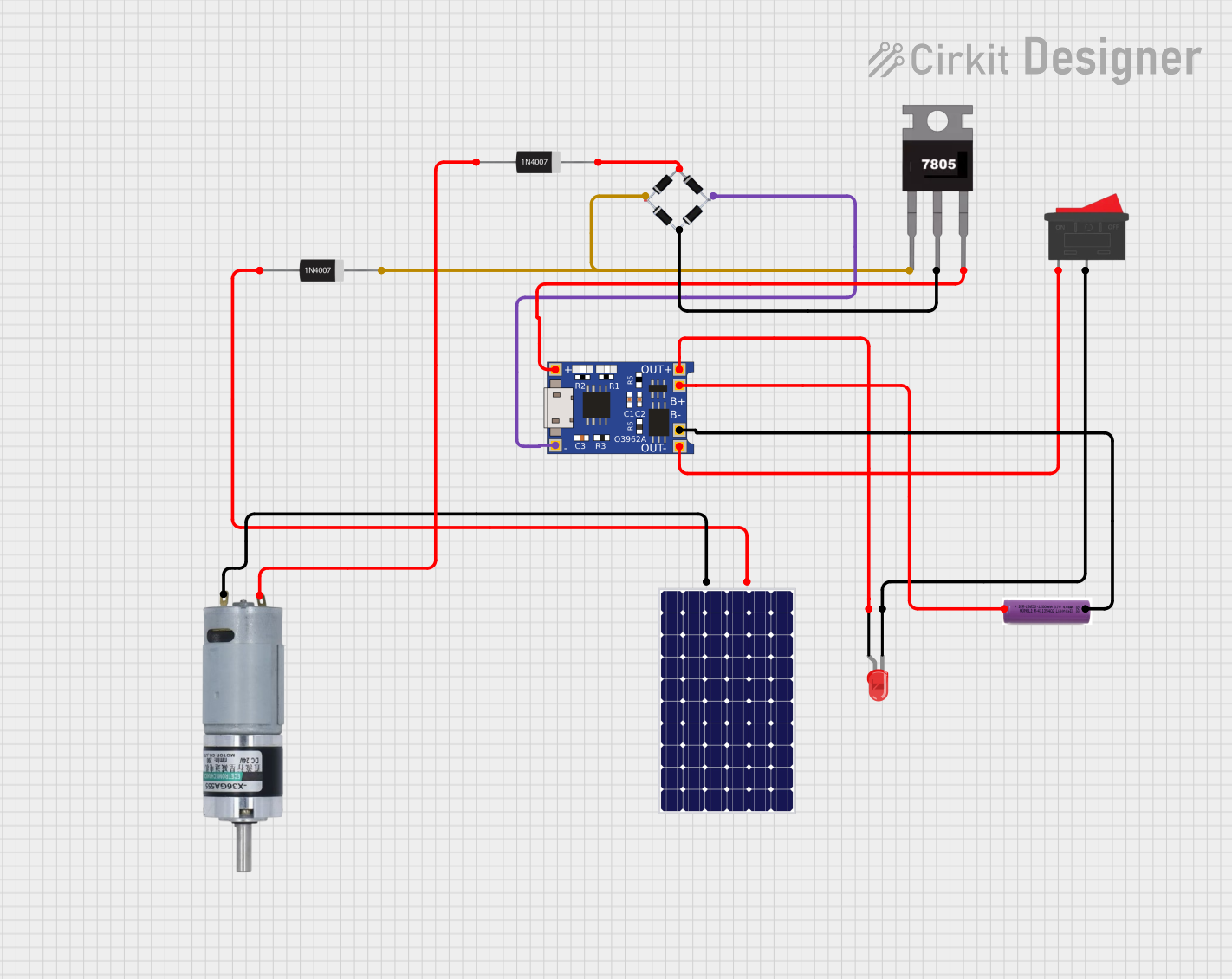 Open Project in Cirkit Designer
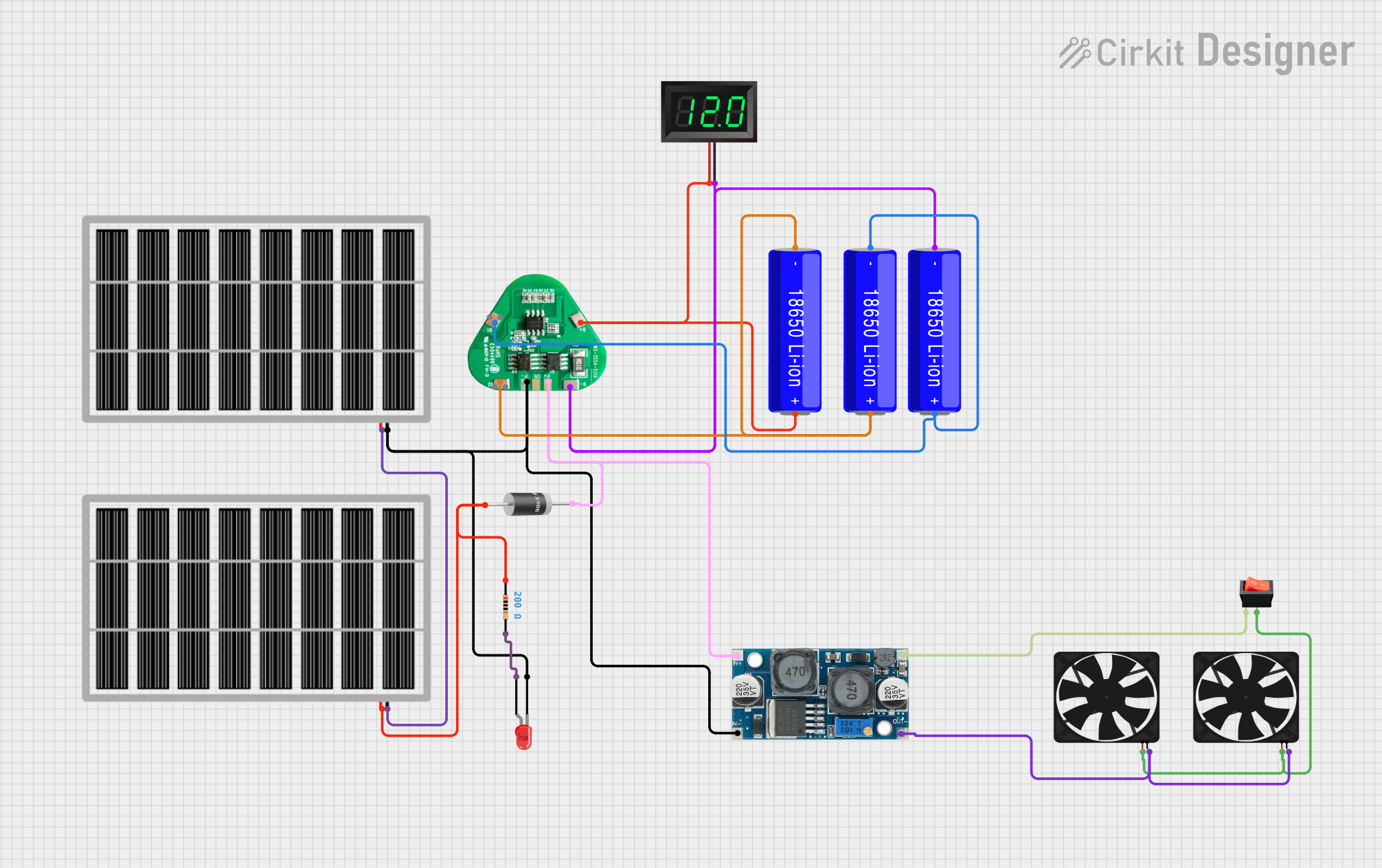 Open Project in Cirkit Designer
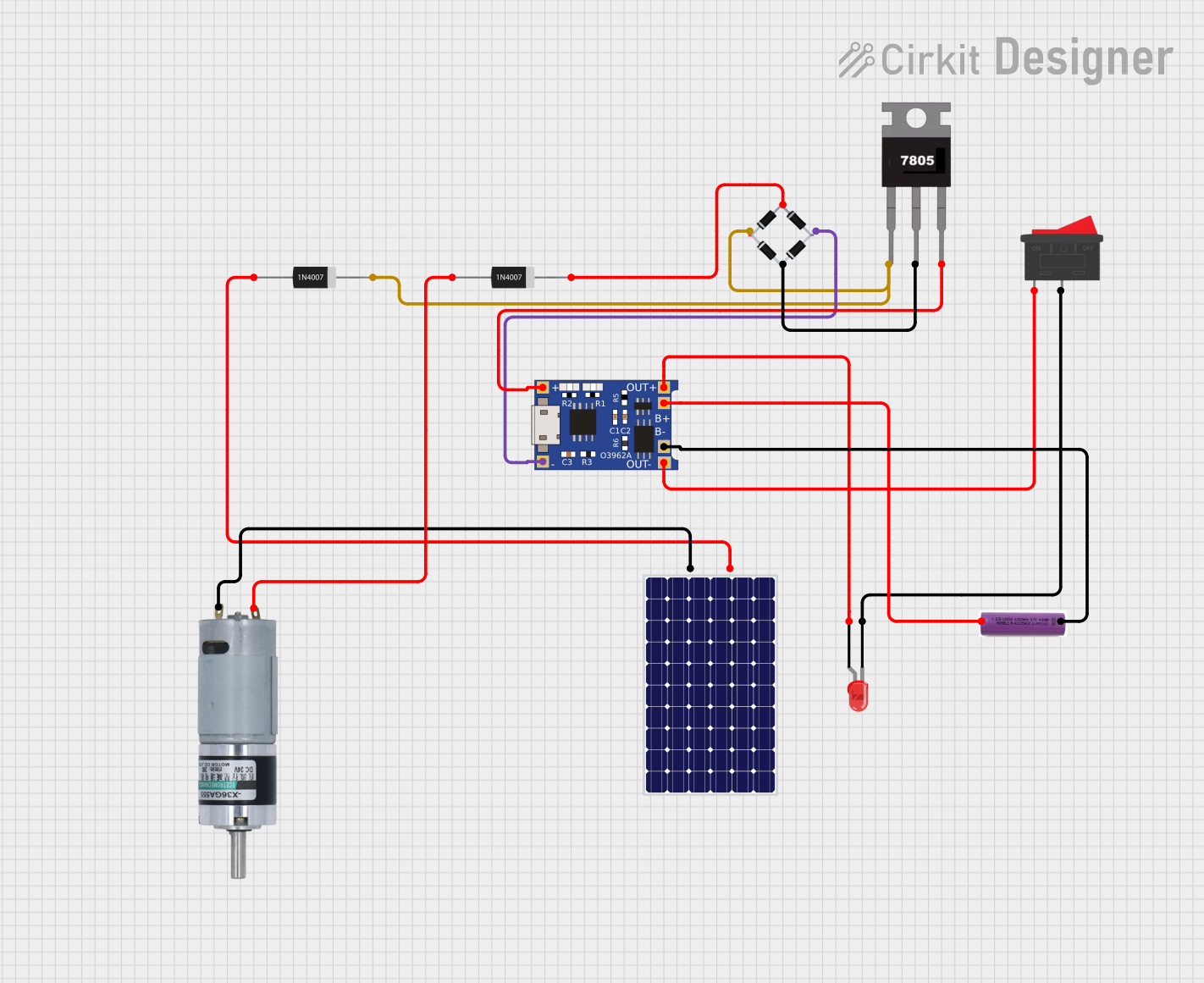 Open Project in Cirkit Designer
 Open Project in Cirkit Designer
Explore Projects Built with battery
Open Project in Cirkit DesignerOpen Project in Cirkit DesignerOpen Project in Cirkit DesignerOpen Project in Cirkit DesignerCommon Applications and Use Cases
- Portable electronic devices (e.g., flashlights, handheld games)
- Backup power for memory or real-time clocks in electronics
- Power source for DIY projects and hobbyist electronics, such as Arduino-based systems
- Emergency power supply for critical systems during power outages
Technical Specifications
Key Technical Details
- Nominal Voltage: 3.7V
- Capacity: 2200mAh
- Chemistry: Lithium-ion
- Maximum Charging Current: 1A
- Maximum Discharge Current: 2A
- Charge Cut-off Voltage: 4.2V
- Discharge Cut-off Voltage: 3.0V
- Operating Temperature Range: -20°C to 60°C
Pin Configuration and Descriptions
| Pin Number | Description | Notes |
|---|---|---|
| 1 | Positive Terminal | Connect to the positive load |
| 2 | Negative Terminal | Connect to the negative load |
Usage Instructions
How to Use the Battery in a Circuit
Identify the Polarity: Ensure you identify the positive and negative terminals of the battery correctly to avoid reverse polarity, which can damage the circuit.
Voltage Matching: Make sure the battery's nominal voltage matches the voltage requirements of the circuit.
Current Requirements: Ensure the device's current draw does not exceed the battery's maximum discharge current.
Charging: Use a compatible charger that adheres to the battery's charging specifications. Overcharging can lead to battery damage or potential hazards.
Battery Management System (BMS): For rechargeable batteries, it's recommended to use a BMS to protect the battery from overcharging, deep discharging, and short-circuiting.
Important Considerations and Best Practices
- Do not expose the battery to extreme temperatures or moisture.
- Avoid physical damage to the battery, which can lead to leaks or hazardous conditions.
- Dispose of batteries according to local regulations, as they contain materials that can be harmful to the environment.
- When connecting multiple batteries in series or parallel, ensure they are of the same type and capacity.
Troubleshooting and FAQs
Common Issues Users Might Face
- Battery not charging: Check the charger and connections. Ensure the battery is within its operating temperature range.
- Reduced battery life: This could be due to aging or frequent deep discharges. Replace the battery if it no longer holds a charge effectively.
- Device not powering on: Verify that the battery is properly charged and correctly connected with the right polarity.
Solutions and Tips for Troubleshooting
- If the battery is not charging, try a different charger and check for any signs of damage on the battery terminals.
- For reduced battery life, avoid leaving the battery fully discharged for extended periods and recharge it regularly.
- If the device is not powering on, double-check the connections and ensure there is no circuit short or open circuit.
Code Example for Arduino UNO
// Example code to monitor battery voltage on an Arduino UNO

const int batteryPin = A0; // Analog pin connected to battery voltage divider

void setup() {
  Serial.begin(9600);
}

void loop() {
  int sensorValue = analogRead(batteryPin); // Read the analog value
  float voltage = sensorValue * (5.0 / 1023.0) * 2; // Convert to voltage
  Serial.print("Battery Voltage: ");
  Serial.println(voltage);
  delay(1000); // Wait for 1 second before the next read
}
Note: The above code assumes a voltage divider is used to step down the battery voltage to a safe level for the Arduino analog input. Adjust the voltage conversion calculation based on the actual divider ratio.
Remember: Always consult the datasheet and manufacturer's guidelines for the most accurate and specific information regarding the use and handling of the battery.