
How to Use CD4511: Examples, Pinouts, and Specs
 Design with CD4511 in Cirkit Designer
Introduction
The CD4511, manufactured by Motorola, is a BCD to 7-segment latch/decoder/driver chip. It is designed to convert binary-coded decimal (BCD) inputs into the corresponding 7-segment display outputs. The chip features latching capabilities, which allow it to hold the output state until the next input change. This makes it ideal for driving 7-segment displays in digital systems.
Explore Projects Built with CD4511
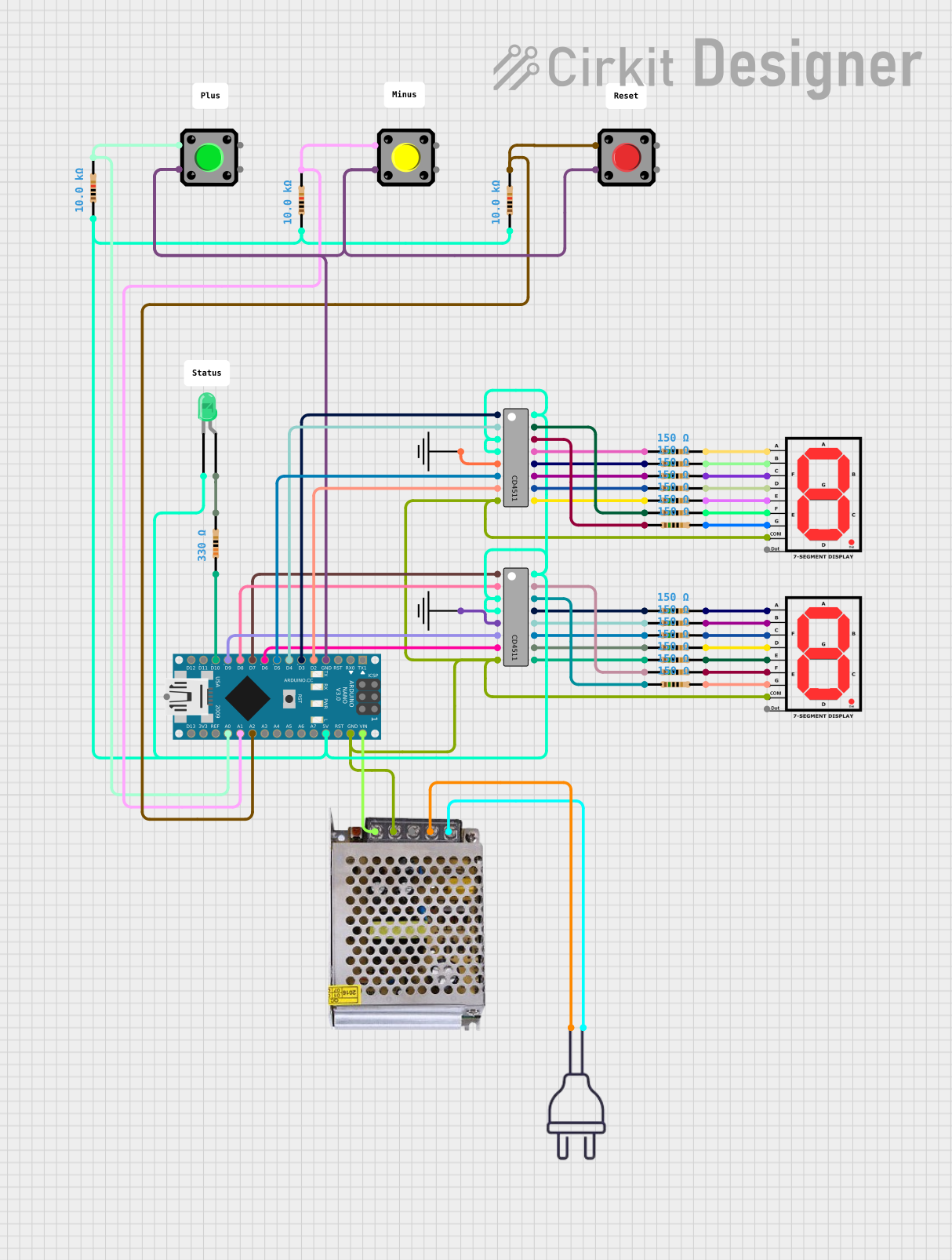 Open Project in Cirkit Designer
 Open Project in Cirkit Designer
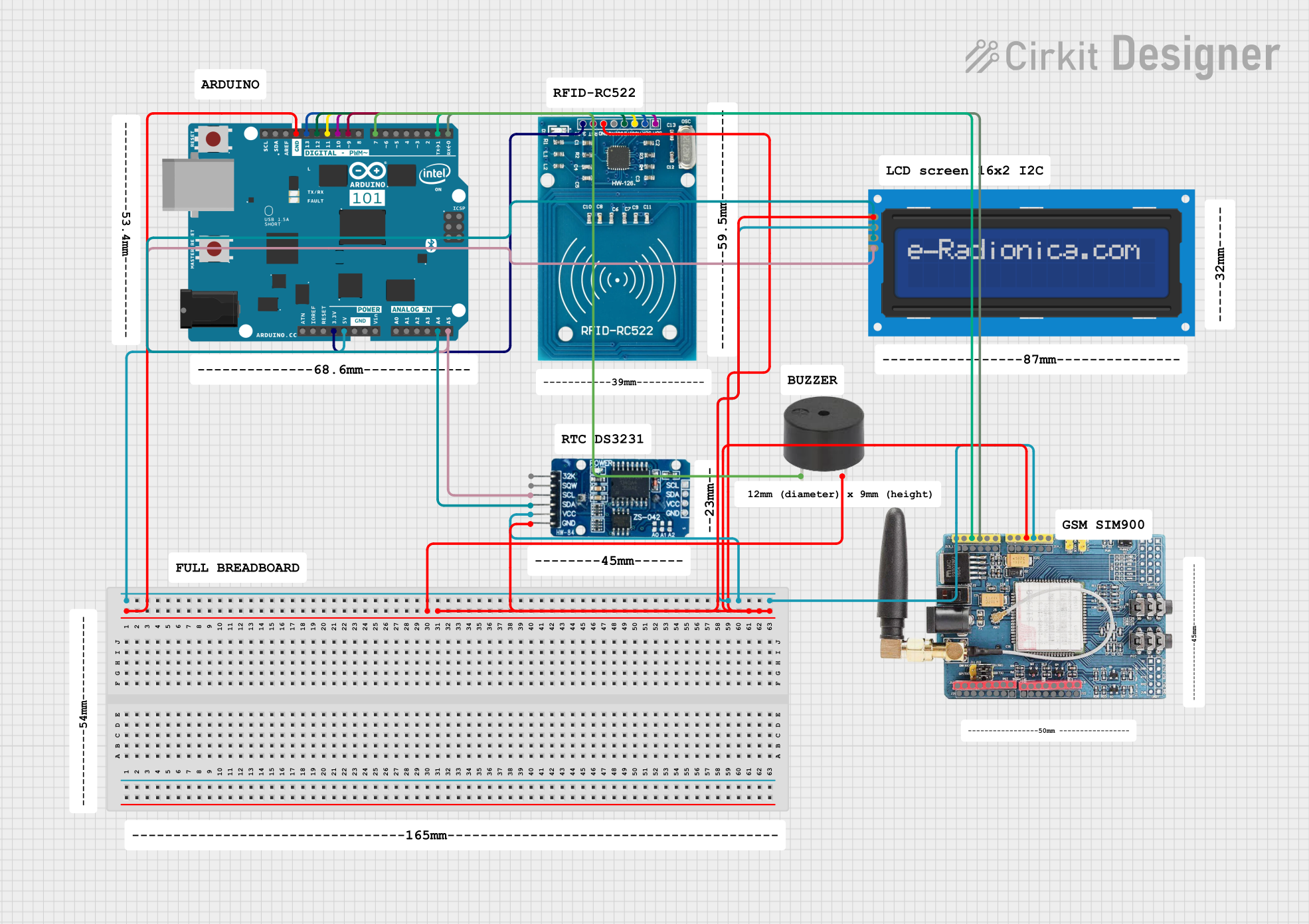 Open Project in Cirkit Designer
 Open Project in Cirkit Designer
Explore Projects Built with CD4511
Open Project in Cirkit DesignerOpen Project in Cirkit DesignerOpen Project in Cirkit DesignerOpen Project in Cirkit DesignerCommon Applications and Use Cases
- Digital clocks
- Electronic meters
- Counters and timers
- Numeric displays in embedded systems
- Educational projects involving 7-segment displays
Technical Specifications
Below are the key technical details of the CD4511:
| Parameter | Value |
|---|---|
| Supply Voltage (VDD) | 3V to 15V |
| Input Voltage Range | 0V to VDD |
| Maximum Output Current | 25mA per segment |
| Operating Temperature Range | -55°C to +125°C |
| Power Dissipation | 500mW |
| Propagation Delay | 200ns (typical at 5V) |
| Package Types | DIP-16, SOIC-16 |
Pin Configuration and Descriptions
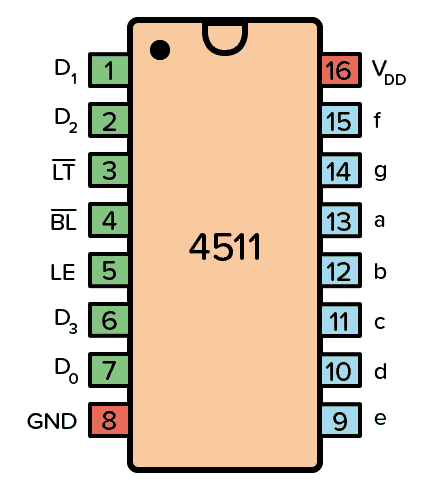
The CD4511 comes in a 16-pin package. Below is the pinout and description:
| Pin Number | Pin Name | Description |
|---|---|---|
| 1 | D0 | Least significant bit (LSB) of the BCD input. |
| 2 | D1 | Second bit of the BCD input. |
| 3 | D2 | Third bit of the BCD input. |
| 4 | D3 | Most significant bit (MSB) of the BCD input. |
| 5 | Lamp Test (LT) | Activates all segments for testing when set LOW. |
| 6 | Blanking Input (BI) | Turns off all segments when set LOW, regardless of the BCD input. |
| 7 | Enable Input (LE) | Latches the BCD input when set HIGH. |
| 8 | GND | Ground (0V). |
| 9 | a | Segment "a" output for the 7-segment display. |
| 10 | b | Segment "b" output for the 7-segment display. |
| 11 | c | Segment "c" output for the 7-segment display. |
| 12 | d | Segment "d" output for the 7-segment display. |
| 13 | e | Segment "e" output for the 7-segment display. |
| 14 | f | Segment "f" output for the 7-segment display. |
| 15 | g | Segment "g" output for the 7-segment display. |
| 16 | VDD | Positive supply voltage. |
Usage Instructions
How to Use the CD4511 in a Circuit
- Power Supply: Connect the VDD pin (16) to a positive voltage source (3V to 15V) and the GND pin (8) to ground.
- BCD Input: Provide a 4-bit binary-coded decimal input to pins D0 (1), D1 (2), D2 (3), and D3 (4).
- 7-Segment Display: Connect the segment outputs (pins 9–15) to the corresponding segments of a common-cathode 7-segment display.
- Control Pins:
- Use the Lamp Test (LT) pin (5) to test all segments by setting it LOW.
- Use the Blanking Input (BI) pin (6) to turn off all segments by setting it LOW.
- Use the Latch Enable (LE) pin (7) to latch the current BCD input when set HIGH.
- Current Limiting Resistors: Place resistors (typically 330Ω to 1kΩ) between the segment outputs and the 7-segment display to limit current and protect the display.
Example Circuit with Arduino UNO
Below is an example of how to connect the CD4511 to an Arduino UNO and a 7-segment display:
Circuit Connections
- Connect the Arduino digital pins (e.g., D2–D5) to the CD4511 BCD input pins (D0–D3).
- Connect the CD4511 segment outputs (a–g) to the corresponding segments of the 7-segment display.
- Use a common ground for the Arduino, CD4511, and the 7-segment display.
Arduino Code
// Define BCD input pins connected to the CD4511
const int bcdPins[] = {2, 3, 4, 5}; // D0, D1, D2, D3

void setup() {
  // Set BCD pins as outputs
  for (int i = 0; i < 4; i++) {
    pinMode(bcdPins[i], OUTPUT);
  }
}

void loop() {
  // Display numbers 0 to 9 on the 7-segment display
  for (int number = 0; number < 10; number++) {
    displayNumber(number);
    delay(1000); // Wait 1 second before displaying the next number
  }
}

// Function to display a number on the 7-segment display
void displayNumber(int number) {
  for (int i = 0; i < 4; i++) {
    // Write each bit of the number to the corresponding BCD pin
    digitalWrite(bcdPins[i], (number >> i) & 0x01);
  }
}
Important Considerations and Best Practices
- Ensure the supply voltage (VDD) is within the specified range (3V to 15V).
- Use current-limiting resistors to prevent damage to the 7-segment display.
- Avoid floating inputs by connecting unused input pins to GND or VDD.
- Use the latch feature (LE pin) to stabilize the display output when the BCD input changes rapidly.
Troubleshooting and FAQs
Common Issues and Solutions
No Output on the 7-Segment Display:
- Verify the power supply connections to the CD4511 and the 7-segment display.
- Check the BCD input values and ensure they are within the valid range (0–9).
- Ensure the Blanking Input (BI) pin is not set LOW.
Incorrect Segments Lighting Up:
- Check the wiring between the CD4511 segment outputs and the 7-segment display.
- Verify the BCD input values and ensure they match the desired number.
All Segments Always ON or OFF:
- Ensure the Lamp Test (LT) pin is not permanently set LOW.
- Check the Blanking Input (BI) pin and ensure it is HIGH.
Flickering Display:
- Use the Latch Enable (LE) pin to stabilize the output when the BCD input changes rapidly.
FAQs
Q1: Can the CD4511 drive a common-anode 7-segment display?
No, the CD4511 is designed to drive common-cathode 7-segment displays only.
Q2: What happens if the BCD input is greater than 9?
For BCD inputs greater than 9, the CD4511 outputs undefined states, which may result in random segments lighting up.
Q3: Can I use the CD4511 with a 3.3V microcontroller?
Yes, the CD4511 can operate at 3.3V, but ensure the 7-segment display is compatible with this voltage level.
Q4: Do I need external transistors to drive the 7-segment display?
No, the CD4511 can directly drive the segments of a common-cathode 7-segment display, provided the current does not exceed 25mA per segment.