
How to Use HC12 SI4463: Examples, Pinouts, and Specs
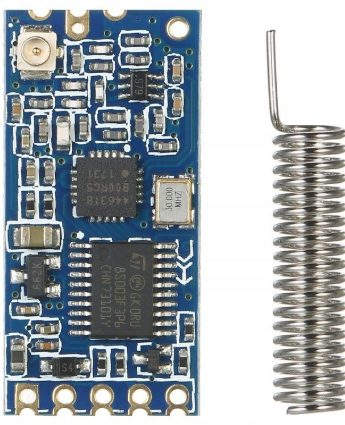
 Design with HC12 SI4463 in Cirkit Designer
Introduction
The HC-12 is a versatile, long-range wireless communication module based on the SI4463 RF chip. It operates in the 433 MHz frequency band and supports transparent serial communication, making it ideal for applications requiring wireless data transmission. The module is widely used in IoT projects, remote control systems, telemetry, and wireless sensor networks due to its ease of use and reliable performance.
Common applications include:
- Wireless data transmission for IoT devices
- Remote monitoring and control systems
- Home automation
- Industrial telemetry
- Wireless sensor networks
Explore Projects Built with HC12 SI4463
 Open Project in Cirkit Designer
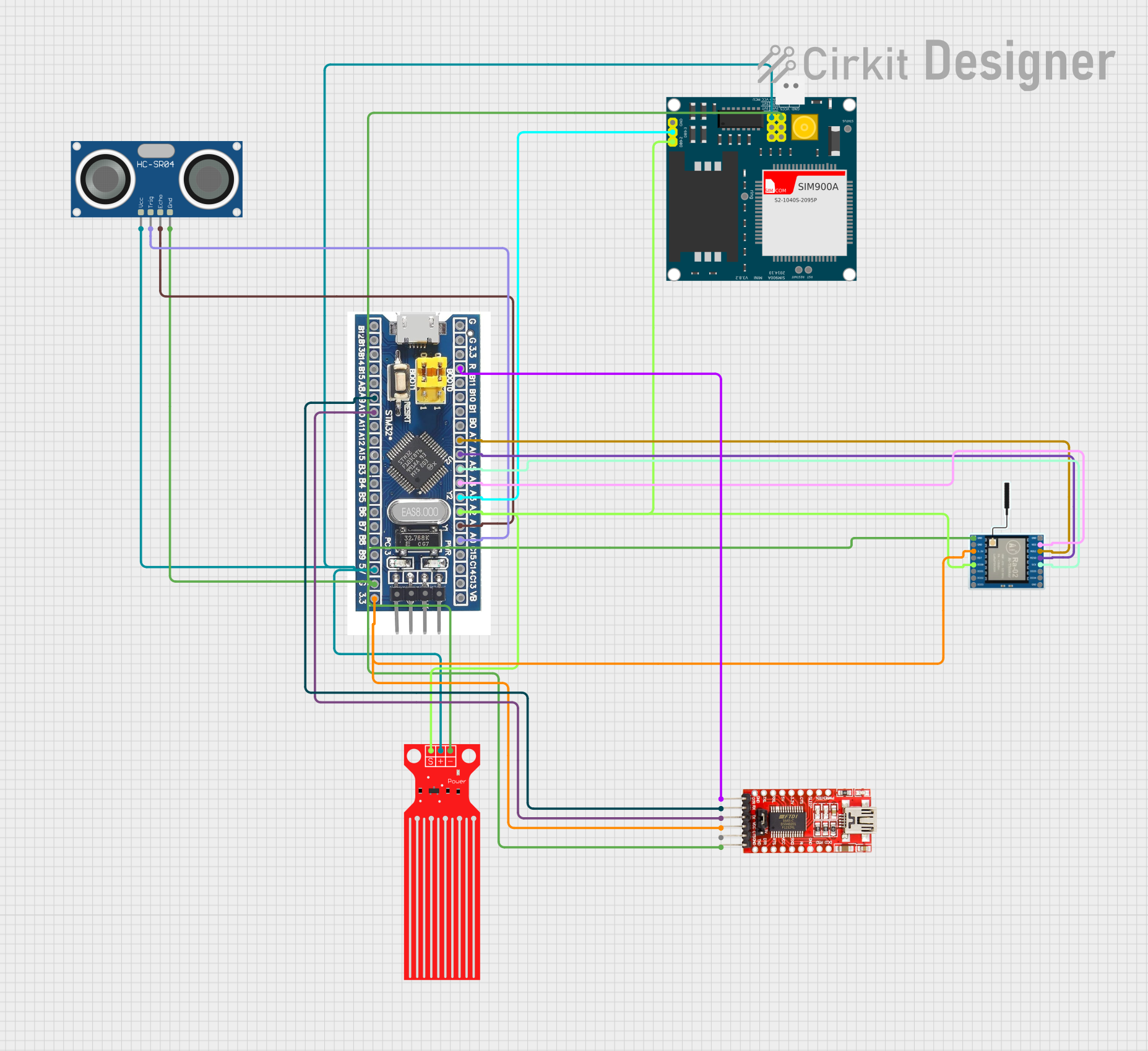 Open Project in Cirkit Designer
 Open Project in Cirkit Designer
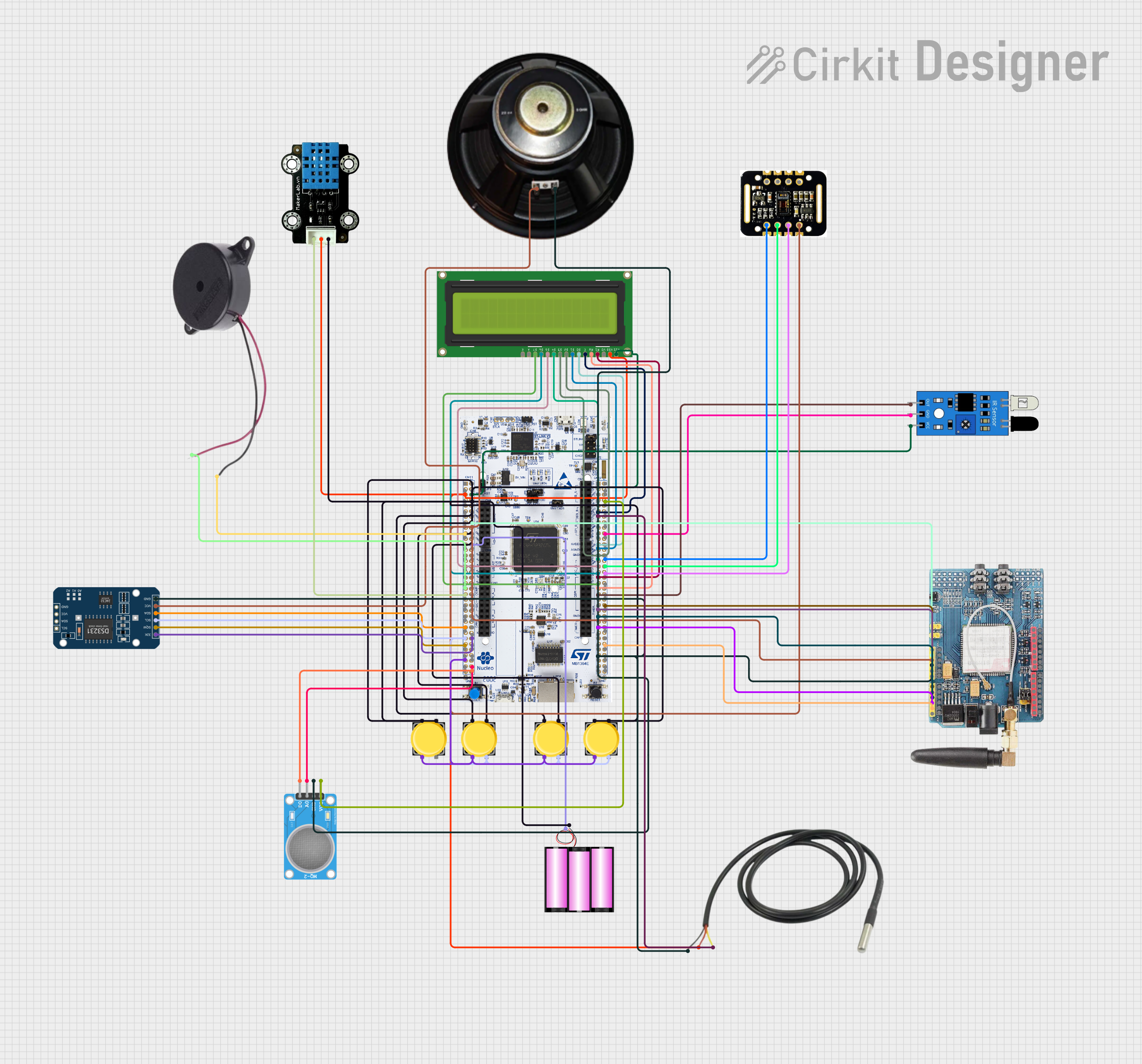 Open Project in Cirkit Designer
Explore Projects Built with HC12 SI4463
Open Project in Cirkit DesignerOpen Project in Cirkit DesignerOpen Project in Cirkit DesignerOpen Project in Cirkit DesignerTechnical Specifications
The HC-12 module is designed for low-power, long-range communication. Below are its key technical details:
| Parameter | Specification |
|---|---|
| Operating Voltage | 3.2V to 5.5V |
| Operating Current | 16 mA (transmitting), 3.5 mA (idle) |
| Frequency Range | 433.4 MHz to 473.0 MHz |
| Communication Range | Up to 1,000 meters (open space) |
| Modulation | GFSK |
| Baud Rate | 1,200 to 115,200 bps |
| Transmit Power | Up to 20 dBm (100 mW) |
| Antenna Interface | IPEX or soldered wire antenna |
| Dimensions | 27.8 mm x 14.4 mm x 4 mm |
Pin Configuration and Descriptions
The HC-12 module has a total of 4 pins. Below is the pinout and description:
| Pin | Name | Description |
|---|---|---|
| 1 | VCC | Power supply input (3.2V to 5.5V). Connect to a regulated power source. |
| 2 | GND | Ground. Connect to the ground of the circuit. |
| 3 | RXD | UART Receive pin. Connect to the TX pin of the microcontroller. |
| 4 | TXD | UART Transmit pin. Connect to the RX pin of the microcontroller. |
| 5 | SET | Mode selection pin. Pull LOW to enter configuration mode; HIGH for normal mode. |
Usage Instructions
How to Use the HC-12 in a Circuit
- Power Supply: Connect the VCC pin to a regulated 3.3V or 5V power source and the GND pin to the ground.
- UART Communication: Connect the RXD pin of the HC-12 to the TX pin of your microcontroller and the TXD pin to the RX pin of your microcontroller.
- Antenna: Attach an appropriate antenna to the module for optimal range and performance.
- Mode Selection: Use the SET pin to toggle between normal operation mode (HIGH) and configuration mode (LOW).
Important Considerations and Best Practices
- Use a decoupling capacitor (e.g., 10 µF) near the VCC and GND pins to ensure stable power supply.
- Avoid placing the module near high-frequency noise sources to prevent interference.
- For maximum range, use a high-gain antenna and ensure a clear line of sight between modules.
- When configuring the module, ensure the SET pin is pulled LOW and use AT commands via UART.
Example: Connecting HC-12 to Arduino UNO
Below is an example of how to connect and use the HC-12 module with an Arduino UNO:
Wiring Diagram
| HC-12 Pin | Arduino UNO Pin |
|---|---|
| VCC | 5V |
| GND | GND |
| RXD | D3 (via voltage divider if using 5V logic) |
| TXD | D2 |
| SET | D4 |
Arduino Code Example
#include <SoftwareSerial.h>

// Define HC-12 pins for SoftwareSerial
SoftwareSerial HC12(2, 3); // HC-12 TX Pin to Arduino D2, RX Pin to D3

void setup() {
  Serial.begin(9600);       // Start serial communication with PC
  HC12.begin(9600);         // Start serial communication with HC-12
  pinMode(4, OUTPUT);       // Set D4 as output for SET pin
  digitalWrite(4, HIGH);    // Set HC-12 to normal mode
  Serial.println("HC-12 Ready");
}

void loop() {
  // Check if data is received from the PC
  if (Serial.available()) {
    String data = Serial.readString(); // Read data from Serial Monitor
    HC12.println(data);               // Send data to HC-12
  }

  // Check if data is received from HC-12
  if (HC12.available()) {
    String data = HC12.readString();  // Read data from HC-12
    Serial.println(data);             // Send data to Serial Monitor
  }
}
Notes:
- Ensure the baud rate of the HC-12 matches the one set in the code (default is 9600 bps).
- Use a voltage divider or logic level shifter if connecting the HC-12 to a 5V microcontroller.
Troubleshooting and FAQs
Common Issues and Solutions
No Communication Between Modules
- Ensure both modules are configured with the same baud rate and channel.
- Verify the antenna is properly connected and not damaged.
- Check wiring connections for loose or incorrect connections.
Short Communication Range
- Ensure a clear line of sight between modules.
- Use a higher-gain antenna or increase the transmit power using AT commands.
Module Not Responding to AT Commands
- Ensure the SET pin is pulled LOW to enter configuration mode.
- Verify the baud rate of the serial monitor matches the module's configuration.
Interference with Other Devices
- Change the communication channel using the
AT+Cxxxcommand to avoid conflicts.
- Change the communication channel using the
FAQs
Q: Can the HC-12 communicate with other 433 MHz devices?
A: No, the HC-12 uses a proprietary protocol and cannot directly communicate with other 433 MHz devices unless they use the same protocol.
Q: How do I reset the HC-12 to factory settings?
A: Pull the SET pin LOW and send the AT+DEFAULT command via UART.
Q: What is the maximum number of HC-12 modules that can communicate simultaneously?
A: Multiple modules can communicate as long as they are on the same channel, but only one module should transmit at a time to avoid collisions.