
How to Use AC-DC power converter: Examples, Pinouts, and Specs
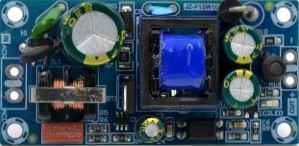
 Design with AC-DC power converter in Cirkit Designer
Introduction
The AC-DC Power Converter (Manufacturer: AliExpress, Part ID: 120V-AC to 5V-DC) is a compact and efficient device designed to convert alternating current (AC) from a mains supply (e.g., 120V AC) into a stable direct current (DC) output. This component is widely used in powering low-voltage electronic devices, such as microcontrollers, sensors, and other DC-powered circuits, directly from an AC power source.
Explore Projects Built with AC-DC power converter
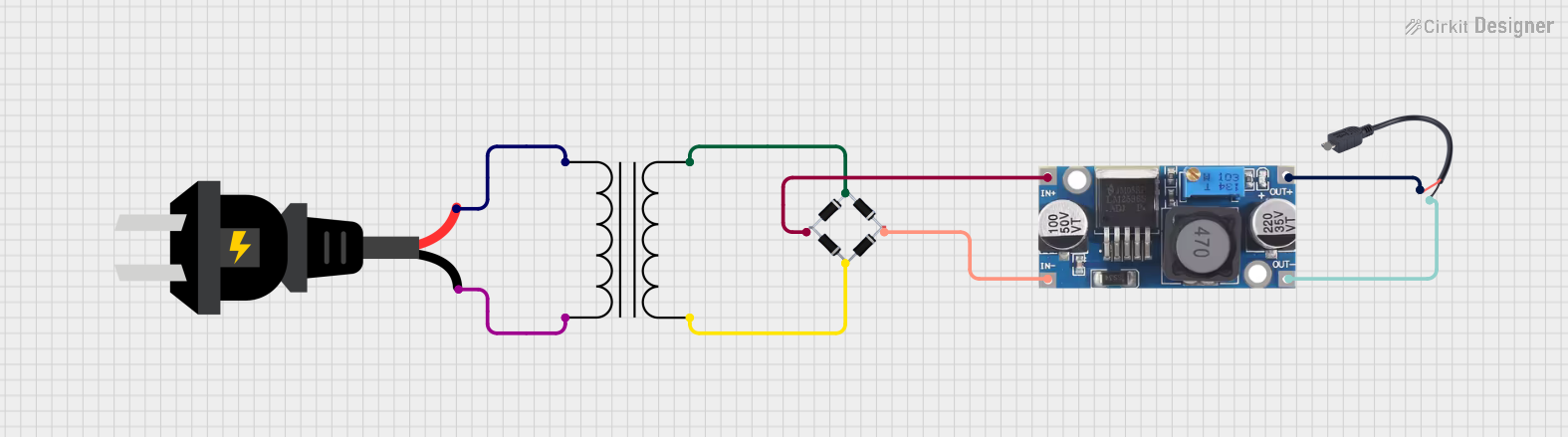 Open Project in Cirkit Designer
 Open Project in Cirkit Designer
 Open Project in Cirkit Designer
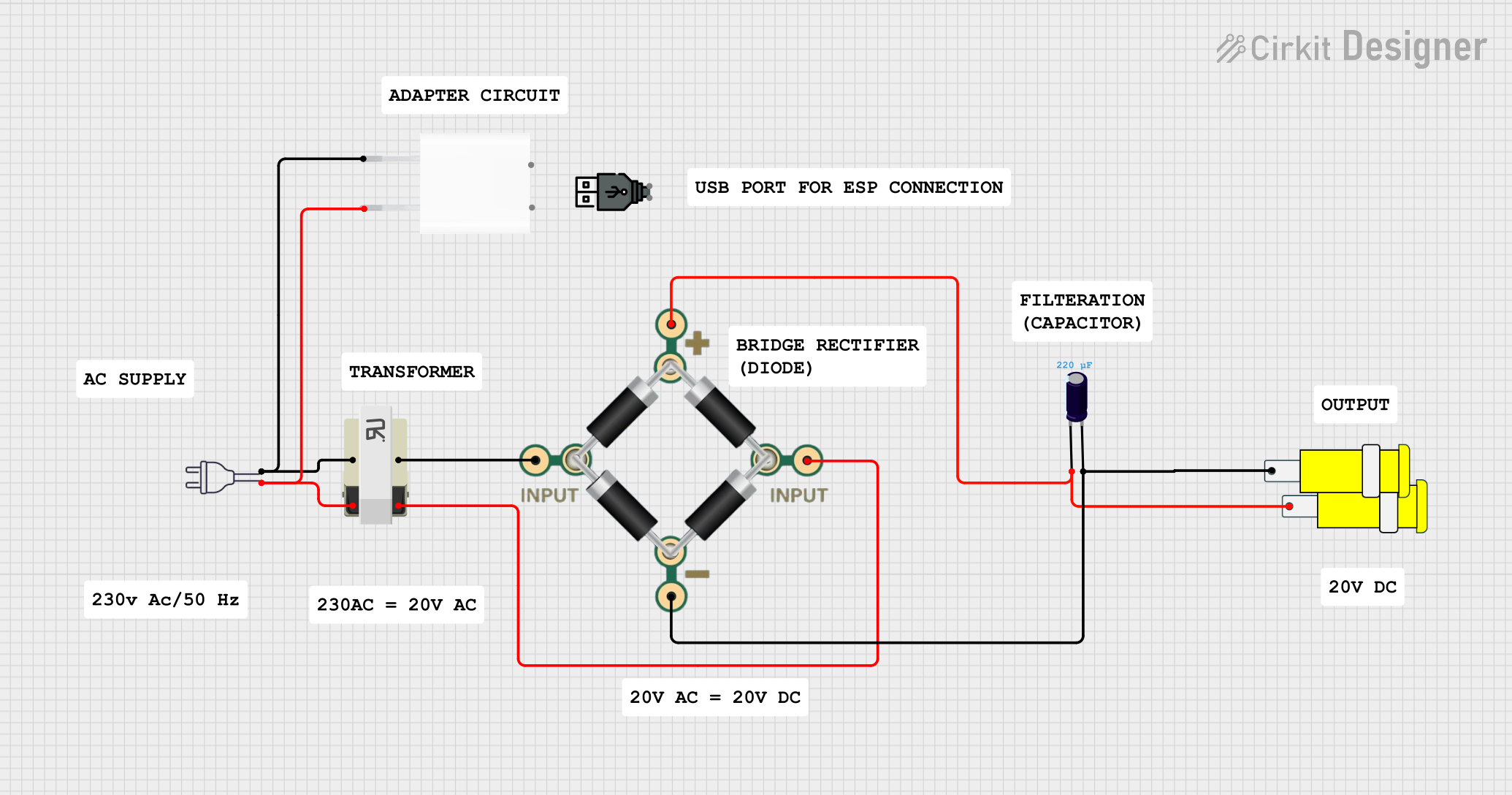 Open Project in Cirkit Designer
Explore Projects Built with AC-DC power converter
Open Project in Cirkit DesignerOpen Project in Cirkit DesignerOpen Project in Cirkit DesignerOpen Project in Cirkit DesignerCommon Applications and Use Cases
- Powering microcontroller boards (e.g., Arduino, Raspberry Pi)
- Supplying DC voltage to sensors, relays, and other low-power devices
- Embedded systems requiring a stable 5V DC supply
- Home automation and IoT devices
- Small appliances and LED lighting systems
Technical Specifications
The following table outlines the key technical details of the AC-DC Power Converter:
| Parameter | Value |
|---|---|
| Input Voltage Range | 100V AC to 240V AC |
| Output Voltage | 5V DC |
| Output Current | 1A (maximum) |
| Power Rating | 5W |
| Efficiency | ≥ 80% |
| Operating Temperature | -20°C to +60°C |
| Dimensions | 50mm x 25mm x 20mm |
| Weight | 20g |
| Isolation Voltage | 3000V AC |
| Safety Standards | CE, RoHS compliant |
Pin Configuration and Descriptions
The AC-DC Power Converter typically has four pins or terminals for input and output connections. The table below describes each pin:
| Pin/Terminal | Label | Description |
|---|---|---|
| 1 | AC IN L | Live wire input for AC mains (100V-240V AC) |
| 2 | AC IN N | Neutral wire input for AC mains |
| 3 | DC OUT + | Positive terminal for 5V DC output |
| 4 | DC OUT - | Negative terminal (ground) for 5V DC output |
Usage Instructions
How to Use the Component in a Circuit
- Safety First: Ensure the AC mains supply is turned off before making any connections to avoid electric shock.
- Connect the Input:
- Connect the AC IN L pin to the live wire of the AC mains supply.
- Connect the AC IN N pin to the neutral wire of the AC mains supply.
- Connect the Output:
- Connect the DC OUT + pin to the positive terminal of your load (e.g., microcontroller, sensor).
- Connect the DC OUT - pin to the ground terminal of your load.
- Power On: Once all connections are secure, turn on the AC mains supply. The converter will provide a stable 5V DC output.
Important Considerations and Best Practices
- Load Limit: Do not exceed the maximum output current of 1A to prevent overheating or damage.
- Heat Dissipation: Ensure adequate ventilation around the converter to avoid overheating during operation.
- Polarity: Double-check the polarity of the DC output connections to prevent damage to connected devices.
- Isolation: Avoid direct contact with the AC input terminals to ensure user safety.
- Testing: Use a multimeter to verify the output voltage before connecting sensitive devices.
Example: Using with an Arduino UNO
The AC-DC Power Converter can be used to power an Arduino UNO directly. Below is an example circuit and code:
Circuit Connections
- Connect the DC OUT + pin of the converter to the 5V pin of the Arduino UNO.
- Connect the DC OUT - pin of the converter to the GND pin of the Arduino UNO.
Example Code
// Example code to blink an LED using Arduino UNO powered by the AC-DC converter
// Ensure the AC-DC converter is providing a stable 5V DC to the Arduino

const int ledPin = 13; // Pin connected to the onboard LED

void setup() {
  pinMode(ledPin, OUTPUT); // Set the LED pin as an output
}

void loop() {
  digitalWrite(ledPin, HIGH); // Turn the LED on
  delay(1000);                // Wait for 1 second
  digitalWrite(ledPin, LOW);  // Turn the LED off
  delay(1000);                // Wait for 1 second
}
Troubleshooting and FAQs
Common Issues and Solutions
No Output Voltage:
- Ensure the AC mains supply is properly connected to the AC IN L and AC IN N pins.
- Verify that the AC mains supply is turned on and within the input voltage range (100V-240V AC).
- Check for loose or faulty connections.
Overheating:
- Ensure the load does not exceed the maximum output current of 1A.
- Provide adequate ventilation or heat dissipation for the converter.
Fluctuating Output Voltage:
- Verify that the input AC voltage is stable and within the specified range.
- Check for any short circuits or excessive load on the DC output.
Device Not Powering On:
- Confirm that the polarity of the DC output connections is correct.
- Test the converter with a multimeter to ensure it is providing 5V DC.
FAQs
Q1: Can this converter be used with a 220V AC mains supply?
A1: Yes, the converter supports an input voltage range of 100V AC to 240V AC, making it compatible with 220V AC mains.
Q2: Is the output voltage adjustable?
A2: No, the output voltage is fixed at 5V DC.
Q3: Can this converter power multiple devices simultaneously?
A3: Yes, as long as the total current draw does not exceed 1A.
Q4: Is the converter safe to use with sensitive electronics?
A4: Yes, the converter provides a stable 5V DC output and is CE and RoHS compliant, ensuring safety and reliability.
Q5: Does the converter require additional components for operation?
A5: No, the converter is a standalone device and does not require additional components for basic operation.