
How to Use BUZZER_PIXHAWK: Examples, Pinouts, and Specs
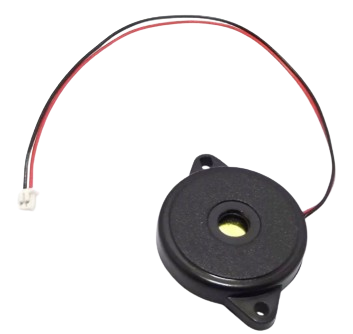
 Design with BUZZER_PIXHAWK in Cirkit Designer
Introduction
The BUZZER_PIXHAWK is an audio output device specifically designed for use with the Pixhawk flight controller. It provides audible alerts and notifications, ensuring that users are informed of critical system statuses, warnings, and other operational events during flight operations. This component is essential for enhancing situational awareness in drone and UAV systems.
Explore Projects Built with BUZZER_PIXHAWK
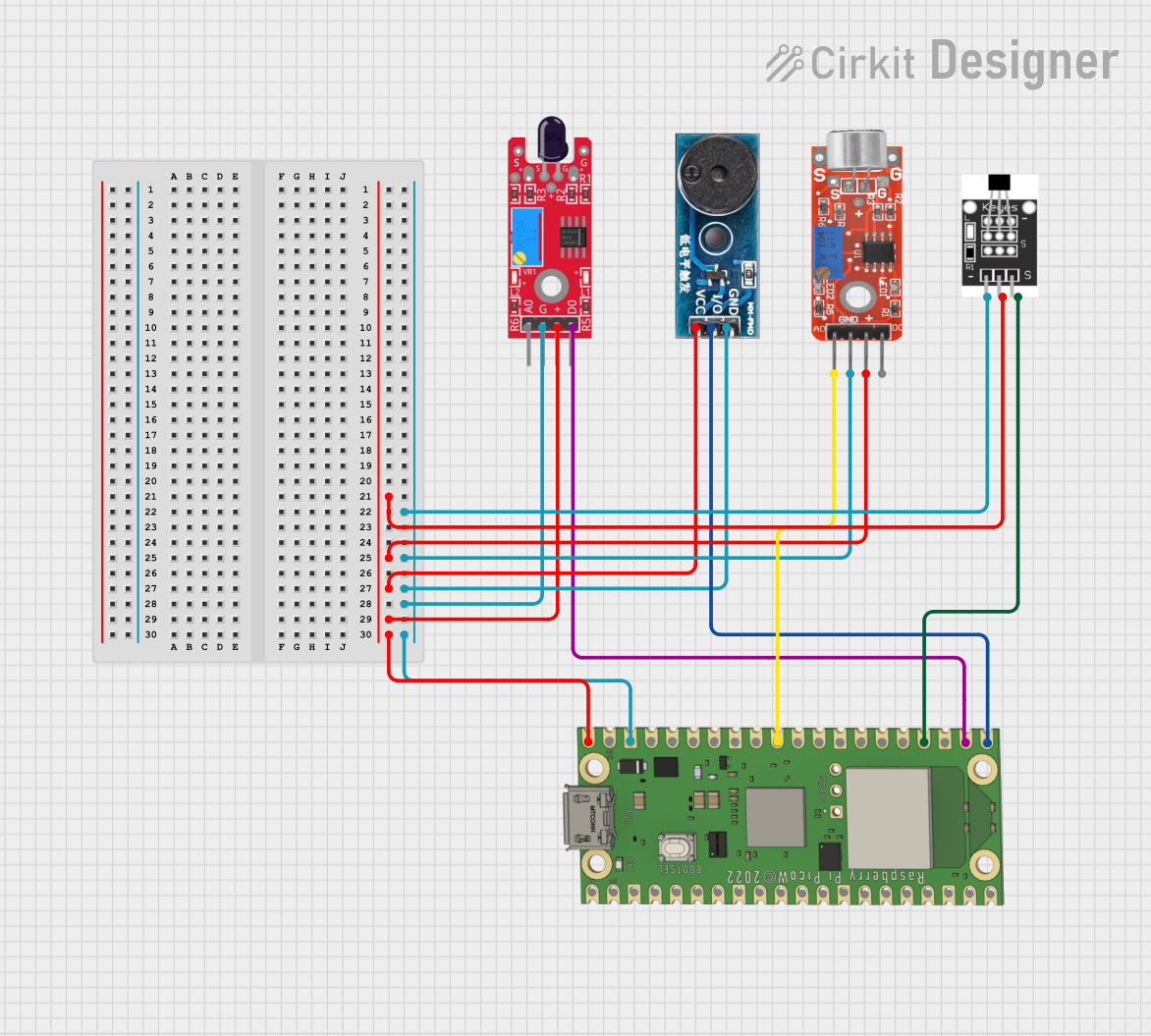 Open Project in Cirkit Designer
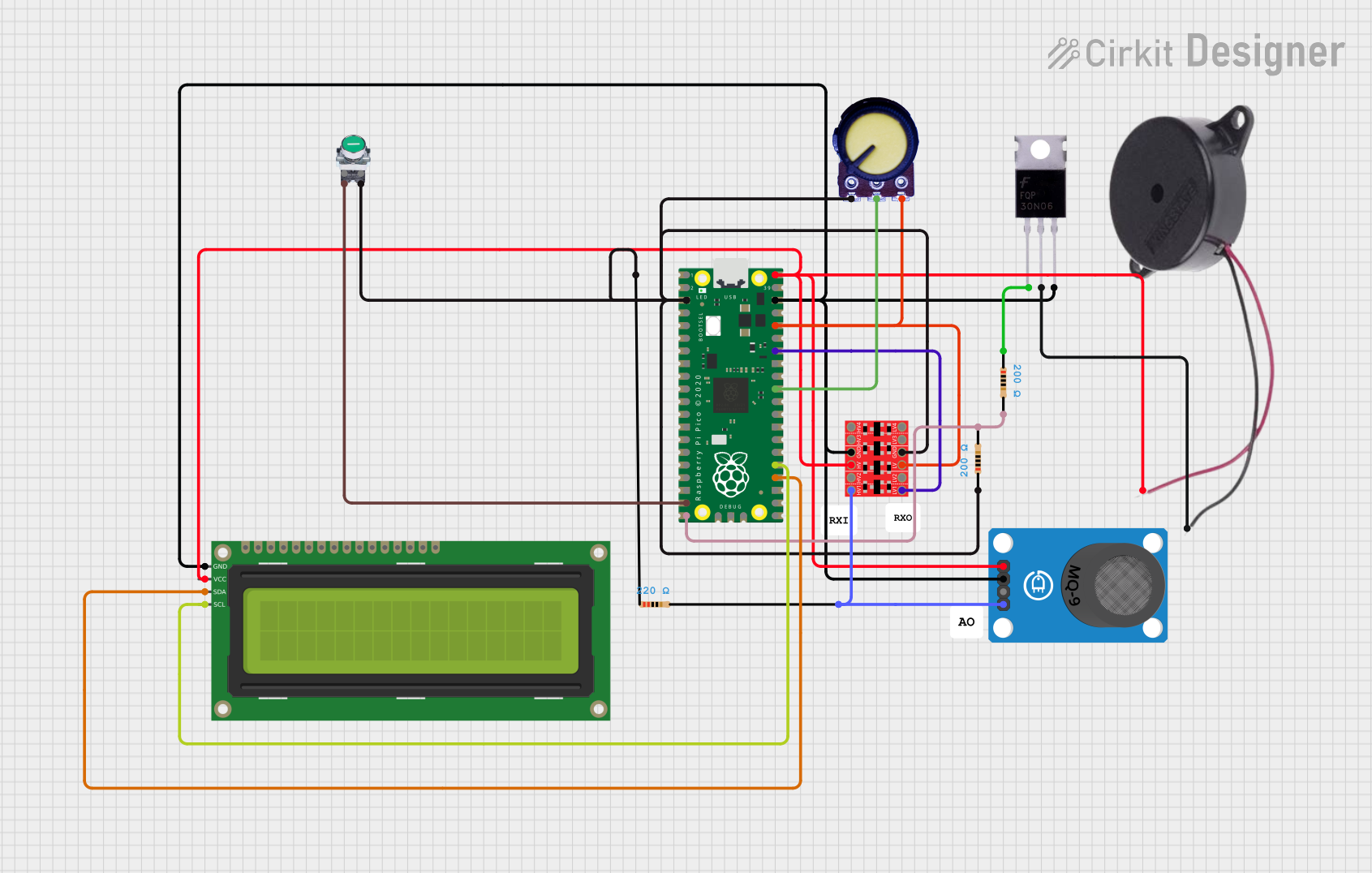 Open Project in Cirkit Designer
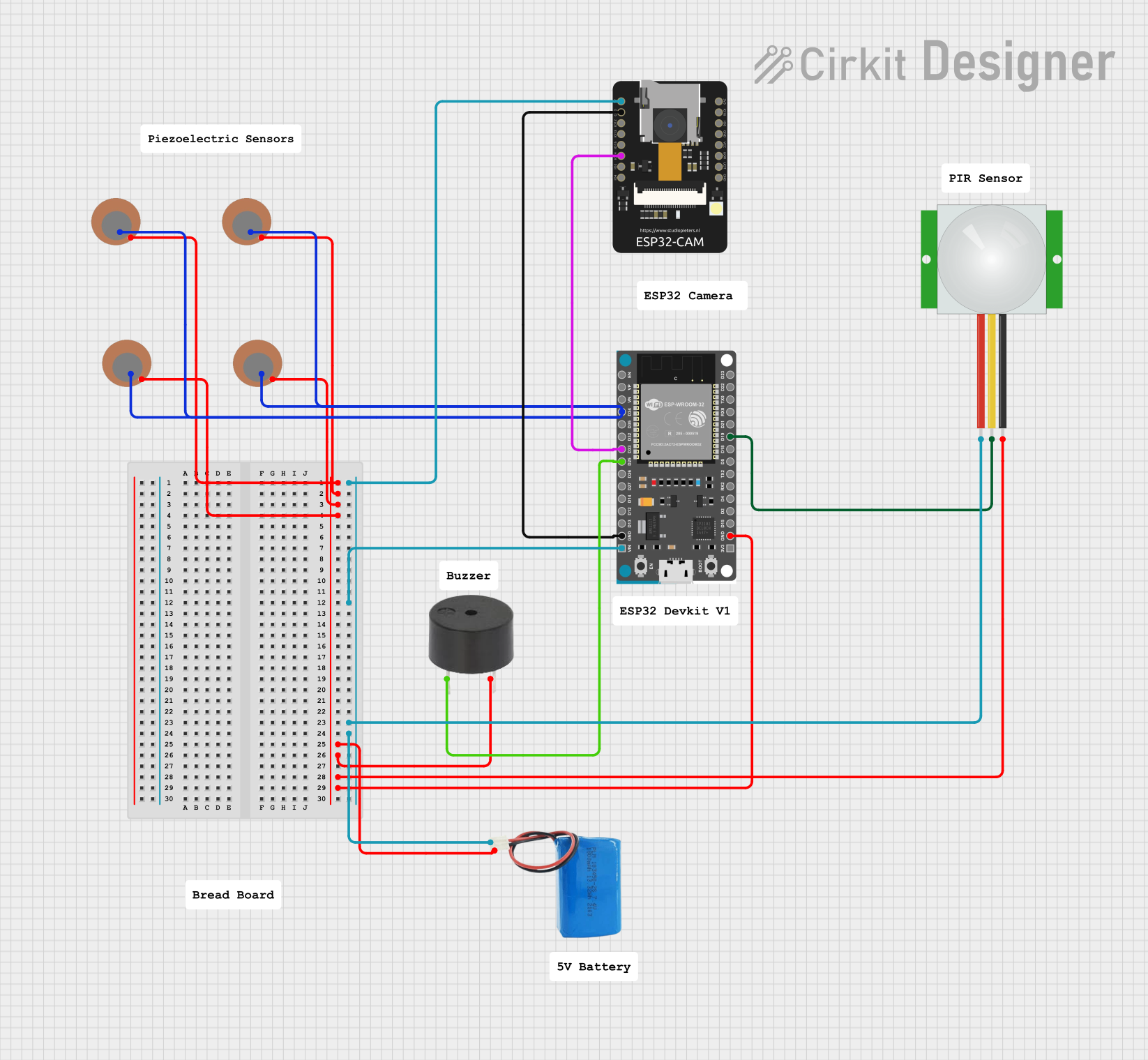 Open Project in Cirkit Designer
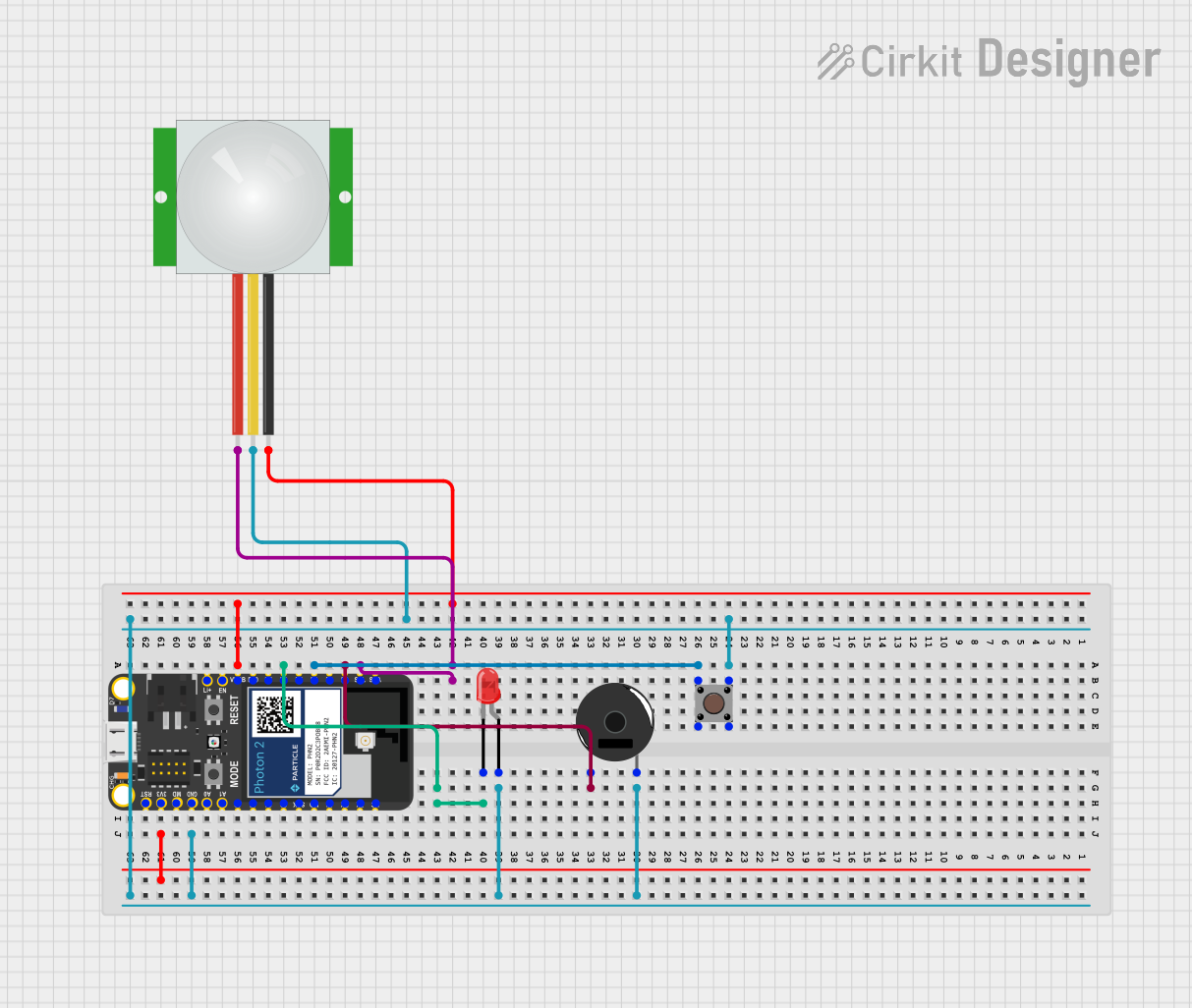 Open Project in Cirkit Designer
Explore Projects Built with BUZZER_PIXHAWK
Open Project in Cirkit DesignerOpen Project in Cirkit DesignerOpen Project in Cirkit DesignerOpen Project in Cirkit DesignerCommon Applications and Use Cases
- Flight Status Alerts: Notifies users of system states such as arming, disarming, and errors.
- Warning Signals: Provides audio warnings for low battery, GPS issues, or other critical conditions.
- System Feedback: Confirms user actions like parameter changes or mode switches.
- UAV and Drone Systems: Commonly used in drones, quadcopters, and other UAVs equipped with Pixhawk controllers.
Technical Specifications
Key Technical Details
- Operating Voltage: 3.3V to 5V DC
- Current Consumption: < 30mA
- Sound Pressure Level (SPL): ≥ 85 dB at 10 cm
- Frequency Range: 2 kHz to 4 kHz
- Connector Type: 3-pin JST-GH
- Dimensions: 20mm x 20mm x 10mm
- Weight: 5 grams
Pin Configuration and Descriptions
The BUZZER_PIXHAWK uses a 3-pin JST-GH connector for interfacing with the Pixhawk flight controller. The pinout is as follows:
| Pin Number | Pin Name | Description |
|---|---|---|
| 1 | VCC | Power supply input (3.3V to 5V DC) |
| 2 | GND | Ground connection |
| 3 | SIGNAL | Control signal from Pixhawk |
Usage Instructions
How to Use the BUZZER_PIXHAWK in a Circuit
Connection to Pixhawk:
- Locate the "BUZZER" port on the Pixhawk flight controller.
- Connect the BUZZER_PIXHAWK to the port using the 3-pin JST-GH connector. Ensure proper alignment of the pins (VCC, GND, SIGNAL).
Power Requirements:
- The buzzer operates within a voltage range of 3.3V to 5V, which is supplied directly by the Pixhawk controller.
Configuration:
- The Pixhawk firmware (e.g., PX4 or ArduPilot) automatically manages the buzzer's operation. No additional configuration is typically required.
- Ensure that the firmware is up-to-date to support all buzzer functionalities.
Testing:
- Power on the Pixhawk system. The buzzer should emit a startup tone, indicating proper functionality.
- Perform system actions (e.g., arming/disarming) to verify that the buzzer provides the expected audio feedback.
Important Considerations and Best Practices
- Mounting: Securely mount the buzzer on the drone frame to prevent vibrations or disconnections during flight.
- Volume: Ensure the buzzer is audible in the operating environment. For noisy conditions, consider using an external amplifier or a louder buzzer.
- Signal Integrity: Avoid routing the SIGNAL wire near high-power components to prevent interference.
- Firmware Compatibility: Verify that the Pixhawk firmware version supports the buzzer's features.
Example Code for Arduino UNO (Optional Use Case)
While the BUZZER_PIXHAWK is primarily designed for Pixhawk, it can also be used with an Arduino UNO for testing or custom applications. Below is an example code snippet:
// Example code to control BUZZER_PIXHAWK with Arduino UNO
// Connect VCC to 5V, GND to GND, and SIGNAL to a PWM-capable pin (e.g., D9)

#define BUZZER_PIN 9  // Define the pin connected to the SIGNAL pin of the buzzer

void setup() {
  pinMode(BUZZER_PIN, OUTPUT);  // Set the buzzer pin as an output
}

void loop() {
  // Generate a 2 kHz tone for 500 ms
  tone(BUZZER_PIN, 2000, 500);
  delay(1000);  // Wait for 1 second

  // Generate a 4 kHz tone for 500 ms
  tone(BUZZER_PIN, 4000, 500);
  delay(1000);  // Wait for 1 second
}
Troubleshooting and FAQs
Common Issues and Solutions
No Sound from the Buzzer:
- Cause: Incorrect connection or insufficient power supply.
- Solution: Verify the pin connections (VCC, GND, SIGNAL) and ensure the Pixhawk is powered on.
Buzzer Emits Continuous Tone:
- Cause: Firmware issue or incorrect SIGNAL input.
- Solution: Update the Pixhawk firmware and check the SIGNAL wire for interference.
Low Volume or Distorted Sound:
- Cause: Environmental noise or damaged buzzer.
- Solution: Test the buzzer in a quieter environment or replace it if damaged.
Buzzer Not Responding to System Events:
- Cause: Misconfigured Pixhawk settings.
- Solution: Check the Pixhawk configuration parameters related to the buzzer (e.g.,
NTF_BUZZ_ENABLE).
FAQs
Q: Can I use the BUZZER_PIXHAWK with other flight controllers?
A: The buzzer is optimized for Pixhawk but may work with other controllers that support similar signaling.Q: How do I reduce the buzzer's volume?
A: You can use a resistor in series with the SIGNAL pin to reduce the volume, though this may affect performance.Q: Is the buzzer waterproof?
A: No, the BUZZER_PIXHAWK is not waterproof. Protect it from moisture during operation.Q: Can I extend the buzzer's cable?
A: Yes, but ensure the extension does not introduce significant resistance or signal degradation.
This concludes the documentation for the BUZZER_PIXHAWK. For further assistance, refer to the Pixhawk user manual or contact the manufacturer.