
How to Use Grove (SCD30) : Examples, Pinouts, and Specs
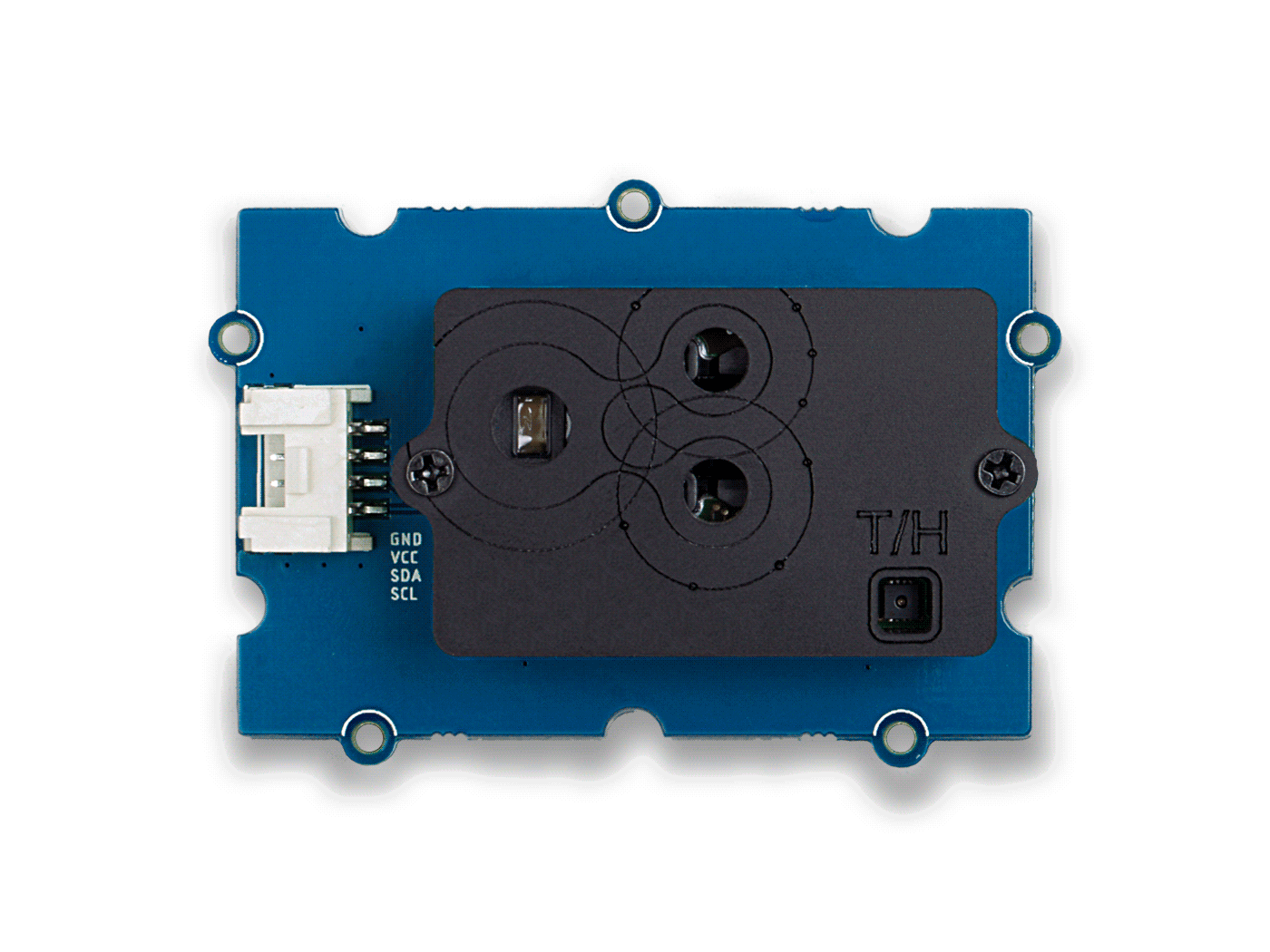
 Design with Grove (SCD30) in Cirkit Designer
Introduction
The Grove (SCD30) is a high-precision CO2 sensor module manufactured by Seeed Studio (Part ID: 841454122166). It is designed to measure carbon dioxide (CO2) concentration, temperature, and humidity with exceptional accuracy. The sensor leverages non-dispersive infrared (NDIR) technology for CO2 detection, ensuring reliable and stable performance over time. Its compact design and compatibility with the Grove system make it an excellent choice for environmental monitoring, HVAC systems, air quality analysis, and IoT applications.
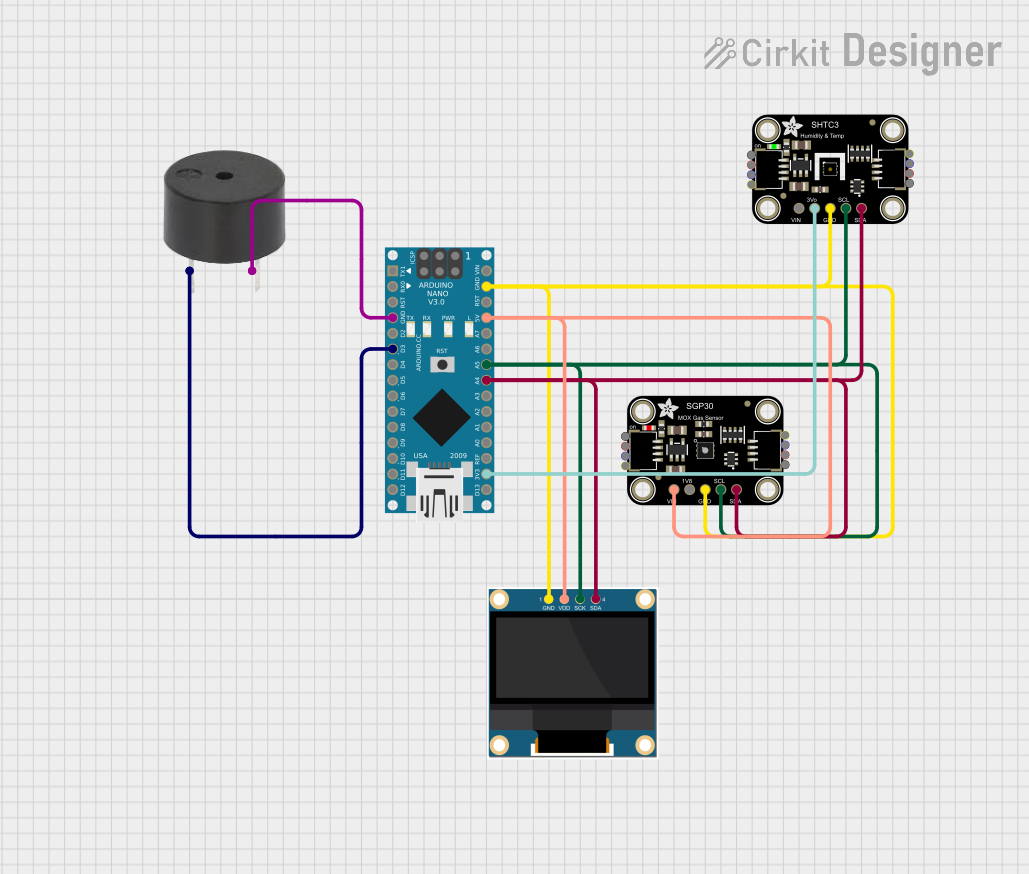
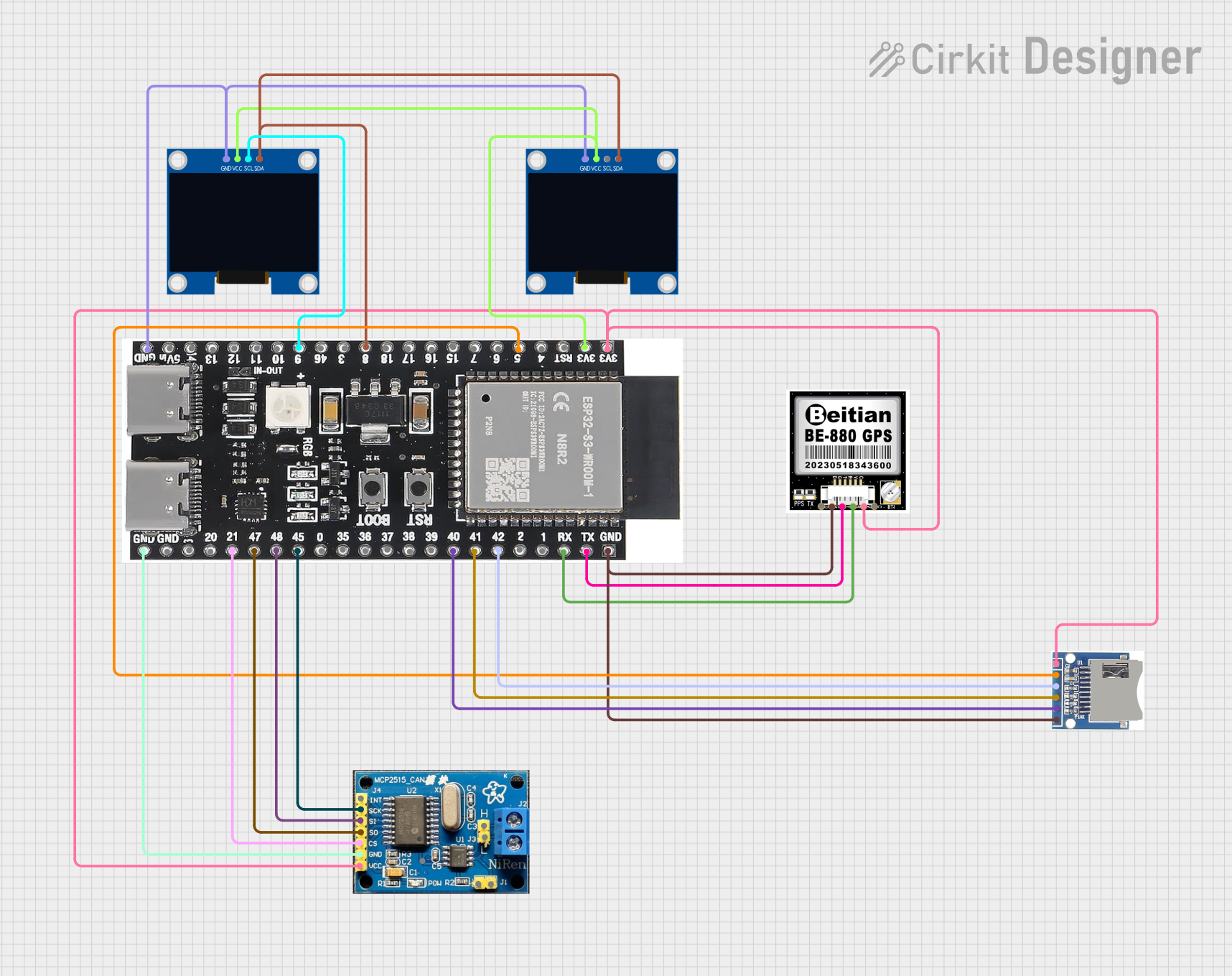
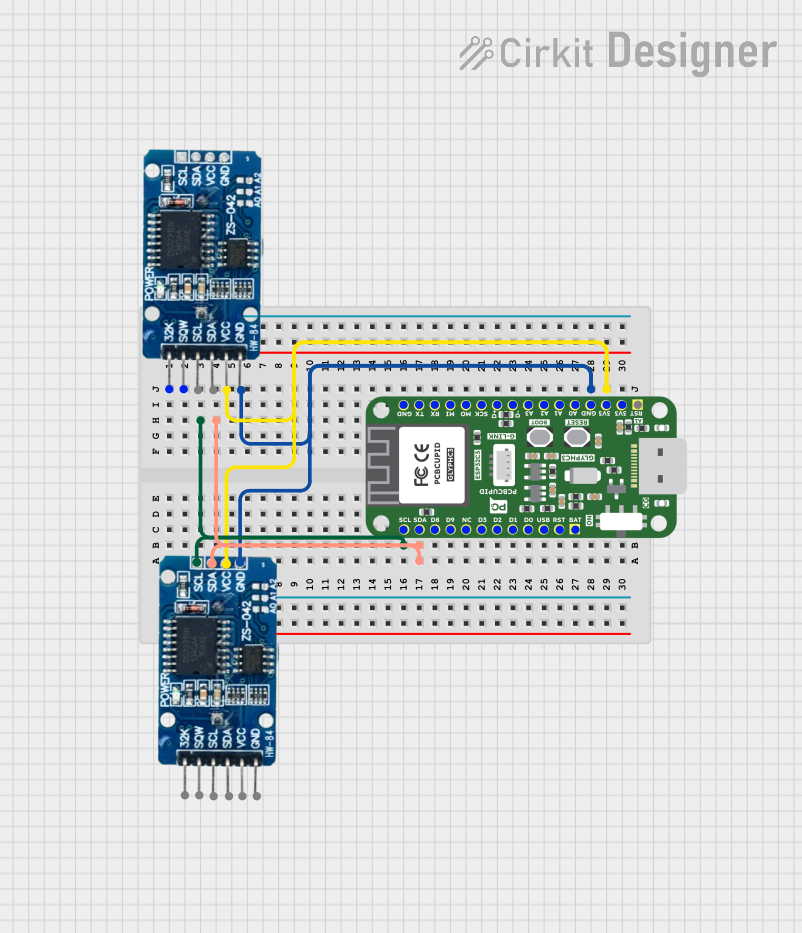
Explore Projects Built with Grove (SCD30)
 Open Project in Cirkit Designer
 Open Project in Cirkit Designer
 Open Project in Cirkit Designer
 Open Project in Cirkit Designer
Explore Projects Built with Grove (SCD30)
Open Project in Cirkit DesignerOpen Project in Cirkit DesignerOpen Project in Cirkit DesignerOpen Project in Cirkit DesignerCommon Applications
- Indoor air quality monitoring
- HVAC (Heating, Ventilation, and Air Conditioning) systems
- Smart home and IoT devices
- Greenhouse and agricultural monitoring
- Educational and research projects
Technical Specifications
Key Technical Details
| Parameter | Value |
|---|---|
| CO2 Measurement Range | 400 ppm to 10,000 ppm |
| CO2 Accuracy | ±(30 ppm + 3% of reading) |
| Temperature Measurement | -40°C to 70°C |
| Temperature Accuracy | ±(0.8°C) |
| Humidity Measurement | 0% RH to 100% RH |
| Humidity Accuracy | ±(3% RH) |
| Communication Interface | I2C and UART |
| Operating Voltage | 3.3V to 5V |
| Power Consumption | 19 mA (average) |
| Dimensions | 40 mm x 20 mm |
Pin Configuration
The Grove (SCD30) module uses a standard Grove connector for easy integration. Below is the pin configuration:
| Pin Name | Description |
|---|---|
| VCC | Power supply (3.3V to 5V) |
| GND | Ground |
| SDA | I2C data line |
| SCL | I2C clock line |
Usage Instructions
Connecting the Grove (SCD30) to an Arduino UNO
Hardware Setup:
- Connect the Grove (SCD30) to the I2C port of the Grove Base Shield.
- Attach the Grove Base Shield to the Arduino UNO.
- Use a USB cable to connect the Arduino UNO to your computer.
Software Setup:
- Install the required library:
- Open the Arduino IDE.
- Go to
Sketch > Include Library > Manage Libraries. - Search for "Seeed SCD30" and install the library.
- Install the required library:
Sample Code: Below is an example Arduino sketch to read CO2, temperature, and humidity data from the Grove (SCD30):
#include "Seeed_SCD30.h" // Include the SCD30 library

void setup() {
    Serial.begin(9600); // Initialize serial communication at 9600 baud
    while (!Serial);    // Wait for the serial monitor to open

    if (!scd30.initialize()) {
        Serial.println("SCD30 initialization failed! Check connections.");
        while (1); // Halt execution if initialization fails
    }
    Serial.println("SCD30 initialized successfully.");
}

void loop() {
    if (scd30.isAvailable()) {
        float co2 = scd30.getCO2();          // Read CO2 concentration
        float temperature = scd30.getTemperature(); // Read temperature
        float humidity = scd30.getHumidity();       // Read humidity

        // Print the sensor readings to the serial monitor
        Serial.print("CO2: ");
        Serial.print(co2);
        Serial.print(" ppm, Temperature: ");
        Serial.print(temperature);
        Serial.print(" °C, Humidity: ");
        Serial.print(humidity);
        Serial.println(" %");
    } else {
        Serial.println("SCD30 data not available. Waiting...");
    }
    delay(2000); // Wait 2 seconds before the next reading
}
Important Considerations
- Power Supply: Ensure the module is powered within the specified voltage range (3.3V to 5V).
- Warm-Up Time: Allow the sensor to warm up for a few minutes after powering on for accurate readings.
- I2C Address: The default I2C address of the SCD30 is
0x61. Ensure no other devices on the I2C bus share this address. - Environmental Factors: Avoid exposing the sensor to extreme temperatures, high humidity, or dusty environments for prolonged periods.
Troubleshooting and FAQs
Common Issues and Solutions
| Issue | Possible Cause | Solution |
|---|---|---|
| No data output from the sensor | Incorrect wiring or loose connections | Verify all connections and wiring. |
| SCD30 initialization failed | I2C address conflict or library issue | Check I2C address and reinstall library. |
| Inaccurate CO2, temperature, or humidity readings | Insufficient warm-up time or environmental interference | Allow the sensor to stabilize for a few minutes. Ensure proper placement. |
| Arduino sketch upload error | Incorrect board or port selected | Select the correct board and port in the Arduino IDE. |
FAQs
Can I use the Grove (SCD30) with a Raspberry Pi?
- Yes, the SCD30 supports I2C communication, which is compatible with Raspberry Pi. You may need to use the appropriate Python libraries.
What is the typical lifespan of the SCD30 sensor?
- The SCD30 sensor is designed for long-term use and can operate reliably for several years under normal conditions.
How do I calibrate the SCD30 sensor?
- The SCD30 supports automatic self-calibration (ASC). For manual calibration, refer to the manufacturer's documentation for specific commands.
Can the SCD30 measure CO2 levels below 400 ppm?
- No, the minimum measurable CO2 concentration is 400 ppm, which corresponds to the typical atmospheric baseline.
This documentation provides a comprehensive guide to using the Grove (SCD30) sensor. For further assistance, refer to the official Seeed Studio documentation or community forums.