
How to Use XBEE-1: Examples, Pinouts, and Specs

 Design with XBEE-1 in Cirkit Designer
Introduction
The XBEE-1 is a wireless communication module designed to facilitate seamless communication between devices over a mesh network. Operating on the 2.4 GHz frequency, it is widely used in Internet of Things (IoT) applications due to its ease of integration, low power consumption, and reliable data transmission. The module supports point-to-point, point-to-multipoint, and mesh networking, making it versatile for a variety of use cases.
Explore Projects Built with XBEE-1
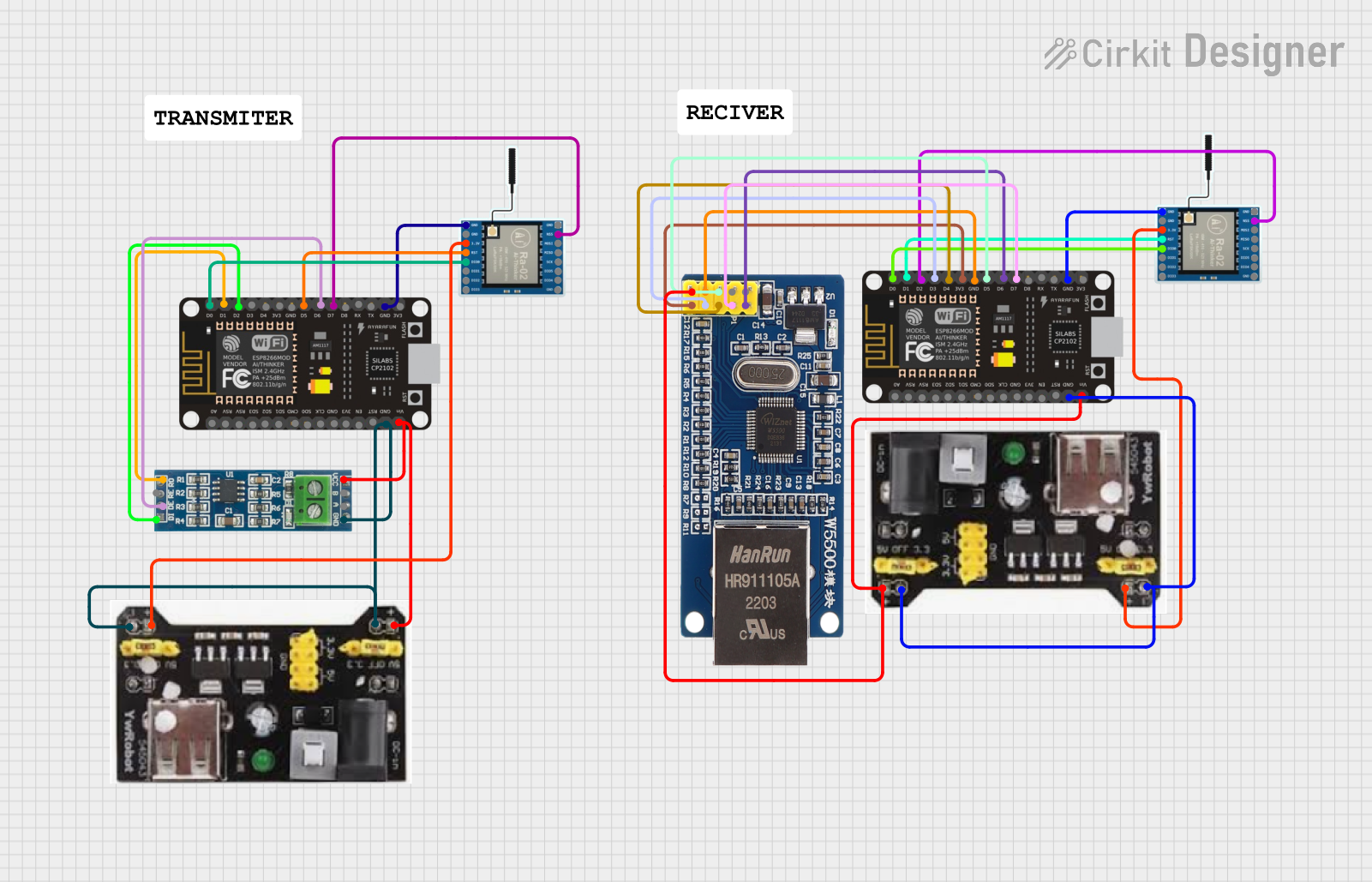 Open Project in Cirkit Designer
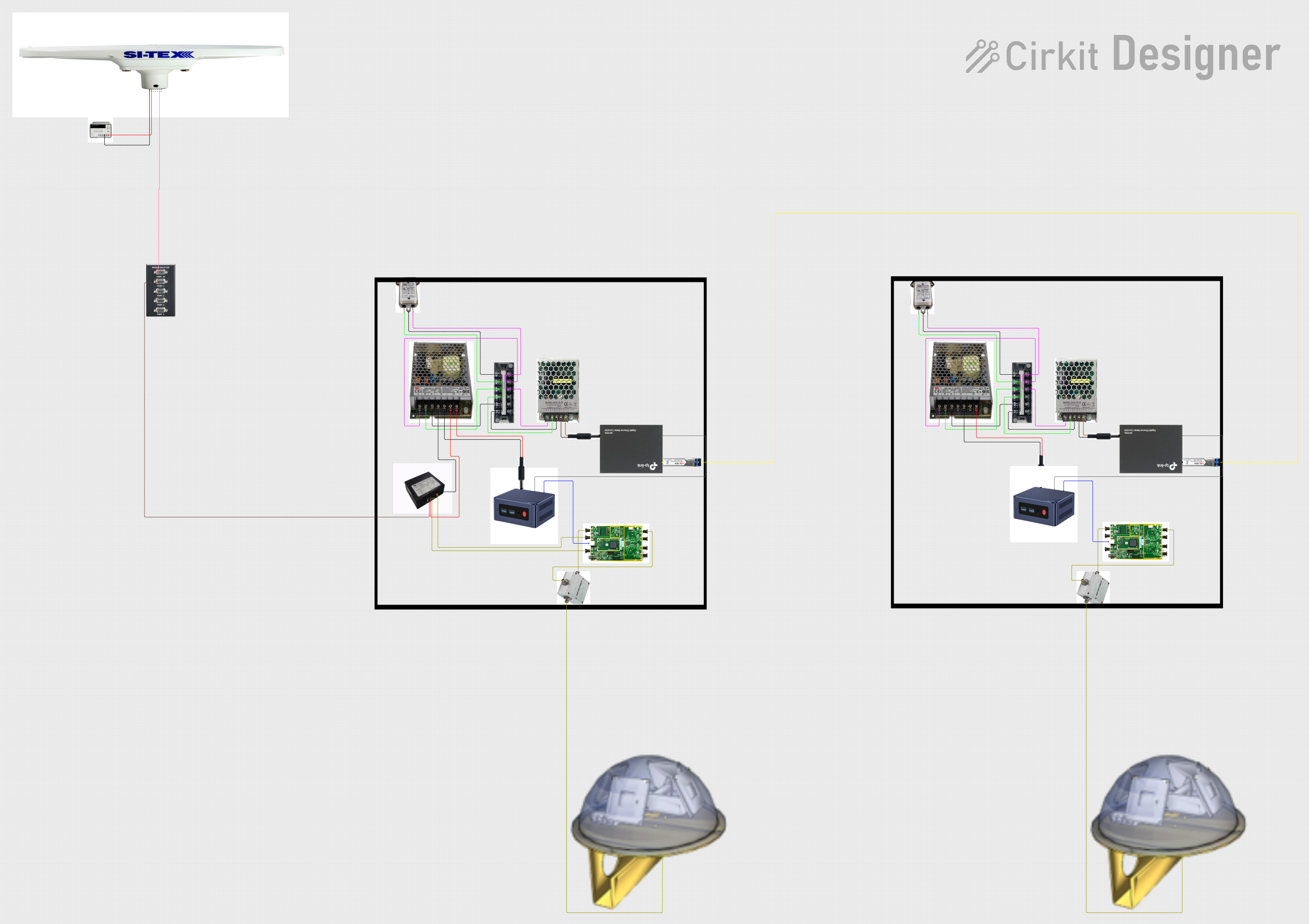 Open Project in Cirkit Designer
 Open Project in Cirkit Designer
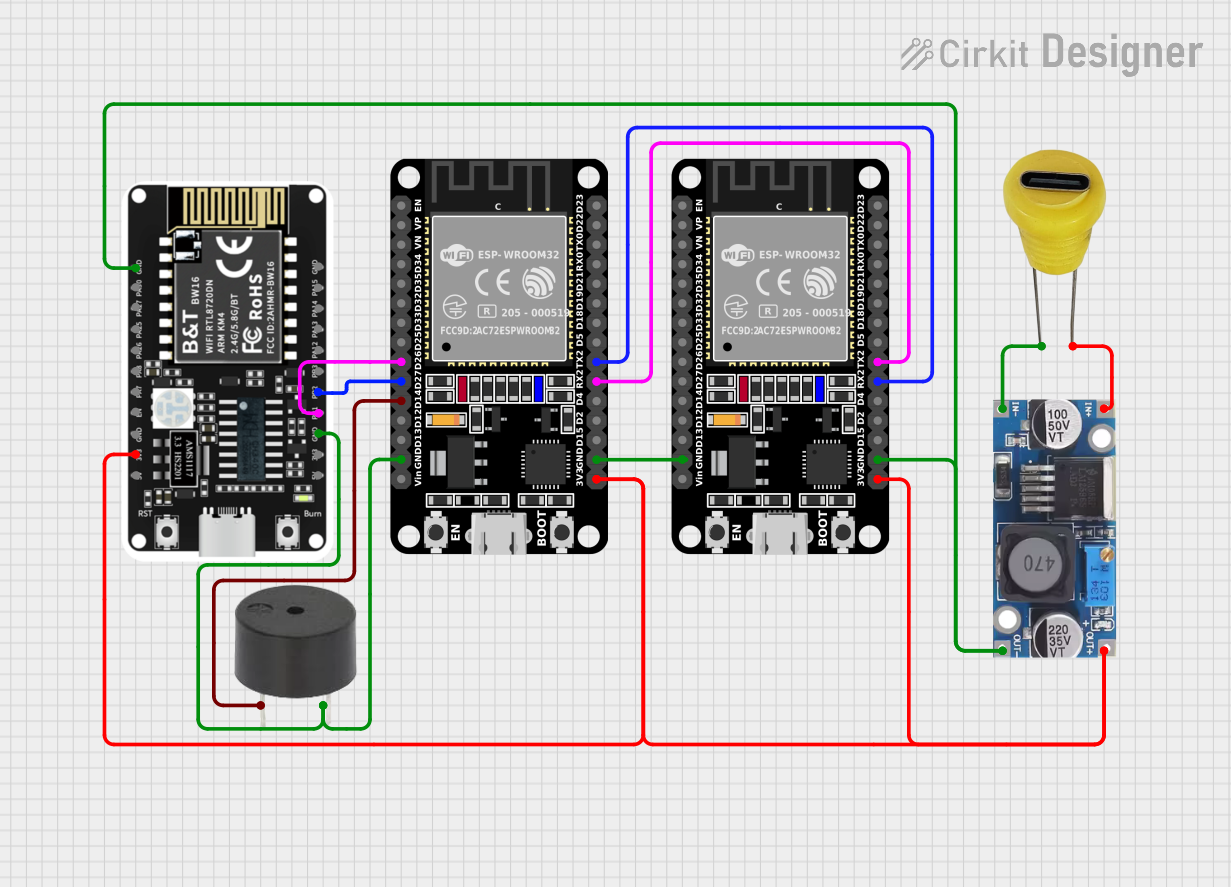 Open Project in Cirkit Designer
Explore Projects Built with XBEE-1
Open Project in Cirkit DesignerOpen Project in Cirkit DesignerOpen Project in Cirkit DesignerOpen Project in Cirkit DesignerCommon Applications
- Home automation systems
- Industrial monitoring and control
- Wireless sensor networks
- Robotics and remote control systems
- Smart agriculture and environmental monitoring
Technical Specifications
Key Technical Details
| Parameter | Specification |
|---|---|
| Frequency Band | 2.4 GHz ISM |
| Data Rate | Up to 250 kbps |
| Transmission Range | Up to 100 meters (indoor) |
| Operating Voltage | 2.8V to 3.4V |
| Operating Current | 45 mA (transmit), 50 µA (sleep) |
| Communication Protocol | Zigbee (IEEE 802.15.4) |
| Antenna Type | PCB Trace or External Antenna |
| Operating Temperature | -40°C to +85°C |
| Dimensions | 24.38 mm x 27.61 mm x 2.79 mm |
Pin Configuration and Descriptions
The XBEE-1 module has a 20-pin configuration. Below is the pinout description:
| Pin Number | Pin Name | Description |
|---|---|---|
| 1 | VCC | Power supply input (2.8V to 3.4V). |
| 2 | DOUT | UART Data Out. Transmits serial data to the host microcontroller. |
| 3 | DIN | UART Data In. Receives serial data from the host microcontroller. |
| 4 | DIO12 | Digital I/O pin 12. Configurable as input or output. |
| 5 | RESET | Reset pin. Active low. Resets the module when pulled low. |
| 6 | RSSI | Signal strength indicator. Outputs PWM signal proportional to signal strength. |
| 7 | PWM0/DIO10 | Configurable as PWM output or digital I/O pin 10. |
| 8 | DIO11 | Digital I/O pin 11. Configurable as input or output. |
| 9 | GND | Ground. Connect to the system ground. |
| 10 | DIO4 | Digital I/O pin 4. Configurable as input or output. |
| 11 | DIO3 | Digital I/O pin 3. Configurable as input or output. |
| 12 | DIO2 | Digital I/O pin 2. Configurable as input or output. |
| 13 | DIO1 | Digital I/O pin 1. Configurable as input or output. |
| 14 | DIO0 | Digital I/O pin 0. Configurable as input or output. |
| 15 | ASSOC | Association indicator. Indicates network connection status. |
| 16 | ON/SLEEP | Indicates module sleep status. |
| 17 | CTS | Clear-to-Send. UART flow control signal. |
| 18 | RTS | Request-to-Send. UART flow control signal. |
| 19 | AD0/DIO0 | Analog input or digital I/O pin 0. |
| 20 | AD1/DIO1 | Analog input or digital I/O pin 1. |
Usage Instructions
How to Use the XBEE-1 in a Circuit
- Power Supply: Connect the VCC pin to a regulated 3.3V power source and GND to the system ground.
- UART Communication: Connect the DOUT pin to the RX pin of the host microcontroller and the DIN pin to the TX pin of the microcontroller.
- Reset: Optionally, connect the RESET pin to a GPIO pin of the microcontroller for manual or software-controlled resets.
- Antenna: Ensure the module has a proper antenna (PCB trace or external) for optimal wireless communication.
- Configuration: Use XCTU software or AT commands to configure the module's parameters, such as PAN ID, baud rate, and operating mode.
Important Considerations
- Voltage Levels: Ensure the module operates within the specified voltage range (2.8V to 3.4V). Exceeding this range may damage the module.
- Antenna Placement: Place the antenna away from metal objects or other sources of interference for optimal performance.
- Sleep Mode: Utilize the sleep mode to reduce power consumption in battery-powered applications.
- Network Configuration: Properly configure the module for the desired network topology (e.g., point-to-point or mesh).
Example: Connecting XBEE-1 to Arduino UNO
Below is an example of how to connect the XBEE-1 to an Arduino UNO and send data wirelessly.
Wiring Diagram
| XBEE-1 Pin | Arduino UNO Pin |
|---|---|
| VCC | 3.3V |
| GND | GND |
| DOUT | RX (Pin 0) |
| DIN | TX (Pin 1) |
Arduino Code
#include <SoftwareSerial.h>

// Define RX and TX pins for SoftwareSerial
SoftwareSerial XBee(2, 3); // RX = Pin 2, TX = Pin 3

void setup() {
  Serial.begin(9600);       // Initialize Serial Monitor at 9600 baud
  XBee.begin(9600);         // Initialize XBee communication at 9600 baud
  Serial.println("XBee Ready");
}

void loop() {
  if (Serial.available()) {
    // Read data from Serial Monitor and send to XBee
    char data = Serial.read();
    XBee.write(data);
  }

  if (XBee.available()) {
    // Read data from XBee and send to Serial Monitor
    char data = XBee.read();
    Serial.write(data);
  }
}
Notes
- Use a level shifter if the Arduino operates at 5V logic levels to avoid damaging the XBEE-1.
- Configure the XBEE-1 module using XCTU software before deploying it in the circuit.
Troubleshooting and FAQs
Common Issues and Solutions
No Communication Between Modules
- Ensure both modules are configured with the same PAN ID and baud rate.
- Verify the antenna is properly connected and positioned.
Module Not Responding
- Check the power supply voltage and ensure it is within the specified range.
- Verify the RESET pin is not being held low.
Poor Signal Strength
- Avoid placing the module near metal objects or other sources of interference.
- Use an external antenna for improved range.
Data Loss or Corruption
- Ensure proper UART baud rate matching between the XBEE-1 and the host microcontroller.
- Use flow control (CTS/RTS) if transmitting large amounts of data.
FAQs
Q: Can the XBEE-1 communicate with other Zigbee devices?
A: Yes, the XBEE-1 is Zigbee-compliant and can communicate with other Zigbee devices configured on the same network.
Q: How do I update the firmware on the XBEE-1?
A: Use the XCTU software to update the firmware via a USB-to-serial adapter.
Q: What is the maximum number of devices in a mesh network?
A: The XBEE-1 supports up to 65,000 devices in a Zigbee mesh network.
Q: Can I use the XBEE-1 for outdoor applications?
A: Yes, but ensure the module is housed in a weatherproof enclosure and operates within the specified temperature range.