
How to Use KEY002: Examples, Pinouts, and Specs
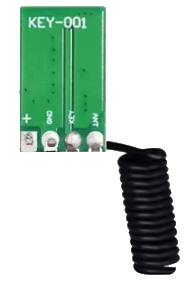
 Design with KEY002 in Cirkit Designer
Introduction
The KEY002 is a key switch manufactured by QIACHIP. It is a momentary push-button switch designed for user input in electronic circuits. When pressed, the switch closes the circuit, allowing current to flow, and when released, it opens the circuit, stopping the current flow. This simple yet versatile component is widely used in various applications, including control panels, embedded systems, and prototyping projects.
Explore Projects Built with KEY002
 Open Project in Cirkit Designer
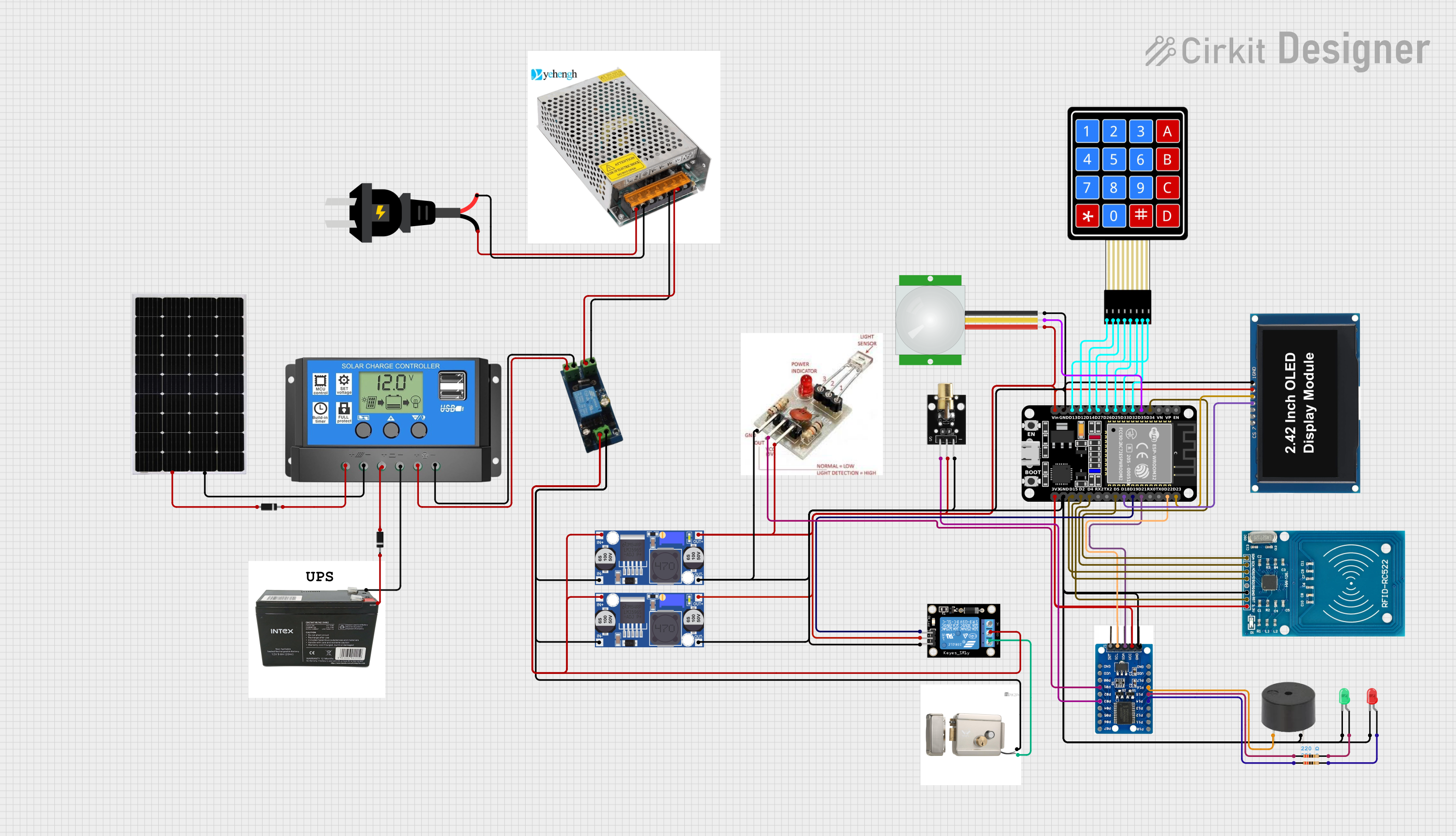 Open Project in Cirkit Designer
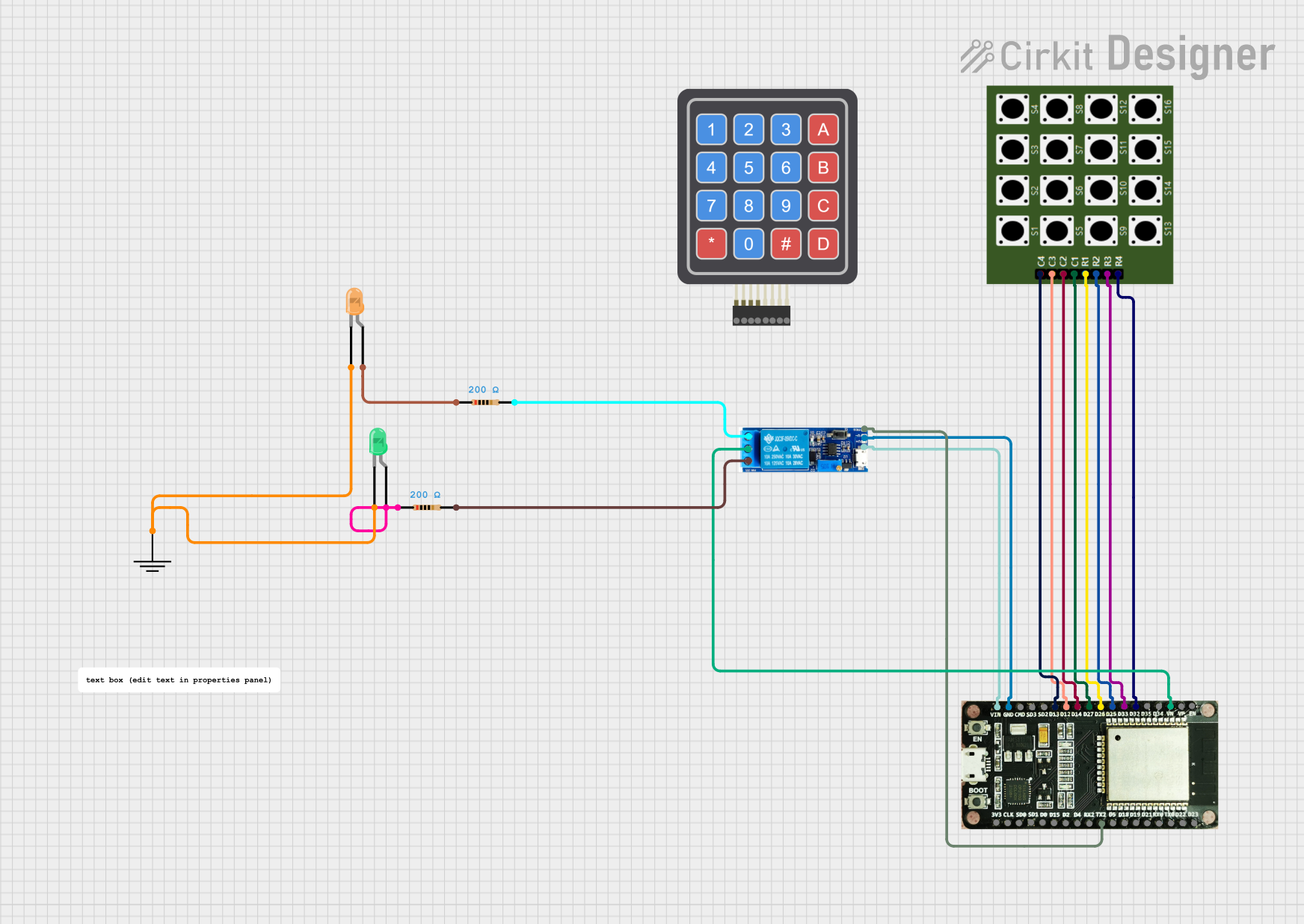 Open Project in Cirkit Designer
 Open Project in Cirkit Designer
Explore Projects Built with KEY002
Open Project in Cirkit DesignerOpen Project in Cirkit DesignerOpen Project in Cirkit DesignerOpen Project in Cirkit DesignerCommon Applications and Use Cases
- User input for microcontroller-based systems (e.g., Arduino, Raspberry Pi)
- Control panels for industrial or consumer electronics
- Prototyping and testing circuits
- Reset or power buttons in electronic devices
- DIY electronics and hobbyist projects
Technical Specifications
The following table outlines the key technical details of the KEY002 key switch:
| Parameter | Value |
|---|---|
| Manufacturer | QIACHIP |
| Part ID | KEY002 |
| Switch Type | Momentary (Normally Open) |
| Operating Voltage | 3.3V to 12V |
| Maximum Current | 50mA |
| Contact Resistance | ≤ 100mΩ |
| Insulation Resistance | ≥ 100MΩ |
| Operating Temperature | -20°C to +70°C |
| Mechanical Life | 100,000 cycles |
Pin Configuration and Descriptions
The KEY002 has two pins, as described in the table below:
| Pin | Description |
|---|---|
| Pin 1 | Connects to the positive side of the circuit (input) |
| Pin 2 | Connects to the negative side of the circuit (output) |
Usage Instructions
How to Use the KEY002 in a Circuit
Wiring the Switch:
- Connect Pin 1 of the KEY002 to the positive voltage source (e.g., 3.3V or 5V).
- Connect Pin 2 to the input of the circuit or microcontroller pin.
- Use a pull-down resistor (typically 10kΩ) between Pin 2 and ground to ensure a stable low signal when the switch is not pressed.
Testing the Switch:
- When the switch is pressed, the circuit will close, and the voltage at Pin 2 will rise to the input voltage level.
- When the switch is released, the pull-down resistor will pull the voltage at Pin 2 to ground.
Example Circuit:
+5V ----> [KEY002] ----> Microcontroller Pin
             |
             |
           [10kΩ]
             |
            GND
Important Considerations and Best Practices
- Debouncing: Mechanical switches like the KEY002 can produce noise or "bouncing" when pressed or released. Use a software debounce routine or a capacitor (e.g., 0.1µF) across the switch terminals to filter out noise.
- Voltage and Current Ratings: Ensure the operating voltage and current do not exceed the specified limits (3.3V to 12V, 50mA).
- Environmental Conditions: Avoid using the switch in environments outside the specified temperature range (-20°C to +70°C).
Arduino UNO Example Code
The following example demonstrates how to use the KEY002 with an Arduino UNO to toggle an LED when the switch is pressed:
// Define pin connections
const int switchPin = 2;  // KEY002 connected to digital pin 2
const int ledPin = 13;    // Built-in LED on pin 13

// Variable to store the switch state
int switchState = 0;

void setup() {
  pinMode(switchPin, INPUT_PULLUP); // Set switch pin as input with pull-up resistor
  pinMode(ledPin, OUTPUT);          // Set LED pin as output
}

void loop() {
  // Read the state of the switch
  switchState = digitalRead(switchPin);

  // If the switch is pressed (LOW due to pull-up resistor)
  if (switchState == LOW) {
    digitalWrite(ledPin, HIGH); // Turn on the LED
  } else {
    digitalWrite(ledPin, LOW);  // Turn off the LED
  }
}
Note: The INPUT_PULLUP mode is used to enable the internal pull-up resistor of the Arduino, eliminating the need for an external pull-down resistor.
Troubleshooting and FAQs
Common Issues and Solutions
Switch Not Responding:
- Cause: Loose or incorrect wiring.
- Solution: Double-check the connections and ensure the switch is properly connected to the circuit.
Unstable or Noisy Output:
- Cause: Switch bouncing or lack of debouncing.
- Solution: Implement a software debounce routine or add a capacitor (e.g., 0.1µF) across the switch terminals.
Switch Fails to Close the Circuit:
- Cause: Exceeding the voltage or current ratings.
- Solution: Verify that the operating voltage and current are within the specified limits (3.3V to 12V, 50mA).
Switch Works Intermittently:
- Cause: Mechanical wear or contamination.
- Solution: Replace the switch if it has exceeded its mechanical life (100,000 cycles) or clean the contacts if possible.
FAQs
Q1: Can the KEY002 be used with a 3.3V microcontroller?
Yes, the KEY002 operates within a voltage range of 3.3V to 12V, making it compatible with 3.3V systems.
Q2: Do I need an external pull-up or pull-down resistor?
If your microcontroller does not have an internal pull-up or pull-down resistor, you will need to add an external resistor (typically 10kΩ) to stabilize the signal.
Q3: How do I debounce the KEY002 in software?
You can use a simple delay or a debounce library in your microcontroller code to filter out noise caused by switch bouncing.
Q4: Can the KEY002 handle AC voltage?
No, the KEY002 is designed for low-voltage DC applications only. Do not use it with AC voltage.
By following this documentation, you can effectively integrate the KEY002 key switch into your electronic projects.