
How to Use AC Wire: Examples, Pinouts, and Specs
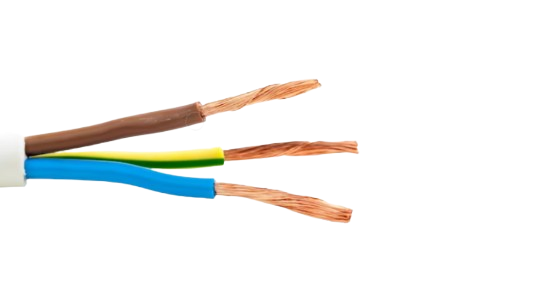
 Design with AC Wire in Cirkit Designer
Introduction
- AC Wire is a type of electrical wire specifically designed to carry alternating current (AC) electricity. It is commonly used in residential, commercial, and industrial wiring for power distribution. The wire is insulated to ensure safety and prevent electrical shock during operation.
- Common Applications:
- Power distribution in homes and buildings
- Electrical connections for appliances and devices
- Wiring in industrial machinery and equipment
- Extension cords and power strips
Explore Projects Built with AC Wire
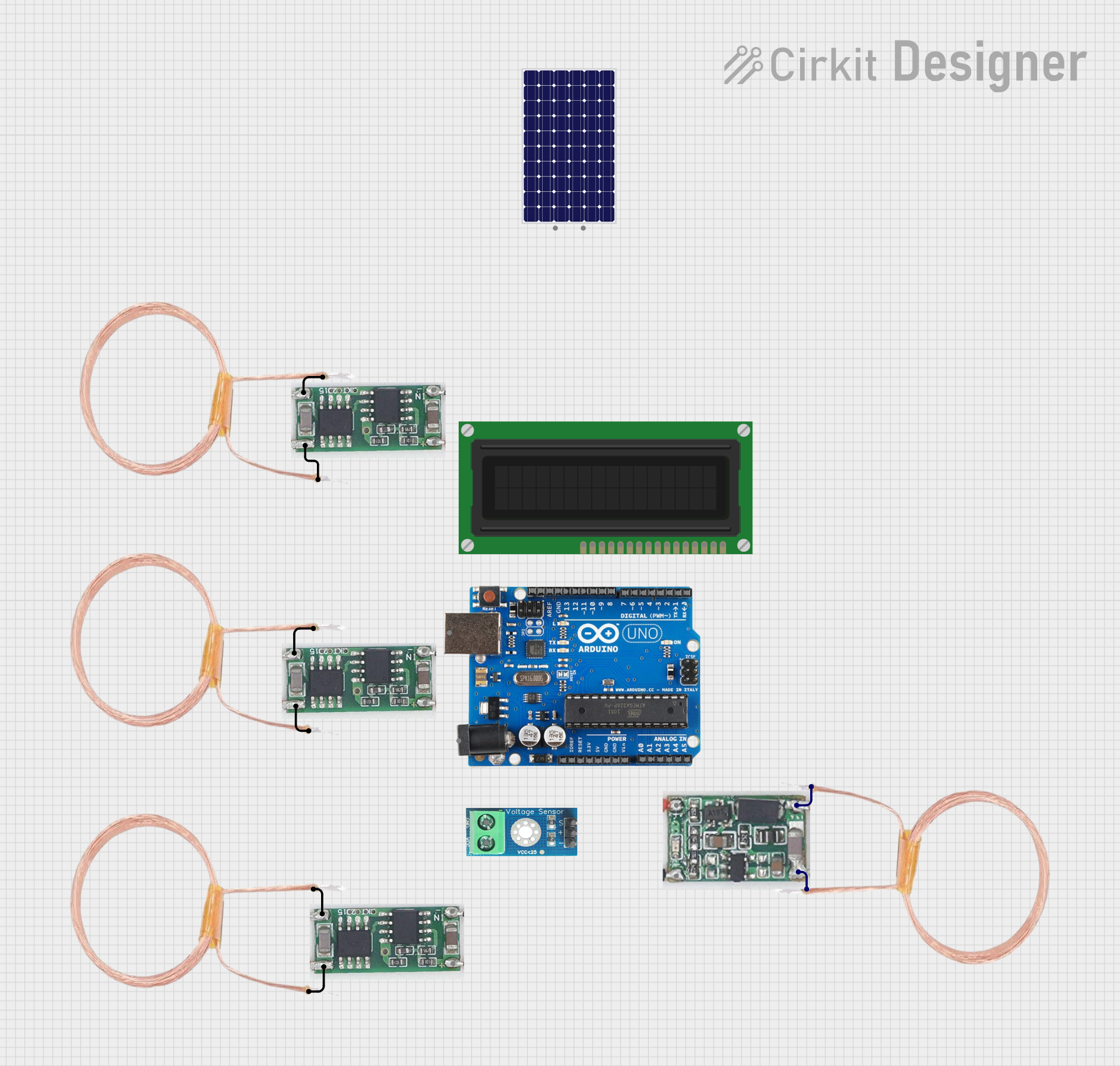 Open Project in Cirkit Designer
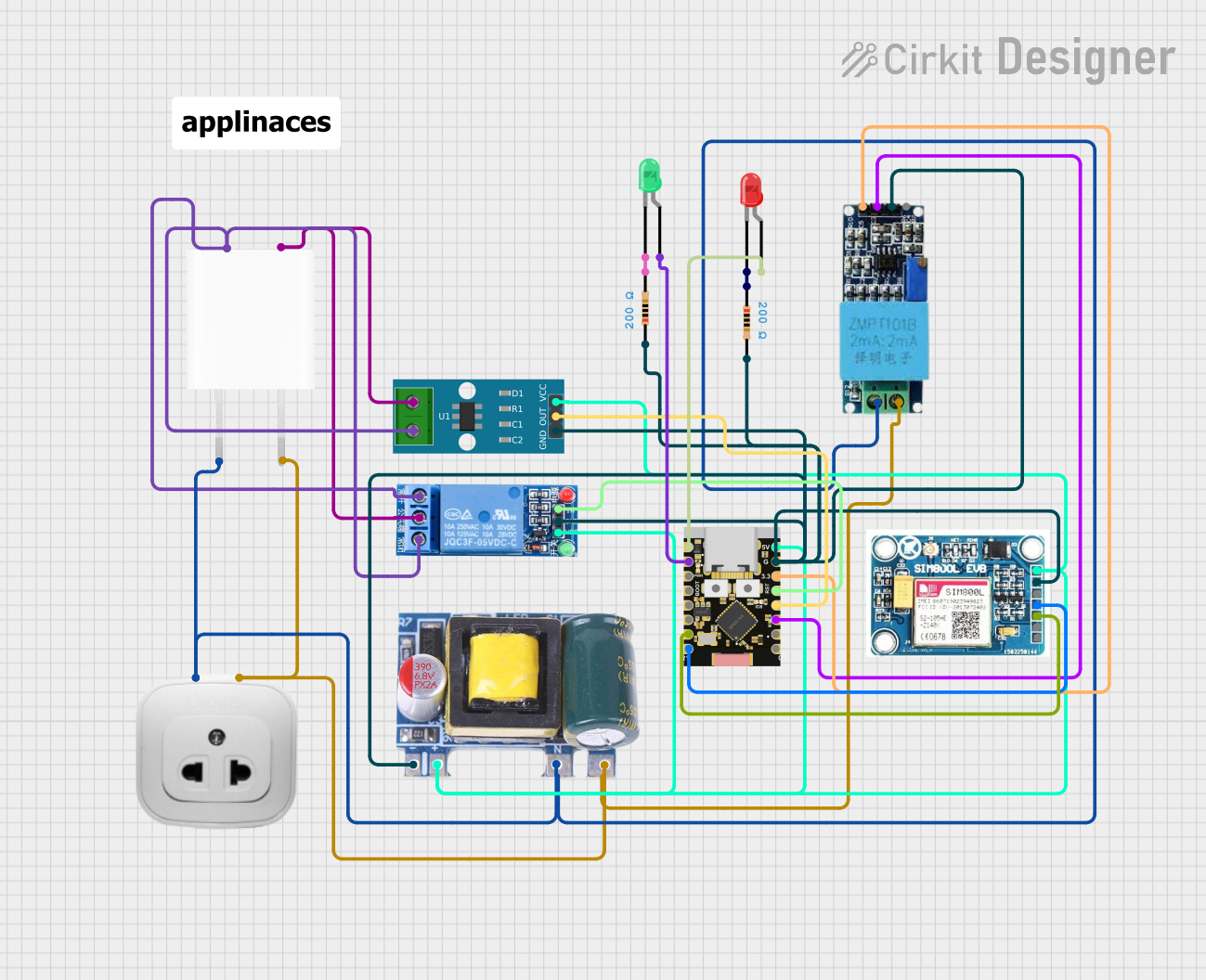 Open Project in Cirkit Designer
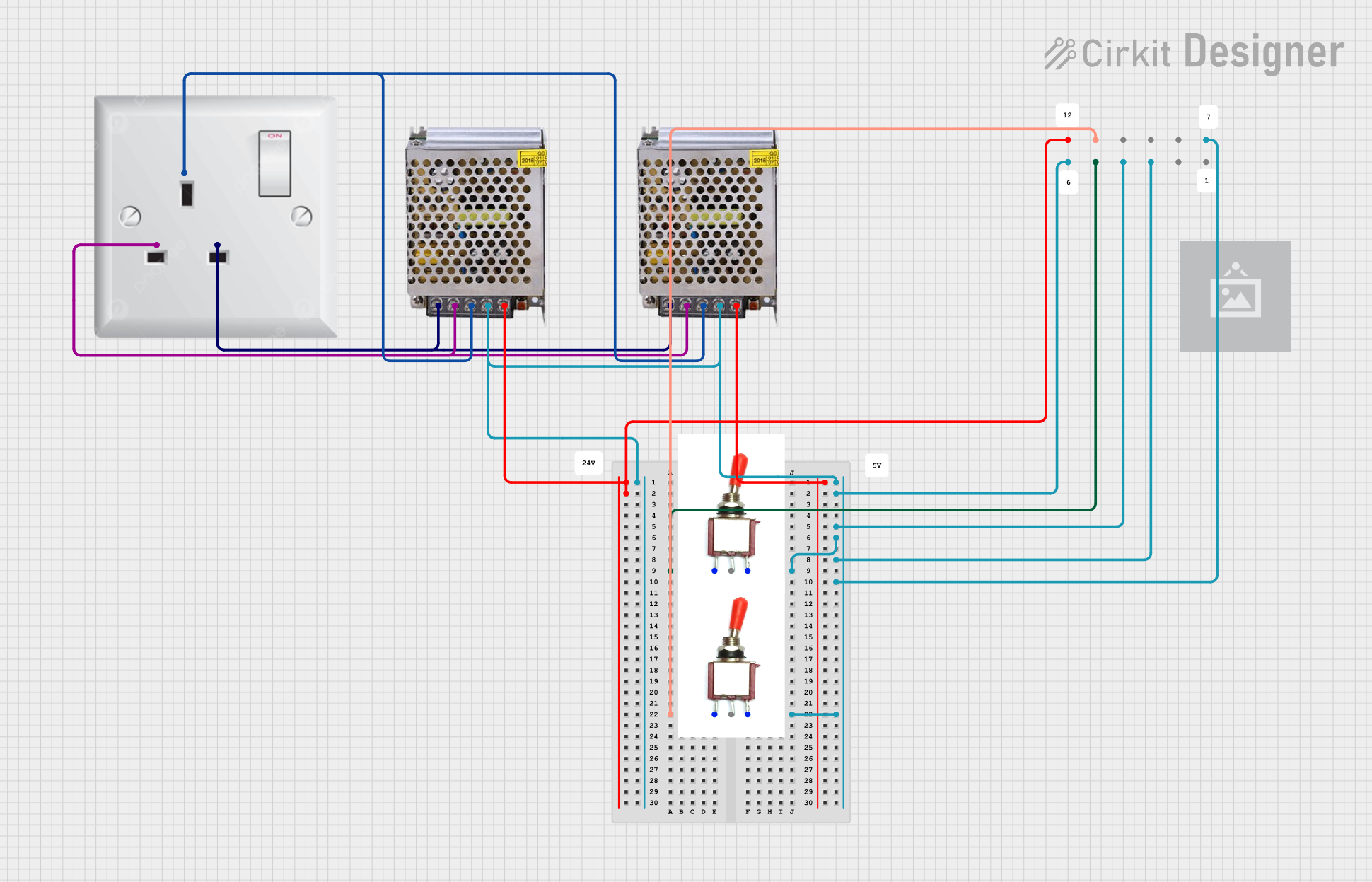 Open Project in Cirkit Designer
 Open Project in Cirkit Designer
Explore Projects Built with AC Wire
Open Project in Cirkit DesignerOpen Project in Cirkit DesignerOpen Project in Cirkit DesignerOpen Project in Cirkit DesignerTechnical Specifications
- Key Technical Details:
- Voltage Rating: Typically 120V, 240V, or higher, depending on the application
- Current Rating: Varies based on wire gauge (e.g., 15A for 14 AWG, 20A for 12 AWG)
- Insulation Material: PVC, rubber, or other non-conductive materials
- Wire Gauge: Commonly 14 AWG, 12 AWG, or 10 AWG for residential use
- Conductor Material: Copper or aluminum
- Temperature Rating: -20°C to 90°C (varies by insulation type)
Pin Configuration and Descriptions
AC wires do not have "pins" like electronic components, but they typically consist of the following conductors:
| Conductor Name | Color Code (US Standard) | Description |
|---|---|---|
| Hot (Live) | Black or Red | Carries the AC voltage to the load. |
| Neutral | White | Returns current to the power source. |
| Ground | Green or Bare Copper | Provides a safety path for fault current. |
Usage Instructions
Selecting the Right AC Wire:
- Determine the voltage and current requirements of your application.
- Choose the appropriate wire gauge (e.g., 14 AWG for 15A circuits, 12 AWG for 20A circuits).
- Ensure the insulation material is suitable for the operating environment (e.g., PVC for indoor use, rubber for outdoor use).
Connecting AC Wires:
- Turn off the power supply before handling AC wires to avoid electrical shock.
- Strip the insulation from the ends of the wires using a wire stripper, exposing about 1/2 inch of the conductor.
- Connect the wires to the appropriate terminals:
- Hot (Live) wire to the brass terminal.
- Neutral wire to the silver terminal.
- Ground wire to the green terminal or grounding screw.
- Secure the connections using wire nuts or terminal screws.
Important Considerations:
- Always follow local electrical codes and regulations.
- Use a multimeter to verify the absence of voltage before working on the wires.
- Avoid overloading the wire beyond its current rating to prevent overheating.
- Use proper insulation and strain relief to protect the wires from damage.
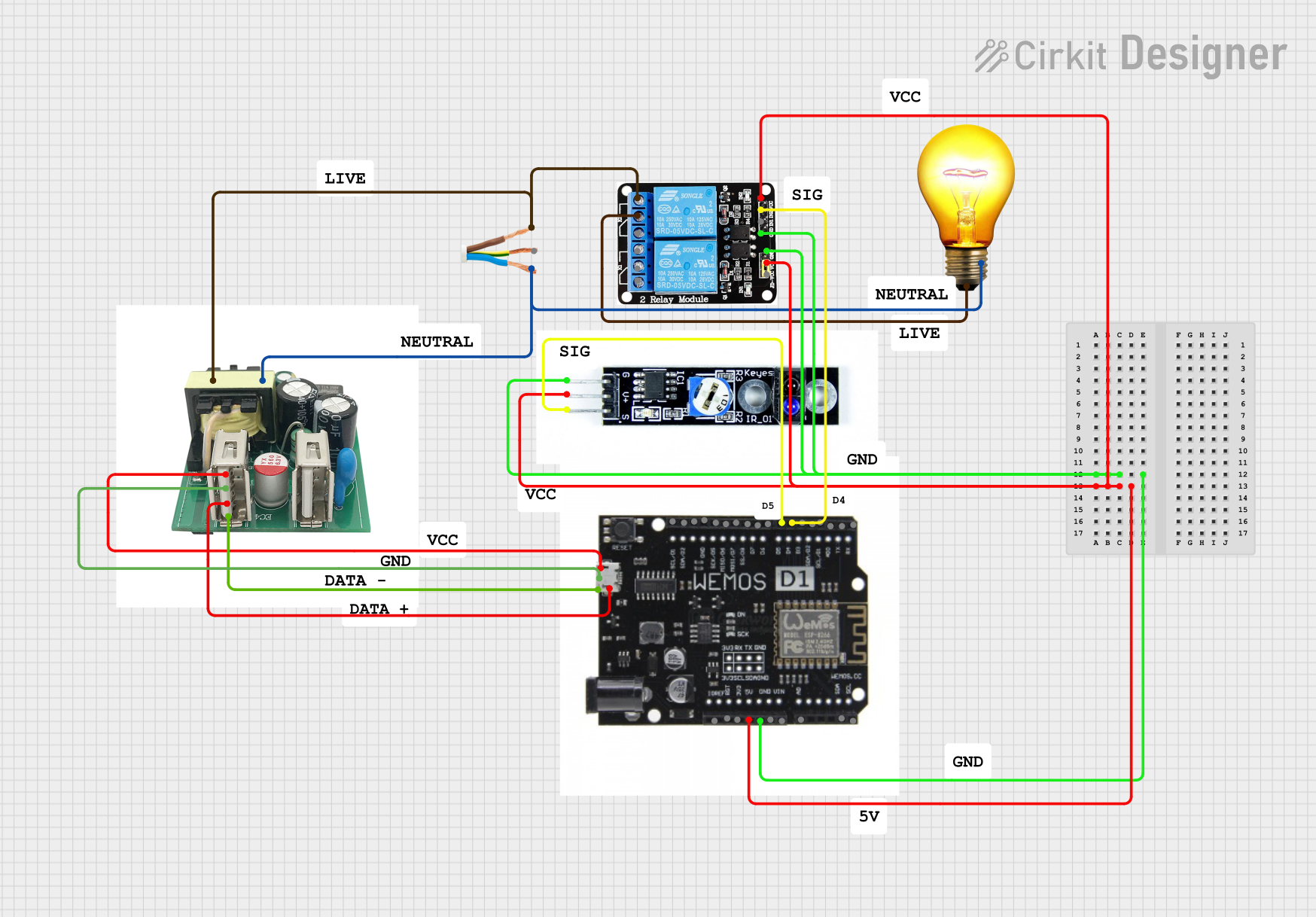
Example: Connecting AC Wire to an Arduino UNO: While AC wires are not directly connected to an Arduino UNO, they can be used to power devices controlled by the Arduino. For example, you can use a relay module to control an AC load. Below is an example code snippet for controlling an AC light using a relay module:
// Example code to control an AC light using a relay module and Arduino UNO const int relayPin = 7; // Pin connected to the relay module void setup() { pinMode(relayPin, OUTPUT); // Set the relay pin as an output digitalWrite(relayPin, LOW); // Ensure the relay is off initially } void loop() { digitalWrite(relayPin, HIGH); // Turn on the relay (AC light ON) delay(5000); // Keep the light ON for 5 seconds digitalWrite(relayPin, LOW); // Turn off the relay (AC light OFF) delay(5000); // Keep the light OFF for 5 seconds }Note: Ensure proper isolation between the AC and DC circuits to avoid damage to the Arduino or injury.
Troubleshooting and FAQs
Common Issues
Wire Overheating:
- Cause: Exceeding the current rating of the wire.
- Solution: Use a wire with a larger gauge (lower AWG number) to handle higher currents.
Loose Connections:
- Cause: Improperly secured wire connections.
- Solution: Tighten terminal screws or use wire nuts to ensure secure connections.
Electrical Shock:
- Cause: Damaged insulation or improper grounding.
- Solution: Inspect the wire for damage and replace if necessary. Ensure the ground wire is properly connected.
Device Not Powering On:
- Cause: Incorrect wiring or a tripped circuit breaker.
- Solution: Double-check the wiring connections and reset the circuit breaker if needed.
FAQs
Can I use AC wire for DC applications?
- Yes, AC wire can be used for DC applications as long as the voltage and current ratings are within the wire's specifications.
What is the difference between solid and stranded AC wire?
- Solid wire consists of a single conductor and is more rigid, making it suitable for permanent installations. Stranded wire is made of multiple smaller conductors, offering greater flexibility for portable or movable applications.
How do I determine the correct wire gauge for my application?
- Refer to an ampacity chart to match the wire gauge to the current requirements of your circuit. For example, 14 AWG is suitable for 15A circuits, while 12 AWG is suitable for 20A circuits.
Is it safe to bury AC wire underground?
- Yes, but only if the wire is rated for direct burial or enclosed in a conduit designed for underground use. Always check local codes for specific requirements.
By following this documentation, you can safely and effectively use AC wires in your electrical projects.