
How to Use PZEM-016: Examples, Pinouts, and Specs

 Design with PZEM-016 in Cirkit Designer
Introduction
The PZEM-016 is a multifunctional energy meter designed for monitoring and measuring key electrical parameters in AC circuits. It provides accurate readings of voltage, current, power, energy consumption, and frequency. The device is equipped with a digital display for real-time monitoring and supports UART communication, making it suitable for integration into IoT systems or remote monitoring setups.
Explore Projects Built with PZEM-016
 Open Project in Cirkit Designer
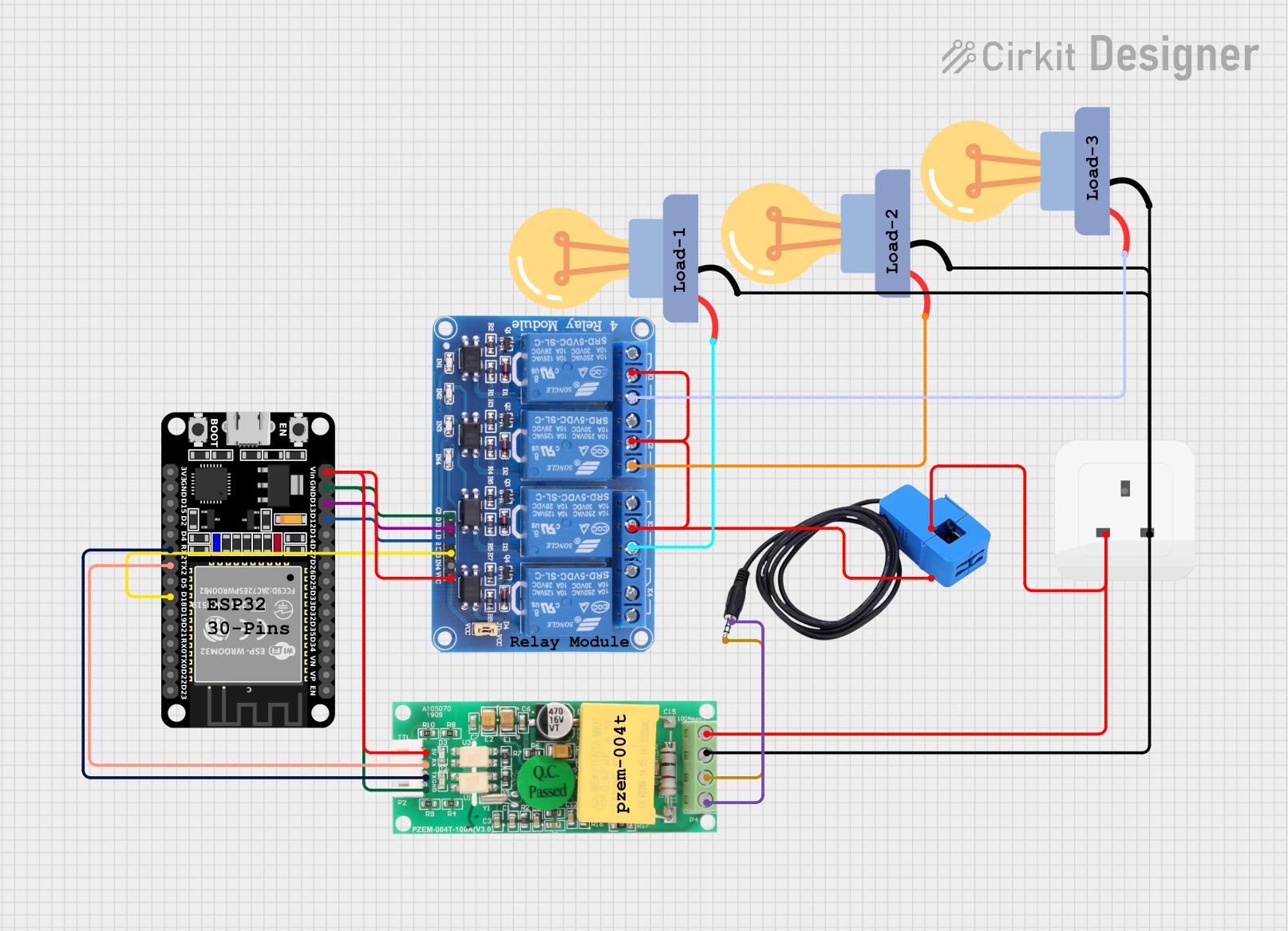 Open Project in Cirkit Designer
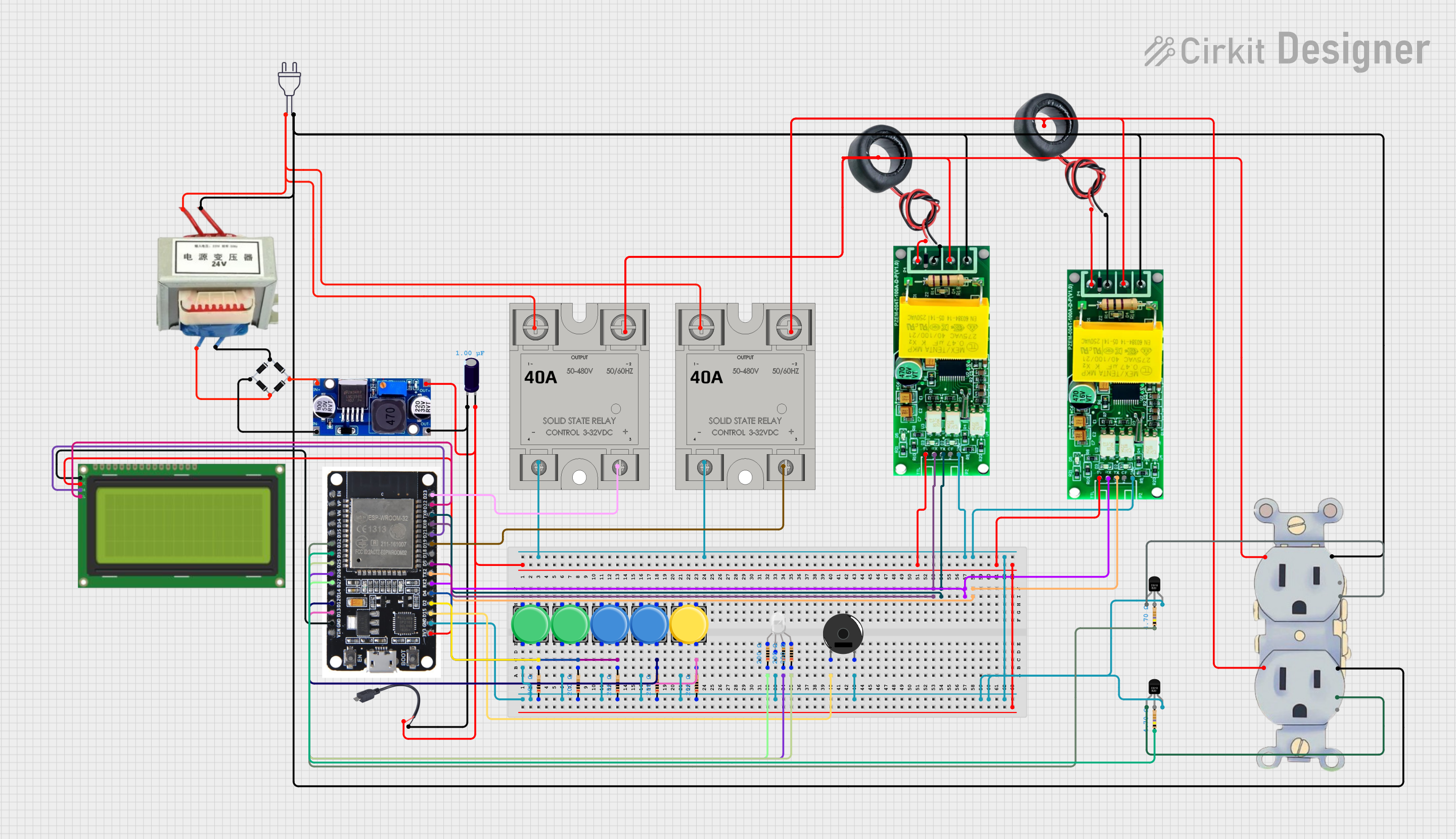 Open Project in Cirkit Designer
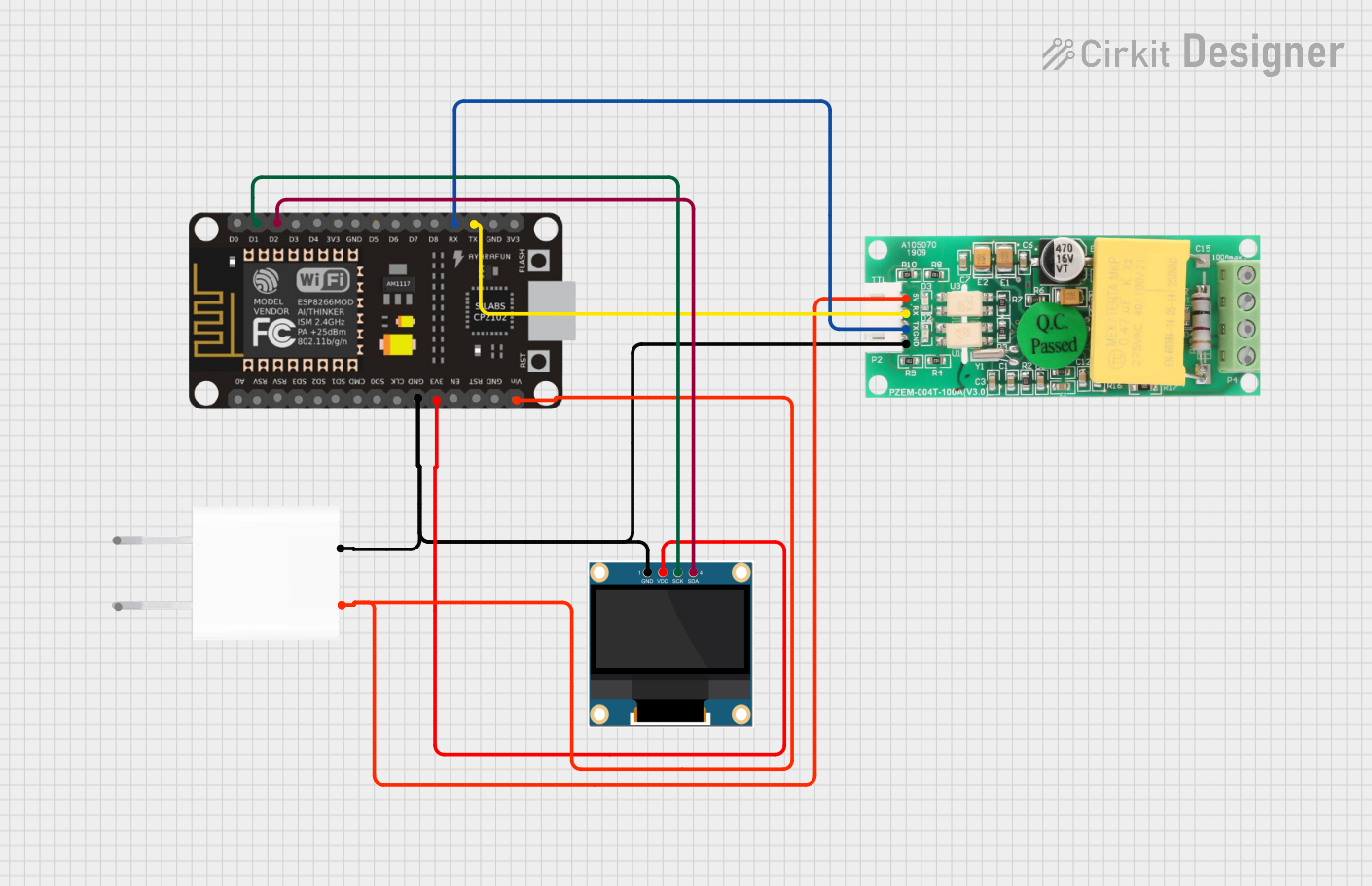 Open Project in Cirkit Designer
Explore Projects Built with PZEM-016
Open Project in Cirkit DesignerOpen Project in Cirkit DesignerOpen Project in Cirkit DesignerOpen Project in Cirkit DesignerCommon Applications and Use Cases
- Energy Monitoring: Ideal for tracking energy consumption in residential, commercial, and industrial environments.
- IoT Integration: Can be used in smart home systems for real-time energy data logging and analysis.
- Power Quality Analysis: Useful for monitoring voltage and frequency stability in electrical systems.
- Remote Monitoring: Supports UART communication for interfacing with microcontrollers like Arduino or Raspberry Pi.
Technical Specifications
Key Technical Details
| Parameter | Specification |
|---|---|
| Voltage Measurement | 0 - 300V AC |
| Current Measurement | 0 - 100A (with external current shunt) |
| Power Measurement | 0 - 30kW |
| Energy Measurement | 0 - 9999kWh |
| Frequency Measurement | 45Hz - 65Hz |
| Communication Interface | UART (9600 baud rate) |
| Power Supply | 80V - 260V AC |
| Accuracy | ±0.5% |
| Operating Temperature | -10°C to 60°C |
Pin Configuration and Descriptions
The PZEM-016 has a 4-pin UART interface for communication and a terminal block for AC input and current shunt connection.
UART Pinout
| Pin Number | Pin Name | Description |
|---|---|---|
| 1 | VCC | Power supply input (5V DC) |
| 2 | GND | Ground |
| 3 | TX | UART Transmit (data output) |
| 4 | RX | UART Receive (data input) |
Terminal Block
| Terminal | Description |
|---|---|
| L | Live wire input for AC voltage measurement |
| N | Neutral wire input for AC voltage measurement |
| I+ | Positive terminal for external current shunt |
| I- | Negative terminal for external current shunt |
Usage Instructions
How to Use the PZEM-016 in a Circuit
- Connect the AC Input:
- Connect the live (L) and neutral (N) wires of the AC circuit to the corresponding terminals on the PZEM-016.
- Connect the Current Shunt:
- Attach the external current shunt to the I+ and I- terminals. Ensure the shunt is rated for the expected current range.
- Power the Module:
- Supply 5V DC to the VCC pin and connect the GND pin to the ground of your power source.
- Establish UART Communication:
- Connect the TX and RX pins to the corresponding UART pins of your microcontroller (e.g., Arduino UNO).
Important Considerations and Best Practices
- Ensure proper insulation and safety precautions when working with high-voltage AC circuits.
- Use a current shunt with an appropriate rating to avoid damage to the module.
- Keep the UART cable length short to minimize communication errors.
- Verify the baud rate (9600) and UART settings when interfacing with a microcontroller.
Example: Interfacing with Arduino UNO
Below is an example Arduino sketch to read data from the PZEM-016 using UART communication.
#include <SoftwareSerial.h>

// Define RX and TX pins for SoftwareSerial
SoftwareSerial pzemSerial(10, 11); // RX = Pin 10, TX = Pin 11

void setup() {
  Serial.begin(9600); // Initialize Serial Monitor
  pzemSerial.begin(9600); // Initialize UART communication with PZEM-016

  Serial.println("PZEM-016 Energy Meter Example");
}

void loop() {
  // Request data from PZEM-016
  byte request[] = {0x01, 0x04, 0x00, 0x00, 0x00, 0x0A, 0x70, 0x0D};
  pzemSerial.write(request, sizeof(request));

  delay(100); // Wait for response

  // Read response from PZEM-016
  byte response[25];
  int len = pzemSerial.readBytes(response, sizeof(response));

  if (len > 0) {
    Serial.print("Received Data: ");
    for (int i = 0; i < len; i++) {
      Serial.print(response[i], HEX);
      Serial.print(" ");
    }
    Serial.println();
  } else {
    Serial.println("No response from PZEM-016");
  }

  delay(1000); // Wait 1 second before next request
}
Troubleshooting and FAQs
Common Issues and Solutions
No Data Received via UART:
- Cause: Incorrect wiring or baud rate mismatch.
- Solution: Verify the TX and RX connections and ensure the baud rate is set to 9600.
Inaccurate Measurements:
- Cause: Improper connection of the current shunt or loose wiring.
- Solution: Check the shunt connections and ensure all wires are securely fastened.
Module Not Powering On:
- Cause: Insufficient power supply or incorrect voltage.
- Solution: Ensure the VCC pin is supplied with 5V DC and the GND pin is properly connected.
Communication Errors:
- Cause: Long UART cable or electrical noise.
- Solution: Use shorter cables and shielded wires to reduce interference.
FAQs
Q: Can the PZEM-016 measure DC circuits?
A: No, the PZEM-016 is designed specifically for AC circuits.Q: What is the maximum current the module can measure?
A: The module can measure up to 100A with the appropriate external current shunt.Q: Can I use the PZEM-016 with a Raspberry Pi?
A: Yes, the PZEM-016 can be interfaced with a Raspberry Pi using its UART pins.Q: Is the module suitable for outdoor use?
A: No, the PZEM-016 is not weatherproof and should be used in a dry, indoor environment.
This concludes the documentation for the PZEM-016 energy meter. For further assistance, refer to the manufacturer's datasheet or contact technical support.