
How to Use loadcell: Examples, Pinouts, and Specs
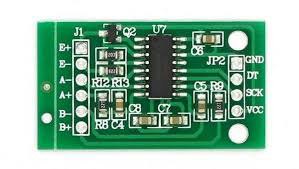
 Design with loadcell in Cirkit Designer
Introduction
A load cell, such as the AAA-003 manufactured by AAA, is a transducer that converts force or weight into an electrical signal. This signal is typically proportional to the applied force, enabling precise weight measurement. Load cells are widely used in applications such as digital weighing scales, industrial automation systems, material testing machines, and force measurement devices.
Explore Projects Built with loadcell
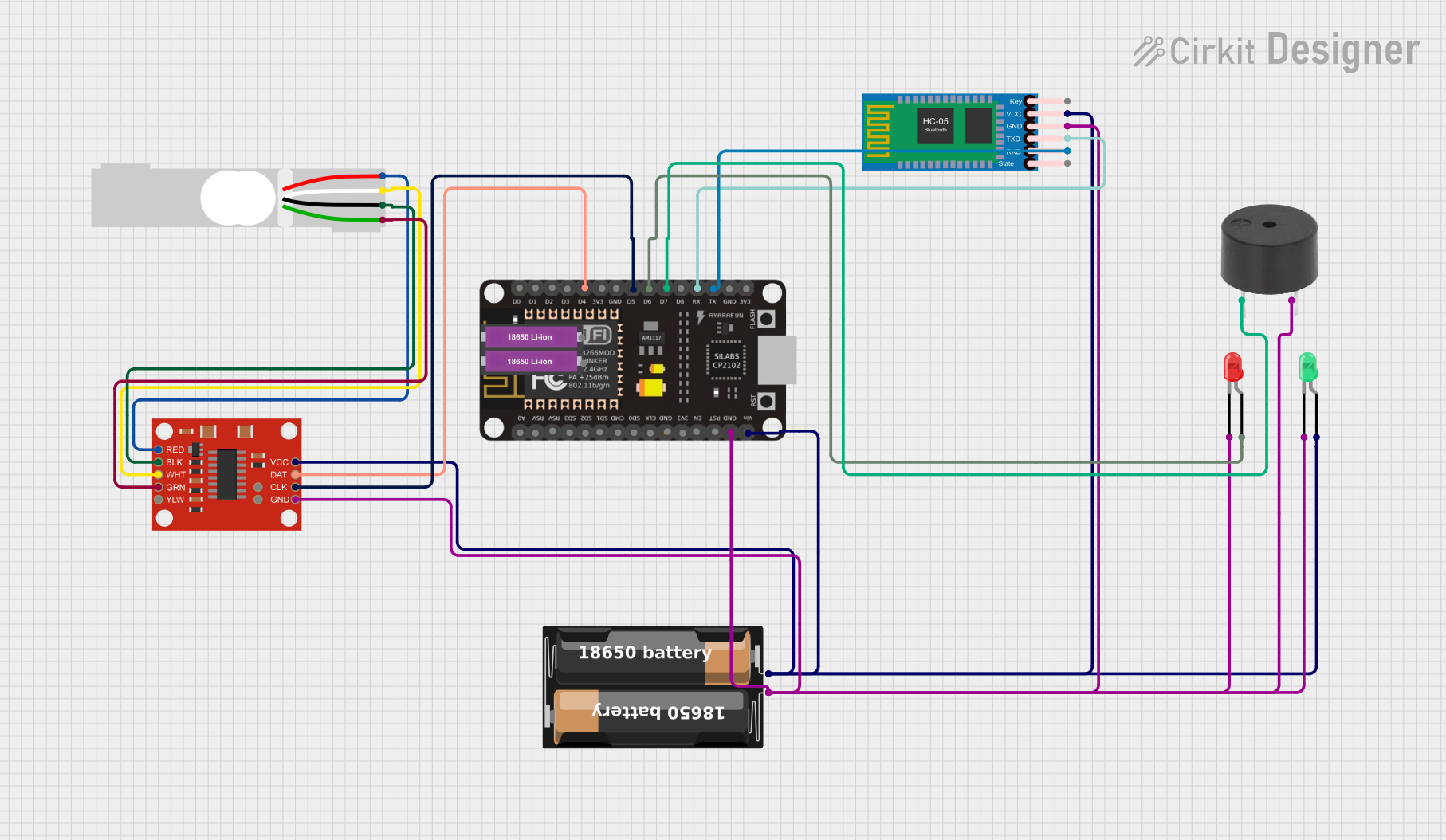 Open Project in Cirkit Designer
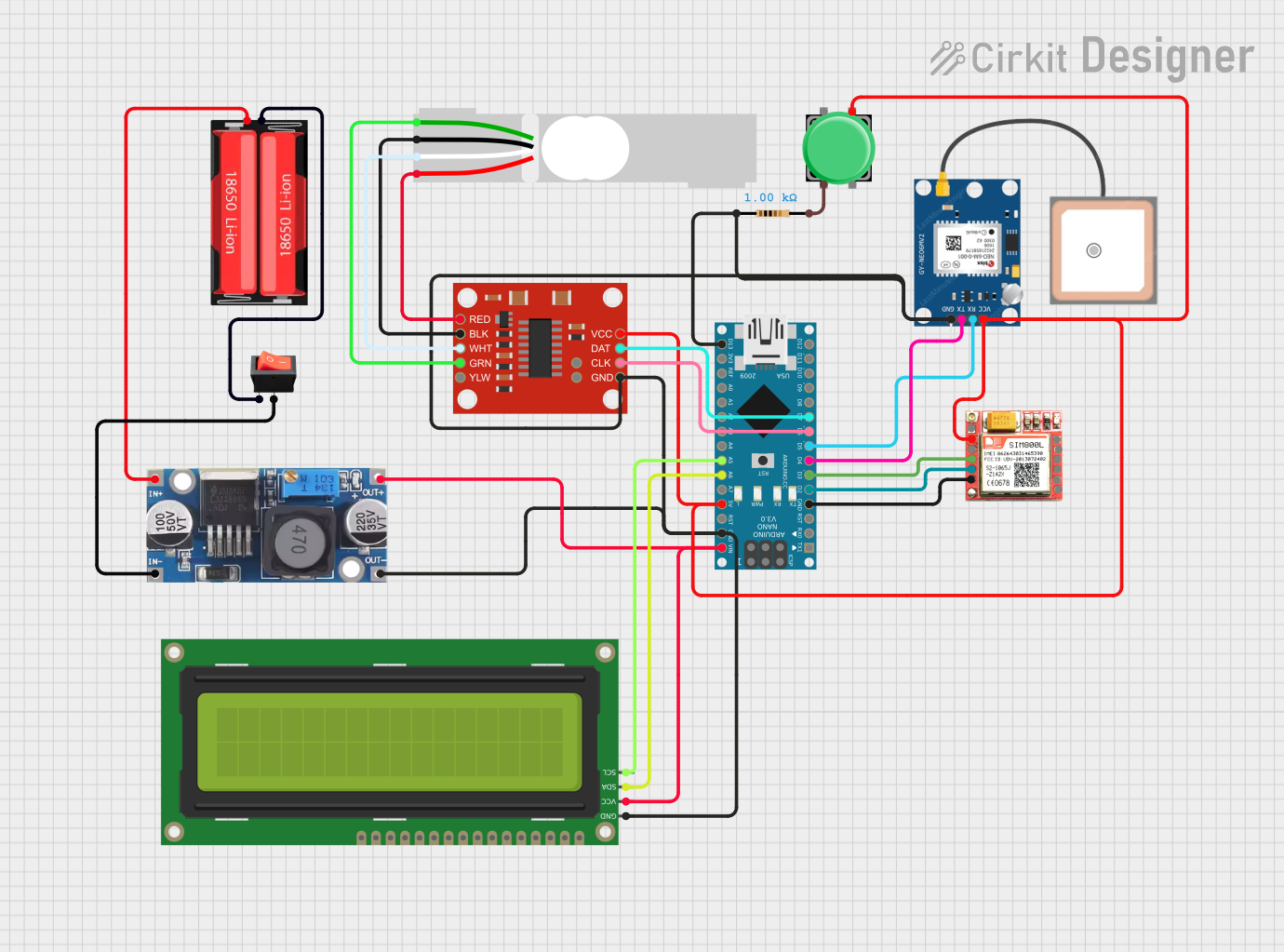 Open Project in Cirkit Designer
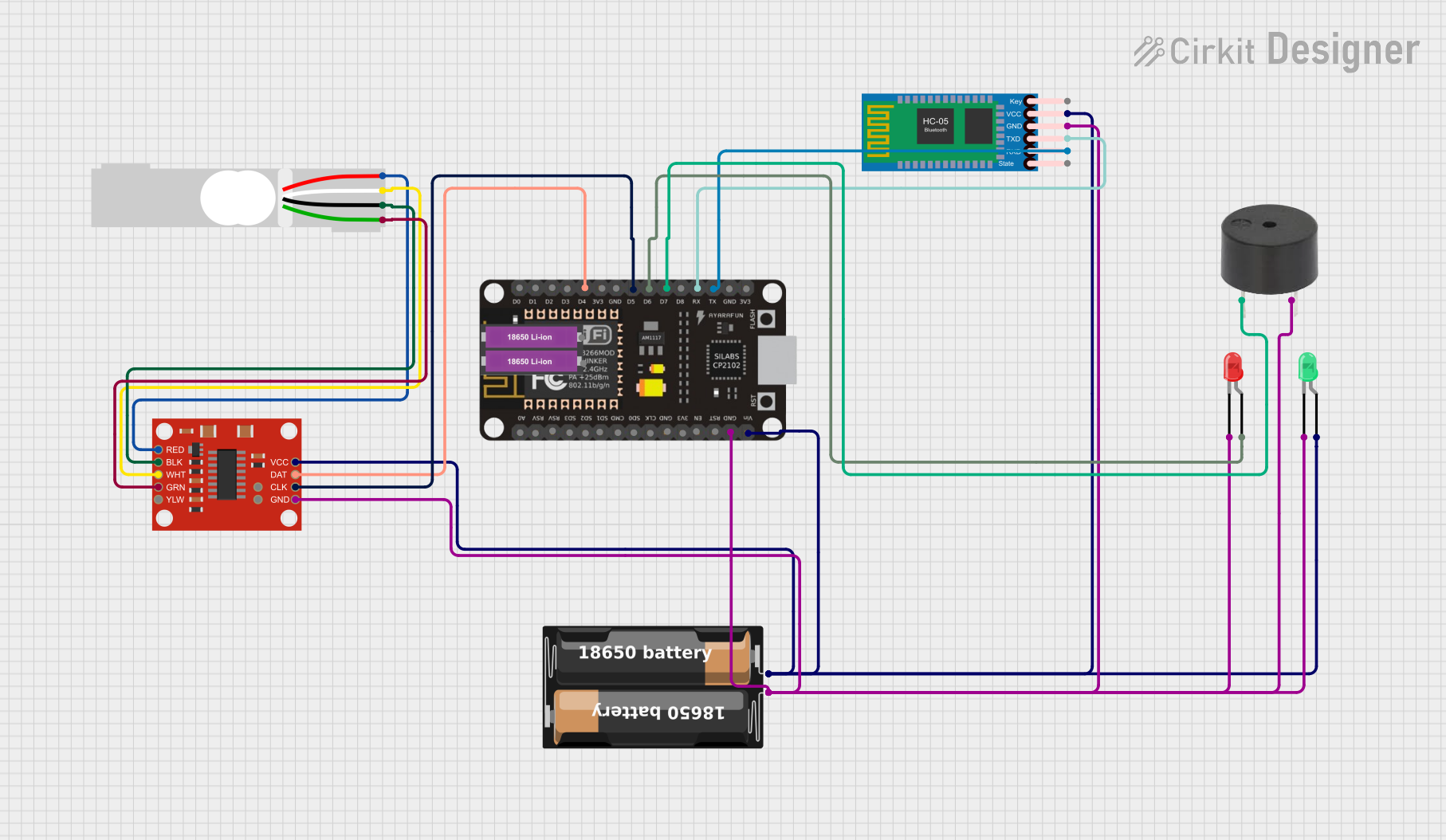 Open Project in Cirkit Designer
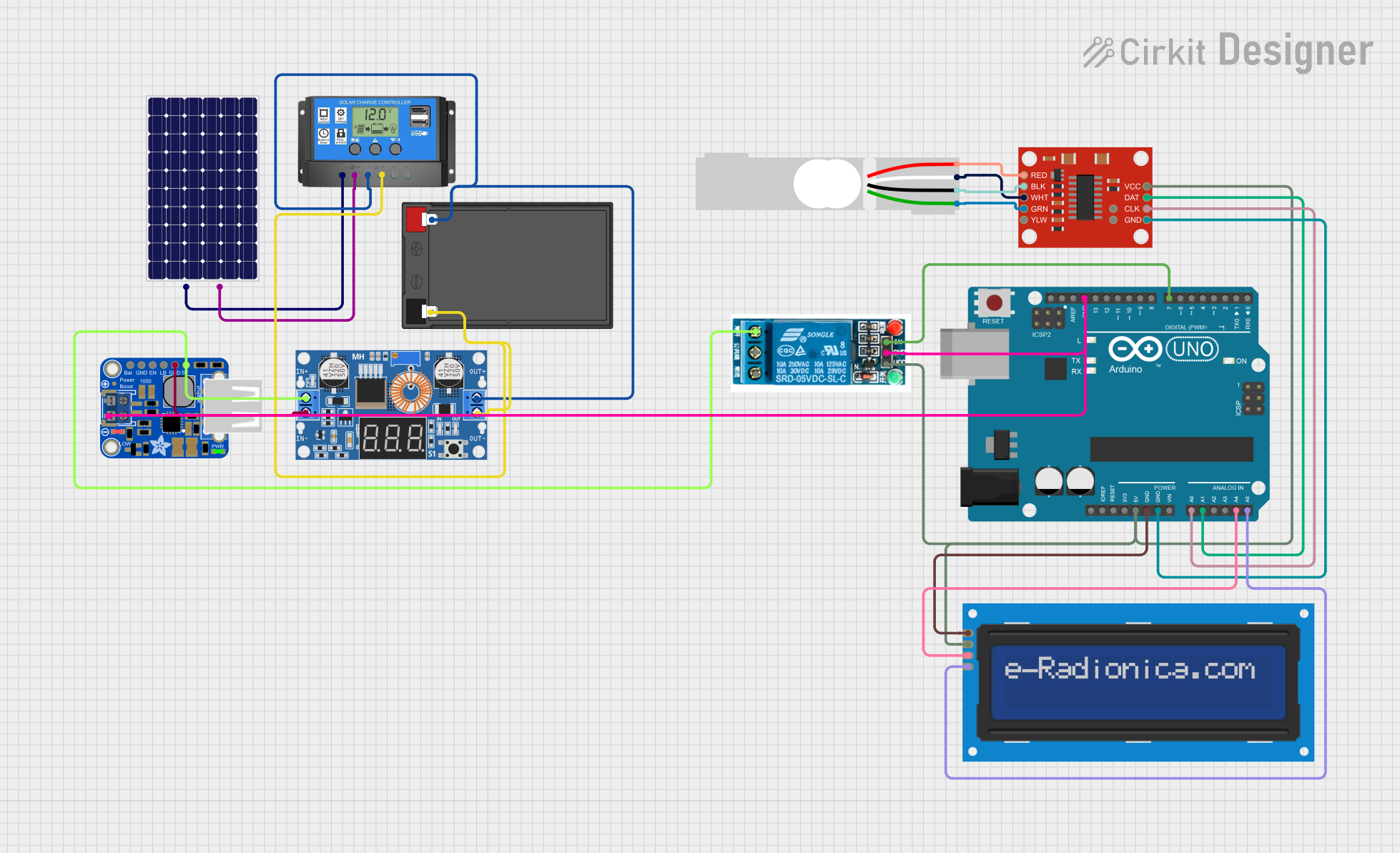 Open Project in Cirkit Designer
Explore Projects Built with loadcell
Open Project in Cirkit DesignerOpen Project in Cirkit DesignerOpen Project in Cirkit DesignerOpen Project in Cirkit DesignerCommon Applications:
- Digital weighing scales
- Industrial process control and automation
- Material testing and tensile strength measurement
- Force measurement in robotics and machinery
- Load monitoring in structural engineering
Technical Specifications
The AAA-003 load cell is designed for high accuracy and reliability in weight measurement applications. Below are its key technical details:
Key Specifications:
| Parameter | Value |
|---|---|
| Manufacturer | AAA |
| Part ID | 003 |
| Type | Strain gauge-based load cell |
| Rated Load Capacity | 5 kg (varies by model variant) |
| Output Sensitivity | 1 mV/V |
| Excitation Voltage | 5V to 12V DC |
| Operating Temperature | -10°C to +40°C |
| Accuracy Class | ±0.02% of full scale |
| Material | Aluminum alloy |
| Overload Protection | Up to 150% of rated capacity |
Pin Configuration:
The AAA-003 load cell typically has four wires for electrical connections. The pinout is as follows:
| Wire Color | Function | Description |
|---|---|---|
| Red | Excitation (+) | Positive voltage input for excitation |
| Black | Excitation (-) | Negative voltage input for excitation |
| Green | Signal (+) | Positive output signal |
| White | Signal (-) | Negative output signal |
Usage Instructions
How to Use the Load Cell in a Circuit:
Wiring the Load Cell:
- Connect the red wire to the positive terminal of the excitation voltage (e.g., 5V).
- Connect the black wire to the ground (GND) of the power supply.
- Connect the green wire to the positive input of the signal amplifier or ADC (Analog-to-Digital Converter).
- Connect the white wire to the negative input of the signal amplifier or ADC.
Amplifying the Signal:
- The output signal of the load cell is typically in the millivolt range and requires amplification.
- Use a load cell amplifier module, such as the HX711, to amplify the signal and convert it to a digital format.
Connecting to a Microcontroller:
- The amplified signal can be interfaced with a microcontroller (e.g., Arduino UNO) for further processing and display.
Example: Connecting the Load Cell to an Arduino UNO
Below is an example of how to connect the AAA-003 load cell to an Arduino UNO using the HX711 module:
Circuit Diagram:
- Connect the load cell wires to the HX711 module as follows:
- Red wire to E+ (Excitation +)
- Black wire to E- (Excitation -)
- Green wire to A+ (Signal +)
- White wire to A- (Signal -)
- Connect the HX711 module to the Arduino UNO:
- VCC to 5V
- GND to GND
- DT (Data) to pin 3
- SCK (Clock) to pin 2
Arduino Code:
#include "HX711.h"

// Define HX711 pins
#define DT 3  // Data pin connected to Arduino pin 3
#define SCK 2 // Clock pin connected to Arduino pin 2

HX711 scale;

void setup() {
  Serial.begin(9600); // Initialize serial communication
  scale.begin(DT, SCK); // Initialize HX711 with defined pins
  Serial.println("Load Cell Initialized");
}

void loop() {
  if (scale.is_ready()) {
    // Read weight value from the load cell
    long weight = scale.get_units(10); // Average of 10 readings
    Serial.print("Weight: ");
    Serial.print(weight);
    Serial.println(" grams");
  } else {
    Serial.println("HX711 not ready");
  }
  delay(500); // Wait for 500ms before the next reading
}
Important Considerations:
- Calibration: Always calibrate the load cell before use to ensure accurate measurements.
- Overload Protection: Avoid exceeding the rated load capacity to prevent damage.
- Temperature Effects: Ensure the operating environment is within the specified temperature range to maintain accuracy.
- Noise Reduction: Use shielded cables and proper grounding to minimize electrical noise.
Troubleshooting and FAQs
Common Issues and Solutions:
No Output Signal:
- Cause: Incorrect wiring or loose connections.
- Solution: Verify all connections and ensure the wires are securely connected to the amplifier module.
Inconsistent Readings:
- Cause: Electrical noise or unstable power supply.
- Solution: Use a stable power source and shielded cables to reduce noise.
Output Signal Saturation:
- Cause: Overloading the load cell beyond its rated capacity.
- Solution: Ensure the applied load is within the specified range.
HX711 Not Responding:
- Cause: Incorrect pin connections or faulty module.
- Solution: Double-check the wiring and replace the HX711 module if necessary.
FAQs:
Q1: Can I use the AAA-003 load cell with a 3.3V microcontroller?
A1: Yes, but ensure the excitation voltage is within the specified range (5V to 12V). Use a level shifter if necessary for signal compatibility.
Q2: How do I calibrate the load cell?
A2: Use a known weight and adjust the calibration factor in your code until the output matches the actual weight.
Q3: Can the load cell measure both compression and tension?
A3: Yes, the AAA-003 load cell can measure both compression and tension forces.
Q4: What is the maximum cable length for the load cell?
A4: The maximum cable length depends on the operating environment and signal quality. For best results, use shielded cables and keep the length under 5 meters.
By following this documentation, you can effectively integrate the AAA-003 load cell into your projects for accurate and reliable weight measurement.