
How to Use Bluetooth SMD Module: Examples, Pinouts, and Specs

 Design with Bluetooth SMD Module in Cirkit Designer
Introduction
The Bluetooth SMD (Surface-Mount Device) Module is a compact electronic component designed to enable wireless communication using Bluetooth technology. It allows devices to connect and exchange data over short distances, typically within a range of 10 to 100 meters, depending on the module and environmental conditions. Its small size and surface-mount design make it ideal for integration into modern electronic devices where space is a constraint.
Explore Projects Built with Bluetooth SMD Module
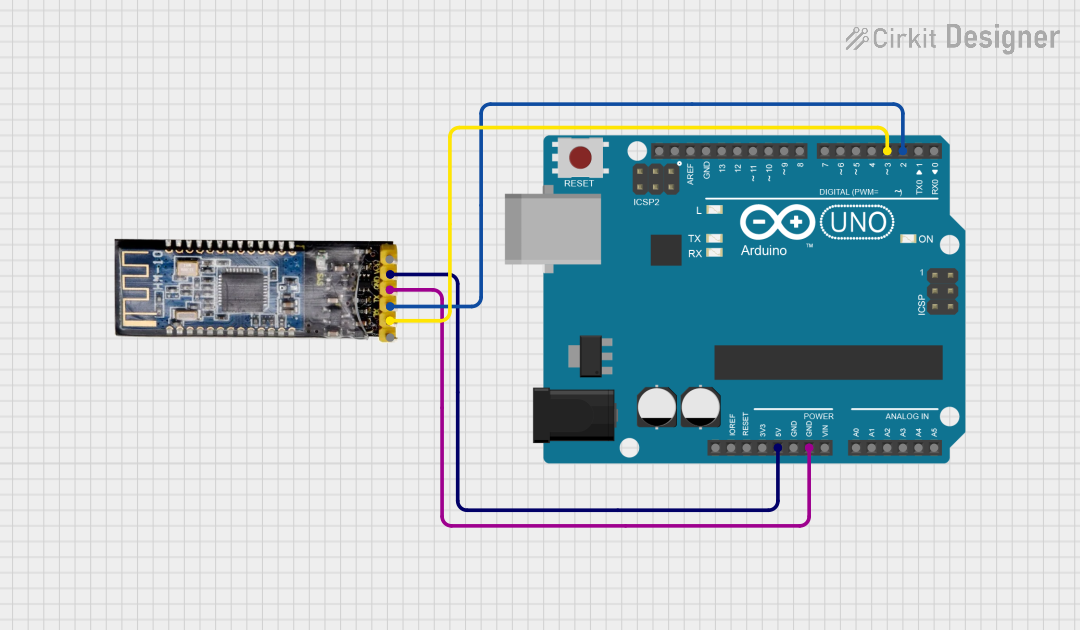 Open Project in Cirkit Designer
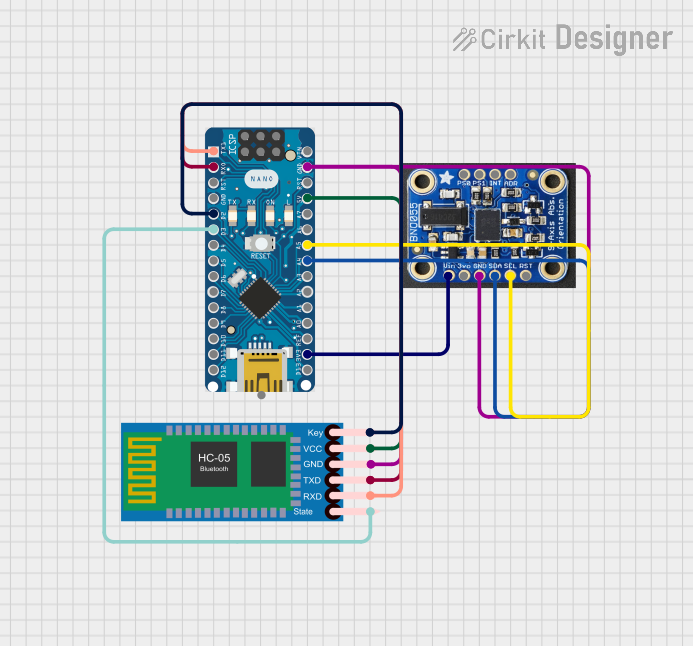 Open Project in Cirkit Designer
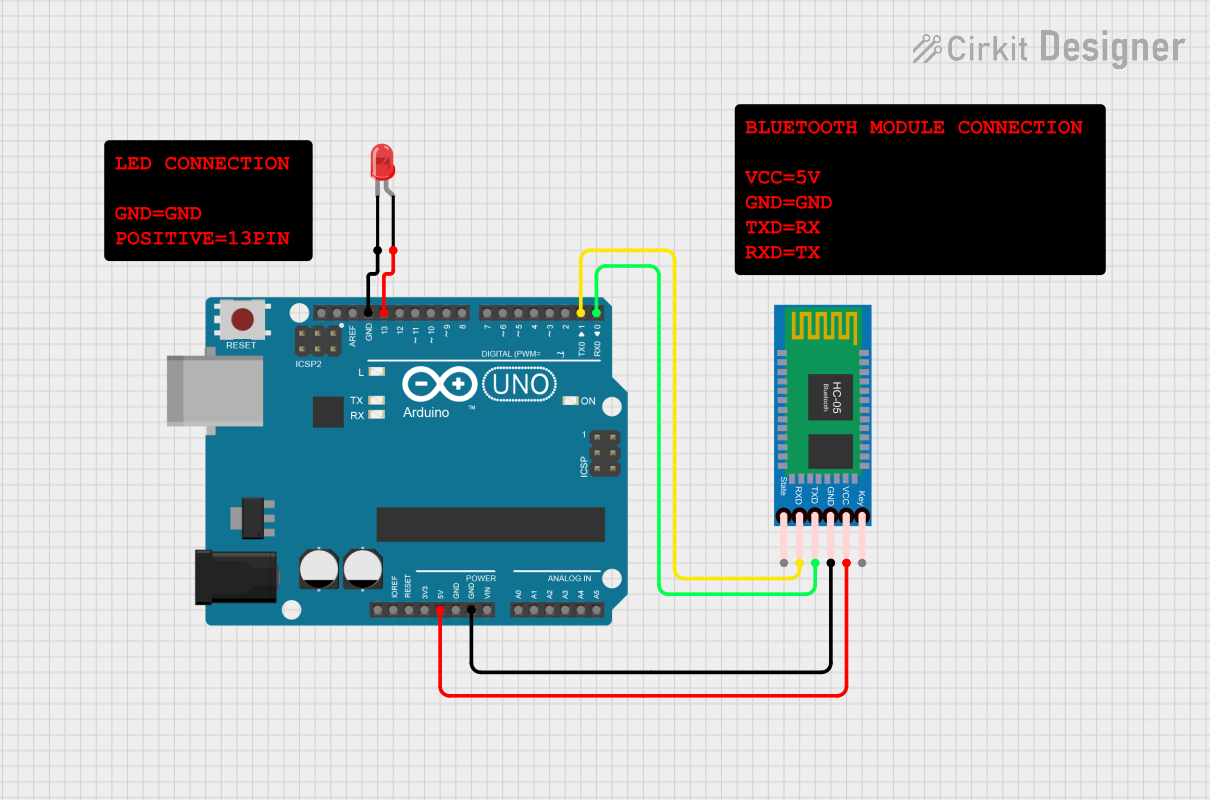 Open Project in Cirkit Designer
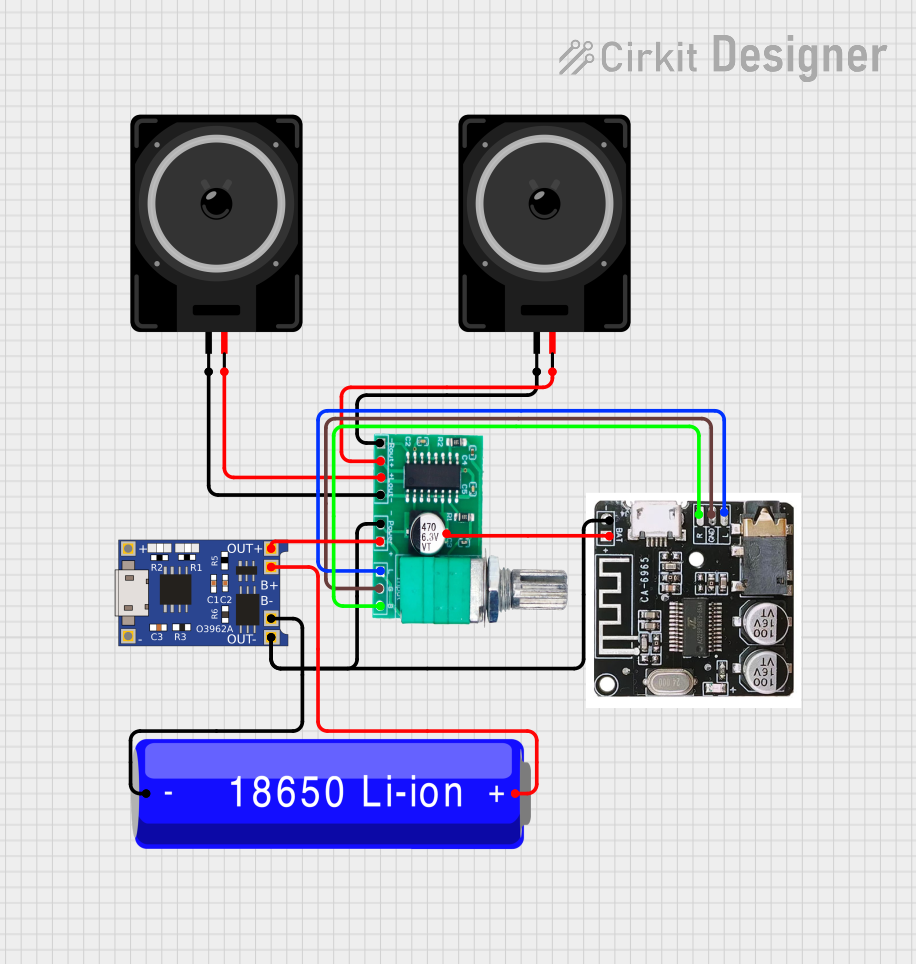 Open Project in Cirkit Designer
Explore Projects Built with Bluetooth SMD Module
Open Project in Cirkit DesignerOpen Project in Cirkit DesignerOpen Project in Cirkit DesignerOpen Project in Cirkit DesignerCommon Applications and Use Cases
- Wireless data transmission between devices (e.g., smartphones, laptops, and IoT devices)
- Home automation systems
- Wearable technology (e.g., fitness trackers, smartwatches)
- Industrial automation and monitoring
- Wireless audio systems (e.g., Bluetooth speakers, headphones)
- Medical devices for wireless monitoring and data logging
Technical Specifications
Below are the key technical details of a typical Bluetooth SMD Module:
| Parameter | Value |
|---|---|
| Bluetooth Version | 4.0, 4.2, 5.0 (varies by module) |
| Operating Voltage | 3.3V to 5V |
| Current Consumption | 8 mA (active), <1 mA (idle) |
| Communication Protocol | UART (Universal Asynchronous Receiver-Transmitter) |
| Data Rate | Up to 3 Mbps |
| Operating Range | 10 to 100 meters (line of sight) |
| Frequency Band | 2.4 GHz ISM band |
| Dimensions | Typically 15mm x 10mm x 2mm |
| Operating Temperature | -40°C to +85°C |
Pin Configuration and Descriptions
The pinout of a Bluetooth SMD Module may vary slightly depending on the manufacturer, but a common configuration is as follows:
| Pin | Name | Description |
|---|---|---|
| 1 | VCC | Power supply input (3.3V to 5V) |
| 2 | GND | Ground connection |
| 3 | TXD | UART Transmit pin (sends data to the host device) |
| 4 | RXD | UART Receive pin (receives data from the host device) |
| 5 | EN (Enable) | Module enable pin (active HIGH to enable the module) |
| 6 | STATE | Indicates the connection status (HIGH when connected) |
| 7 | KEY/AT | Used to enter AT command mode for configuration |
Usage Instructions
How to Use the Bluetooth SMD Module in a Circuit
- Power Supply: Connect the
VCCpin to a 3.3V or 5V power source and theGNDpin to ground. - UART Communication: Connect the
TXDpin of the module to the RX pin of the microcontroller and theRXDpin of the module to the TX pin of the microcontroller. - Enable the Module: Ensure the
ENpin is pulled HIGH to activate the module. - Configuration: Use the
KEY/ATpin to enter AT command mode for configuring the module (e.g., setting the baud rate, device name, or pairing password). - Data Transmission: Once configured, the module can send and receive data wirelessly with paired Bluetooth devices.
Important Considerations and Best Practices
- Voltage Levels: Ensure the module's
RXDpin receives a 3.3V logic level. Use a voltage divider or level shifter if interfacing with a 5V microcontroller. - Antenna Placement: Avoid placing the module near metal objects or high-frequency components to minimize interference.
- AT Commands: Familiarize yourself with the module's AT command set for advanced configuration.
- Power Supply Decoupling: Use a decoupling capacitor (e.g., 0.1 µF) near the
VCCpin to stabilize the power supply.
Example: Connecting to an Arduino UNO
Below is an example of how to connect and use the Bluetooth SMD Module with an Arduino UNO:
Circuit Connections
VCC→ 5V on ArduinoGND→ GND on ArduinoTXD→ Pin 10 on Arduino (configured as RX in software)RXD→ Pin 11 on Arduino (configured as TX in software)EN→ 3.3V or 5V (to enable the module)
Arduino Code Example
#include <SoftwareSerial.h>

// Define RX and TX pins for SoftwareSerial
SoftwareSerial bluetooth(10, 11); // RX = Pin 10, TX = Pin 11

void setup() {
  // Initialize serial communication with the Bluetooth module
  bluetooth.begin(9600); // Default baud rate for most modules
  Serial.begin(9600);    // Serial monitor for debugging

  // Send a message to the Bluetooth module
  bluetooth.println("Hello, Bluetooth!");
  Serial.println("Bluetooth module initialized.");
}

void loop() {
  // Check if data is received from the Bluetooth module
  if (bluetooth.available()) {
    char data = bluetooth.read(); // Read the incoming data
    Serial.print("Received: ");
    Serial.println(data);         // Print the data to the Serial Monitor
  }

  // Check if data is sent from the Serial Monitor
  if (Serial.available()) {
    char data = Serial.read();    // Read the incoming data
    bluetooth.write(data);        // Send the data to the Bluetooth module
  }
}
Troubleshooting and FAQs
Common Issues and Solutions
Module Not Powering On
- Cause: Insufficient power supply or incorrect wiring.
- Solution: Verify the
VCCandGNDconnections and ensure the power source provides the required voltage and current.
No Data Transmission
- Cause: Incorrect UART connections or mismatched baud rate.
- Solution: Double-check the
TXDandRXDconnections and ensure the baud rate matches the module's default setting (usually 9600).
Unable to Pair with Other Devices
- Cause: Incorrect pairing password or module not in discoverable mode.
- Solution: Use AT commands to verify and configure the pairing password and ensure the module is in discoverable mode.
Interference or Poor Signal Quality
- Cause: Nearby sources of interference or poor antenna placement.
- Solution: Relocate the module away from metal objects and high-frequency components.
FAQs
Q1: Can the module operate at 5V logic levels?
A1: The module's RXD pin typically requires 3.3V logic levels. Use a voltage divider or level shifter when interfacing with 5V systems.
Q2: How do I reset the module to factory settings?
A2: Use the appropriate AT command (e.g., AT+ORGL) to reset the module to its default configuration.
Q3: What is the maximum range of the module?
A3: The range depends on the module and environmental conditions, typically between 10 and 100 meters in line-of-sight scenarios.
Q4: Can I use this module for audio transmission?
A4: Most Bluetooth SMD Modules are designed for data transmission. For audio applications, use a module specifically designed for audio streaming (e.g., A2DP support).
This concludes the documentation for the Bluetooth SMD Module.