
How to Use RTC DS3231 mini: Examples, Pinouts, and Specs
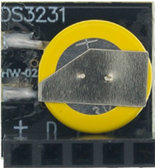
 Design with RTC DS3231 mini in Cirkit Designer
Introduction
The RTC DS3231 Mini is a highly accurate real-time clock (RTC) module designed for timekeeping applications. It features a built-in temperature-compensated crystal oscillator (TCXO) to maintain precise time even under varying environmental conditions. The module communicates with microcontrollers via the I2C protocol, making it easy to integrate into a wide range of projects. Additionally, the DS3231 Mini includes a backup battery slot, allowing it to retain time data even when the main power supply is disconnected.
Explore Projects Built with RTC DS3231 mini
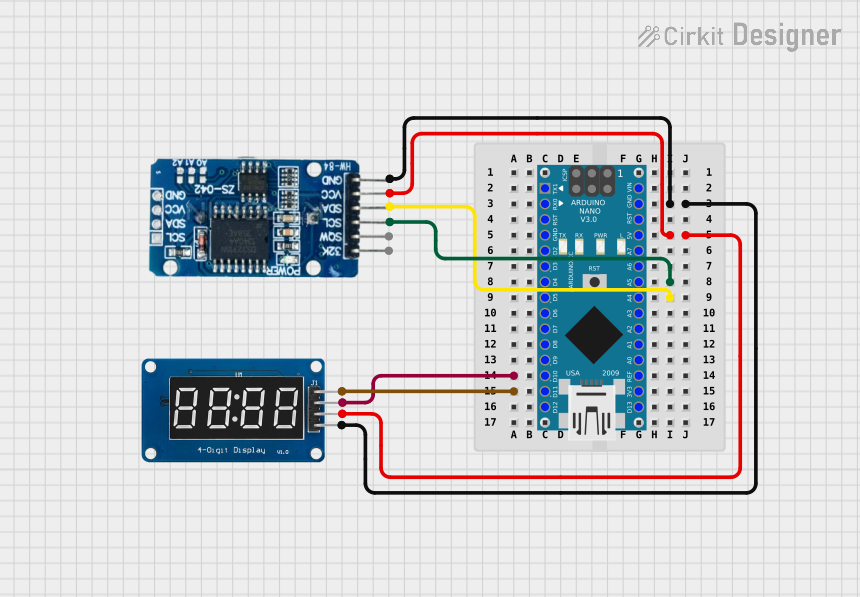 Open Project in Cirkit Designer
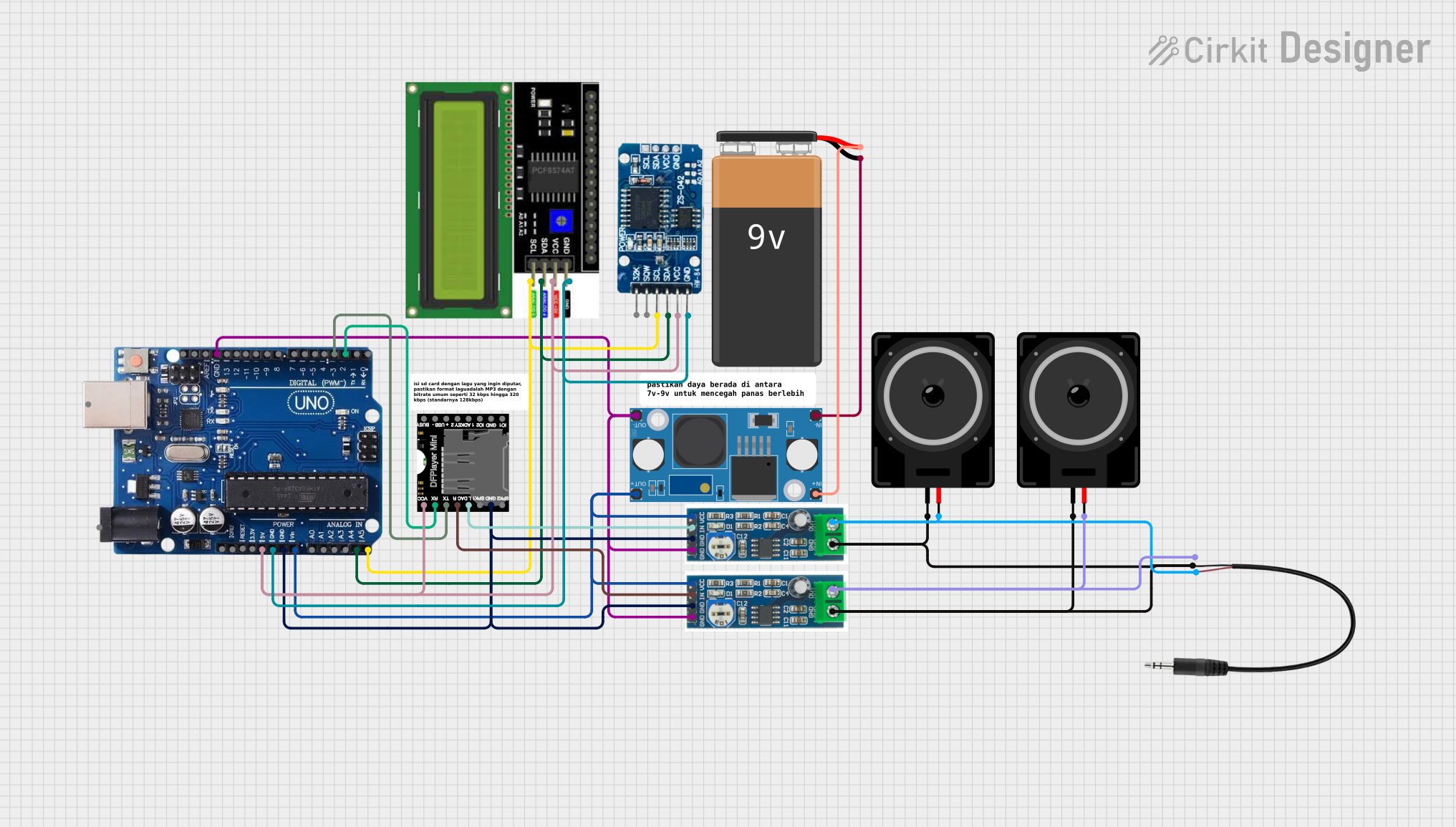 Open Project in Cirkit Designer
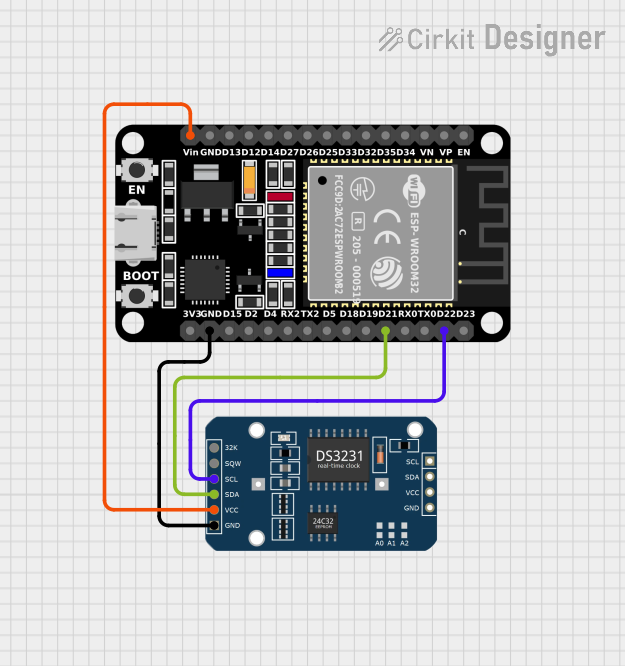 Open Project in Cirkit Designer
 Open Project in Cirkit Designer
Explore Projects Built with RTC DS3231 mini
Open Project in Cirkit DesignerOpen Project in Cirkit DesignerOpen Project in Cirkit DesignerOpen Project in Cirkit DesignerCommon Applications and Use Cases
- Time-stamping data in data logging systems
- Scheduling tasks in automation systems
- Alarm clocks and timers
- Timekeeping in IoT devices
- Calendar-based applications
Technical Specifications
Key Technical Details
- Operating Voltage: 3.3V to 5.5V
- Communication Protocol: I2C (Inter-Integrated Circuit)
- Clock Accuracy: ±2 ppm from 0°C to +40°C, ±3.5 ppm from -40°C to +85°C
- Backup Battery Support: CR2032 coin cell battery (not included)
- Temperature Sensor: Built-in, with ±3°C accuracy
- Memory: 2 configurable time-of-day alarms and 1Hz/32.768kHz output
- Dimensions: Approximately 25mm x 15mm
Pin Configuration and Descriptions
The RTC DS3231 Mini module typically has 6 pins. Below is the pinout:
| Pin | Name | Description |
|---|---|---|
| 1 | GND | Ground connection |
| 2 | VCC | Power supply input (3.3V to 5.5V) |
| 3 | SDA | Serial Data Line for I2C communication |
| 4 | SCL | Serial Clock Line for I2C communication |
| 5 | 32K | Optional 32.768kHz output (can be used as a clock signal for other components) |
| 6 | SQW | Square Wave output (programmable frequency: 1Hz, 4kHz, 8kHz, or 32kHz) |
Usage Instructions
How to Use the RTC DS3231 Mini in a Circuit
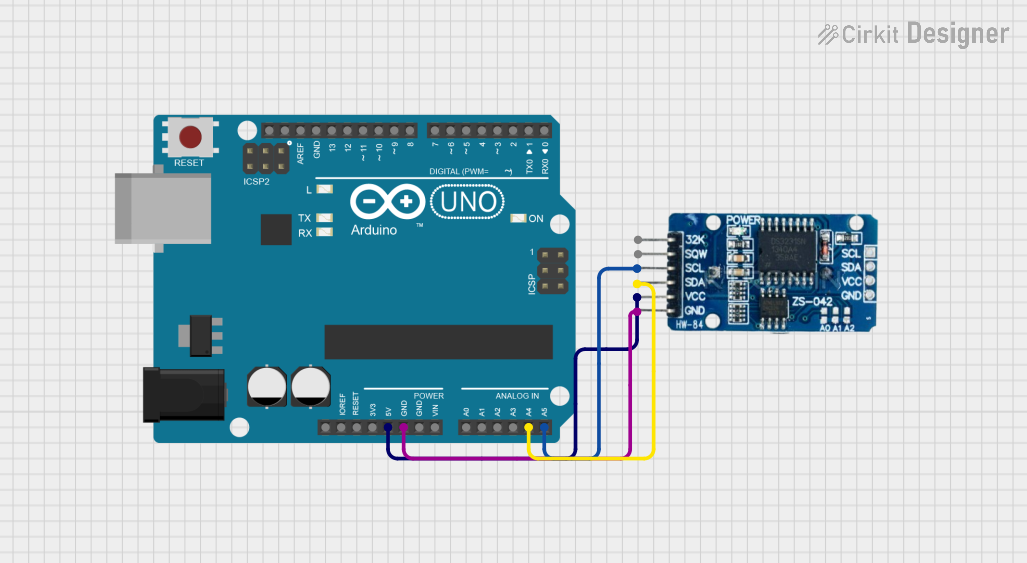
- Power the Module: Connect the
VCCpin to a 3.3V or 5V power source and theGNDpin to ground. - Connect I2C Lines: Connect the
SDAandSCLpins to the corresponding I2C pins on your microcontroller. For an Arduino UNO:SDAconnects to A4SCLconnects to A5
- Optional Connections:
- Use the
32Kpin if you need a 32.768kHz clock signal. - Use the
SQWpin for a programmable square wave output.
- Use the
- Install a Backup Battery: Insert a CR2032 coin cell battery into the battery holder to retain timekeeping during power loss.
Important Considerations and Best Practices
- Ensure proper pull-up resistors (typically 4.7kΩ) are connected to the
SDAandSCLlines if your microcontroller does not have internal pull-ups. - Avoid shorting the battery holder terminals to prevent damage to the module.
- Use a library like RTClib for Arduino to simplify communication with the DS3231.
Example Code for Arduino UNO
Below is an example of how to use the RTC DS3231 Mini with an Arduino UNO to display the current time on the Serial Monitor:
#include <Wire.h>
#include <RTClib.h>

// Create an RTC_DS3231 object to interact with the module
RTC_DS3231 rtc;

void setup() {
  Serial.begin(9600); // Initialize Serial Monitor at 9600 baud
  Wire.begin();       // Initialize I2C communication

  if (!rtc.begin()) {
    Serial.println("Couldn't find RTC. Check connections!");
    while (1); // Halt execution if RTC is not found
  }

  if (rtc.lostPower()) {
    Serial.println("RTC lost power, setting the time!");
    // Set the RTC to the current date and time
    rtc.adjust(DateTime(F(__DATE__), F(__TIME__)));
  }
}

void loop() {
  DateTime now = rtc.now(); // Get the current date and time

  // Print the current time to the Serial Monitor
  Serial.print(now.year(), DEC);
  Serial.print('/');
  Serial.print(now.month(), DEC);
  Serial.print('/');
  Serial.print(now.day(), DEC);
  Serial.print(" ");
  Serial.print(now.hour(), DEC);
  Serial.print(':');
  Serial.print(now.minute(), DEC);
  Serial.print(':');
  Serial.print(now.second(), DEC);
  Serial.println();

  delay(1000); // Wait for 1 second before updating
}
Troubleshooting and FAQs
Common Issues and Solutions
RTC Not Detected:
- Cause: Incorrect wiring or missing pull-up resistors on the I2C lines.
- Solution: Double-check the connections and ensure pull-up resistors are in place.
Incorrect Time Displayed:
- Cause: RTC lost power or was not initialized properly.
- Solution: Use the
rtc.adjust()function to set the correct time.
Backup Battery Not Working:
- Cause: Dead or improperly installed battery.
- Solution: Replace the CR2032 battery and ensure it is installed with the correct polarity.
Square Wave Output Not Functioning:
- Cause: Incorrect configuration of the
SQWpin. - Solution: Use the appropriate library functions to configure the square wave output.
- Cause: Incorrect configuration of the
FAQs
Q: Can the DS3231 Mini work with 3.3V microcontrollers?
A: Yes, the module supports both 3.3V and 5V logic levels.Q: How long does the backup battery last?
A: A typical CR2032 battery can last several years, depending on usage and environmental conditions.Q: Can I use the DS3231 Mini without a library?
A: Yes, but using a library like RTClib simplifies communication and reduces development time.Q: What is the default I2C address of the DS3231?
A: The default I2C address is0x68.
By following this documentation, you can effectively integrate the RTC DS3231 Mini into your projects for reliable and accurate timekeeping.