
How to Use STB5100: Examples, Pinouts, and Specs
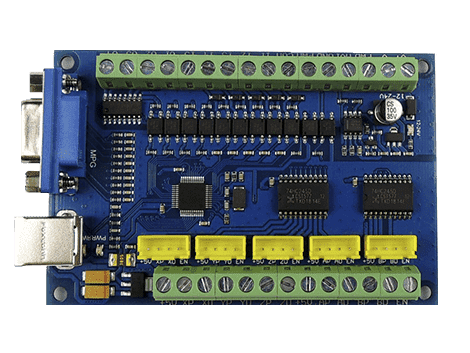
 Design with STB5100 in Cirkit Designer
Introduction
The STB5100, manufactured by CNC, is a high-performance, low-power integrated circuit (IC) designed for versatile applications. It is particularly well-suited for power management and signal processing tasks. With advanced thermal management capabilities, the STB5100 ensures reliable operation in both consumer electronics and industrial devices. Its compact design and energy efficiency make it an ideal choice for modern electronic systems.
Explore Projects Built with STB5100
 Open Project in Cirkit Designer
 Open Project in Cirkit Designer
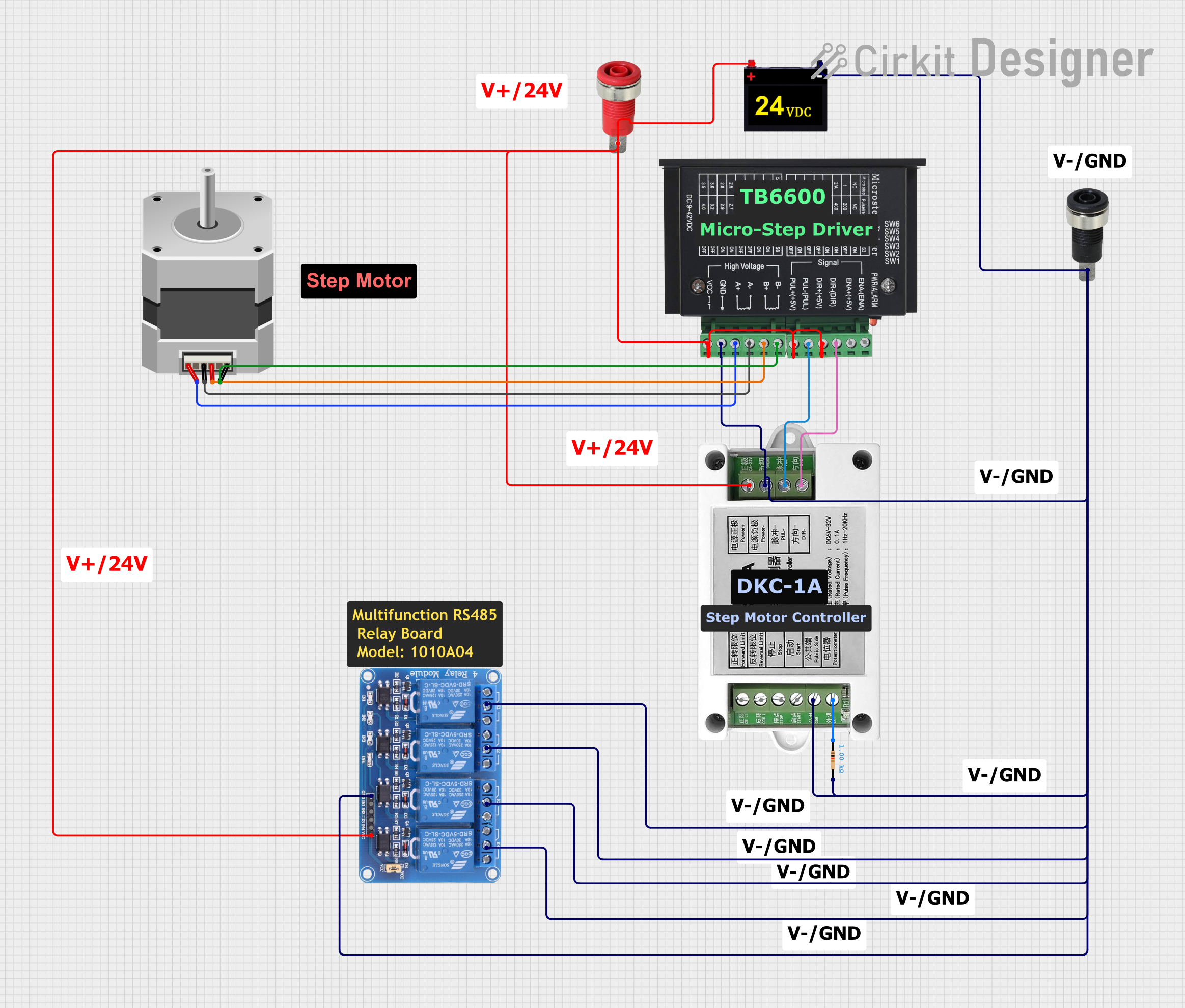 Open Project in Cirkit Designer
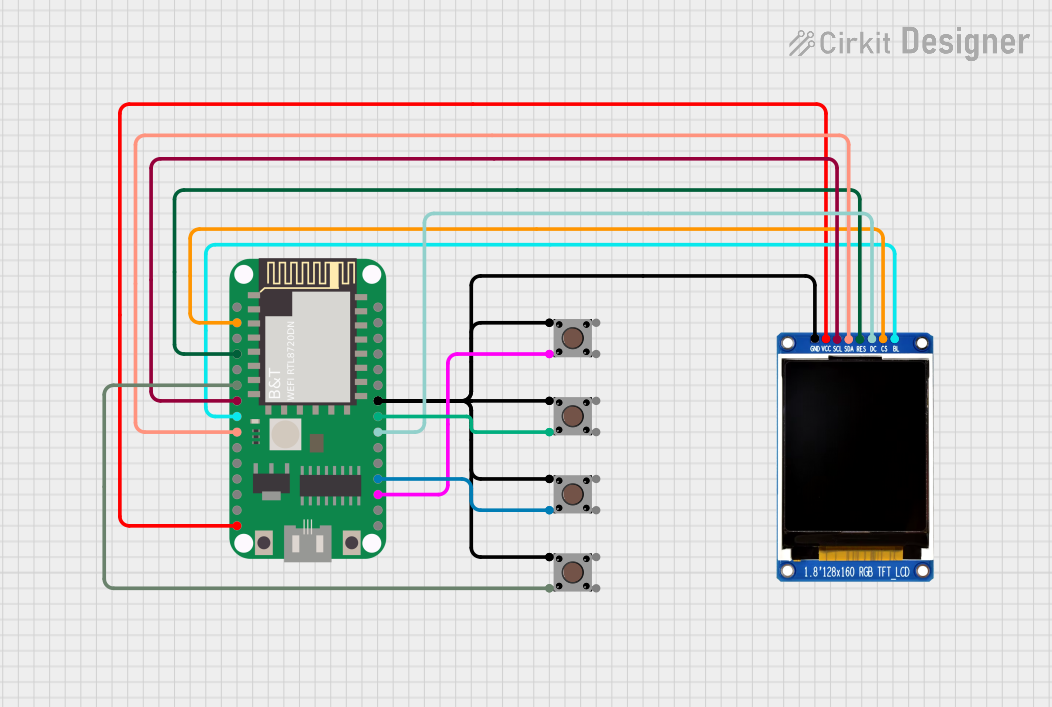 Open Project in Cirkit Designer
Explore Projects Built with STB5100
Open Project in Cirkit DesignerOpen Project in Cirkit DesignerOpen Project in Cirkit DesignerOpen Project in Cirkit DesignerCommon Applications and Use Cases
- Power management in portable devices
- Signal processing in audio and video systems
- Industrial automation and control systems
- Consumer electronics, such as smart home devices
- Embedded systems requiring low power consumption
Technical Specifications
Key Technical Details
| Parameter | Value |
|---|---|
| Manufacturer | CNC |
| Part ID | CNC |
| Operating Voltage Range | 2.7V to 5.5V |
| Maximum Current | 50mA |
| Power Consumption | Low power (typical < 0.5W) |
| Operating Temperature | -40°C to +85°C |
| Package Type | 16-pin TSSOP |
| Thermal Resistance | 35°C/W |
Pin Configuration and Descriptions
The STB5100 is housed in a 16-pin TSSOP package. Below is the pin configuration and description:
| Pin Number | Pin Name | Description |
|---|---|---|
| 1 | VCC | Power supply input (2.7V to 5.5V) |
| 2 | GND | Ground connection |
| 3 | IN1 | Input signal 1 for processing |
| 4 | IN2 | Input signal 2 for processing |
| 5 | OUT1 | Output signal 1 |
| 6 | OUT2 | Output signal 2 |
| 7 | EN | Enable pin (active high) |
| 8 | NC | No connection |
| 9 | CLK | Clock input for synchronization |
| 10 | DATA | Data input/output |
| 11 | RESET | Reset pin (active low) |
| 12 | TEMP | Temperature monitoring output |
| 13 | VREF | Voltage reference input |
| 14 | TEST | Test mode activation pin |
| 15 | NC | No connection |
| 16 | NC | No connection |
Usage Instructions
How to Use the STB5100 in a Circuit
- Power Supply: Connect the VCC pin to a stable power source within the operating voltage range (2.7V to 5.5V). Connect the GND pin to the circuit ground.
- Signal Inputs: Feed input signals to the IN1 and IN2 pins. Ensure the input signals are within the acceptable voltage levels.
- Outputs: Connect the OUT1 and OUT2 pins to the desired output devices or circuits.
- Enable Functionality: Use the EN pin to enable or disable the IC. Drive this pin high to activate the IC.
- Clock and Data: If synchronization or data communication is required, connect the CLK and DATA pins to the appropriate sources.
- Reset: Use the RESET pin to initialize the IC. Drive this pin low momentarily to reset the device.
- Thermal Management: Monitor the TEMP pin for temperature readings to ensure the IC operates within safe thermal limits.
Important Considerations and Best Practices
- Decoupling Capacitors: Place a 0.1µF ceramic capacitor close to the VCC pin to filter noise and stabilize the power supply.
- Thermal Dissipation: Ensure proper heat dissipation by using a PCB with adequate thermal vias or a heatsink if necessary.
- Unused Pins: Leave NC (No Connection) pins unconnected. Do not tie them to ground or power.
- Signal Integrity: Use short and direct traces for input and output signals to minimize noise and signal degradation.
- Operating Conditions: Avoid exceeding the maximum voltage, current, or temperature ratings to prevent damage to the IC.
Example: Using the STB5100 with an Arduino UNO
The STB5100 can be interfaced with an Arduino UNO for signal processing. Below is an example code snippet to enable the IC and process input signals:
// Define pin connections
#define ENABLE_PIN 7  // Connect to EN pin of STB5100
#define RESET_PIN 8   // Connect to RESET pin of STB5100
#define INPUT_PIN A0  // Analog input connected to IN1
#define OUTPUT_PIN 9  // PWM output connected to OUT1

void setup() {
  pinMode(ENABLE_PIN, OUTPUT); // Set ENABLE_PIN as output
  pinMode(RESET_PIN, OUTPUT);  // Set RESET_PIN as output
  pinMode(OUTPUT_PIN, OUTPUT); // Set OUTPUT_PIN as output

  digitalWrite(RESET_PIN, LOW);  // Hold RESET_PIN low to reset the IC
  delay(10);                     // Wait for 10ms
  digitalWrite(RESET_PIN, HIGH); // Release reset

  digitalWrite(ENABLE_PIN, HIGH); // Enable the STB5100
}

void loop() {
  int inputSignal = analogRead(INPUT_PIN); // Read input signal from IN1
  int outputSignal = map(inputSignal, 0, 1023, 0, 255);
  // Map input signal to PWM range (0-255)

  analogWrite(OUTPUT_PIN, outputSignal); // Output the processed signal
  delay(10); // Small delay for stability
}
Troubleshooting and FAQs
Common Issues and Solutions
The IC is not powering on:
- Verify that the VCC pin is connected to a stable power source within the specified voltage range.
- Check the GND connection for proper grounding.
No output signal:
- Ensure the EN pin is driven high to enable the IC.
- Verify that the input signals are within the acceptable voltage range.
- Check the RESET pin to ensure the IC is not held in reset mode.
Overheating:
- Monitor the TEMP pin for abnormal temperature readings.
- Improve thermal dissipation by adding a heatsink or increasing airflow around the IC.
Signal distortion:
- Use shorter traces for input and output signals to reduce noise.
- Add decoupling capacitors near the power supply pins to stabilize the voltage.
FAQs
Q: Can the STB5100 operate at 3.3V?
A: Yes, the STB5100 can operate within a voltage range of 2.7V to 5.5V, making it compatible with 3.3V systems.
Q: What is the purpose of the TEMP pin?
A: The TEMP pin provides a temperature monitoring output, which can be used to ensure the IC operates within safe thermal limits.
Q: Can I leave the NC pins connected to ground?
A: No, NC (No Connection) pins should be left unconnected as they are not internally connected within the IC.
Q: Is the STB5100 suitable for battery-powered devices?
A: Yes, the STB5100's low power consumption makes it ideal for battery-powered applications.