
How to Use SimpleFOC Mini: Examples, Pinouts, and Specs
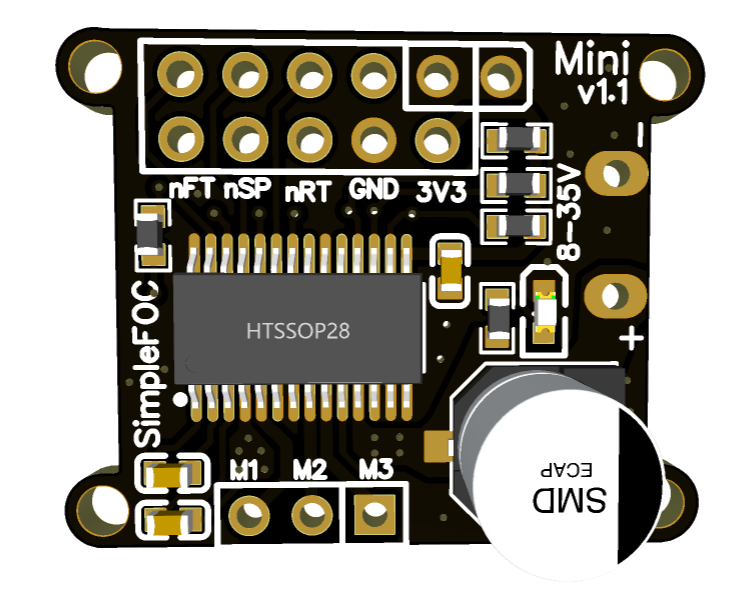
 Design with SimpleFOC Mini in Cirkit Designer
Introduction
The SimpleFOC Mini by ZORZA is a compact and efficient motor driver designed for controlling brushless DC (BLDC) motors using advanced Field Oriented Control (FOC) techniques. This component is ideal for applications requiring precise motor control, such as robotics, automation systems, gimbals, and drones. Its small form factor and robust design make it a versatile choice for both hobbyists and professionals.
Explore Projects Built with SimpleFOC Mini
 Open Project in Cirkit Designer
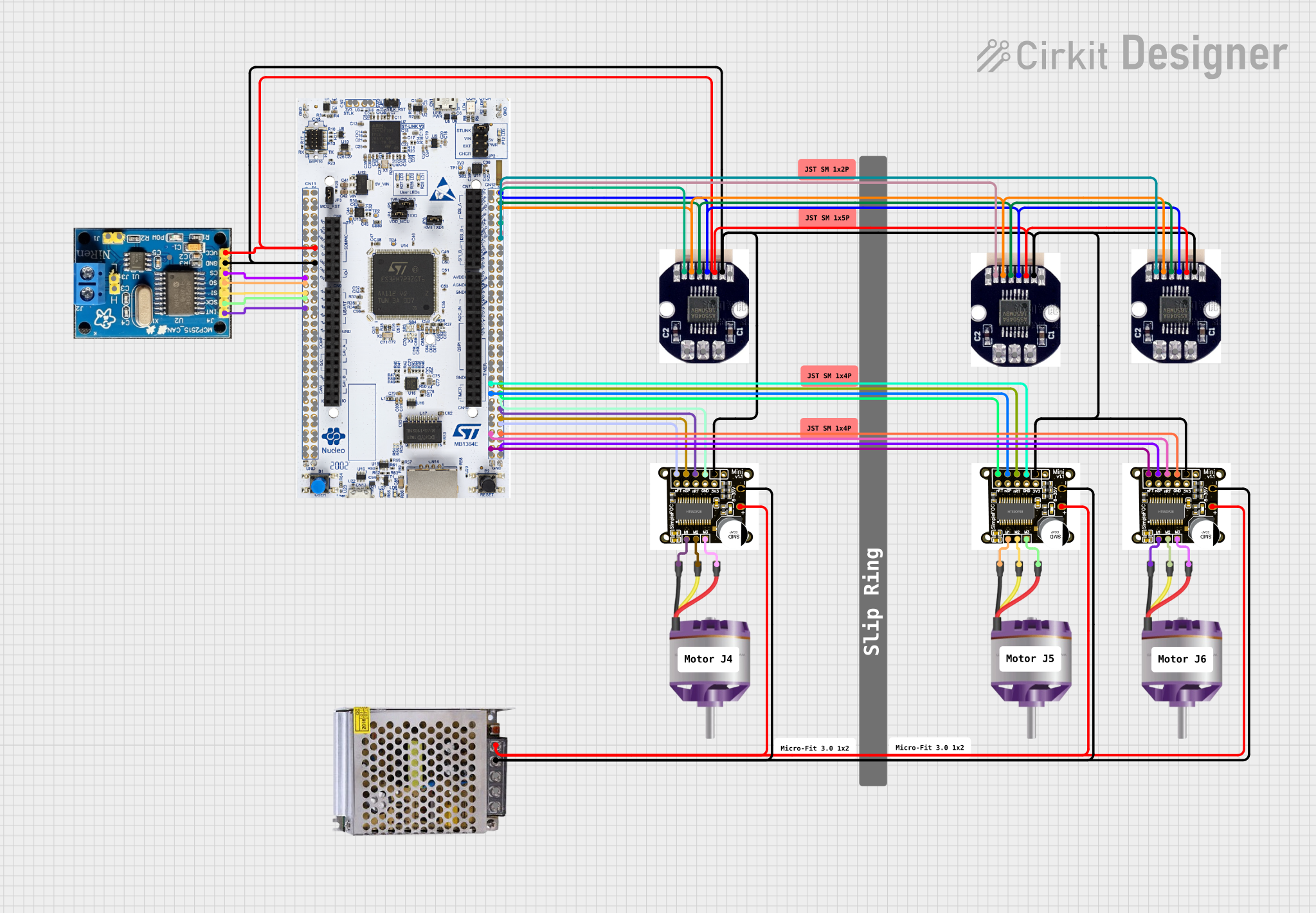 Open Project in Cirkit Designer
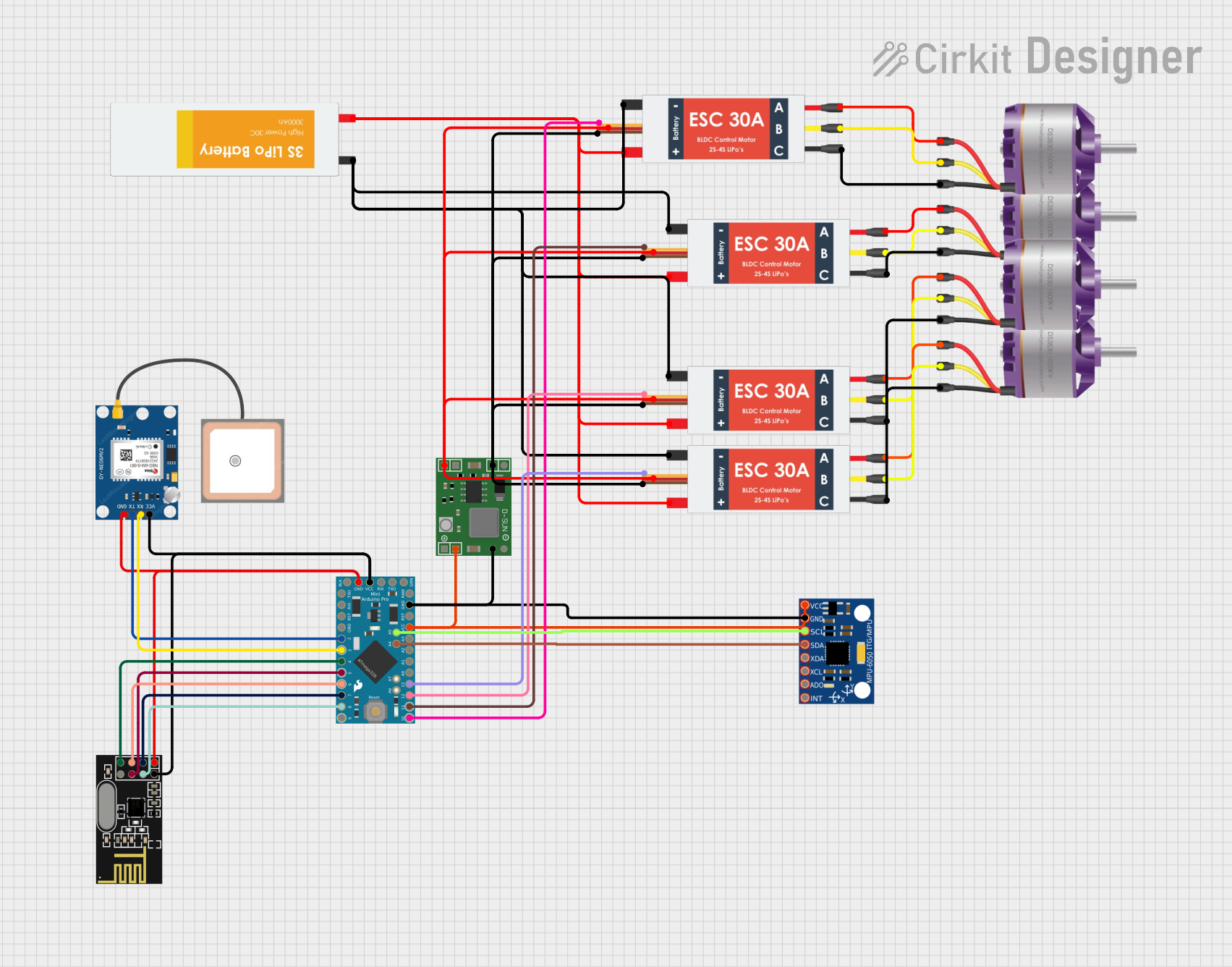 Open Project in Cirkit Designer
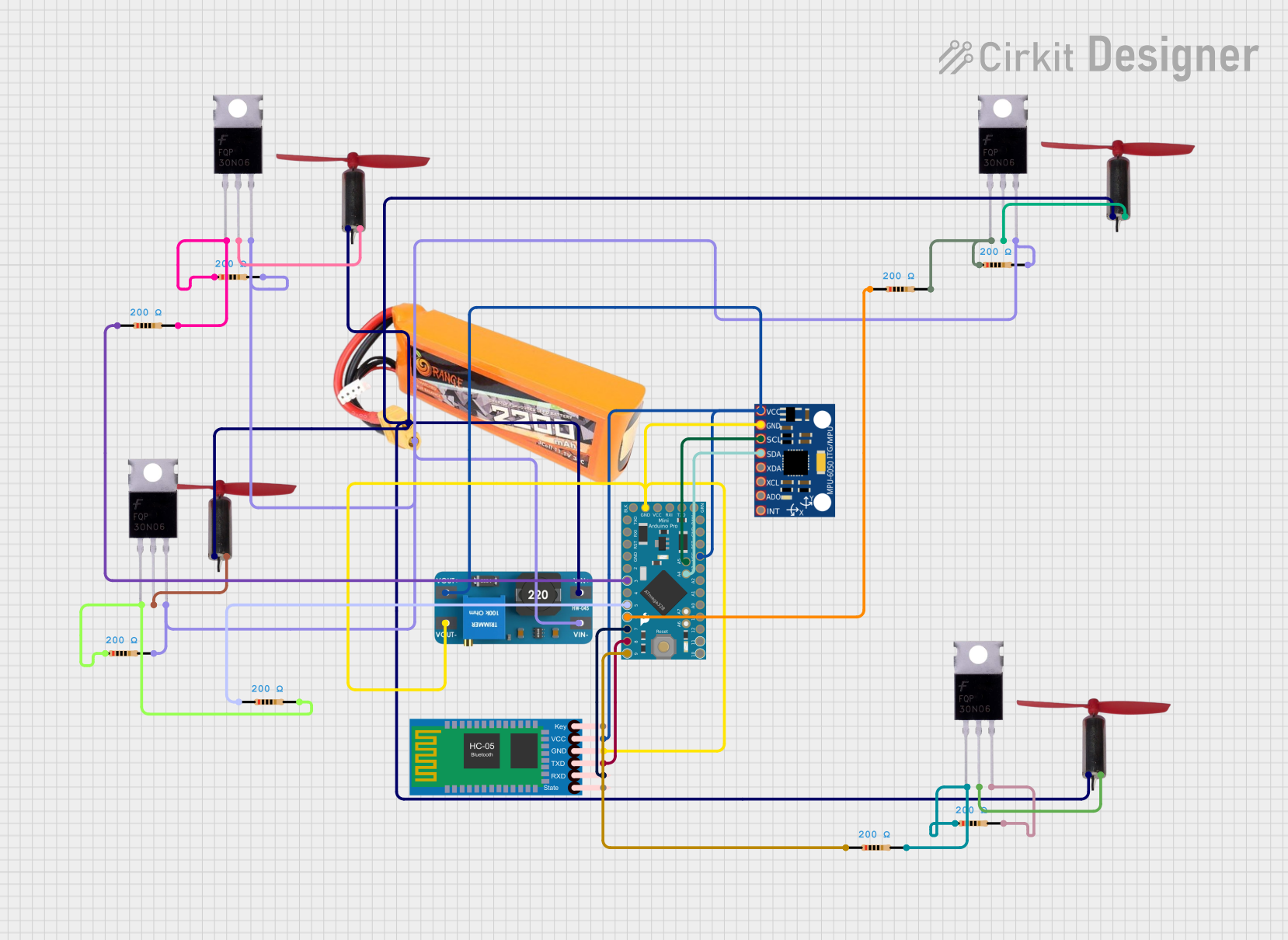 Open Project in Cirkit Designer
Explore Projects Built with SimpleFOC Mini
Open Project in Cirkit DesignerOpen Project in Cirkit DesignerOpen Project in Cirkit DesignerOpen Project in Cirkit DesignerCommon Applications
- Robotics (e.g., robotic arms, mobile robots)
- Drones and UAVs
- Gimbal stabilization systems
- Industrial automation
- Electric vehicles and e-bikes
Technical Specifications
The following table outlines the key technical details of the SimpleFOC Mini:
| Parameter | Value |
|---|---|
| Input Voltage Range | 6V - 25V |
| Continuous Current | 5A |
| Peak Current | 10A |
| Communication Protocol | UART, I2C, SPI |
| Motor Type Supported | Brushless DC (BLDC) |
| Control Algorithm | Field Oriented Control (FOC) |
| Dimensions | 25mm x 25mm x 5mm |
| Weight | 5g |
Pin Configuration and Descriptions
The SimpleFOC Mini features a straightforward pinout for easy integration into your projects. Below is the pin configuration:
| Pin Name | Type | Description |
|---|---|---|
| VIN | Power Input | Main power input (6V - 25V) for the motor driver. |
| GND | Power Ground | Ground connection for the power supply. |
| MOTOR_A | Output | Connection to phase A of the BLDC motor. |
| MOTOR_B | Output | Connection to phase B of the BLDC motor. |
| MOTOR_C | Output | Connection to phase C of the BLDC motor. |
| EN | Input | Enable pin to activate the motor driver. |
| DIR | Input | Direction control pin for motor rotation. |
| PWM | Input | PWM signal input for speed control. |
| UART_TX | Communication | UART transmit pin for communication. |
| UART_RX | Communication | UART receive pin for communication. |
| I2C_SCL | Communication | I2C clock line for communication. |
| I2C_SDA | Communication | I2C data line for communication. |
| SPI_MOSI | Communication | SPI Master Out Slave In pin. |
| SPI_MISO | Communication | SPI Master In Slave Out pin. |
| SPI_SCK | Communication | SPI clock line. |
| SPI_CS | Communication | SPI chip select pin. |
Usage Instructions
How to Use the SimpleFOC Mini in a Circuit
- Power Supply: Connect a DC power source (6V - 25V) to the
VINandGNDpins. Ensure the power supply can handle the motor's current requirements. - Motor Connection: Connect the three phases of your BLDC motor to the
MOTOR_A,MOTOR_B, andMOTOR_Cpins. - Control Signals:
- Use the
PWMpin to control the motor's speed. - Use the
DIRpin to set the motor's rotation direction. - Optionally, connect the
ENpin to enable or disable the motor driver.
- Use the
- Communication: Depending on your application, connect the appropriate communication interface (UART, I2C, or SPI) to your microcontroller or host device.
- Programming: Configure your microcontroller to send control signals or commands to the SimpleFOC Mini.
Important Considerations and Best Practices
- Heat Dissipation: The SimpleFOC Mini is designed for efficient operation, but ensure adequate ventilation or cooling if operating at high currents for extended periods.
- Motor Compatibility: Verify that your BLDC motor operates within the voltage and current limits of the SimpleFOC Mini.
- Signal Integrity: Use short, shielded wires for communication lines to minimize noise and interference.
- Power Supply: Use a stable and noise-free power supply to avoid erratic motor behavior.
Example: Using SimpleFOC Mini with Arduino UNO
Below is an example of how to control a BLDC motor using the SimpleFOC Mini and an Arduino UNO:
#include <SimpleFOC.h> // Include the SimpleFOC library

// Define motor and driver pins
#define MOTOR_A_PIN 9
#define MOTOR_B_PIN 10
#define MOTOR_C_PIN 11
#define ENABLE_PIN 8
#define DIR_PIN 7
#define PWM_PIN 6

// Create a BLDC motor object
BLDCMotor motor = BLDCMotor(7); // 7 pole pairs (adjust for your motor)

// Create a driver object
BLDCDriver3PWM driver = BLDCDriver3PWM(MOTOR_A_PIN, MOTOR_B_PIN, MOTOR_C_PIN, ENABLE_PIN);

void setup() {
  // Initialize the driver
  driver.voltage_power_supply = 12; // Set power supply voltage
  driver.init();
  motor.linkDriver(&driver);

  // Set motor parameters
  motor.voltage_limit = 6; // Limit motor voltage
  motor.velocity_limit = 100; // Limit motor speed
  motor.controller = MotionControlType::velocity;

  // Initialize motor
  motor.init();
  motor.initFOC();

  Serial.begin(115200); // Start serial communication
  Serial.println("SimpleFOC Mini Initialized");
}

void loop() {
  // Set motor speed based on user input
  if (Serial.available()) {
    float target_velocity = Serial.parseFloat(); // Read target speed
    motor.move(target_velocity); // Command motor to move
  }
}
Notes:
- Replace
7inBLDCMotor(7)with the actual number of pole pairs for your motor. - Ensure the
voltage_power_supplymatches your power source.
Troubleshooting and FAQs
Common Issues and Solutions
Motor Not Spinning:
- Ensure the
ENpin is set to HIGH to enable the driver. - Verify the motor connections to
MOTOR_A,MOTOR_B, andMOTOR_C. - Check the power supply voltage and current ratings.
- Ensure the
Erratic Motor Behavior:
- Verify that the control signals (PWM, DIR) are stable and noise-free.
- Ensure the motor parameters (e.g., pole pairs, voltage limit) are correctly configured in the code.
Overheating:
- Check for proper ventilation or add a heatsink if necessary.
- Reduce the motor's current draw by limiting the voltage or speed.
Communication Issues:
- Ensure the correct communication protocol (UART, I2C, SPI) is selected and configured.
- Use pull-up resistors for I2C lines if required.
FAQs
Q: Can I use the SimpleFOC Mini with a stepper motor?
A: No, the SimpleFOC Mini is specifically designed for BLDC motors and does not support stepper motors.
Q: What is the maximum motor speed supported?
A: The maximum speed depends on the motor's specifications and the control algorithm. Ensure the motor operates within the voltage and current limits of the SimpleFOC Mini.
Q: Can I use a 5V power supply?
A: No, the minimum input voltage for the SimpleFOC Mini is 6V. Using a lower voltage may damage the component or result in unstable operation.
Q: Is the SimpleFOC Mini compatible with other microcontrollers?
A: Yes, it can be used with any microcontroller that supports UART, I2C, or SPI communication, such as ESP32, STM32, or Raspberry Pi.
For further assistance, refer to the official ZORZA documentation or contact their support team.